
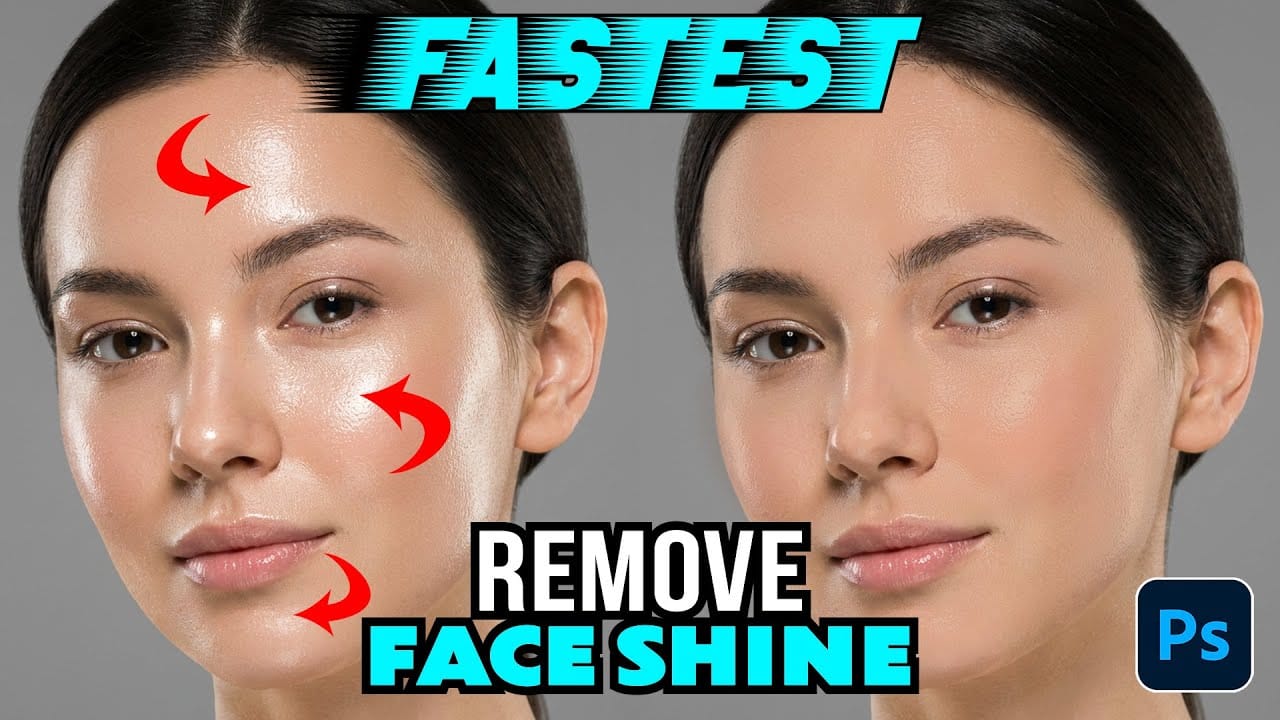
Skin shine can ruin an otherwise perfect portrait, creating distracting bright spots that draw attention away from your subject. Using Photoshop's Selective Color adjustment layer combined with layer masking provides precise control over these problematic highlights. This technique targets only the brightest areas of skin and allows you
Read the full article here: How to Remove Shiny Skin with Selective Color in Photoshop Photoshop Roadmap