
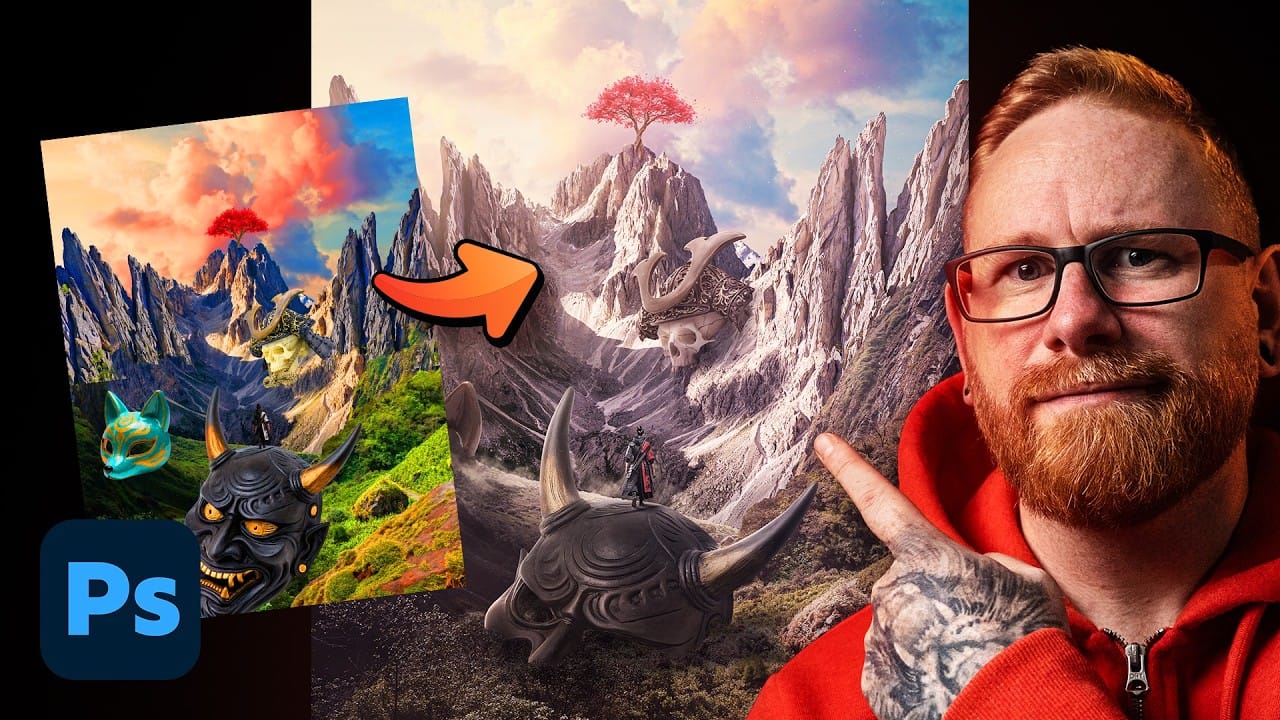
Building a convincing photo manipulation from scratch requires more than creativity — it demands a repeatable process. This breakdown covers the four core steps used to composite multiple images into a single cohesive scene, from rough layout through exposure matching, color balancing, and shadow painting. Watch the Video Practical Tips These
Read the full article here: How to Build a Photo Manipulation in Photoshop: A 4-Step Compositing Workflow Photoshop Roadmap