
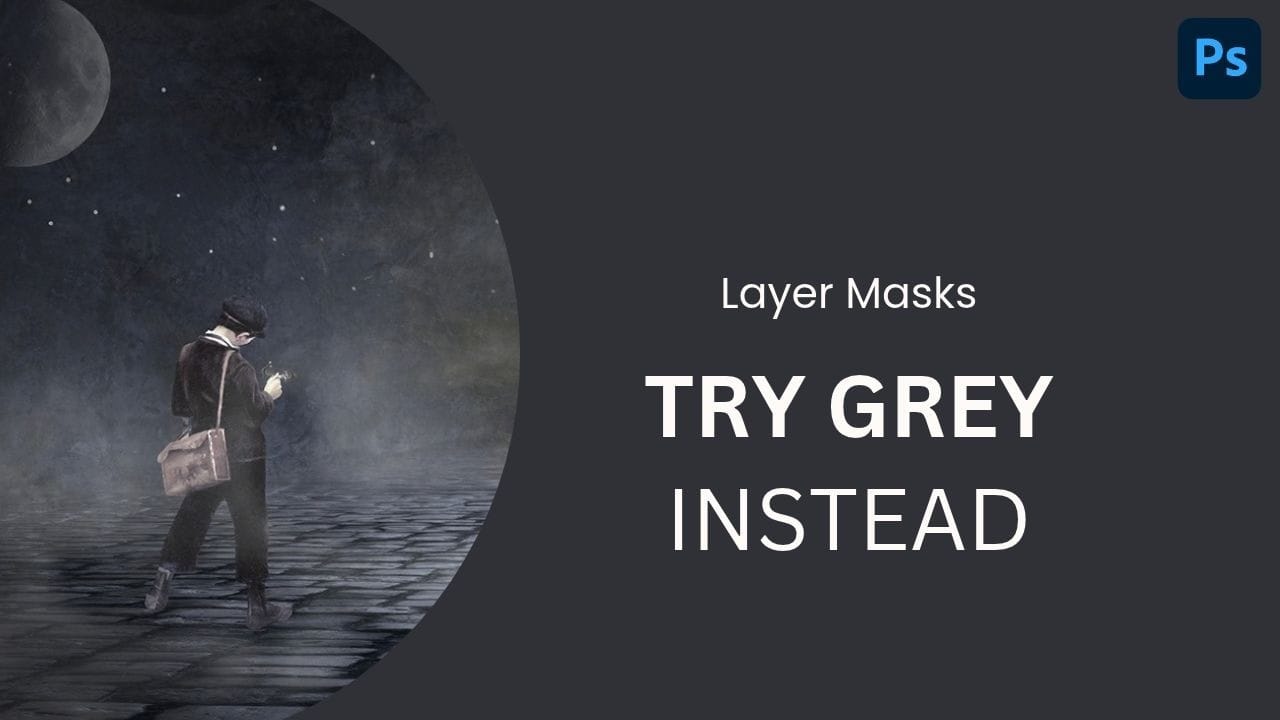
Use a fog brush on a separate layer, then paint on its mask with 50% gray to soften the effect without hiding it completely. Adjust the blend mode, opacity, and placement to fit your image.
Read the full article here: Soften Fog with a Gray Layer Mask in Photoshop Photoshop Roadmap