Schenectady Photographic Society

Menu

Author: Webmaster

Download 500 High-Quality Free Scribble Photoshop Brushes

Download 500 High-Quality Free Scribble Photoshop Brushes

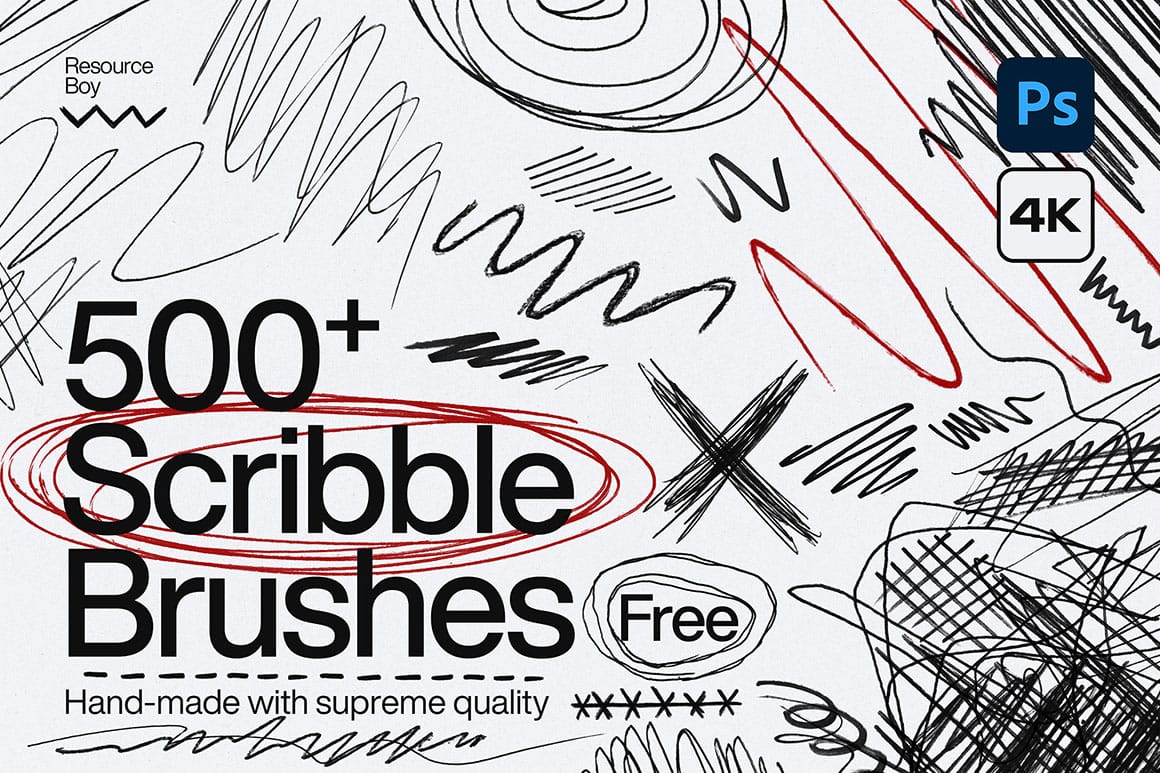
This extensive collection offers 500 diverse scribble Photoshop brushes, meticulously crafted to infuse your digital artwork with authentic, hand-drawn textures and dynamic effects. Designed for efficiency, these brushes provide a versatile toolkit for artists and designers looking to enhance their creations with artistic flair, spontaneity, and a distinctive grunge or Read the full article here: […]
Read more: Download 500 High-Quality Free Scribble Photoshop Brushes
Download 200 Free High-Quality Gold Textures

Download 200 Free High-Quality Gold Textures

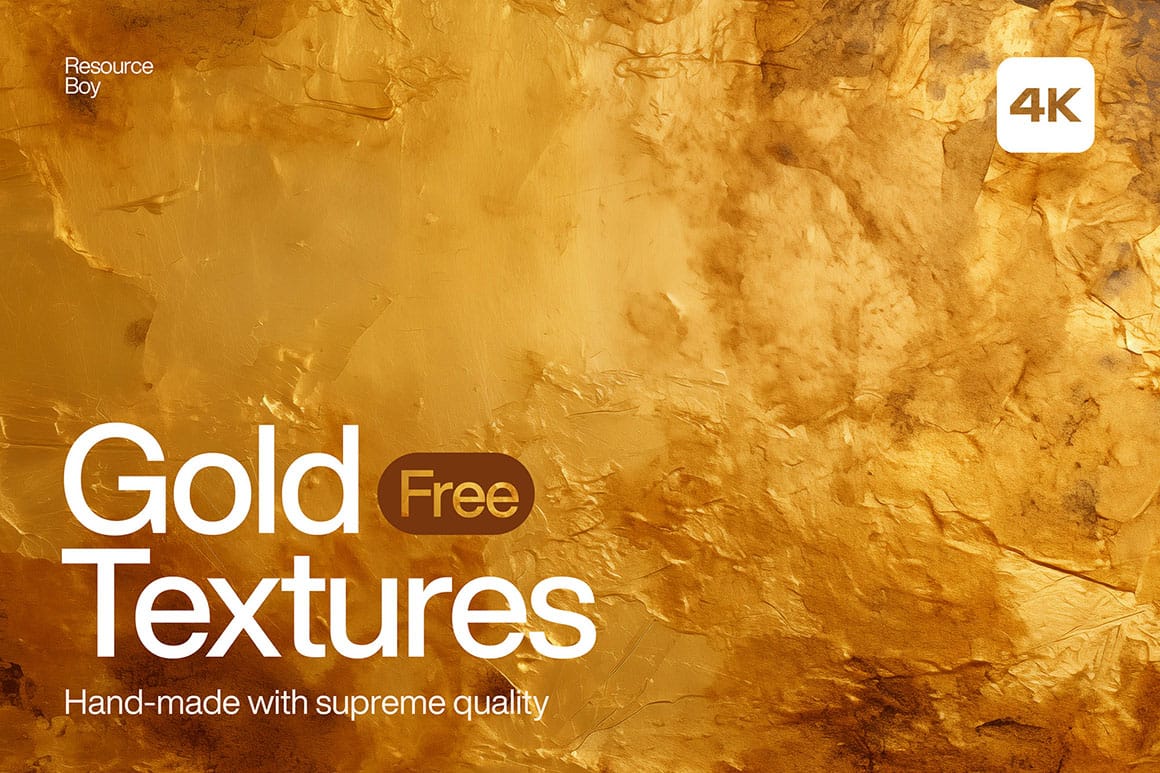
Unlock a world of creative possibilities with this extensive collection of 200 free gold textures. Each texture is meticulously crafted to deliver stunning visual depth and authentic metallic finishes, providing a versatile foundation for a wide range of design projects. From subtle shimmers to bold, distressed effects, these high-resolution assets Read the full article here: […]

Read more: Download 200 Free High-Quality Gold Textures
Download 120 Authentic Free Grunge Border Photoshop Brushes

Download 120 Authentic Free Grunge Border Photoshop Brushes

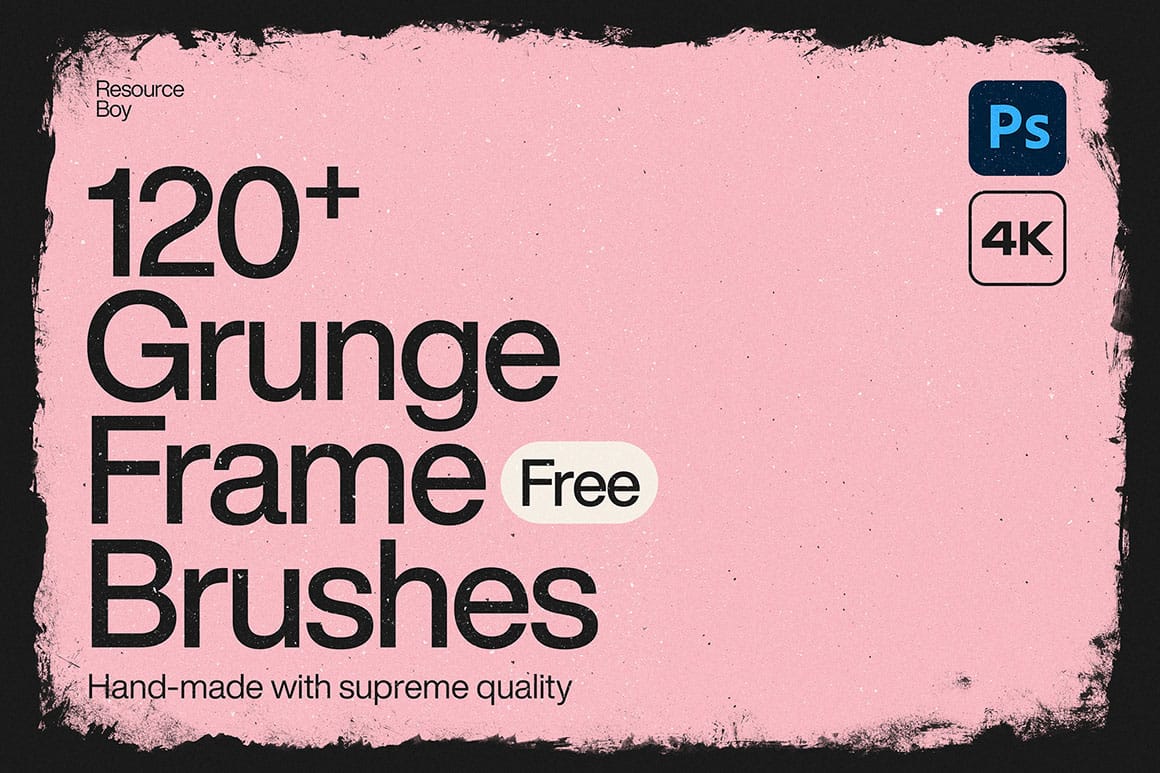
These 120 free grunge border Photoshop brushes offer a diverse collection of high-quality assets designed to add a distinctive, aged look to your digital creations. Each brush in this set provides unique textures and distressed edges, empowering designers, photographers, and digital artists to quickly enhance their projects with authentic grunge Read the full article here: […]

Read more: Download 120 Authentic Free Grunge Border Photoshop Brushes
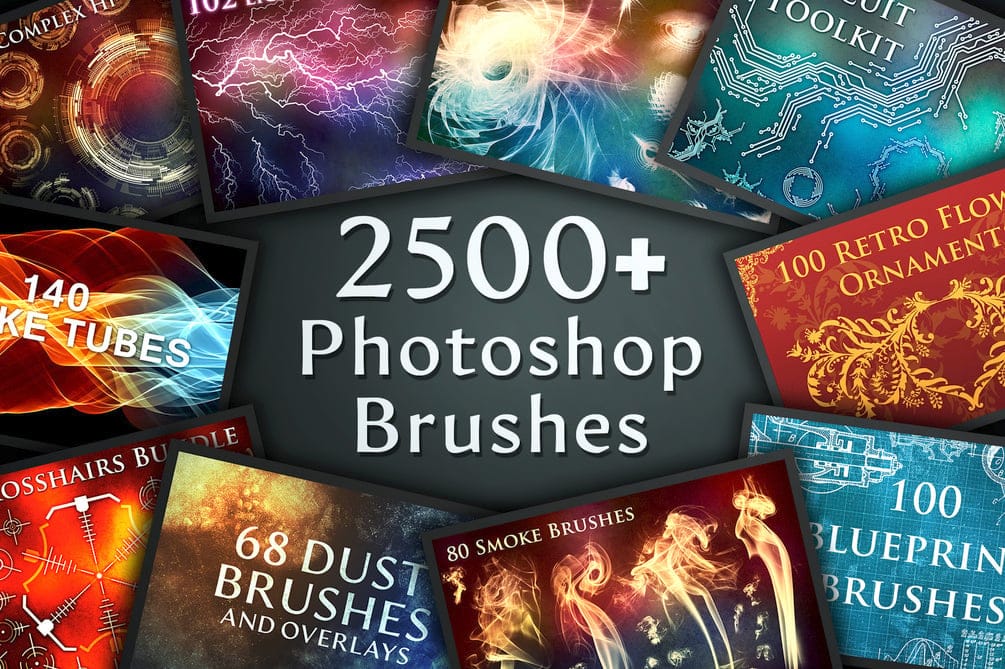
Create Stunning Artwork with the Ultimate 2500+ Photoshop Brushes Bundle

Create Stunning Artwork with the Ultimate 2500+ Photoshop Brushes Bundle

This extensive bundle has over 2500 high-resolution Photoshop brushes, making it an indispensable resource for designers and artists. Compatible with Photoshop CS6 and higher, these brushes, averaging 2400 x 2400px, ensure crisp details for various projects. Explore diverse categories ranging from photo manipulation effects like dust and bokeh to intricate Read the full article here: […]

Read more: Create Stunning Artwork with the Ultimate 2500+ Photoshop Brushes Bundle
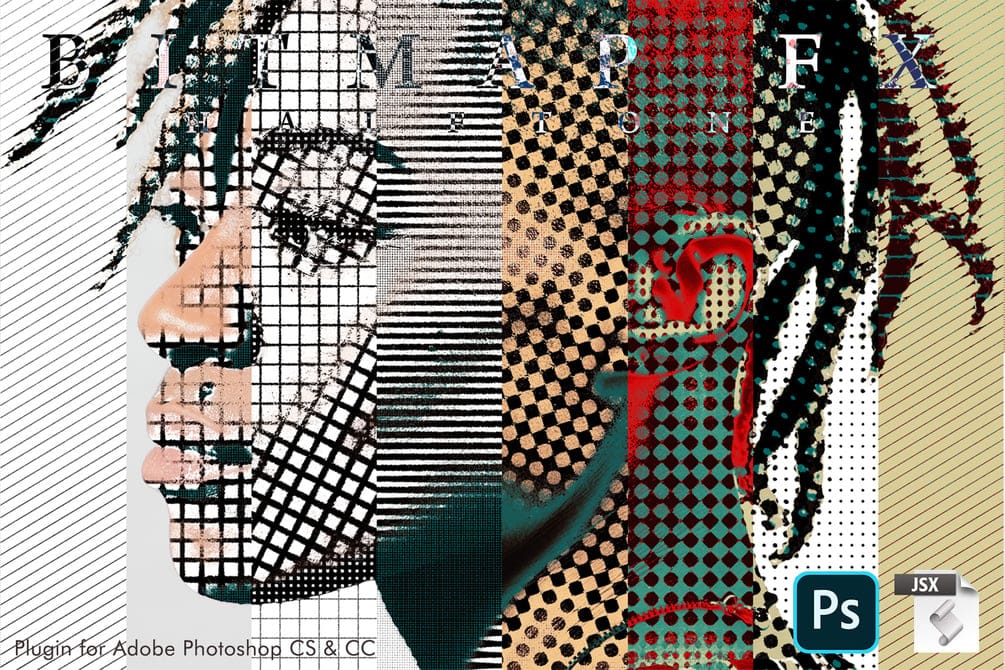
Create Distinctive Halftone Effects with Bitmap Halftone FX

Create Distinctive Halftone Effects with Bitmap Halftone FX

Bitmap Halftone FX is an Adobe Photoshop tool for applying diverse bitmap halftone patterns. Compatible with Photoshop CS and CC, it offers options for circles, lines, diamonds, and crosses. Users can customize sizes and directions for shadows, highlights, and midtones, generating a wide array of visual effects. The script works Read the full article here: […]

Read more: Create Distinctive Halftone Effects with Bitmap Halftone FX
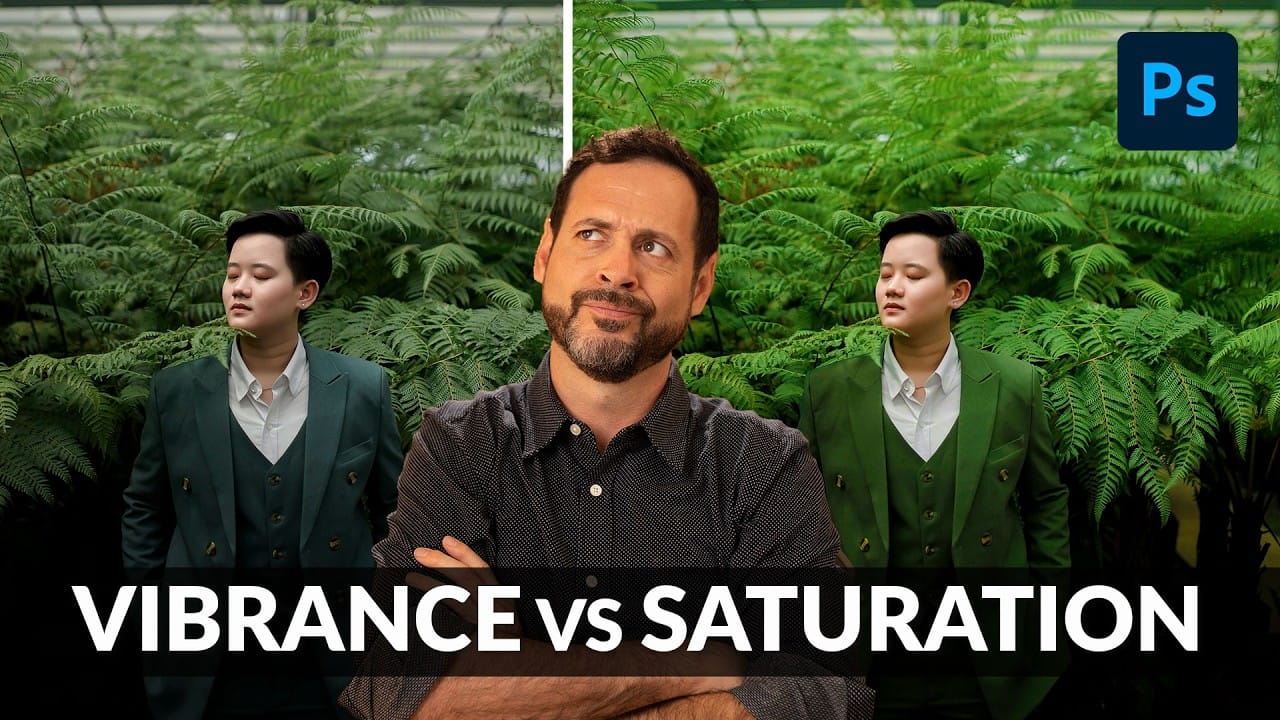
Understanding Vibrance vs Saturation in Photoshop and When to Use Each Tool

Understanding Vibrance vs Saturation in Photoshop and When to Use Each Tool

Color enhancement is one of the most fundamental aspects of photo editing, yet many Photoshop users struggle with knowing when to use vibrance versus saturation. Both tools can boost the intensity of colors in your images, but they work in dramatically different ways and produce very different results. Learning the Read the full article here: […]

Read more: Understanding Vibrance vs Saturation in Photoshop and When to Use Each Tool
Convert Low-Resolution Graphics to High Resolution in Photoshop

Convert Low-Resolution Graphics to High Resolution in Photoshop

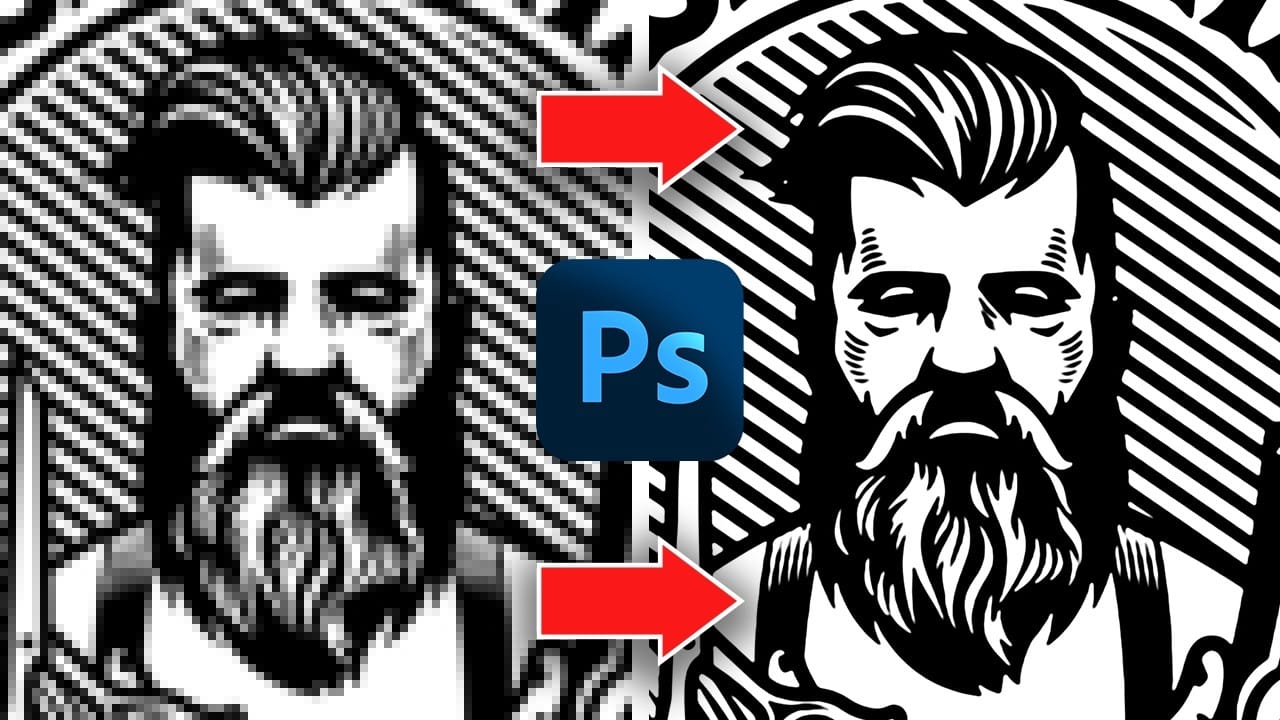
Low-resolution graphics often limit design projects, especially when you need to scale logos, icons, or simple illustrations for print or large-format displays. While vector formats offer infinite scalability, many graphics exist only as pixelated bitmap files that become unusable when enlarged. This tutorial demonstrates two effective methods for converting low-resolution Read the full article here: […]

Read more: Convert Low-Resolution Graphics to High Resolution in Photoshop