Schenectady Photographic Society

Menu

Author: Webmaster

Photoshop Roadmap Weekly #5

Photoshop Roadmap Weekly #5

In this issue, Aaron Nace takes you through a detailed comparison of the Generative Fill tool, the Spot Healing Brush, and the Clone Stamp tool, helping you decide which one works best for your retouching projects. On top of that, you’ll discover how to add striking details to eyes, create seamless patterns, work with powerful […]

Read more: Photoshop Roadmap Weekly #5
Curves vs Levels in Photoshop: Learn The Difference

Curves vs Levels in Photoshop: Learn The Difference

In this Photoshop tutorial, you will learn the key differences between using Curves and Levels for image adjustment. Aaron Nace from Phlearn provides a clear and effective approach to enhance your photos and graphics. Throughout the lesson, techniques like the Super Zoom feature are highlighted, allowing you to upscale graphics without losing resolution, ensuring that […]

Read more: Curves vs Levels in Photoshop: Learn The Difference
Turn Your Fisheye Photos into Breathing GIFs in Adobe Photoshop

Turn Your Fisheye Photos into Breathing GIFs in Adobe Photoshop

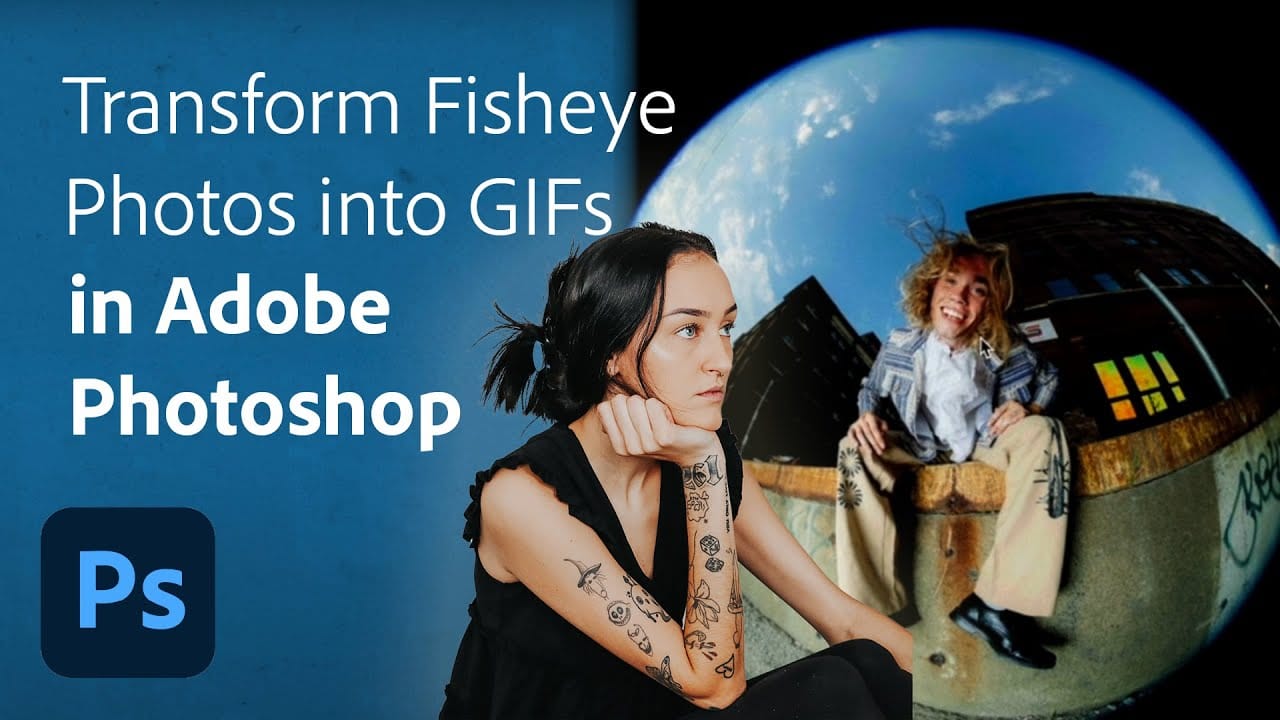
Are you looking to add a unique twist to your fisheye photos? This tutorial offers an exciting opportunity to transform ordinary images into dynamic breathing GIFs using Adobe Photoshop and Lightroom Classic. Led by the creative portrait photographer Quinlyn Tosh, it presents a step-by-step process that is both approachable and informative. Beginning with basic adjustments, […]

Read more: Turn Your Fisheye Photos into Breathing GIFs in Adobe Photoshop
Download 100 Free Fire Photoshop Brushes

Download 100 Free Fire Photoshop Brushes

Resource Boy offers an exceptional opportunity for those in need of fire-themed graphic elements. Unlike many other platforms that charge for a small selection of fire Photoshop brushes, Resource Boy provides an extensive and diverse collection completely free of charge. This collection features 100 fire explosion brushes, complete with a free commercial license. This means […]

Read more: Download 100 Free Fire Photoshop Brushes
Unfolding Paradoxes: How Adobe Firefly Transforms Abstract Concepts Into Visual Realities

Unfolding Paradoxes: How Adobe Firefly Transforms Abstract Concepts Into Visual Realities

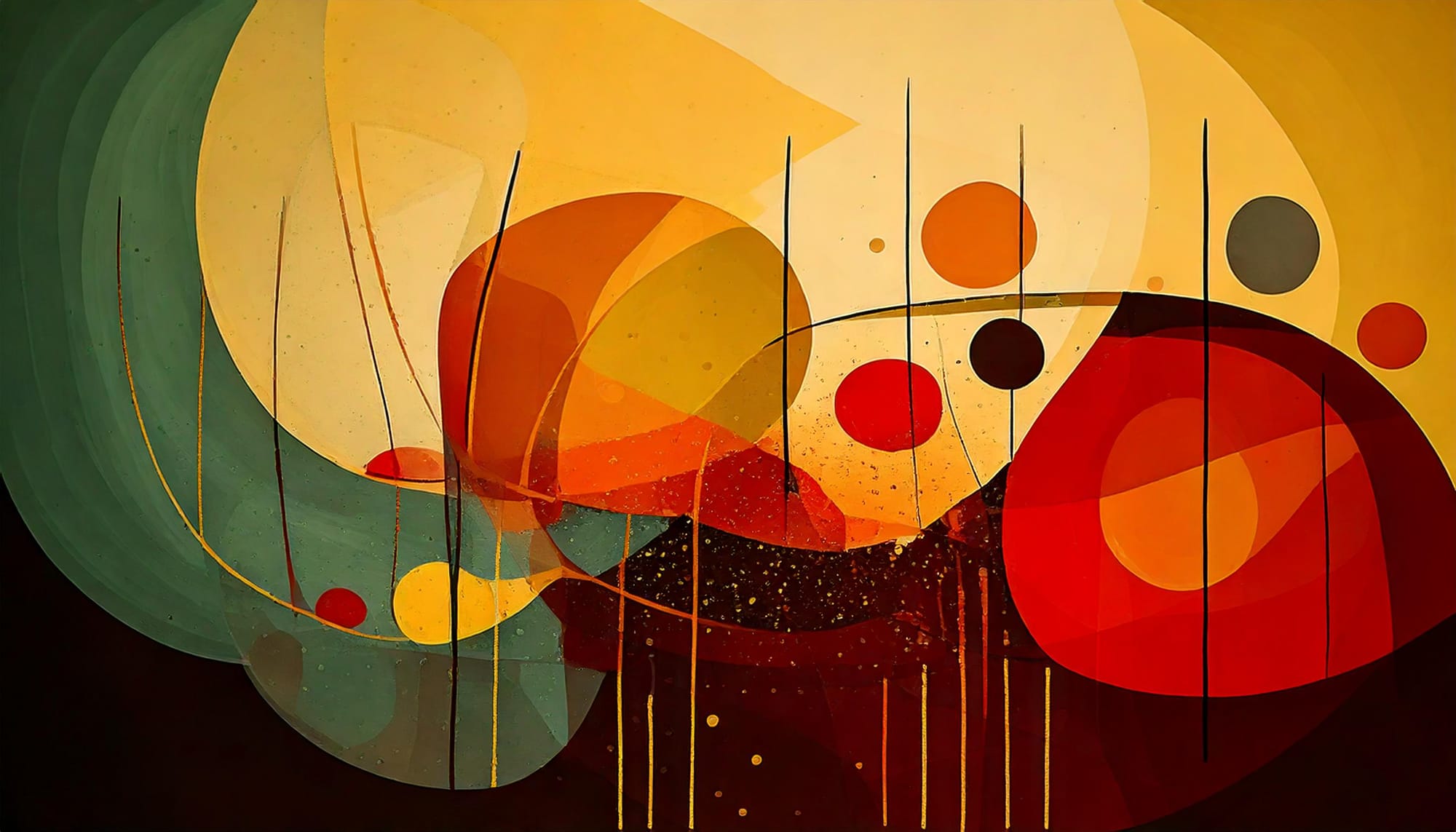
AI image generation has revolutionized how artists and designers explore creative concepts. These tools, like Adobe Firefly, are built with one primary objective: to serve the user’s vision. Their extensive training prepares them to interpret precise prompts, guided by established techniques like keyword specificity, compositional references, and style definitions. The process is a collaboration where […]

Read more: Unfolding Paradoxes: How Adobe Firefly Transforms Abstract Concepts Into Visual Realities
Generative Fill vs Clone Stamp vs Spot Healing Brush Photoshop Tools

Generative Fill vs Clone Stamp vs Spot Healing Brush Photoshop Tools

In this tutorial by Aaron Nace from Phlearn, you will explore the essential Photoshop tools: Generative Fill, Clone Stamp, and Spot Healing Brush. Each tool serves distinct purposes, allowing you to enhance and refine your images effectively. The tutorial focuses on seamlessly blending graphics with portrait photography, making it ideal for various creative projects. You […]

Read more: Generative Fill vs Clone Stamp vs Spot Healing Brush Photoshop Tools
The Single Best Color Tool in Photoshop

The Single Best Color Tool in Photoshop

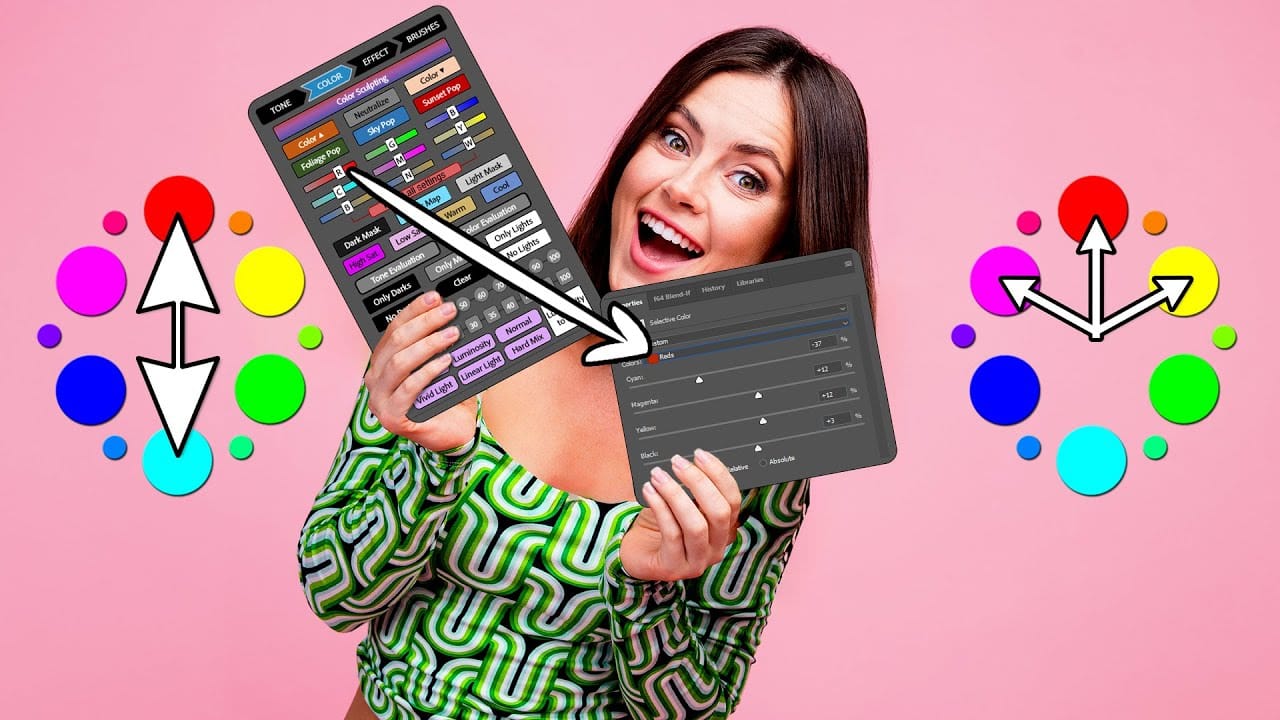
In this tutorial, you will uncover the often-overlooked capabilities of Photoshop’s Selective Color Adjustment Layer. This powerful tool allows you to perform both subtle and dramatic color grading, giving your images a polished look similar to fine art. You’ll learn techniques to intensify colors, separate various hues for added depth, and achieve better overall color […]

Read more: The Single Best Color Tool in Photoshop