Schenectady Photographic Society

Menu

Author: Webmaster

How To Use Lightroomโ€™s Identity Plate to Add a Fine Art Signature Nameplate

How To Use Lightroomโ€™s Identity Plate to Add a Fine Art Signature Nameplate

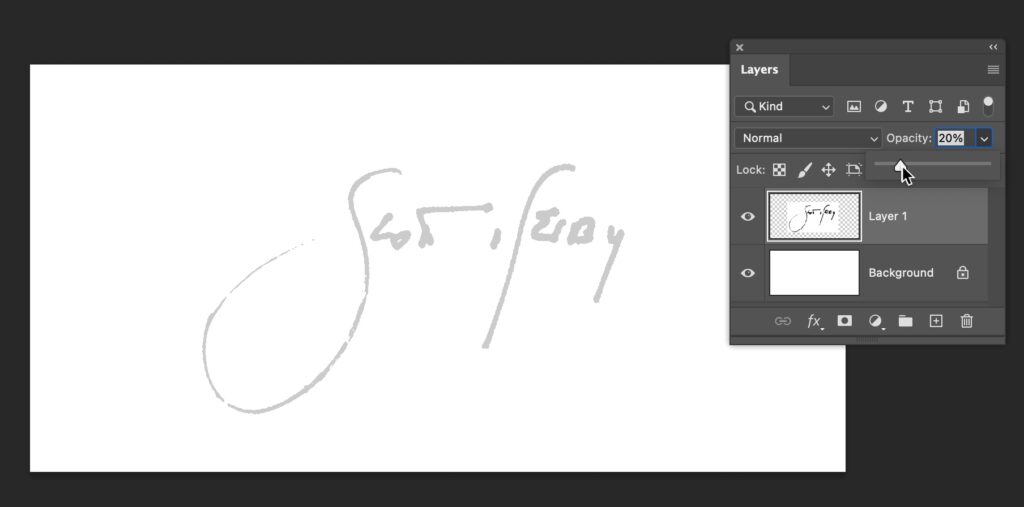
Hereโ€™s how to create a nameplate using your own signature that goes at the bottom of your prints (or even a slideshow) in Lightroom Classic. STEP ONE: The nameplate I’m going to create uses your signature, and there are a couple of ways to get your signature into Photoshop: (1) Take a nice blank ink pen […]
Read more: How To Use Lightroomโ€™s Identity Plate to Add a Fine Art Signature Nameplate
Texture, Clarity and Dehaze in Lightroom + ACR explained. The Ultimate Comparision

Texture, Clarity and Dehaze in Lightroom + ACR explained. The Ultimate Comparision

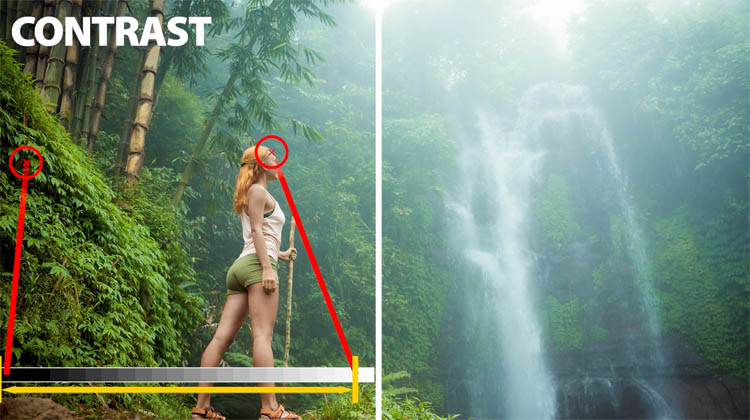
When and where do I use Clarity, or Dehaze or texture in Lightroom and Camera RAW? Answered Continuing on my deep dive series into the different settings in Lightroom and Adobe Camera RAW (The adjustments on both are identical). This time I break down Texture, Clarity and Dehaze. They aren’t the same. I’ll explain what […]

Read more: Texture, Clarity and Dehaze in Lightroom + ACR explained. The Ultimate Comparision
Artist creates a huge Star Wars Wallpaper With Every Character in Photoshop

Artist creates a huge Star Wars Wallpaper With Every Character in Photoshop

In this entertaining Photoshop tutorial, YouTuber Benny from Benny Productions decides to create an epic Star Wars wallpaper in celebration of May the 4th. He sets out to include as many characters as he can from across the entire Star Wars universe. Viewers will see John scour the internet to find images of hundreds of […]

Read more: Artist creates a huge Star Wars Wallpaper With Every Character in Photoshop