
Schenectady Photographic Society

Menu

Author: Webmaster

How to Remove Unwanted Objects in Different Ways in Photoshop

How to Remove Unwanted Objects in Different Ways in Photoshop

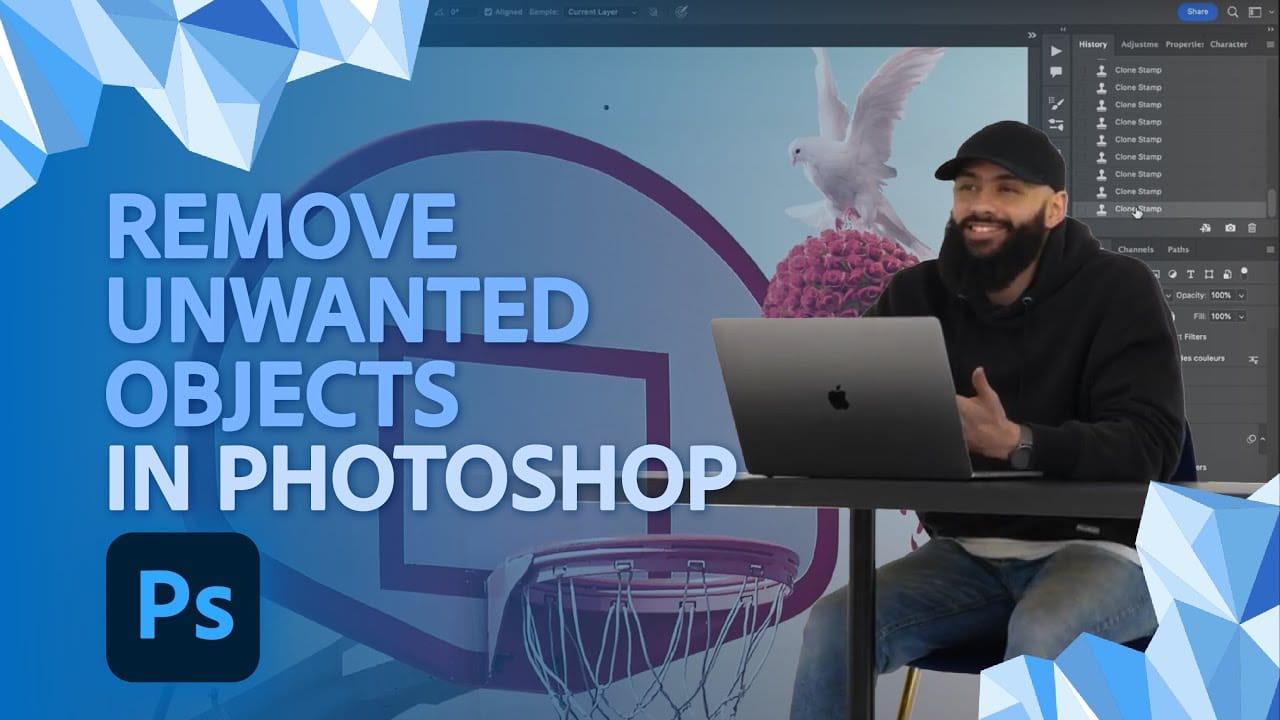
Do you have photographs with distracting elements that need removing? In this insightful Photoshop tutorial from artist Zak Eazy, viewers will learn several effective techniques for eliminating unwanted objects from their images. Whether it’s removing superfluous signs, wires or passersby, Zak walks through practical use cases that showcase the Patch and Clone Stamp tools as […]

Read more: How to Remove Unwanted Objects in Different Ways in Photoshop
Merge two photos in just a few clicks using Photoshop’s Generative Fill

Merge two photos in just a few clicks using Photoshop’s Generative Fill

Photoshop Training Channel presents a helpful guide for blending multiple images together with ease. Generative Fill is one of Photoshop’s most powerful but underutilized tools, and in this video PTC shows users how they can take advantage of its full capabilities. Through a simple step-by-step process, viewers will learn how to use Generative Fill to […]

Read more: Merge two photos in just a few clicks using Photoshop’s Generative Fill
Photoshop 2024 Reveals Major New Tools and Enhancements

Photoshop 2024 Reveals Major New Tools and Enhancements

For creative professionals, Photoshop is an indispensable part of the workflow. As the leading digital imaging software, each new version from Adobe brings excitement as artists and designers anticipate how their capabilities may be expanded. In this video preview, we get a sneak peek at some of Photoshop 2024’s standout new features. Elsewhere, the updated […]

Read more: Photoshop 2024 Reveals Major New Tools and Enhancements
Now that Generative Fill is officially in Photoshop, I did a Q&A so we can stop freakin’ the heck out!

Now that Generative Fill is officially in Photoshop, I did a Q&A so we can stop freakin’ the heck out!

Last week, Photoshop’s Generative Fill became “all grown up,” it moved out of the “Beta” version of Photoshop and it now lives in regular ol’ Photoshop (well, the latest version, which is Photoshop 2024). As usual, there’s a lot of mis-information, hysterics, and stuff out there that’s just plain wrong, so today I thought I […]

Read more: Now that Generative Fill is officially in Photoshop, I did a Q&A so we can stop freakin’ the heck out!
Making Virtual Copies from Snapshots

Making Virtual Copies from Snapshots

I recently wrote about how to save your virtual copies as snapshots. This provides both a way to access edits across all virtual copies (and original) as well as a way to have those snapshots written to a photo’s XMP metadata if you choose. In the comments on that post, Patrick posted: “However, your tip […]

Read more: Making Virtual Copies from Snapshots
What The ‘Auto’ button does in the HDR Preview Window (sounds boring, but it’s not)

What The ‘Auto’ button does in the HDR Preview Window (sounds boring, but it’s not)

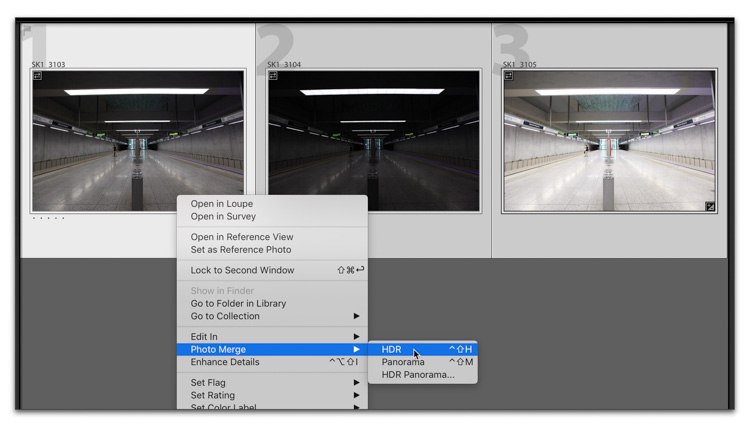
Today, we’re looking at something that I hope you’ll find helpful — it’s about the Auto button in the HDR Preview window, what it does, why it’s helpful, and a little about the advantages of creating HDR images in Lightroom. STEP ONE: Here are three images from a subway stop (I think I took these in […]

Read more: What The ‘Auto’ button does in the HDR Preview Window (sounds boring, but it’s not)