
2022 Digital Images of the Year Awards – Assigned Topics
Assigned Topic #1 Winner“Forecasting the Best Photography”Neil Shapiro Honorable Mentions Assigned Topic #2 Winner“Tranquility Base”Neil Shapiro Honorable Mentions Competition Replay

Schenectady Photographic Society
Assigned Topic #1 Winner“Forecasting the Best Photography”Neil Shapiro Honorable Mentions Assigned Topic #2 Winner“Tranquility Base”Neil Shapiro Honorable Mentions Competition Replay
I’m in Prague today, leading a travel photography workshop, so I thought I’d do an installment of Photoshop for Lightroom Users column to kick off this week (since I won’t be posting much until next week, though Rob Sylvan will still be here in my steed). It’s time to move on to a new area […]

First Place Winner – “On to the Next Journey” by Marty Bannan Additional Winning Images Competition Replay Additional Entries….
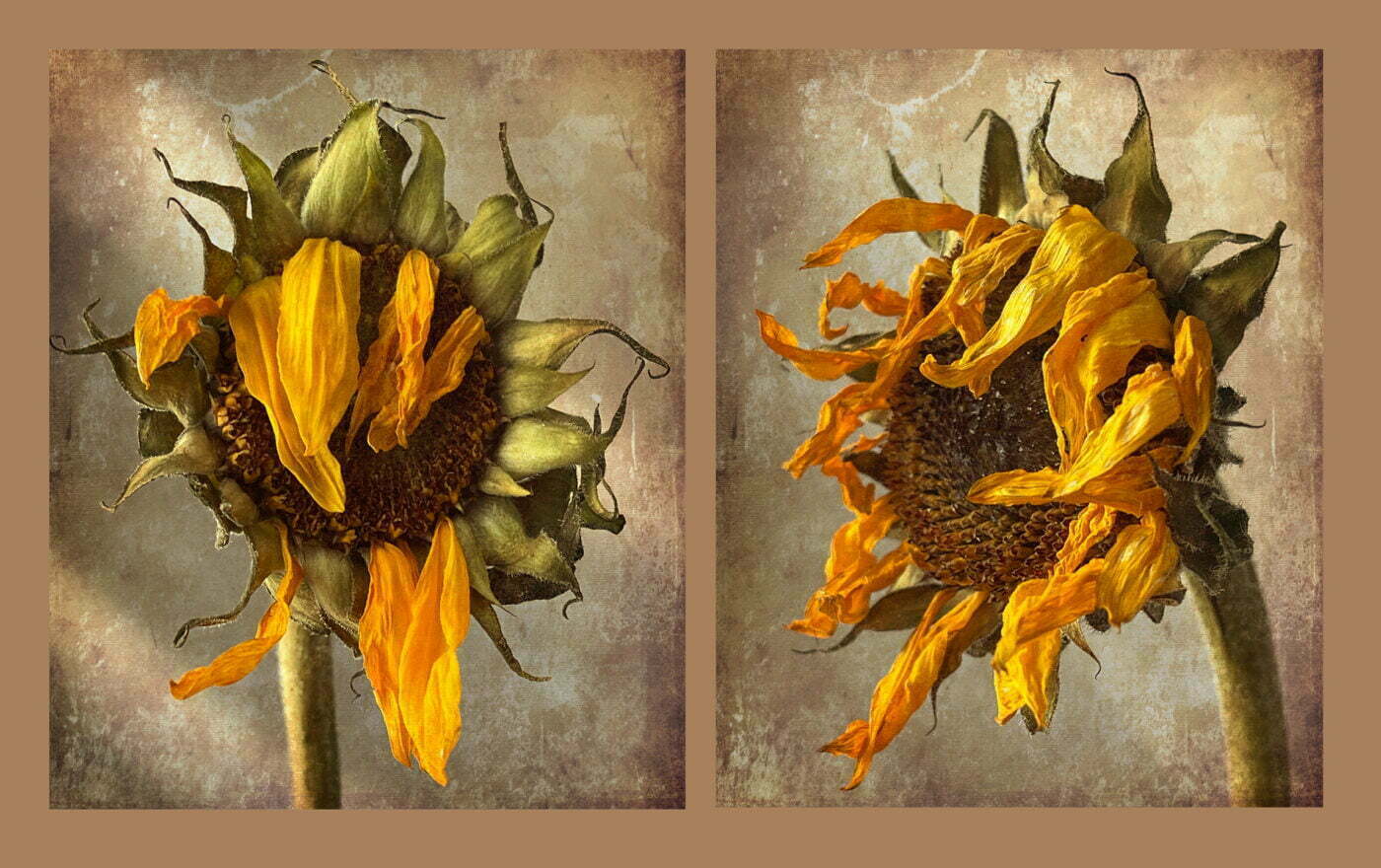
Congratulations to our winners from this month’s Digital Image Night competition for the General and Monochrome categories. ** Judge: David Fingerhut ** COMPETITION REPLAY
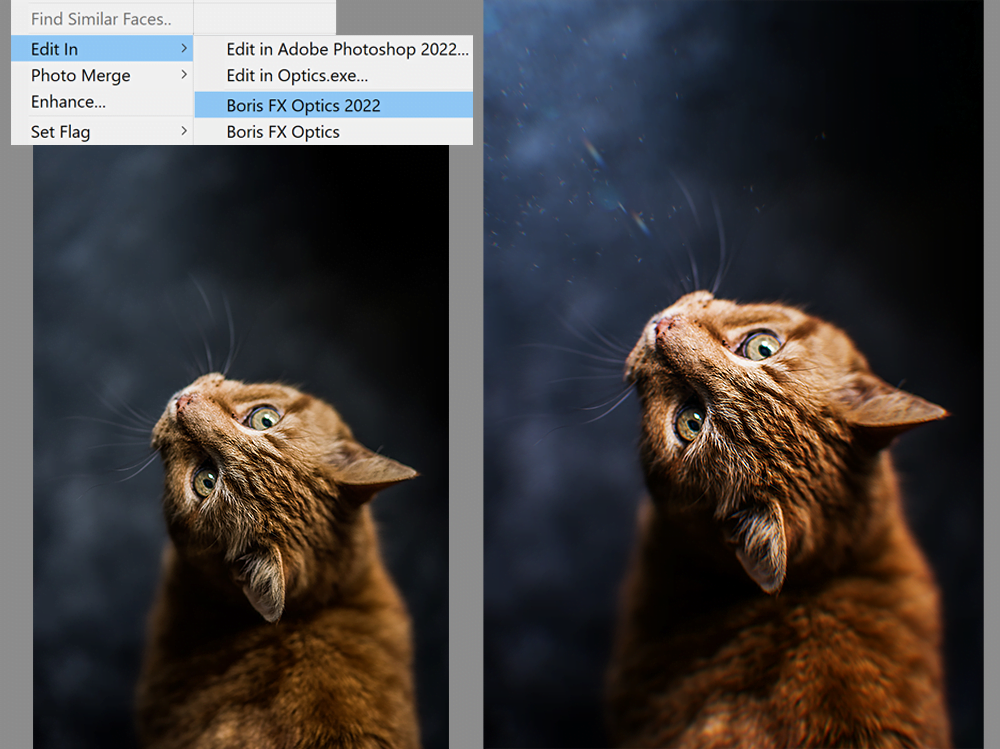
By Ross Shain If you enjoy exploring lighting and special effects in your edits and would like to do more in Lightroom without jumping to Photoshop, this tutorial might be for you. Boris FX Optics is a unique plugin, literally packed with creative options. Optics can be used for subtle lighting and color grades to […]
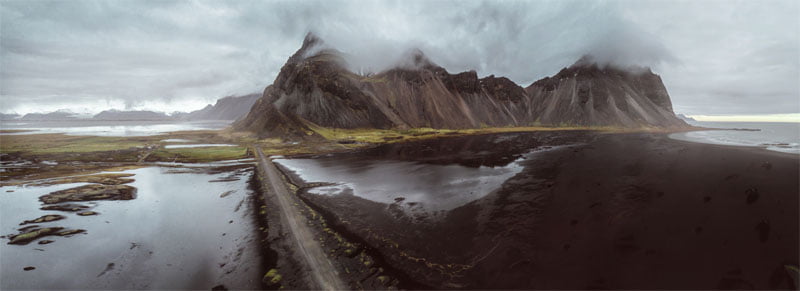
Add birds to photos in Photoshop, combine pictures and make transparent background. This is a fun tutorial. When you have a great landscape photo, you can really add life to it by adding a flock of birds. You don’t have to worry about cutting out each bird either, this tutorial shows you how to easily […]

It is not uncommon for a Lightroom Classic (LrC) user to become confused about where a given photo is actually stored on a drive. This can be when performing a search using the Library Filter bar or looking in a collection, collection set, or even a previous import. In each of those examples you are […]

If you’re printing a multi-photo layout from Lightroom Classic (there’s one below, for example), I would encourage you to turn on “Draft Mode Printing” (as seen above) to have your print come out of the printer much faster (like, ridiculously faster). Here’s why: when you have 20 or 30 photos in one print like this, […]