Schenectady Photographic Society

Menu

Author: Webmaster

Updating Process Version

Updating Process Version

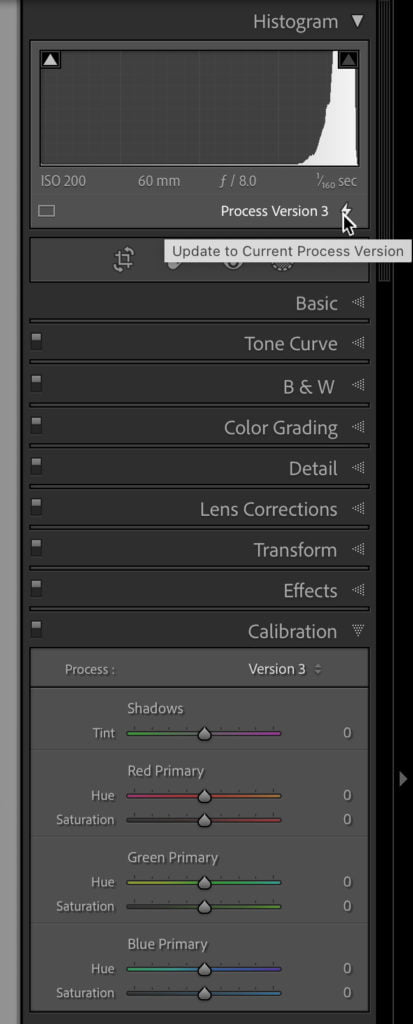
This tip will mainly apply to people who have been using Lightroom Classic (when it was called Lightroom) since the early days. The Process Version is the underlying secret sauce Lightroom Classic (LrC), Adobe Camera Raw, and Lightroom uses to develop our photos. Originally, the process version had the year it was released in the […]


Read more: Updating Process Version
Are Select Subject and Select Sky Missing From Lightroom on your Phone or Tablet?

Are Select Subject and Select Sky Missing From Lightroom on your Phone or Tablet?

If they are, there’s a reason โ€“ the new AI-powered features won’t work on older phones or tablets. In fact, here’s a list of the devices the AI WON’T work on: Apple:iPod Touch 7, iPhone 6s, iPhone 6s Plus, iPhone SE, iPhone 7, iPad (5th Gen), iPad (6th Gen), and iPad Pro 9.7. Android:  Those AI featureS only work on Android devices with […]

Read more: Are Select Subject and Select Sky Missing From Lightroom on your Phone or Tablet?
Instantly Blur the background of a picture in Photoshop with Depth Blur Neural Filter

Instantly Blur the background of a picture in Photoshop with Depth Blur Neural Filter

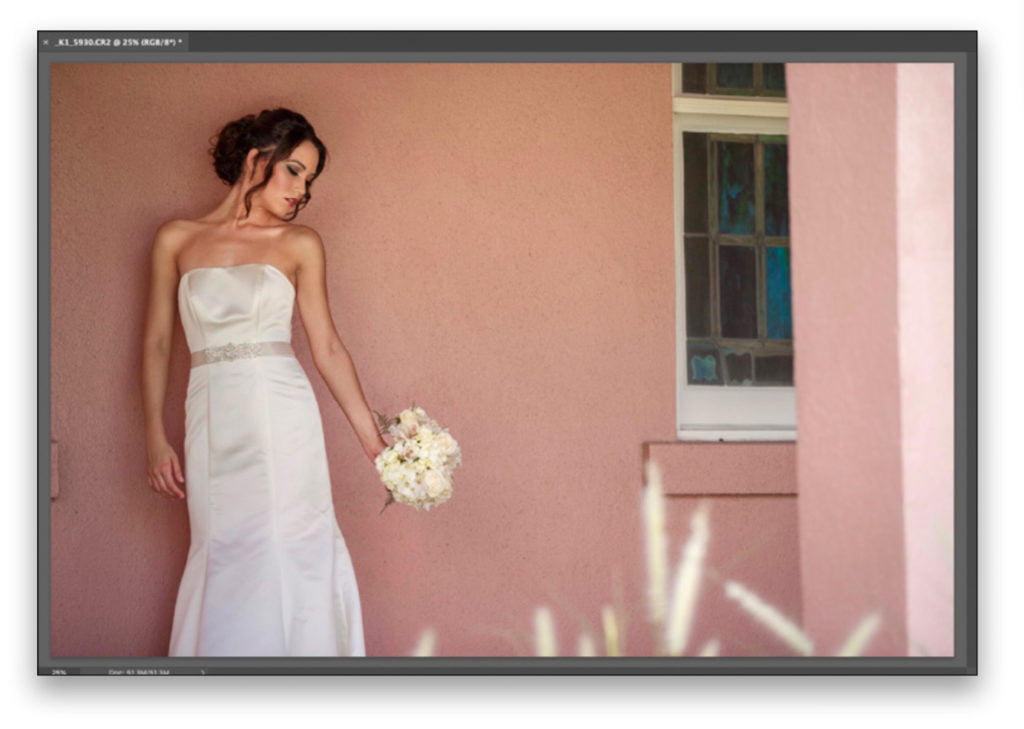
Easily and automatically blur the background of a photo in Photoshop In this Photoshop tutorial, I show you how to use the AI in Photoshop to blur the background to create a realistic bokeh effect. Lets begin with this image where everything is in focus. We will pop the subject by adding the background blur. […]

Read more: Instantly Blur the background of a picture in Photoshop with Depth Blur Neural Filter
Photoshop for Lightroom Users: Removing Distracting Things, Part II

Photoshop for Lightroom Users: Removing Distracting Things, Part II

Weโ€™re picking up where we left off (removing distracting stuff), but weโ€™re going in a different direction with it because weโ€™re not using a Healing Brush or Clone tool this time; weโ€™re using some real Photoshop magic: Content-Aware Fill. This is Photoshop doing some crazy math behind the scenes to either cover over something we […]

Read more: Photoshop for Lightroom Users: Removing Distracting Things, Part II