Schenectady Photographic Society

Menu

Author: Webmaster

How to Remove Complex Background Elements Using AI in Photoshop

How to Remove Complex Background Elements Using AI in Photoshop

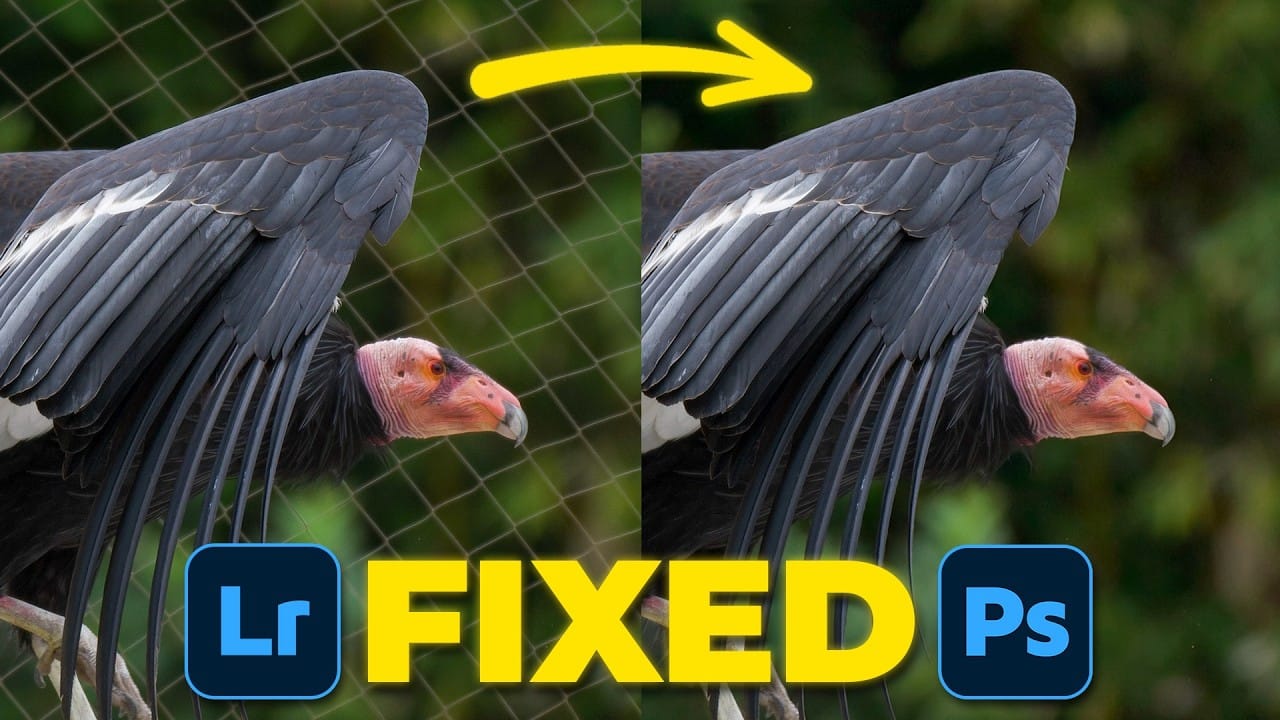
Removing complex background elements like fencing or wire mesh has traditionally been one of the most time-consuming tasks in photo editing. New AI-powered tools in Photoshop can now eliminate these distracting elements while preserving fine details in your subject. This tutorial demonstrates two practical workflows: one using the latest Firefly Read the full article here: […]
Read more: How to Remove Complex Background Elements Using AI in Photoshop
New Generative Fill Features in Photoshop Beta: Reference Images and Credit Tracking

New Generative Fill Features in Photoshop Beta: Reference Images and Credit Tracking

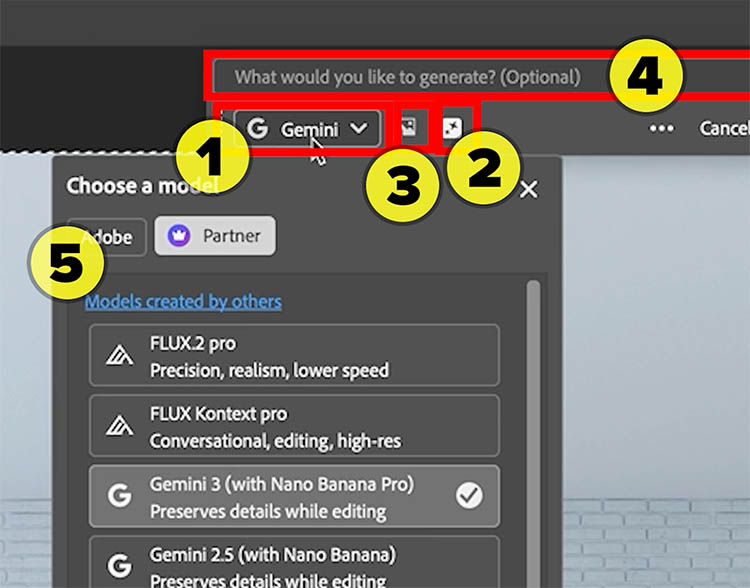
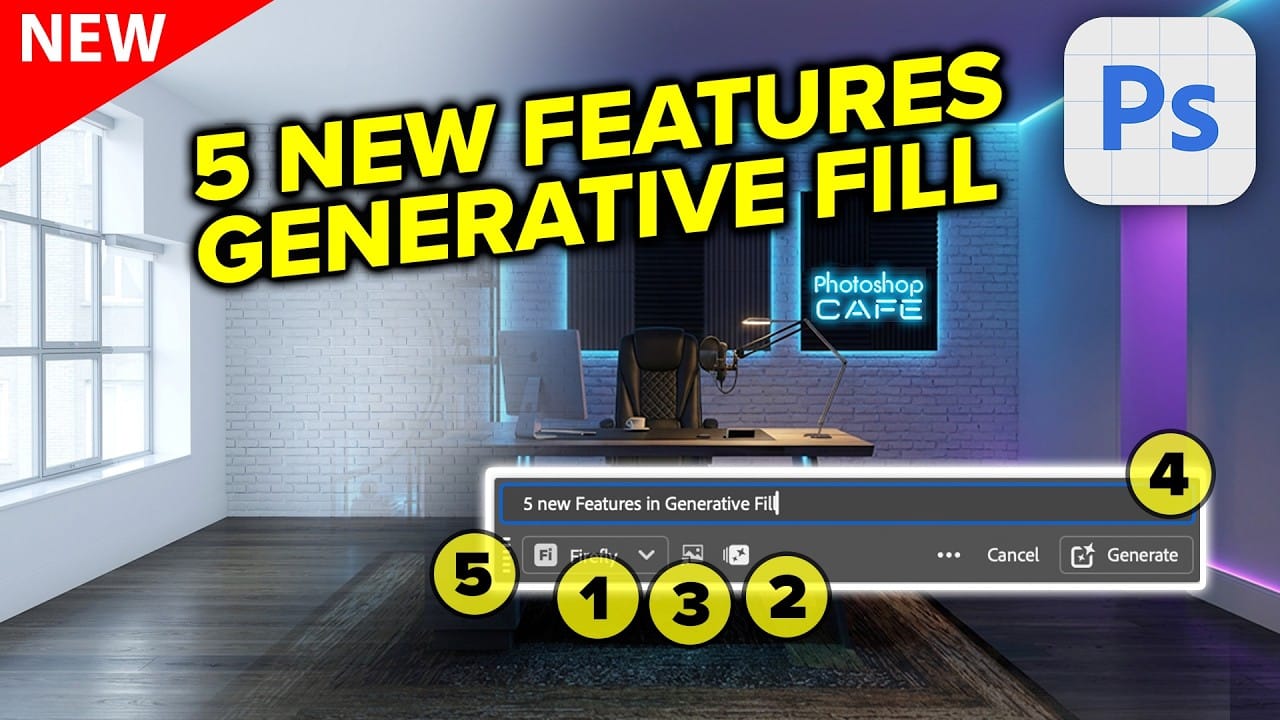
Photoshop Beta introduces significant improvements to Generative Fill that address the most requested features from users. The updated interface now displays your generative credit balance and usage, while the new reference image capability lets you add up to eight specific images to guide AI generation with precise visual examples. These Read the full article here: […]

Read more: New Generative Fill Features in Photoshop Beta: Reference Images and Credit Tracking
Essential Photoshop Tools for Beginners: Brush, Crop, and Move Tool Tutorial

Essential Photoshop Tools for Beginners: Brush, Crop, and Move Tool Tutorial

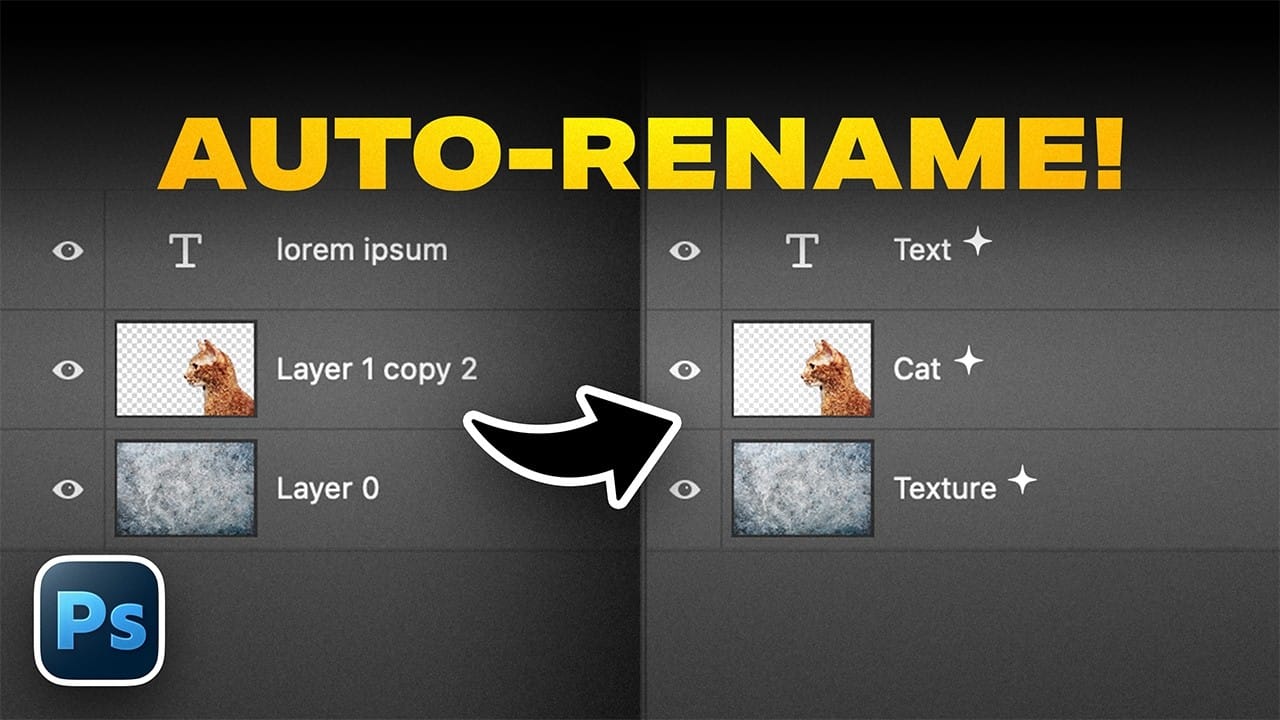
Learning Photoshop tools feels overwhelming when you don't know where to start. This tutorial focuses on three essential tools that form the foundation of most Photoshop work: the brush tool for painting and retouching, the crop tool for resizing and straightening images, and the move tool for positioning Read the full article here: Essential Photoshop […]

Read more: Essential Photoshop Tools for Beginners: Brush, Crop, and Move Tool Tutorial
How to Add Custom Textures to Photos in Photoshop

How to Add Custom Textures to Photos in Photoshop

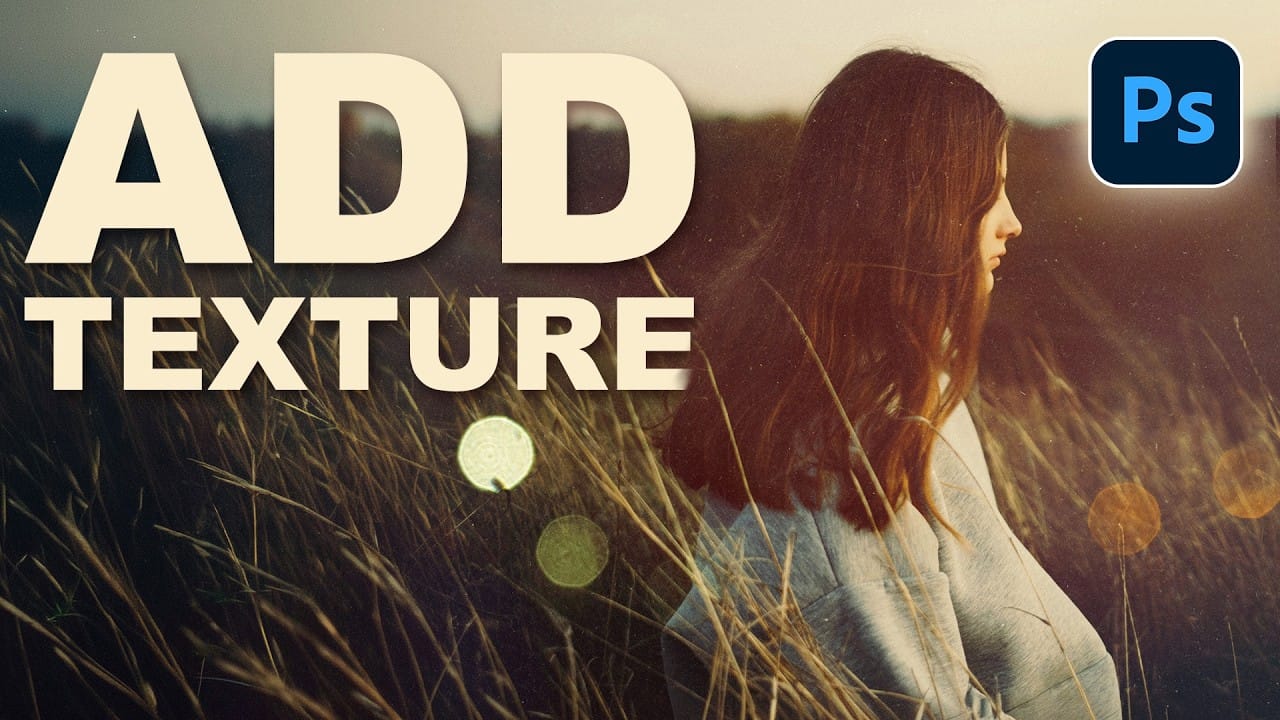
Adding textures to photographs can transform ordinary images into compelling artistic compositions. This technique uses multiple texture layers combined with strategic blending modes and color adjustments to create depth and visual interest. The process involves layering different texture types—color overlays, surface patterns, and lighting effects—then using masking techniques Read the full article here: How to […]

Read more: How to Add Custom Textures to Photos in Photoshop
Using AI-Generated Images as Inspiration for Fine Art Portrait Edits

Using AI-Generated Images as Inspiration for Fine Art Portrait Edits

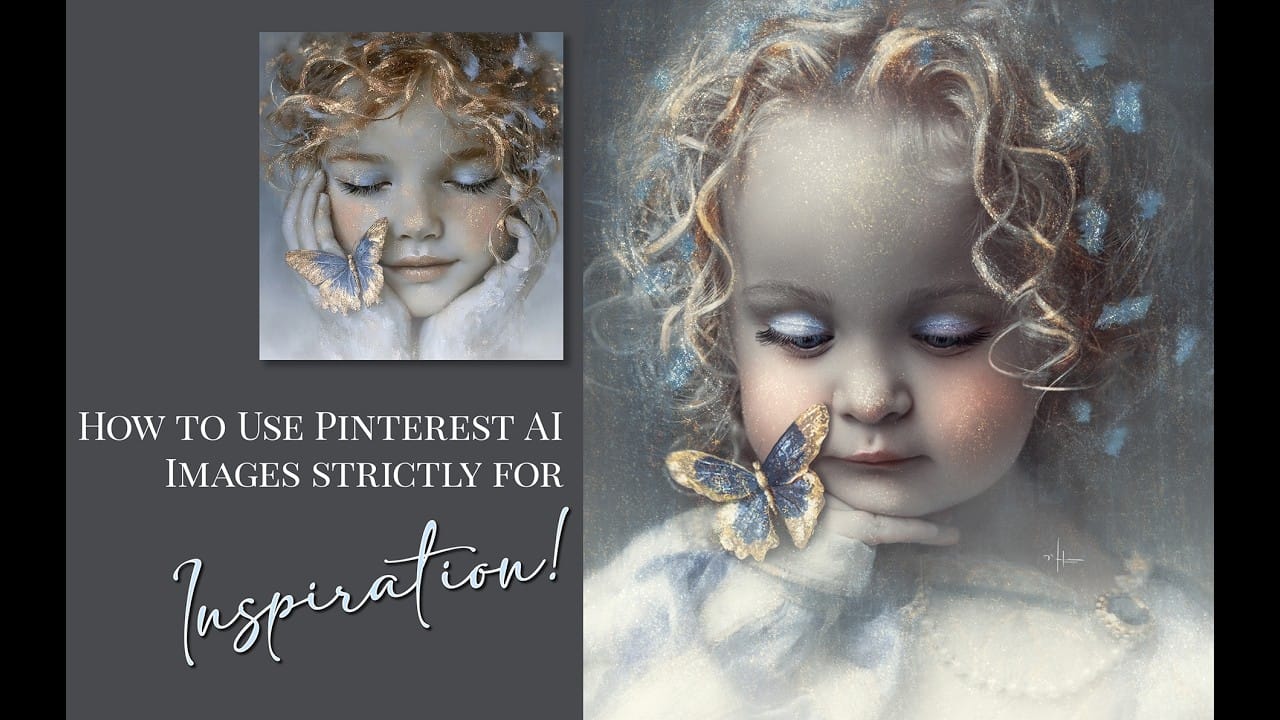
Creative blocks happen to every photographer. When you're struggling to find fresh editing ideas for your portraits, AI-generated images can serve as powerful visual references to spark new artistic directions. This comprehensive tutorial demonstrates how to transform an ordinary child portrait into a painterly masterpiece using an AI Read the full article here: Using AI-Generated […]

Read more: Using AI-Generated Images as Inspiration for Fine Art Portrait Edits