
Schenectady Photographic Society

Menu

Author: Webmaster

How to Use the 3D Object Rotation Tool in Photoshop Beta

How to Use the 3D Object Rotation Tool in Photoshop Beta

Adobe's new Rotate Object feature transforms flat 2D images into interactive 3D models that can be repositioned from any angle. This AI-powered tool automatically creates cutouts, maintains original textures, and generates missing details when objects are rotated beyond their original perspective. The feature opens new possibilities for product Read the full article here: How to […]

Read more: How to Use the 3D Object Rotation Tool in Photoshop Beta
How to Create Stretched Perspective Text Effects in Photoshop

How to Create Stretched Perspective Text Effects in Photoshop

Stretched perspective text creates dramatic visual depth by transforming flat typography into architectural-style elements that appear to recede into space. This trendy effect, popular in poster design, gives text a building-like appearance with multiple vanishing points. The technique involves manually cutting, duplicating, and connecting text segments using selection tools and Read the full article here: […]

Read more: How to Create Stretched Perspective Text Effects in Photoshop
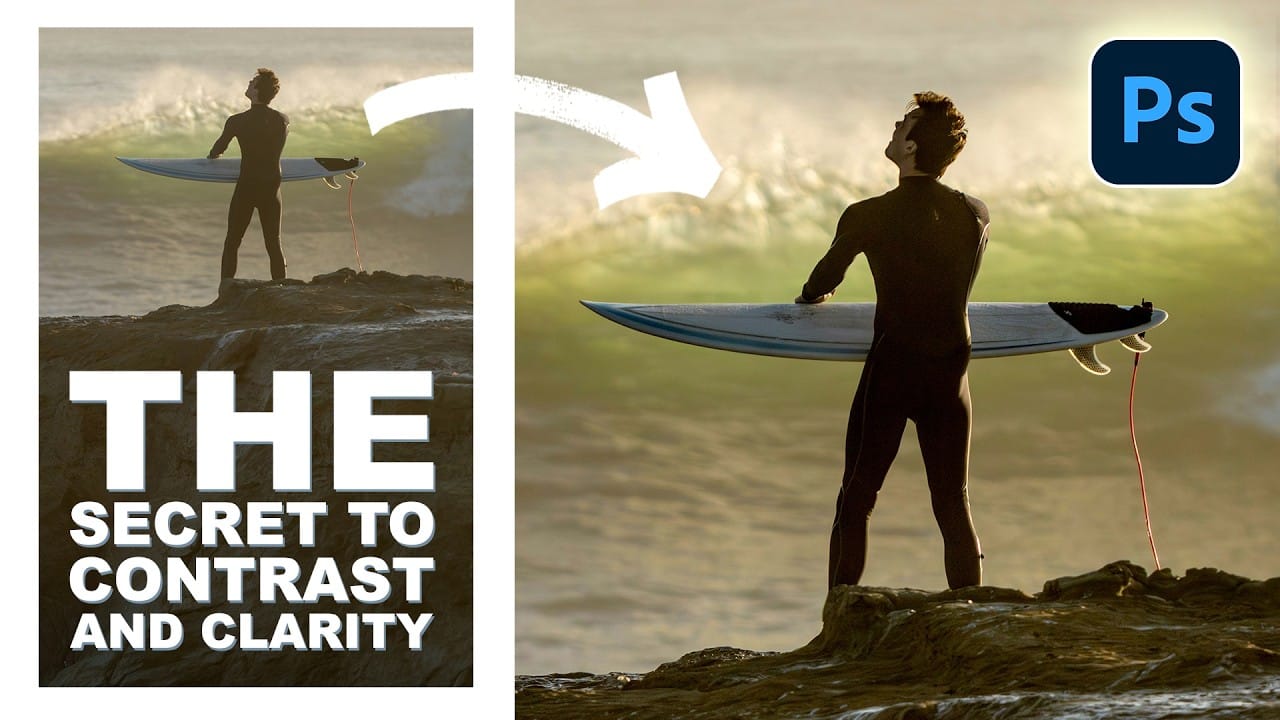
How to Add Selective Contrast and Clarity Using Camera Raw Filter

How to Add Selective Contrast and Clarity Using Camera Raw Filter

Many photos lack the visual impact they could have simply because contrast and clarity are applied uniformly across the entire image. The key to professional-looking results lies in selectively enhancing specific areas that deserve attention while leaving others untouched. This approach uses the Camera Raw filter's histogram controls Read the full article here: How to […]

Read more: How to Add Selective Contrast and Clarity Using Camera Raw Filter
Ethereal Blooms: Dreamy Pastel Floral Backgrounds

Ethereal Blooms: Dreamy Pastel Floral Backgrounds

Ethereal Blooms is a collection of dreamy ai-generated pastel floral background papers inspired by soft petals, light-filled compositions, and delicate botanical forms. Each design blends airy flowers with subtle color transitions, creating a calm and elegant atmosphere filled with softness and gentle detail. Light brush textures and smooth gradients flow Read the full article here: […]

Read more: Ethereal Blooms: Dreamy Pastel Floral Backgrounds
35 Artistic Photoshop Effects Tutorials and Actions That Actually Look Good

35 Artistic Photoshop Effects Tutorials and Actions That Actually Look Good

Creating illustration effects from a photo has never been easier. AI tools can generate a sketch, a painting, or a cartoon version in seconds, and the first result can look surprisingly good. The problem is control. Even with conversational AI models (like ChatGPT or Gemini Nano Banana) that let you Read the full article here: […]

Read more: 35 Artistic Photoshop Effects Tutorials and Actions That Actually Look Good
How to Make Stunning Aerial Landscape Photos with Ian Plant

How to Make Stunning Aerial Landscape Photos with Ian Plant

Drones have opened up an entirely new world for landscape photographers. Views that once required helicopters or small aircraft are now accessible with the push of a button—and with the right techniques, those perspectives can lead to truly remarkable images. In his latest class, Ian Plant explores how aerial photography can transform the way you […]

Read more: How to Make Stunning Aerial Landscape Photos with Ian Plant
How to Create Digital Collages Using Layers and Blend Modes in Photoshop

How to Create Digital Collages Using Layers and Blend Modes in Photoshop

Digital collages combine multiple images through strategic layering and blending techniques to create compelling visual stories. This beginner-friendly approach demonstrates how to build complex compositions by layering textures, portraits, and objects while using blend modes to seamlessly integrate each element. The process focuses on practical workflow techniques including smart object Read the full article here: […]

Read more: How to Create Digital Collages Using Layers and Blend Modes in Photoshop
Building Complex Composites Using Generative Fill and Layer Blending

Building Complex Composites Using Generative Fill and Layer Blending

Complex surreal composites require more than just combining random images. The key to professional results lies in systematic layering, consistent masking techniques, and building a reusable library of generated elements. This approach transforms scattered AI-generated content into cohesive artistic visions. The tutorial demonstrates how to deconstruct an existing composite to Read the full article here: […]

Read more: Building Complex Composites Using Generative Fill and Layer Blending