Schenectady Photographic Society

Menu

Author: Webmaster

Flowers and Woods: 3 Detailed Floral Wooden Backgrounds

Flowers and Woods: 3 Detailed Floral Wooden Backgrounds

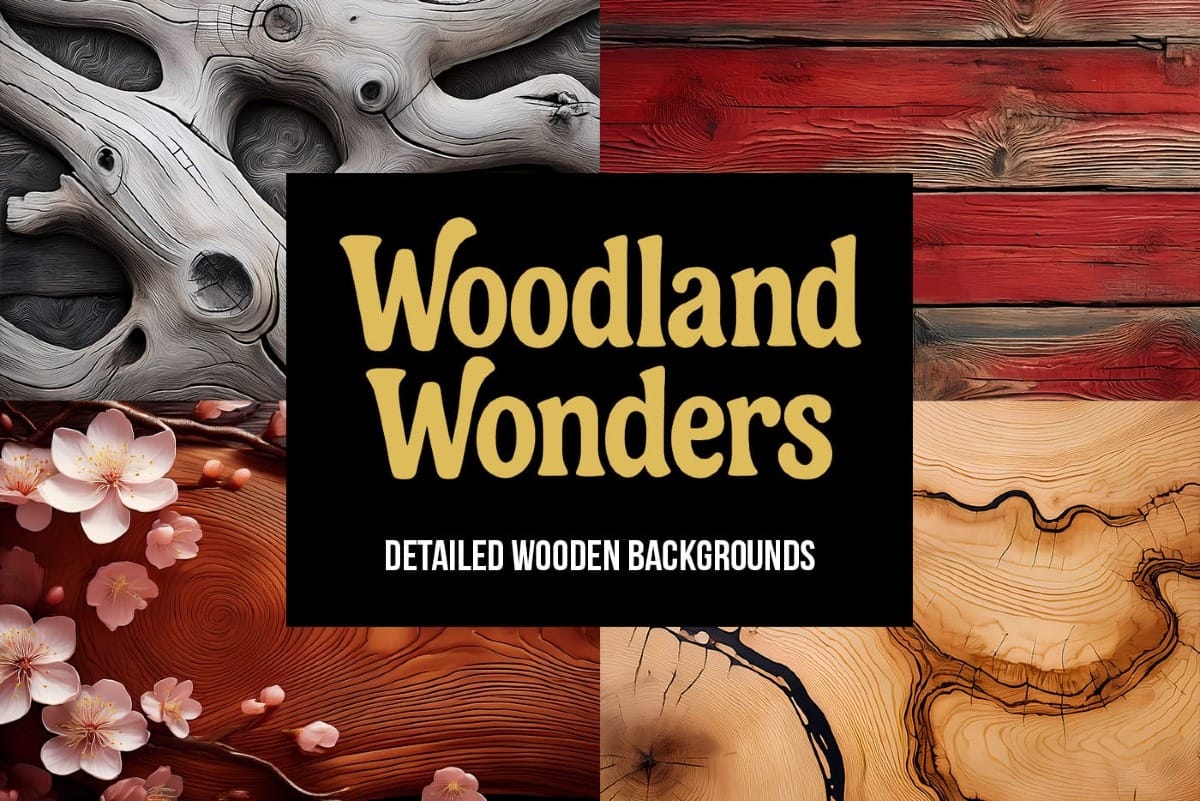
Flowers and Woods: 3 Detailed Floral Wooden Backgrounds is a free mini pack featuring three high-resolution images taken from the full Woodland Wonders collection of 70 wooden backgrounds. Each background combines richly textured wooden surfaces with expressive floral elements, including warm orange blooms, delicate cherry blossoms, and bold sunflower details. Read the full article here: […]
Read more: Flowers and Woods: 3 Detailed Floral Wooden Backgrounds
Woodland Wonders: 70 Detailed Wooden Backgrounds

Woodland Wonders: 70 Detailed Wooden Backgrounds

Introducing Woodland Wonders — a curated collection of 70 wooden backgrounds designed to bring warmth, texture, and natural character into your creative work. This pack features high-resolution wooden surfaces enriched with organic details, ranging from smooth cherry planks and scorched oak to bark covered with moss, ivy-wrapped panels, and flower-scattered textures. Read the full article […]

Read more: Woodland Wonders: 70 Detailed Wooden Backgrounds
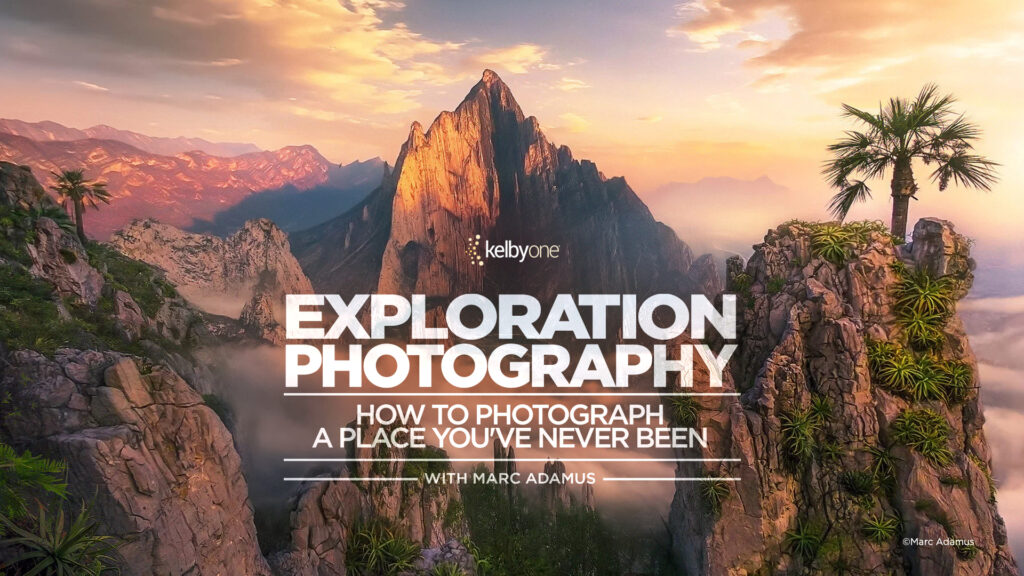
Exploration Photography: How to Photograph a Place You’ve Never Been with Marc Adamus

Exploration Photography: How to Photograph a Place You’ve Never Been with Marc Adamus

When you’re photographing a place you’ve never been before, it can feel equal parts exciting and overwhelming. Where do you start? What do you look for? And how do you move past just documenting a scene to actually creating something meaningful? In his latest class, Marc Adamus shares how he approaches brand-new locations—from how he […]

Read more: Exploration Photography: How to Photograph a Place You’ve Never Been with Marc Adamus
New Camera Raw Adjustment Layers in Photoshop: Color Grading, Clarity, and Grain

New Camera Raw Adjustment Layers in Photoshop: Color Grading, Clarity, and Grain

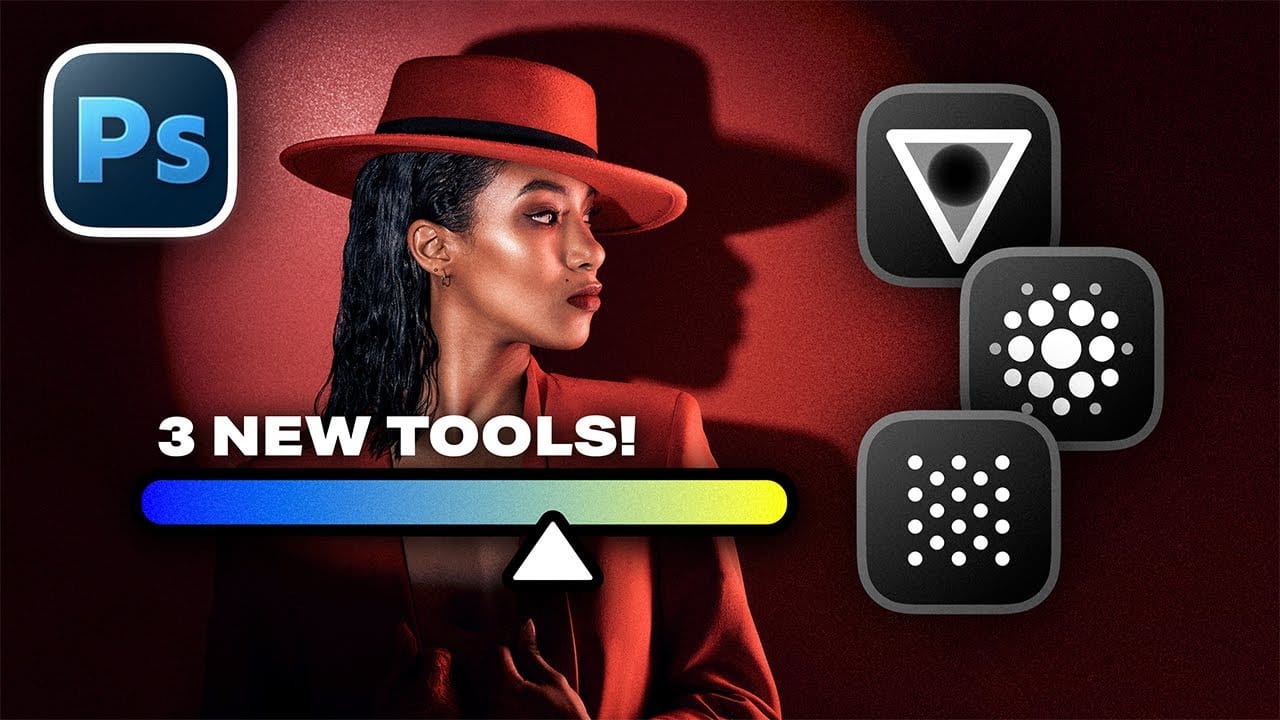
Working with multiple layers in Photoshop traditionally required complex workarounds to apply Camera Raw adjustments. The old process involved merging layers, converting to smart objects, and losing the flexibility that makes adjustment layers so powerful. Three new adjustment layers bring Camera Raw's most useful tools directly into your Read the full article here: New Camera […]

Read more: New Camera Raw Adjustment Layers in Photoshop: Color Grading, Clarity, and Grain
Editing Color in Lightroom Doesn’t Need to Be Complicated

Editing Color in Lightroom Doesn’t Need to Be Complicated

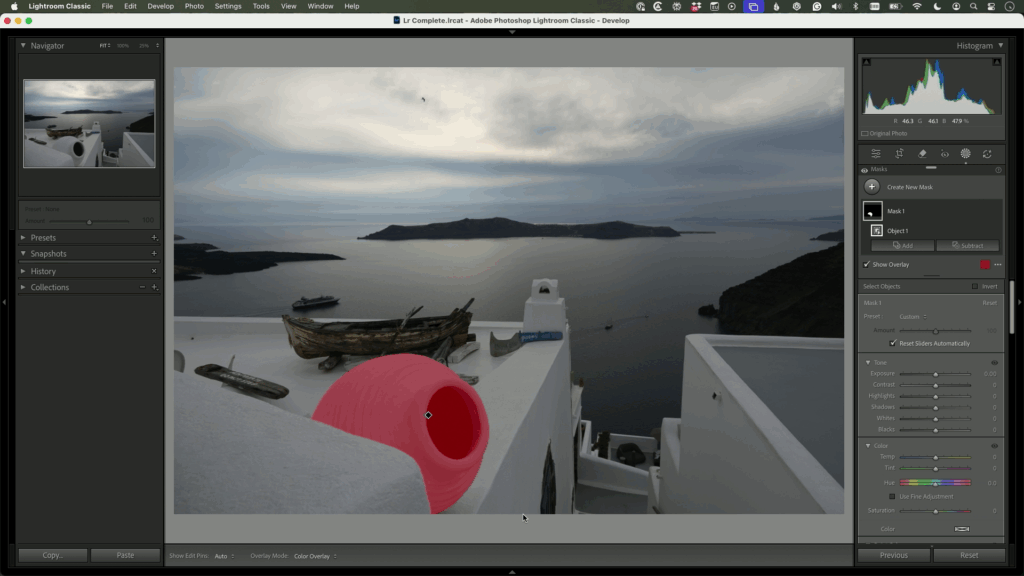
Color is one of the most powerful parts of Lightroom Classic—but for many photographers, it’s also where edits start to feel overwhelming. With newer tools and more options than ever, it’s easy to second-guess yourself or feel unsure where to begin. What’s the better launching point for your edit—Auto or Adaptive Color? Click below for […]

Read more: Editing Color in Lightroom Doesn’t Need to Be Complicated
How to Create a Molten Metal Text Effect in Photoshop

How to Create a Molten Metal Text Effect in Photoshop

Molten metal text effects transform ordinary typography into blazing, dimensional masterpieces that appear to glow with intense heat. This technique combines strategic layer styles, textural overlays, and color grading to simulate the appearance of scorching hot metal with fiery edges and realistic surface details. The process builds layers of metallic Read the full article here: […]

Read more: How to Create a Molten Metal Text Effect in Photoshop
Create a Pop Art Stencil Effect from Photos in Photoshop

Create a Pop Art Stencil Effect from Photos in Photoshop

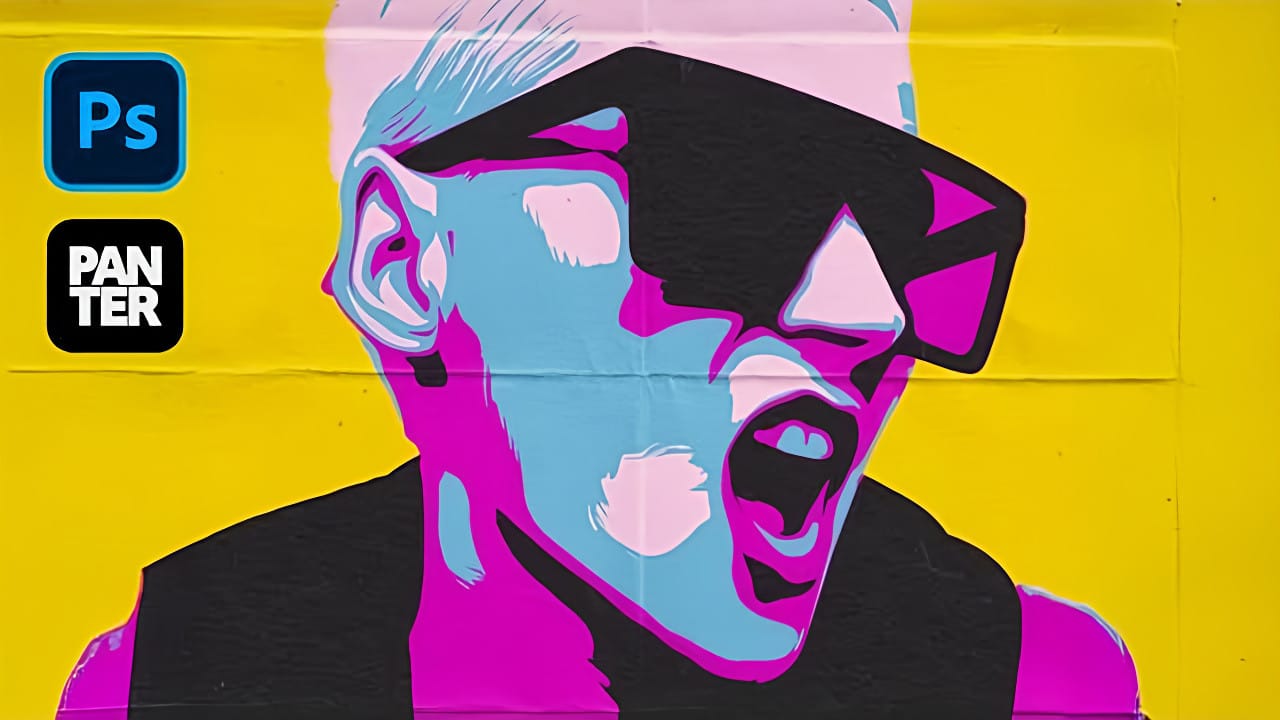
Pop art transforms ordinary portraits into bold, graphic statements using simplified colors and high contrast. This distinctive style, popularized by artists like Andy Warhol, reduces complex images to their essential elements while maintaining visual impact through strategic color choices. The stencil approach creates clean separations between color areas, producing artwork Read the full article here: […]

Read more: Create a Pop Art Stencil Effect from Photos in Photoshop