Schenectady Photographic Society

Menu

Author: Webmaster

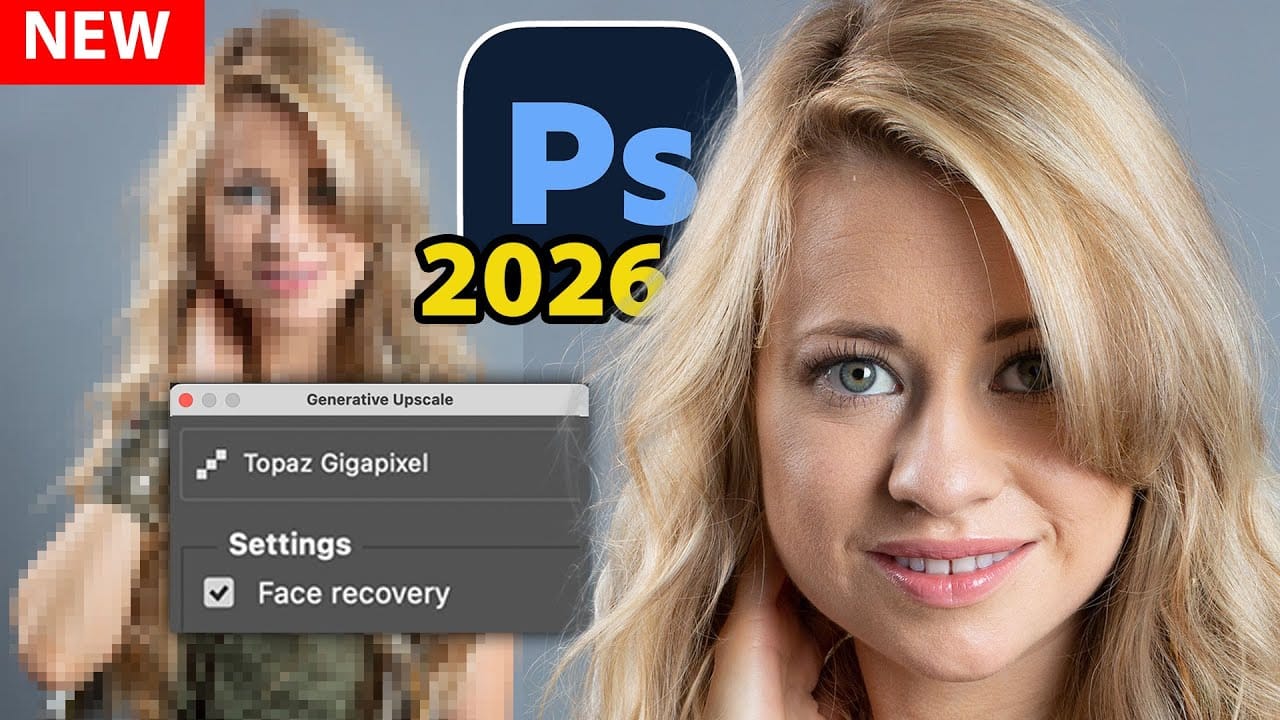
Photoshop Generative Upscale with Topaz Models: GigaPixel vs Bloom Comparison

Photoshop Generative Upscale with Topaz Models: GigaPixel vs Bloom Comparison

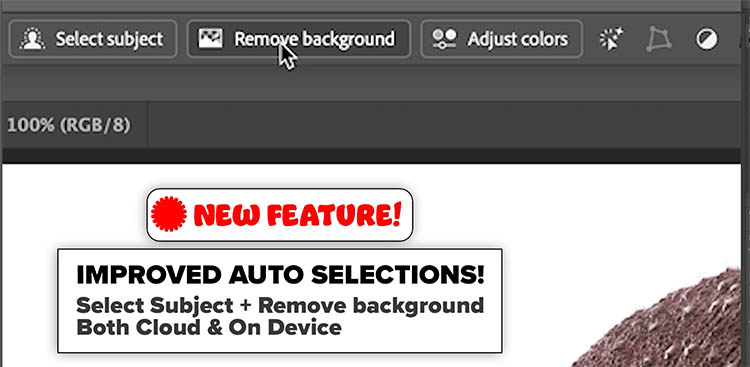
Photoshop 2026 now includes Topaz GigaPixel and Topaz Bloom models directly within its Generative Upscale feature. Instead of purchasing separate Topaz software, photographers can access these powerful AI upscaling tools using Adobe's premium credits. This integration offers two distinct approaches: GigaPixel maintains image realism while enlarging, and Bloom Read the full article here: Photoshop Generative […]
Read more: Photoshop Generative Upscale with Topaz Models: GigaPixel vs Bloom Comparison
Color That Connects: Mastering Color Grading & Correction with Purpose with Dennis Dunbar

Color That Connects: Mastering Color Grading & Correction with Purpose with Dennis Dunbar

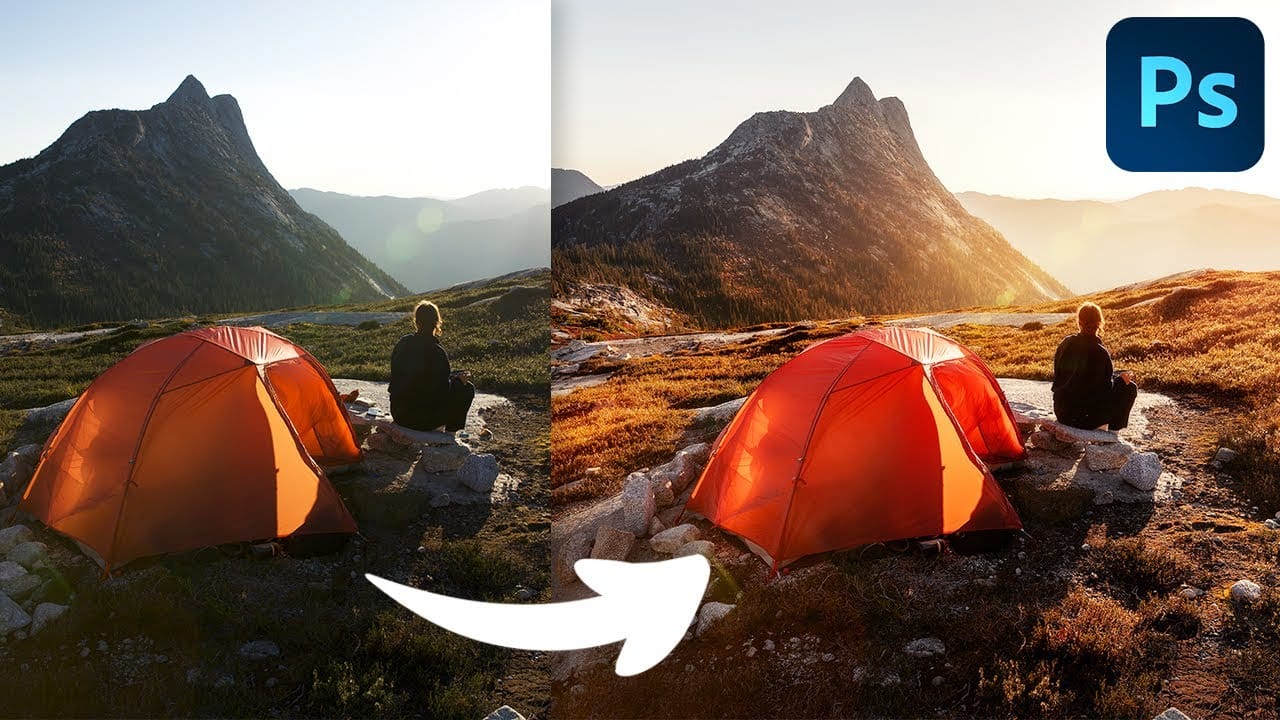
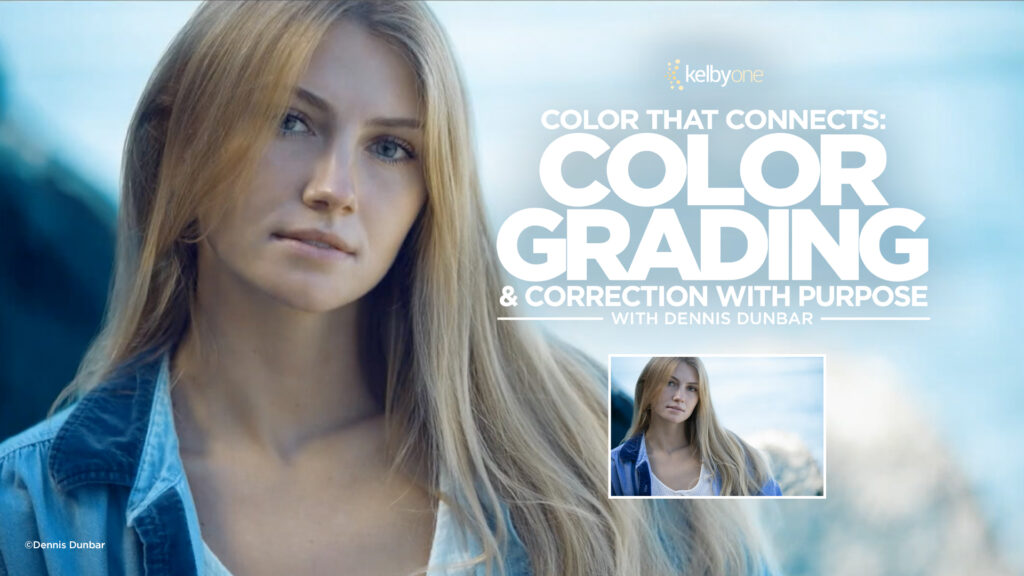
Ever wonder why some images just feel cinematic or cohesive? It’s not just about composition or lighting—it’s about color. In his new class, Color That Connects: Color Grading & Correction with Purpose, Dennis Dunbar explores how color correction and grading can transform an image’s emotional impact and unify its visual story. From portraits to fantasy […]

Read more: Color That Connects: Mastering Color Grading & Correction with Purpose with Dennis Dunbar
Complete Photoshop Editing Workflow: 5 Steps from Raw to Polished

Complete Photoshop Editing Workflow: 5 Steps from Raw to Polished

Photoshop offers endless possibilities for photo enhancement, but many photographers never move beyond basic adjustments because the software feels overwhelming. This comprehensive workflow breaks down photo editing into five manageable stages that work consistently across different photography styles. The systematic approach covers everything from initial raw processing to advanced lighting Read the full article here: […]

Read more: Complete Photoshop Editing Workflow: 5 Steps from Raw to Polished
Photoshop Workspace Basics: Navigation, Zooming, and Essential Interface Elements

Photoshop Workspace Basics: Navigation, Zooming, and Essential Interface Elements

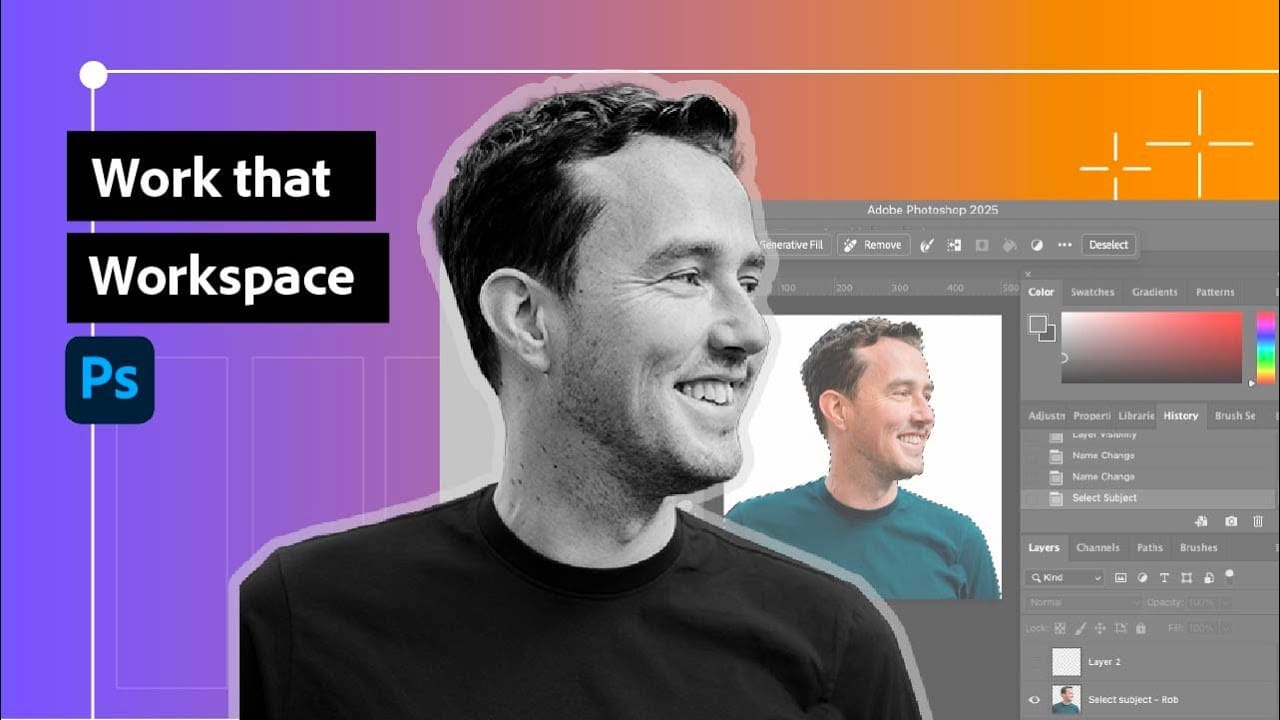
Photoshop's interface can feel overwhelming when you first open the program. Dozens of panels, tools, and menus compete for attention, making simple tasks feel complicated. This tutorial breaks down the essential workspace elements and teaches fundamental navigation skills that form the foundation of efficient Photoshop work. Watch the Read the full article here: Photoshop Workspace […]

Read more: Photoshop Workspace Basics: Navigation, Zooming, and Essential Interface Elements
How to Restore Old Damaged Photos Using Nano Banana in Photoshop

How to Restore Old Damaged Photos Using Nano Banana in Photoshop

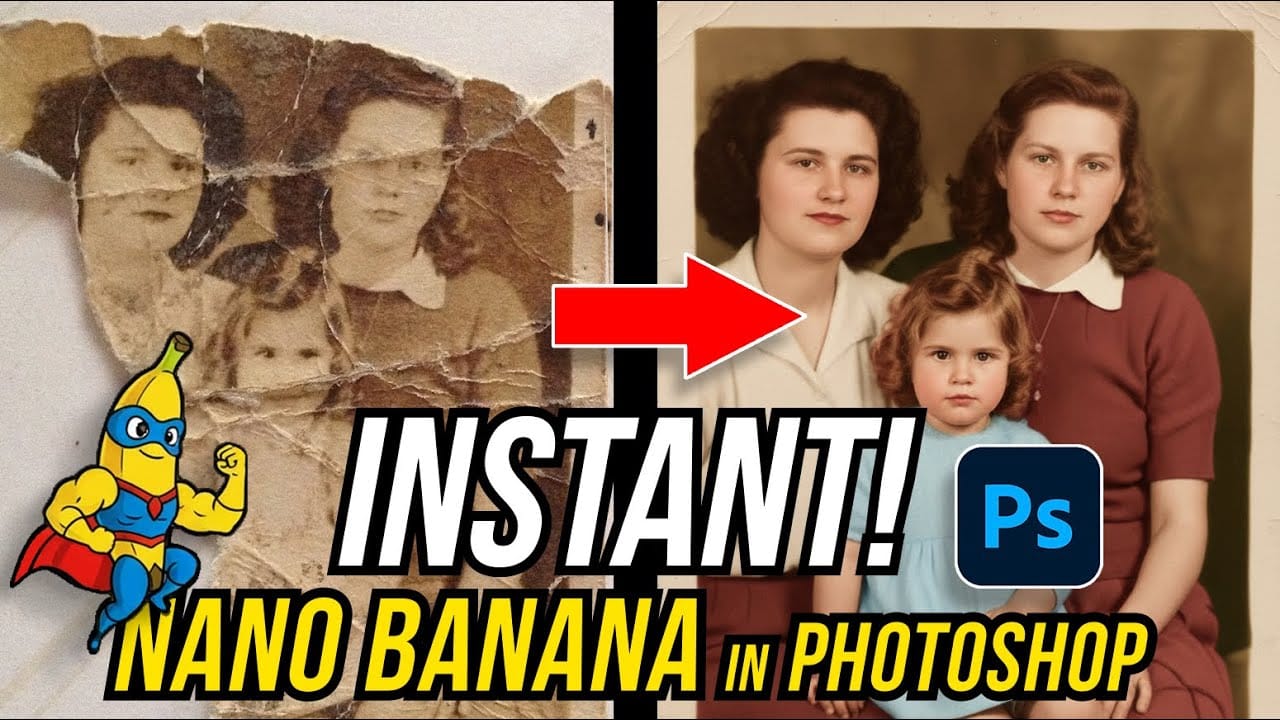
Old family photos with scratches, tears, and missing sections can seem beyond repair. Google's Nano Banana AI model, now integrated into Photoshop, makes full restoration possible in minutes rather than hours. This powerful tool excels at maintaining facial characteristics while automatically filling in damaged areas and adding realistic Read the full article here: How to […]

Read more: How to Restore Old Damaged Photos Using Nano Banana in Photoshop