Photoshop Roadmap Weekly #27
8 Crazy and Unusual Photoshop Effects That Will Make You Say “What the…?!” Read the full article here: Photoshop Roadmap Weekly #27 Photoshop Roadmap

Schenectady Photographic Society
8 Crazy and Unusual Photoshop Effects That Will Make You Say “What the…?!” Read the full article here: Photoshop Roadmap Weekly #27 Photoshop Roadmap
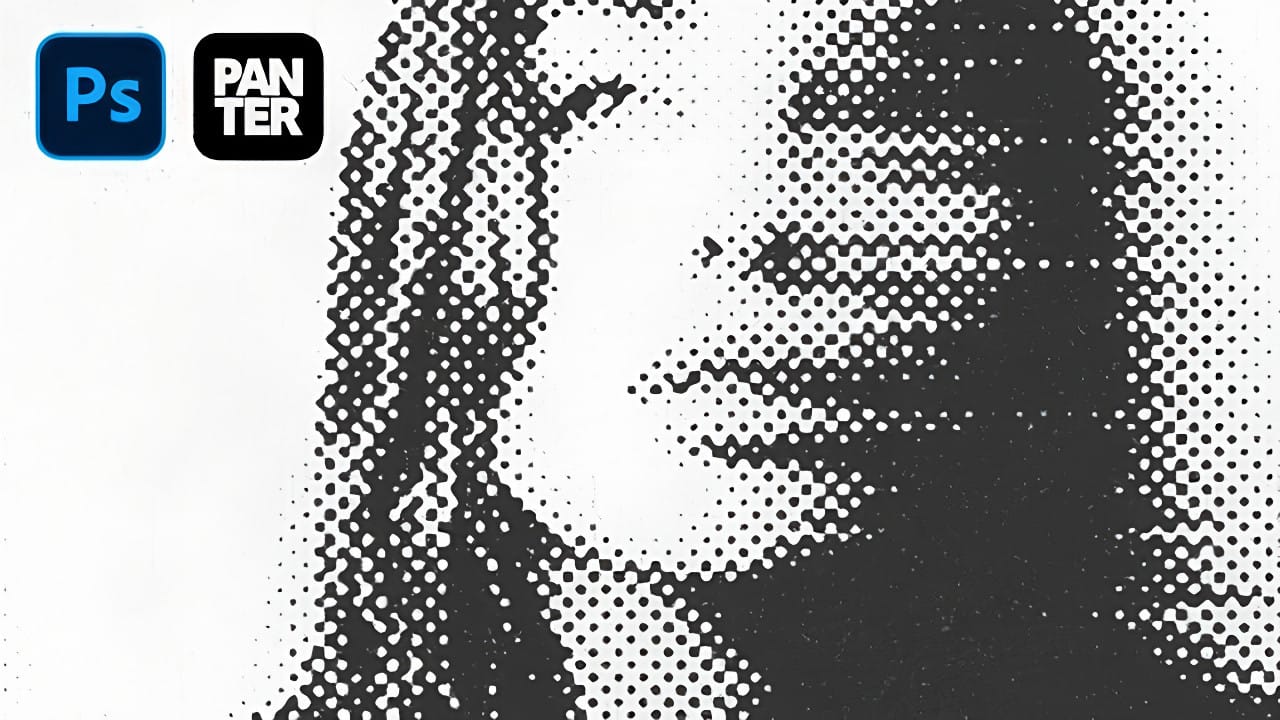
The distinctive look of dotted halftone patterns combined with dynamic motion blur creates striking visual effects that bridge vintage print aesthetics with modern digital design. This technique transforms portrait photography into graphic art pieces with flowing, particle-like textures. The process involves layering multiple filter effects to achieve that coveted Instagram-worthy Read the full article here: […]
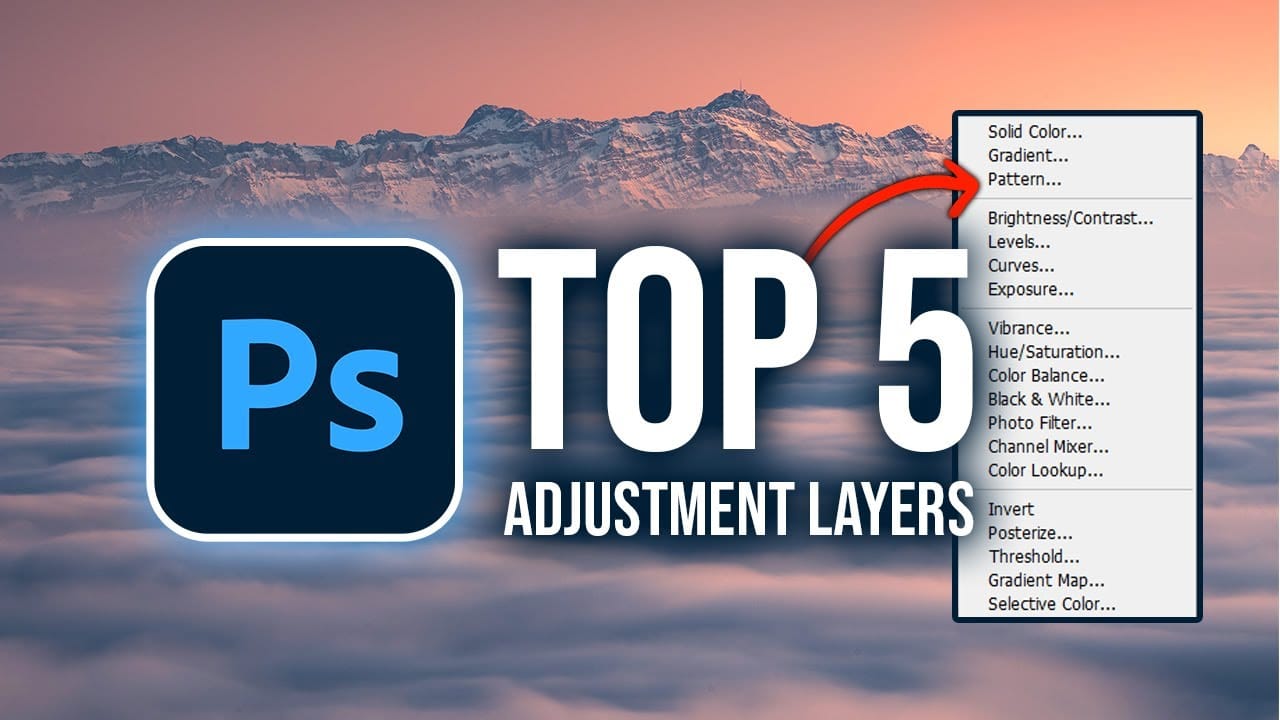
Fine-tuning images without destroying original pixel data transforms ordinary photos into compelling visuals. Adjustment layers provide the flexibility to experiment with colors, contrast, and tones while maintaining complete control over every edit. This comprehensive guide demonstrates how to harness Photoshop's most powerful adjustment layers for landscape photography, from Read the full article here: Master Photoshop […]
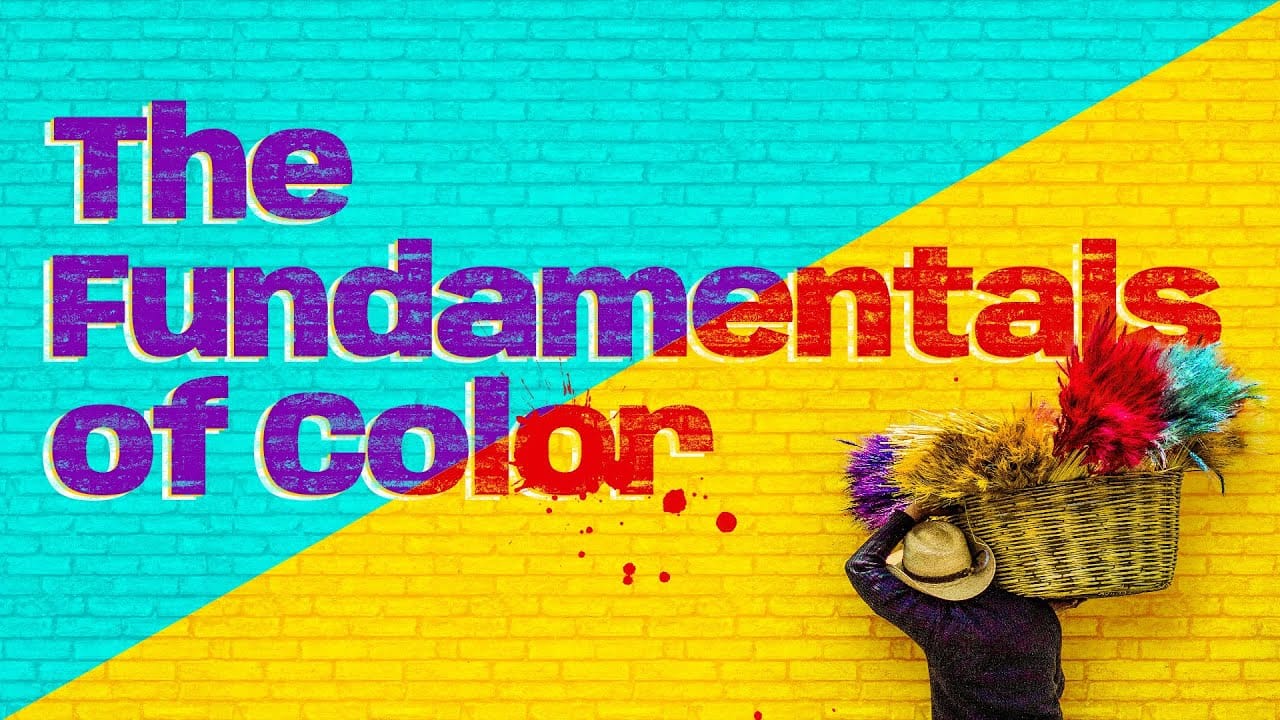
Color theory forms the foundation of every successful digital editing project. From the visible spectrum to RGB channels, understanding how colors interact determines whether your adjustments look natural or artificial. This comprehensive breakdown covers essential color models, temperature and tint relationships, and the practical connections between traditional color theory and Read the full article here: […]
Google's Nano Banana AI model now integrates directly into Photoshop Beta, bringing powerful generative capabilities to image editing. The tool excels at maintaining subject likeness while transforming backgrounds, clothing, and entire scenes with simple text prompts. This integration offers professional-grade AI editing within Photoshop's familiar interface, Read the full article here: 50+ Nano Banana Uses […]
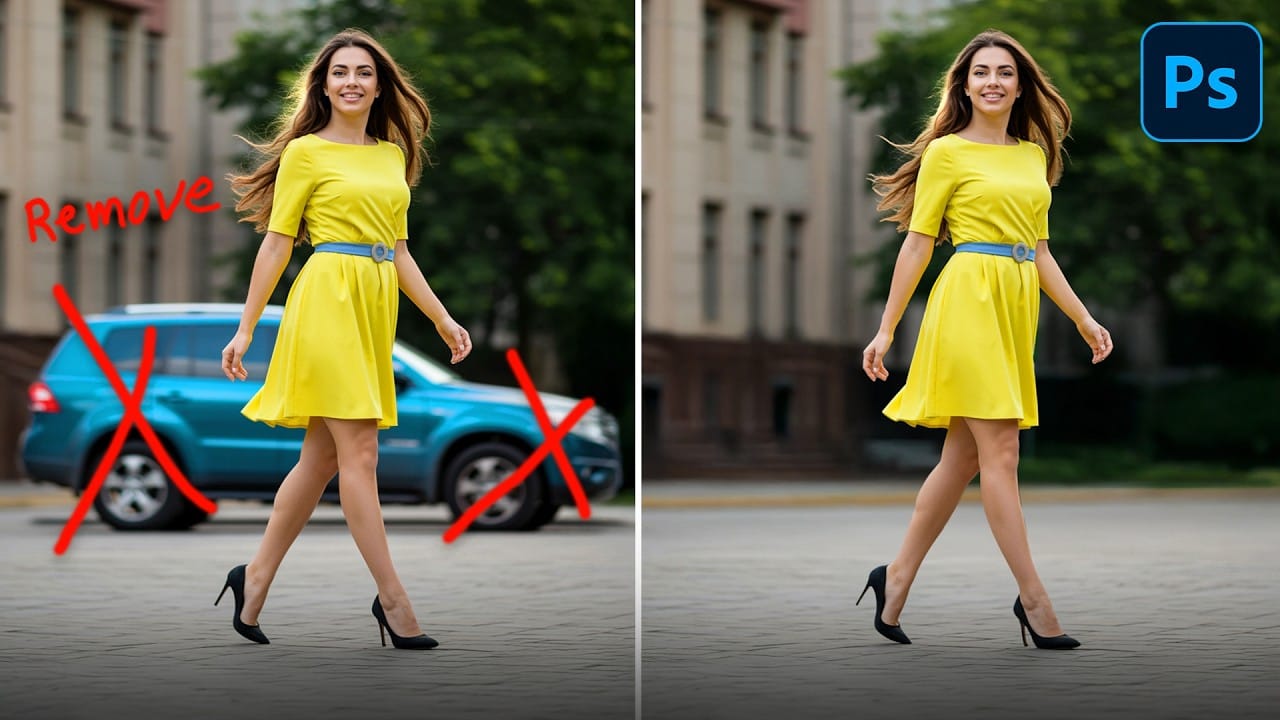
Professional photo editing often requires removing unwanted objects while maintaining natural-looking results. The challenge lies in creating seamless edges and realistic backgrounds, especially around complex subjects like hair or intricate details. This tutorial demonstrates both basic object removal using Photoshop's Remove Tool and an advanced "clean plate& Read the full article here: How to Remove […]
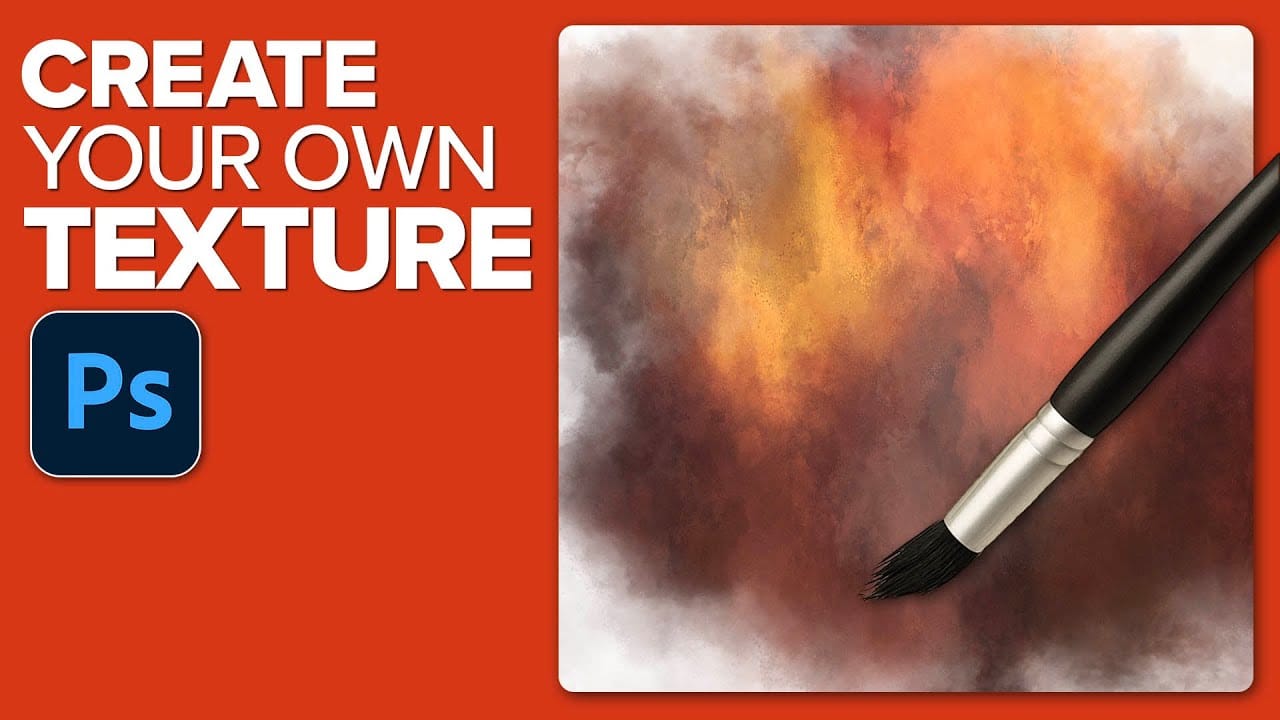
Custom textures add depth and character to photos without relying on expensive texture packs. This technique uses specialized Photoshop brushes and blending modes to create unique overlay textures from scratch. The process combines multiple layers, color variations, and finishing filters to produce professional-quality textures that work perfectly for photo blending Read the full article here: […]
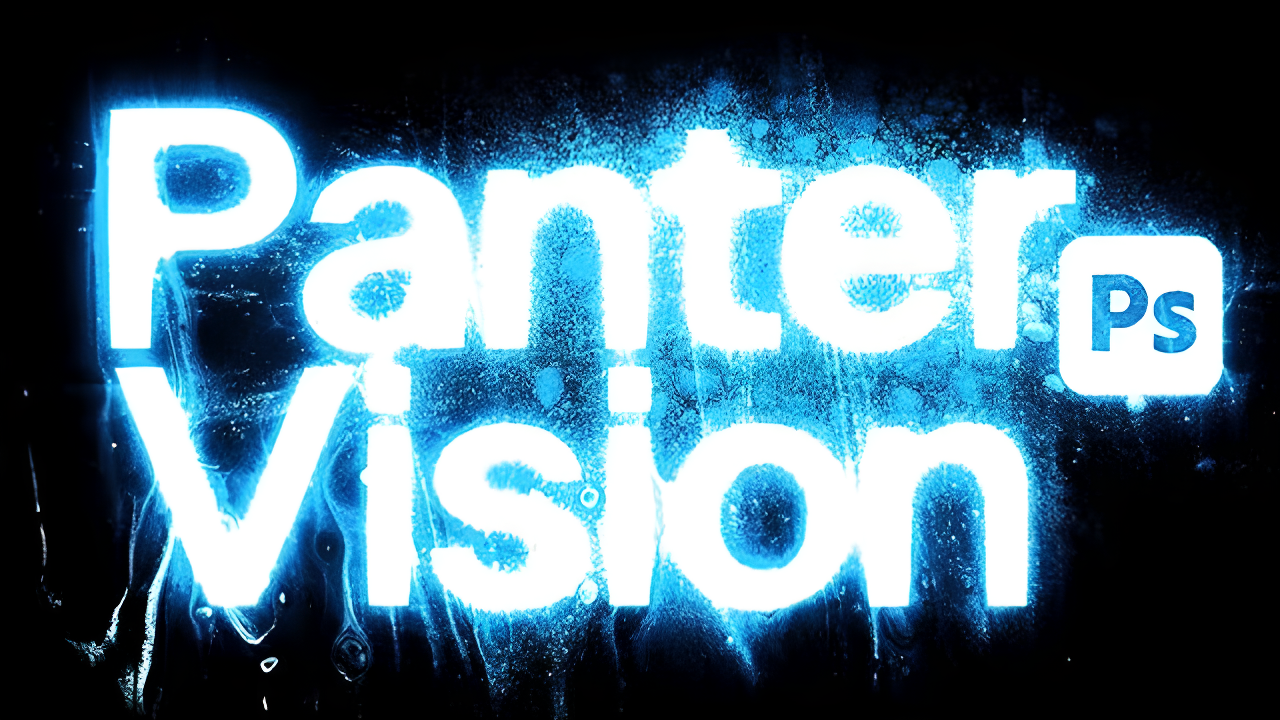
Grungy glow effects transform ordinary typography into edgy, atmospheric designs that capture raw urban energy. This technique combines multiple drop shadows with textural overlays to create depth and visual impact. The video demonstrates a complete workflow for building layered glow effects and applying grunge textures that give text a weathered, Read the full article here: […]