Schenectady Photographic Society

Menu

Author: Webmaster

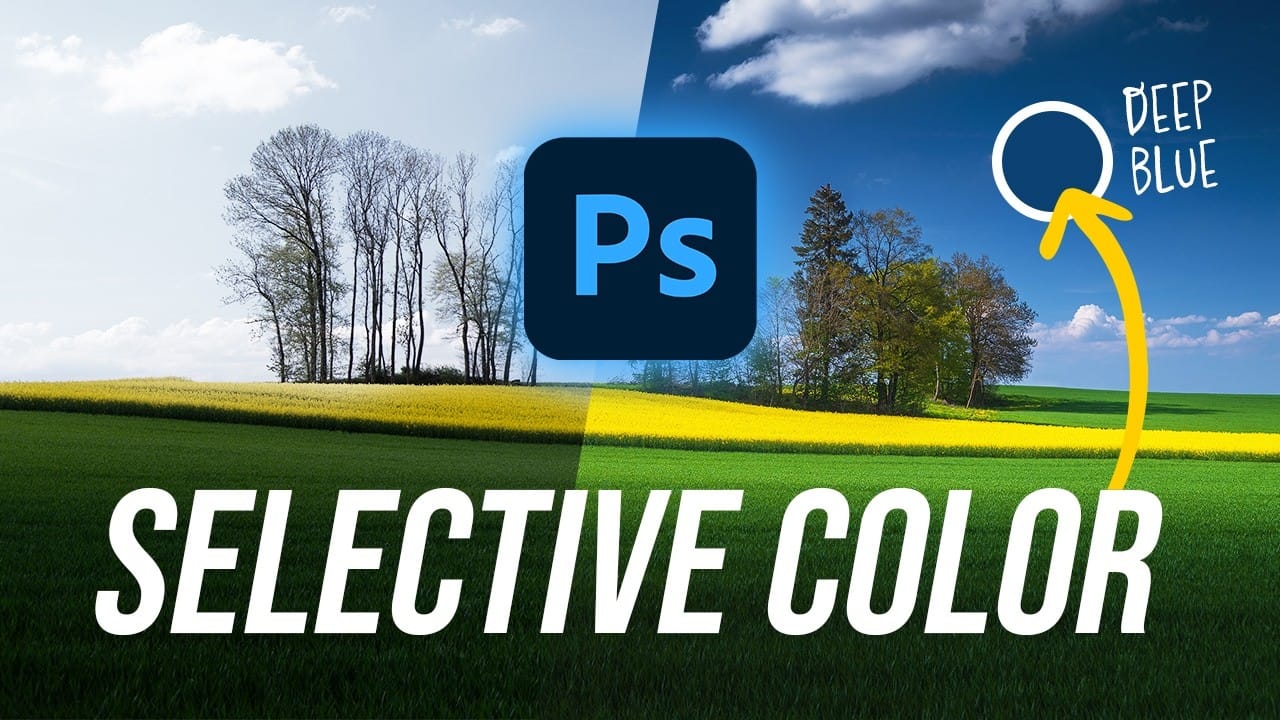
Create Deep Blue Skies Using Photoshop's Selective Color Tool

Create Deep Blue Skies Using Photoshop's Selective Color Tool

Blue skies can make or break a landscape photograph. When they appear too intense or cartoonish, they distract from the entire image. When they look flat and lifeless, the whole scene loses its impact. This video demonstrates how to create rich, dramatic skies using Photoshop's selective color adjustment Read the full article here: Create Deep […]
Read more: Create Deep Blue Skies Using Photoshop's Selective Color Tool
How to Create the Perfect Orton Glow Effect in Photoshop

How to Create the Perfect Orton Glow Effect in Photoshop

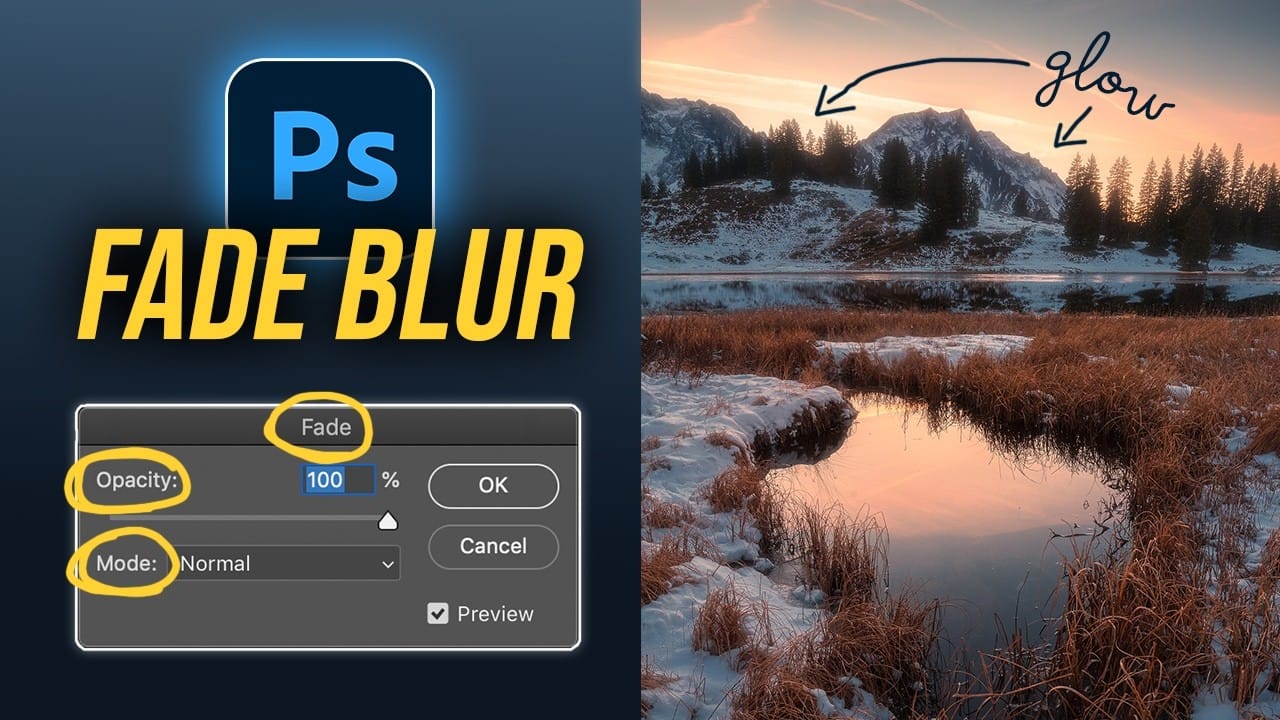
The Orton Effect transforms ordinary landscape photos into dreamy, ethereal images with a signature soft glow. Named after photographer Michael Orton, this technique combines sharp and blurred versions of the same image to create luminous highlights while maintaining detail in the darker areas. This approach works particularly well for sunset Read the full article here: […]

Read more: How to Create the Perfect Orton Glow Effect in Photoshop
Photoshop Generative Expand and Composite Techniques Using AI-Generated Images

Photoshop Generative Expand and Composite Techniques Using AI-Generated Images

AI-generated imagery opens up endless creative possibilities, but the real magic happens when you know how to refine and enhance these digital creations. Raw AI images often need compositional adjustments, element removal, and seamless blending to reach their full potential. This tutorial demonstrates practical techniques for extending canvas space, removing Read the full article here: […]

Read more: Photoshop Generative Expand and Composite Techniques Using AI-Generated Images
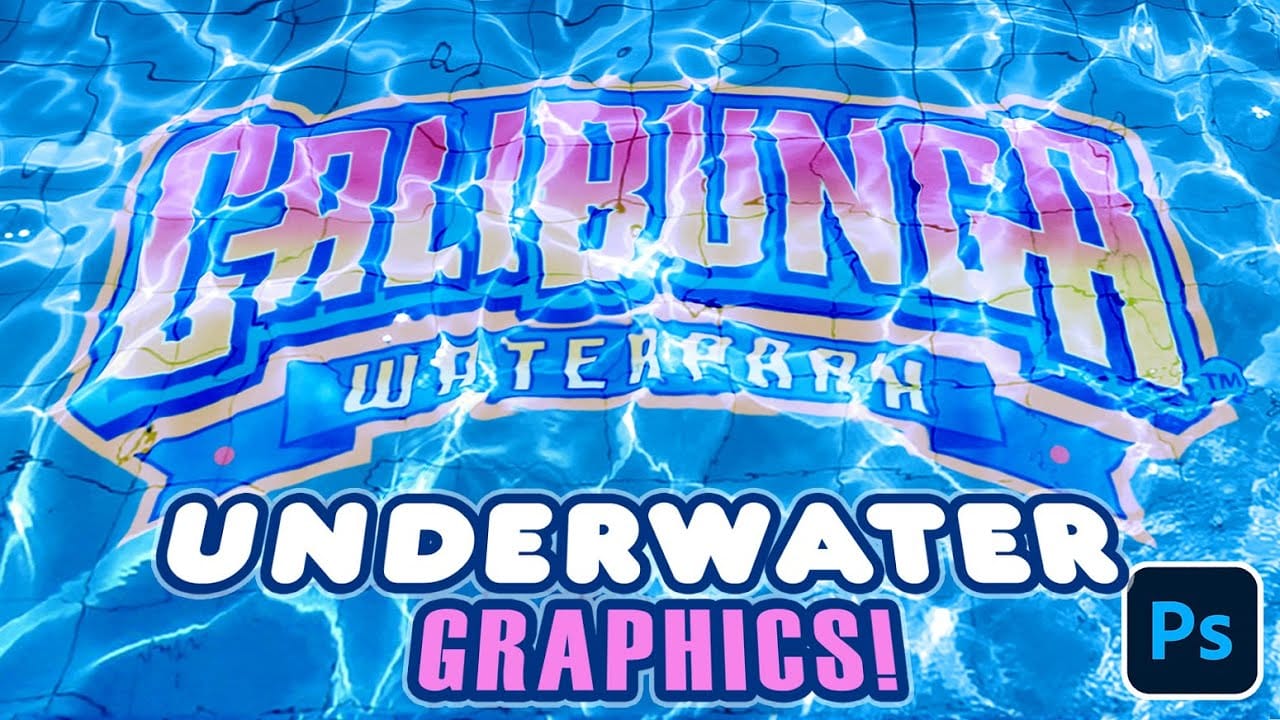
Create Realistic Swimming Pool Underwater Text and Graphics in Photoshop

Create Realistic Swimming Pool Underwater Text and Graphics in Photoshop

Swimming pools create natural optical illusions through water refraction and caustic light patterns. This tutorial demonstrates how to recreate that underwater effect digitally, making any text or graphic appear submerged at the bottom of crystal-clear pool water. The technique combines displacement mapping with careful blending to simulate how water naturally Read the full article here: […]

Read more: Create Realistic Swimming Pool Underwater Text and Graphics in Photoshop
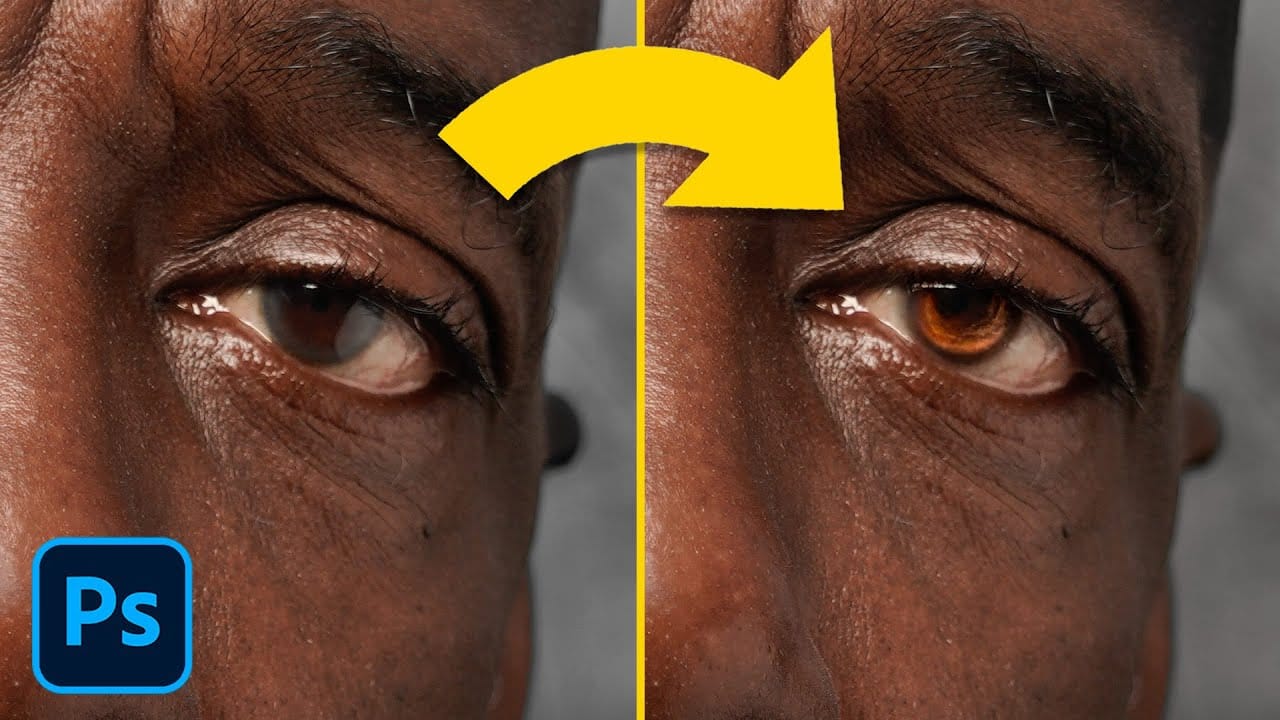
How to Enhance Dark Eyes in Photoshop Using Traditional and AI Techniques

How to Enhance Dark Eyes in Photoshop Using Traditional and AI Techniques

Portrait photographers often face the challenge of completely dark, featureless eyes that resist traditional brightening techniques. When standard exposure adjustments fail to reveal detail, specialized methods can restore life and interest to these challenging areas. This tutorial demonstrates two powerful approaches: a traditional texture-building technique using Photoshop's classic Read the full article here: How to […]

Read more: How to Enhance Dark Eyes in Photoshop Using Traditional and AI Techniques
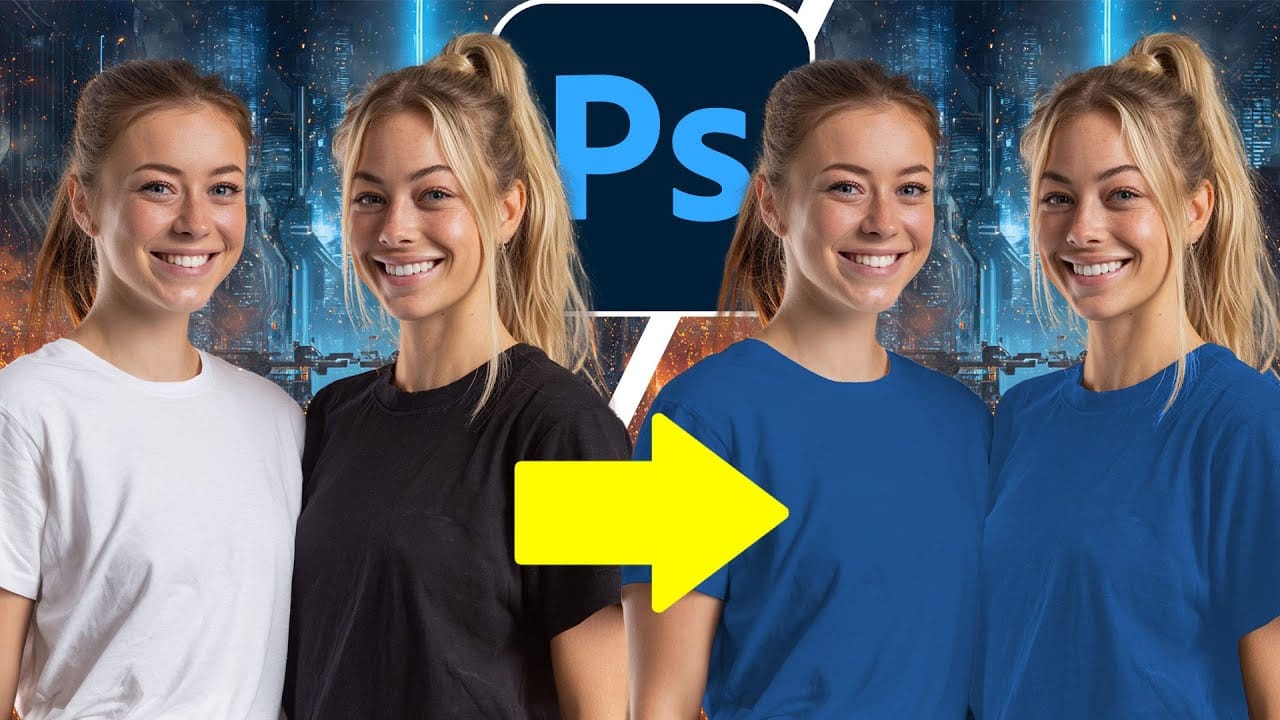
How to Change Black and White to Any Color in Photoshop

How to Change Black and White to Any Color in Photoshop

Standard color adjustment tools fail when you try to change pure black or white elements in your photos. These neutral tones lack the hue and saturation data that typical color replacement methods require. This technique uses Hue/Saturation adjustment layers with strategic lightness modifications to transform both black and white Read the full article here: How […]

Read more: How to Change Black and White to Any Color in Photoshop
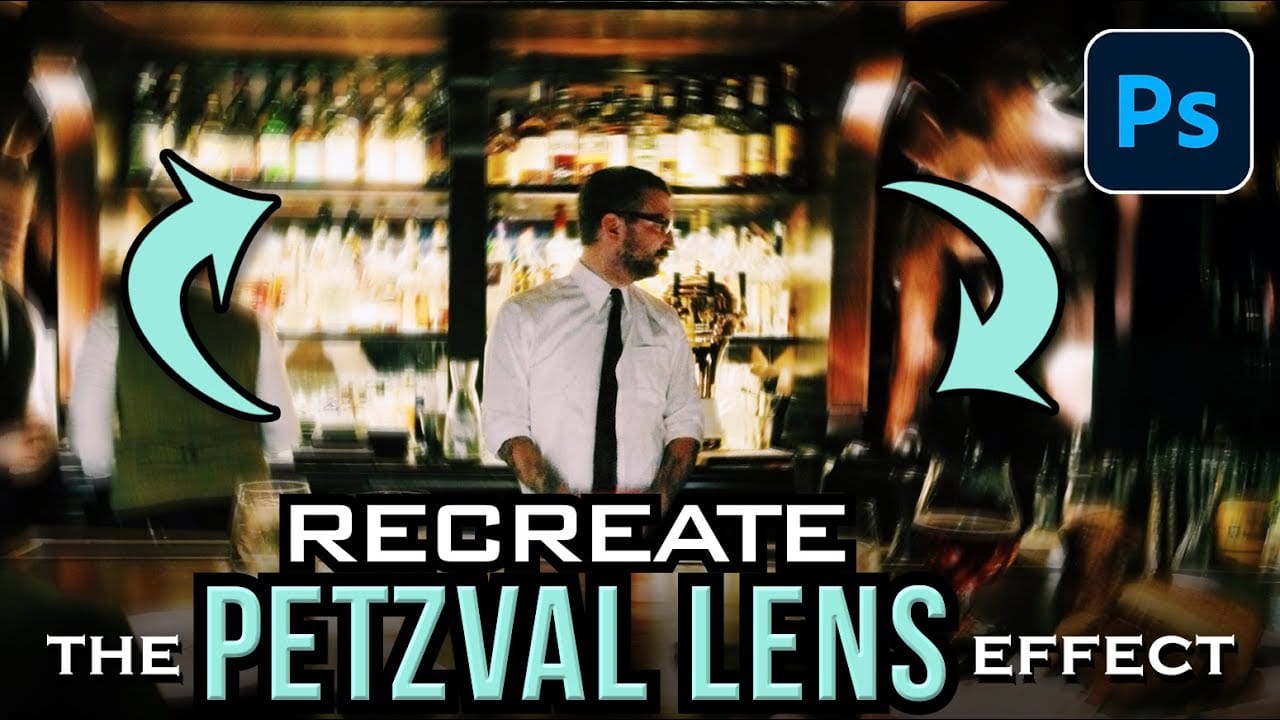
How to Create a Vintage Petzval Lens Effect in Photoshop

How to Create a Vintage Petzval Lens Effect in Photoshop

The Petzval lens, invented in 1840, creates a distinctive swirling, dreamlike blur that transforms ordinary photographs into vintage masterpieces. This unique optical effect features sharp central focus with rapidly falling sharpness toward the edges. Recreating this coveted vintage aesthetic in Photoshop allows photographers to achieve the same romantic, spiraling bokeh Read the full article here: […]

Read more: How to Create a Vintage Petzval Lens Effect in Photoshop
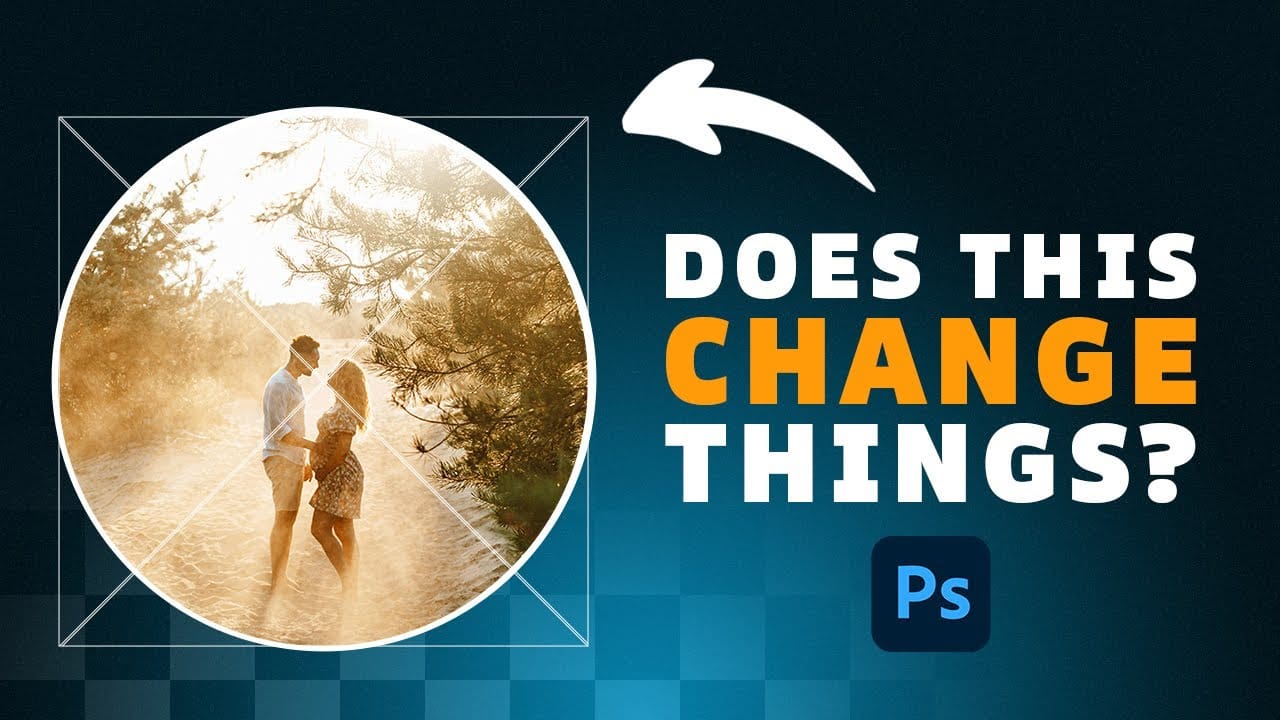
How Photoshop's Updated Frame Tool Simplifies Layer Cropping

How Photoshop's Updated Frame Tool Simplifies Layer Cropping

Cropping individual layers in Photoshop has traditionally required multiple complex steps involving selections, layer masks, or clipping masks. The updated Frame Tool now offers a streamlined drag-and-drop approach that eliminates confusion and reduces workflow steps. These improvements make layer cropping accessible to beginners while speeding up workflows for advanced users Read the full article here: […]

Read more: How Photoshop's Updated Frame Tool Simplifies Layer Cropping