Schenectady Photographic Society

Menu

Author: Webmaster

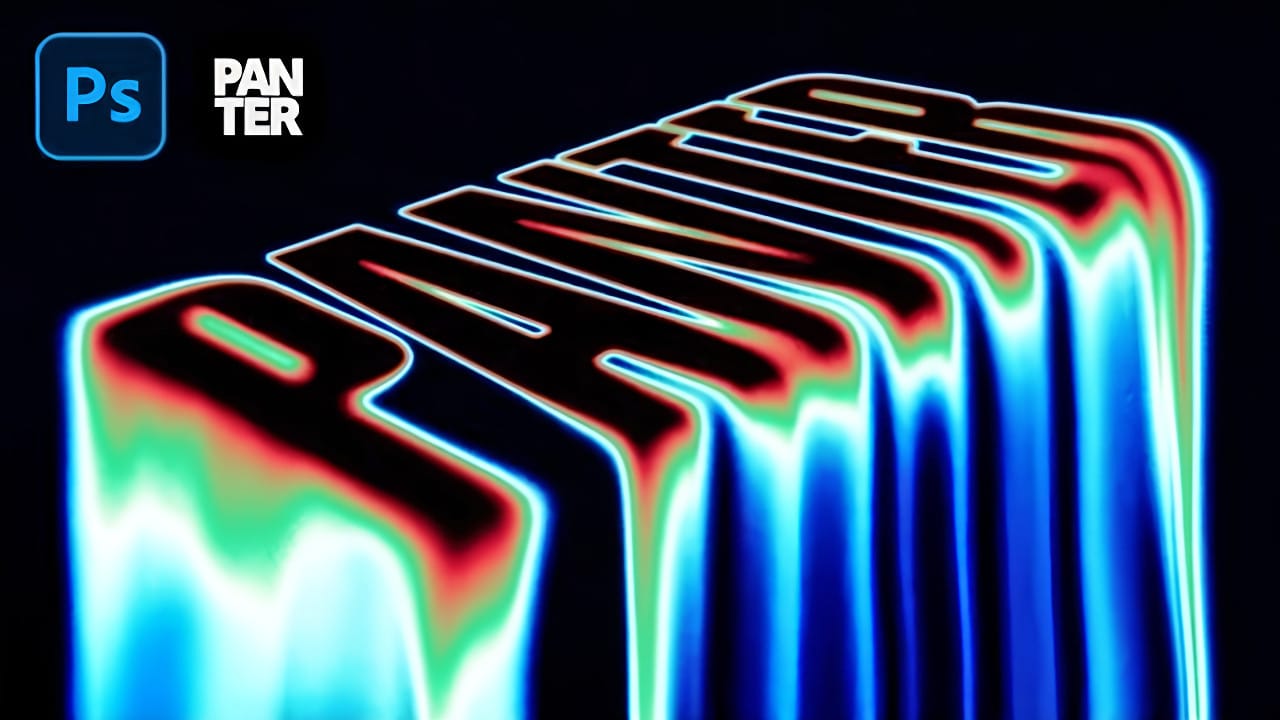
How to Create a Stencil Spray Paint Text Effect Using Photoshop, Firefly & Illustrator

How to Create a Stencil Spray Paint Text Effect Using Photoshop, Firefly & Illustrator

Street art transforms simple text into bold statements with that unmistakable spray paint look. The rough, organic texture of stenciled letters creates an edgy aesthetic that stands out from polished digital fonts. This technique combines multiple Adobe tools to achieve authentic graffiti-style text, complete with realistic drips and that characteristic Read the full article here: […]
Read more: How to Create a Stencil Spray Paint Text Effect Using Photoshop, Firefly & Illustrator
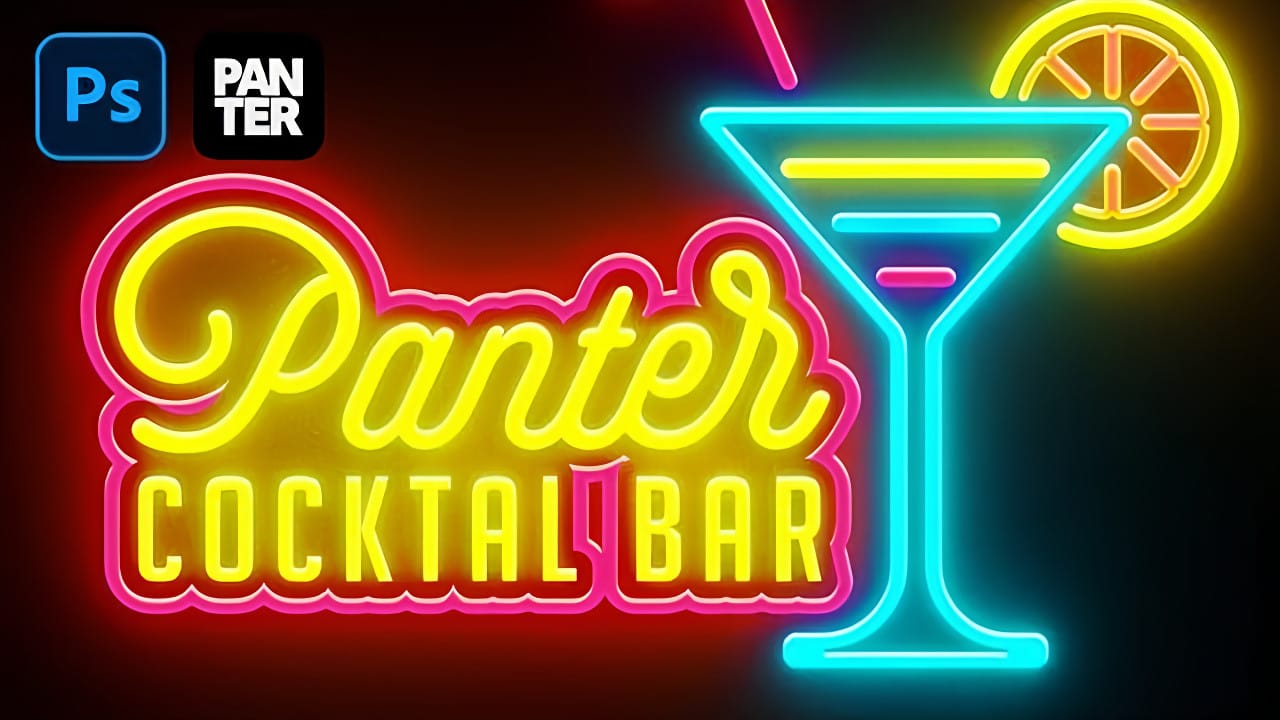
Create Liquid Melting Acid Text in Perspective in Photoshop

Create Liquid Melting Acid Text in Perspective in Photoshop

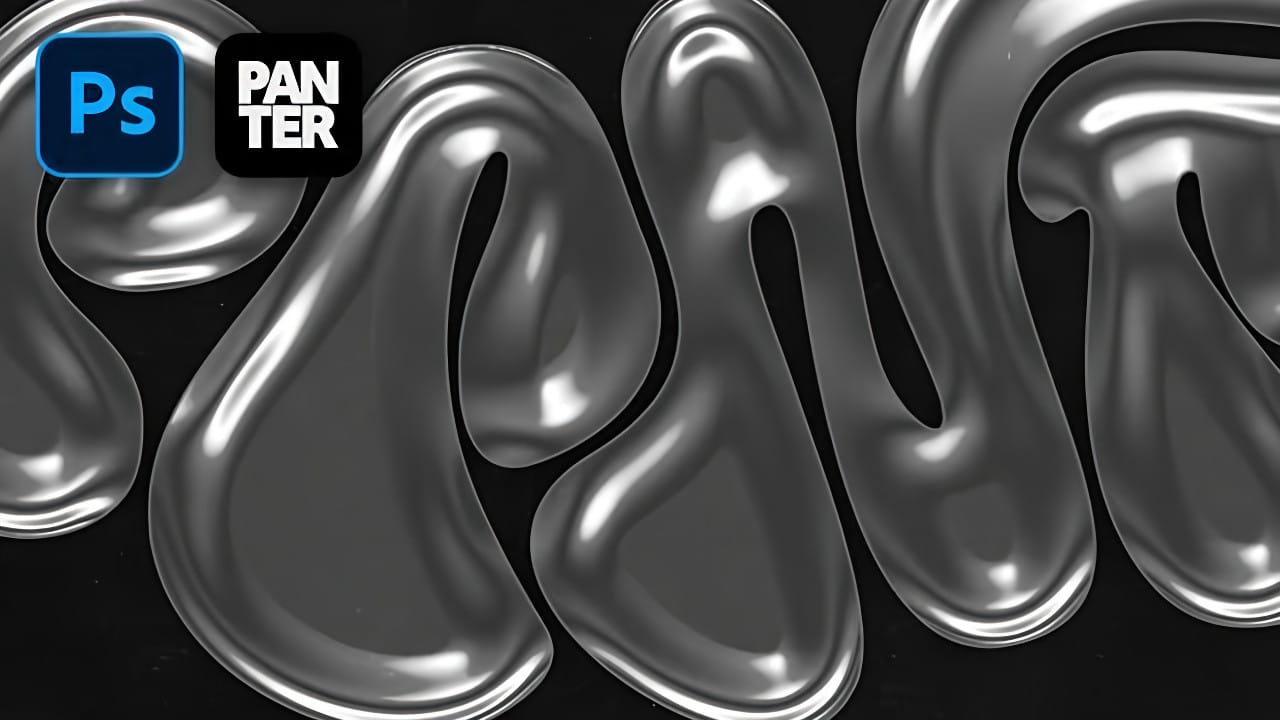
Acid text effects capture the raw energy of corrosive transformation, turning ordinary typography into flowing, organic shapes that appear to melt and dissolve. This distinctive visual style suggests powerful forces reshaping matter itself, creating text that seems alive with chemical reaction. The technique transforms flat letters into dimensional, perspective-distorted forms Read the full article here: […]

Read more: Create Liquid Melting Acid Text in Perspective in Photoshop
Create a Neon Text Effect in Photoshop with Blur and Layer Styles

Create a Neon Text Effect in Photoshop with Blur and Layer Styles

Neon signs bring instant energy to any design with their electric glow and vibrant colors. The luminous quality that makes real neon so captivating can transform ordinary text into something that feels alive and pulsing with light. This video demonstrates how to recreate that distinctive neon look using Photoshop' Read the full article here: Create […]

Read more: Create a Neon Text Effect in Photoshop with Blur and Layer Styles
Grungy Ink Bleed Text Effect Tutorial in Photoshop

Grungy Ink Bleed Text Effect Tutorial in Photoshop

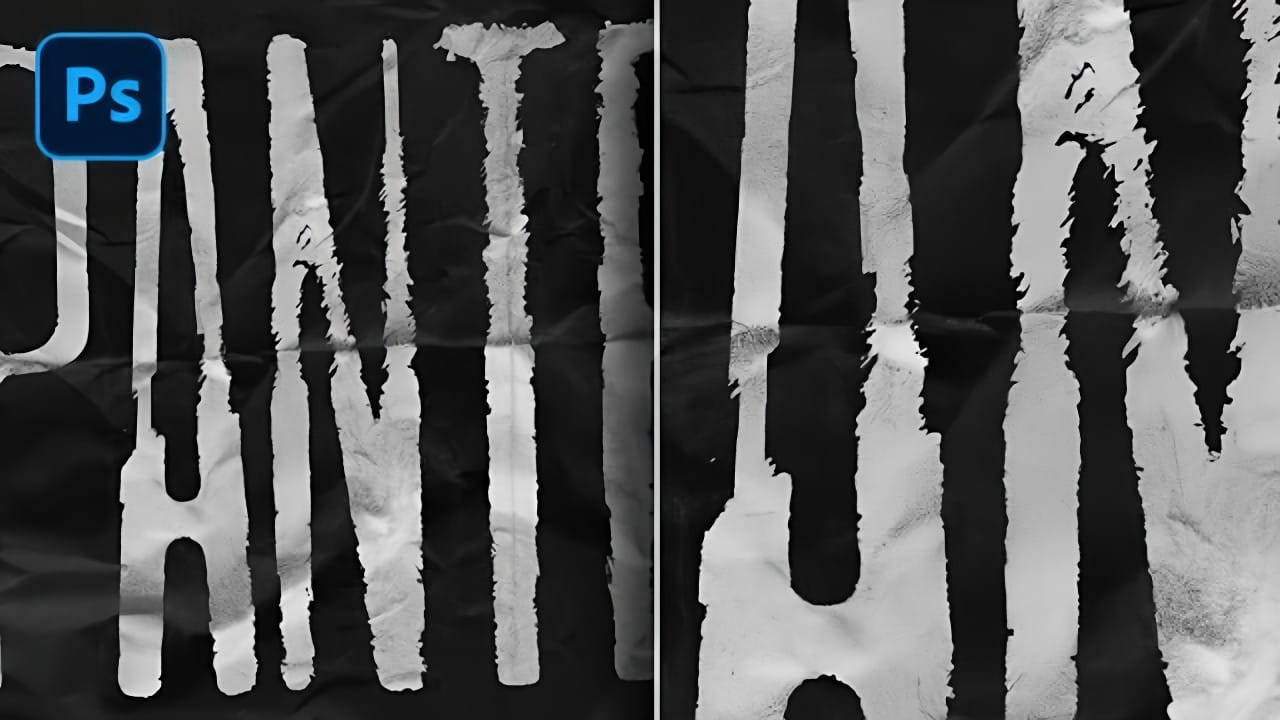
Street art and underground design capture attention through their raw, imperfect textures that feel authentic and rebellious. The ink bleed effect transforms clean typography into something that appears weathered and organic, as if ink has spread naturally on wet paper. This technique combines blur effects with texture overlays to create Read the full article here: […]

Read more: Grungy Ink Bleed Text Effect Tutorial in Photoshop
How to Create a Foil Text Effect in Photoshop

How to Create a Foil Text Effect in Photoshop

Foil text effects bring luxurious shine and metallic depth to typography, mimicking the reflective quality of embossed metallic lettering. This dimensional effect works perfectly for premium branding, elegant invitations, or any design that needs an upscale metallic finish. The technique relies heavily on Photoshop's layer styles, particularly bevel Read the full article here: How to […]

Read more: How to Create a Foil Text Effect in Photoshop
Creating Circular Text with Motion Blur Effects in Photoshop

Creating Circular Text with Motion Blur Effects in Photoshop

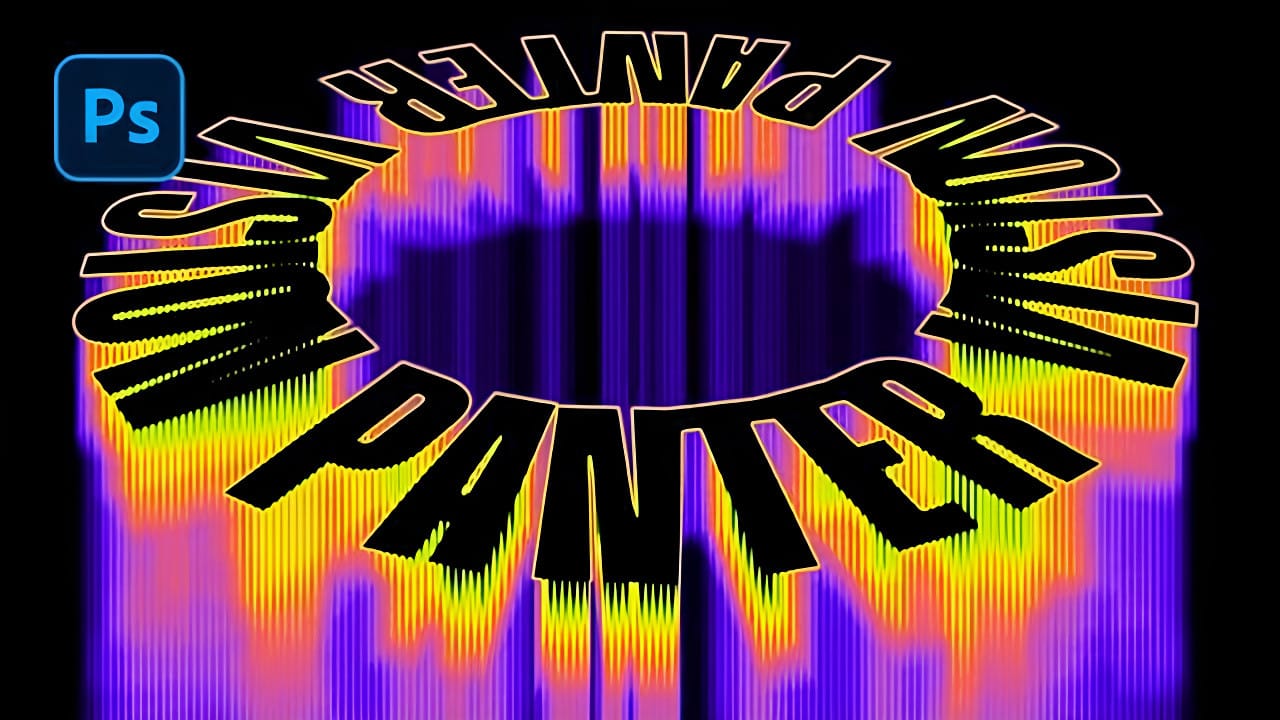
Spinning text effects with motion blur create the illusion of dynamic movement and energy in digital designs. This visual technique transforms static typography into something that appears to be rotating rapidly through space, leaving trailing blur patterns that catch the eye. The combination of circular text arrangement, perspective distortion, and Read the full article here: […]

Read more: Creating Circular Text with Motion Blur Effects in Photoshop