Schenectady Photographic Society

Menu

Author: Webmaster

Create Abstract Artwork with Tekniq Photoshop Action

Create Abstract Artwork with Tekniq Photoshop Action

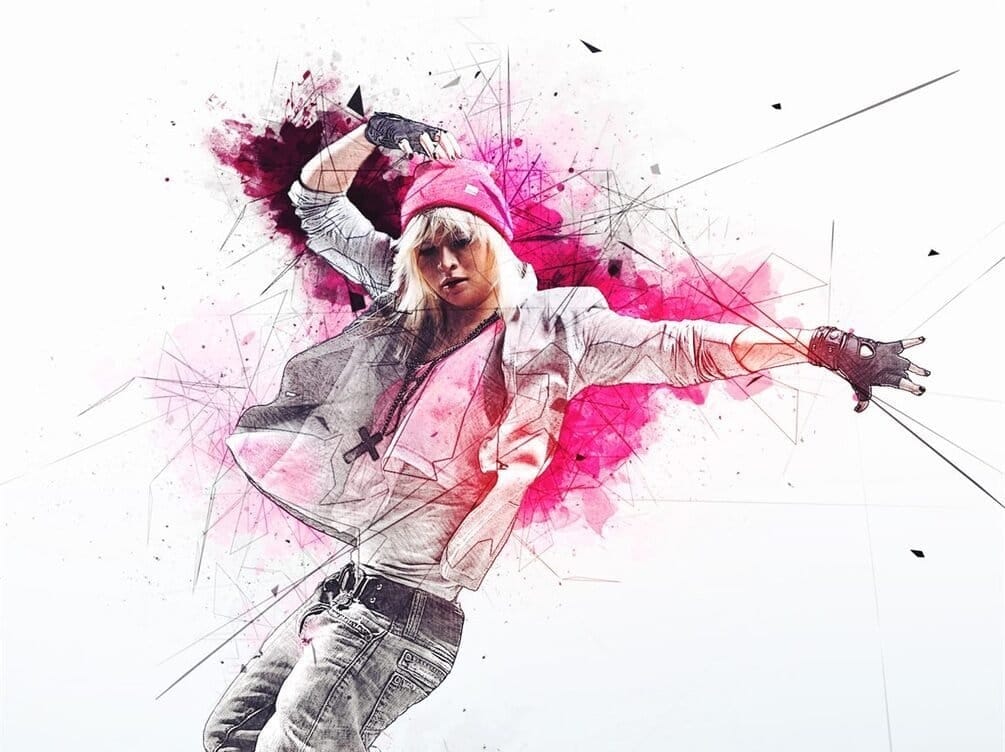
The Tekniq Photoshop Action simplifies the creation of abstract artwork from photographs. This tool allows users to transform images with minimal effort, requiring only a few clicks after loading the necessary files into Adobe Photoshop CS3 or newer. Users maintain full layer control post-application, enabling extensive customization and refinement of Read the full article here: […]

Read more: Create Abstract Artwork with Tekniq Photoshop Action
Aperty: The Portrait Editor That Actually Understands Faces

Aperty: The Portrait Editor That Actually Understands Faces

Portrait editing has a problem. You can spend hours perfecting skin texture, removing blemishes, and adjusting facial features—only to end up with results that look artificial or overdone. Traditional tools treat every pixel the same way, leaving you to manually mask and adjust each element of a face individually. Read the full article here: Aperty: […]

Read more: Aperty: The Portrait Editor That Actually Understands Faces
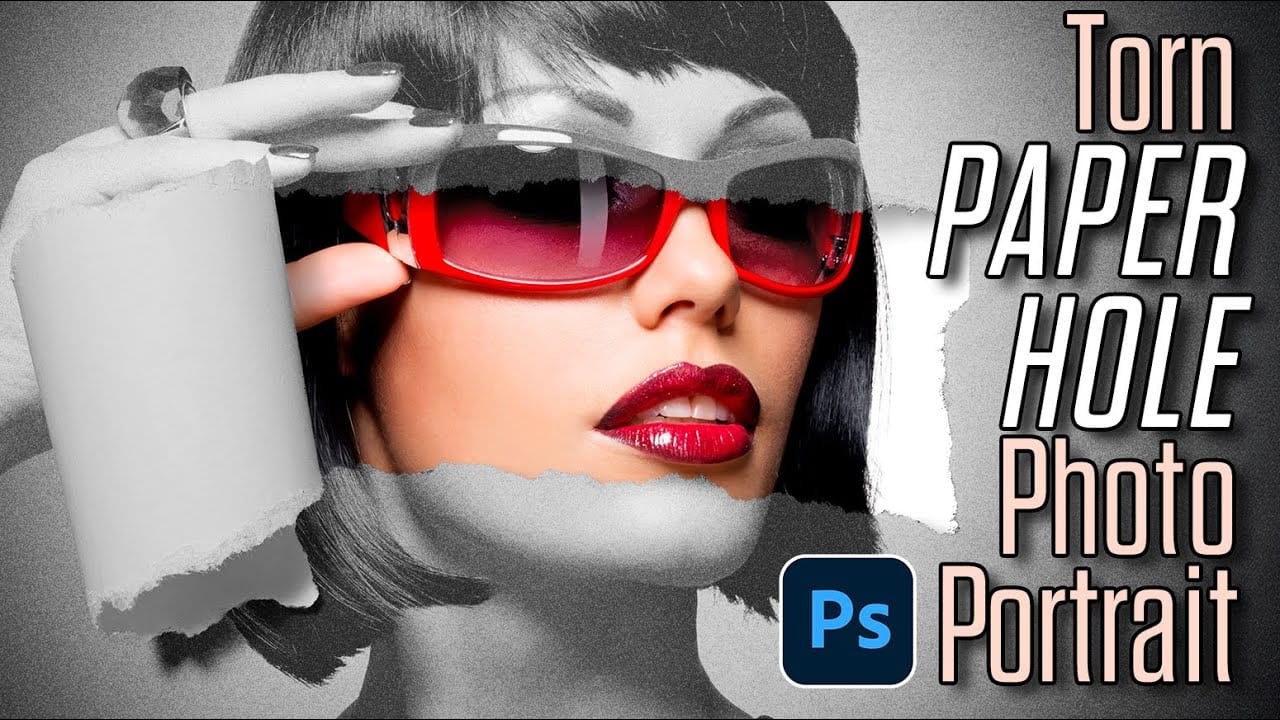
How to Create a Torn Paper Portrait Effect in Photoshop

How to Create a Torn Paper Portrait Effect in Photoshop

Torn paper portraits create dramatic visual storytelling by revealing layers of meaning beneath the surface. This artistic technique transforms ordinary portraits into compelling compositions that suggest hidden depths, contrasts, or dual perspectives. The effect works particularly well when combining different treatments of the same subject—such as color and black-and-white Read the full article here: How […]

Read more: How to Create a Torn Paper Portrait Effect in Photoshop
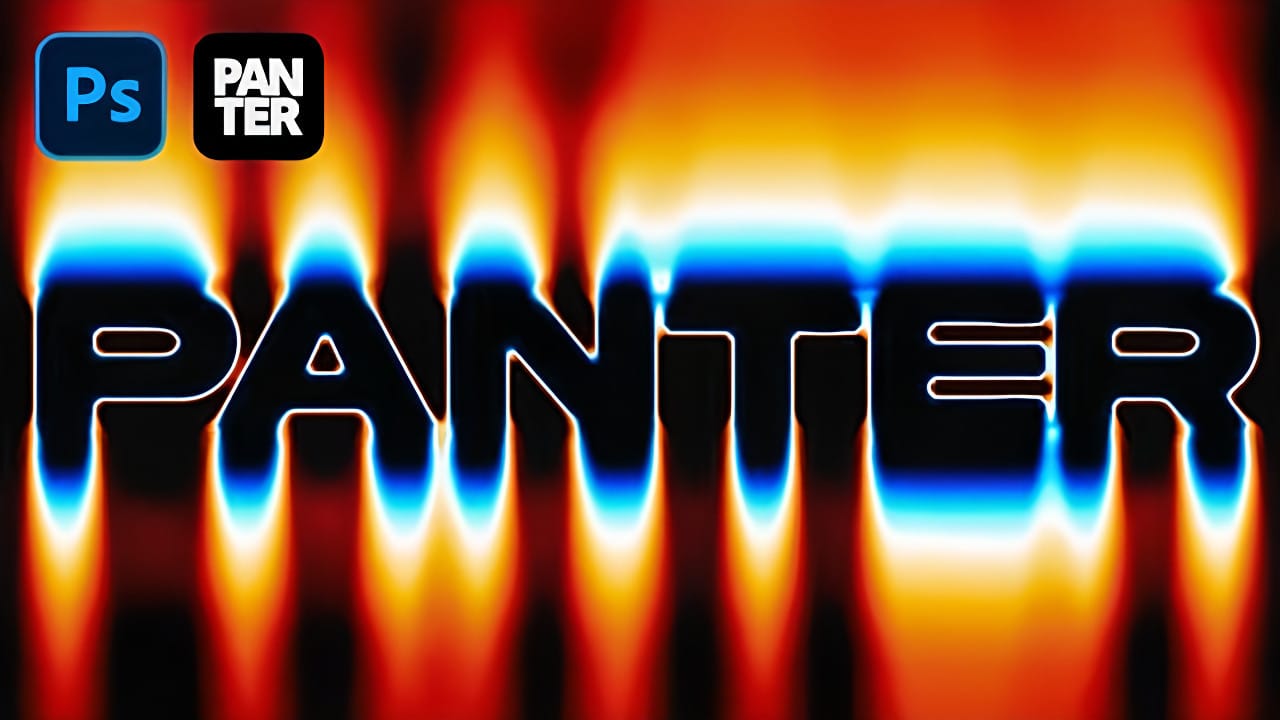
Create Fire Text with Motion Blur and Gradients in Photoshop

Create Fire Text with Motion Blur and Gradients in Photoshop

Fire text effects bring raw energy and dynamic movement to any design project. The combination of motion blur and colorful gradients creates the illusion of blazing flames trailing behind text, perfect for logos, posters, and dramatic typography. This technique transforms static lettering into something that appears to be racing across Read the full article here: […]

Read more: Create Fire Text with Motion Blur and Gradients in Photoshop
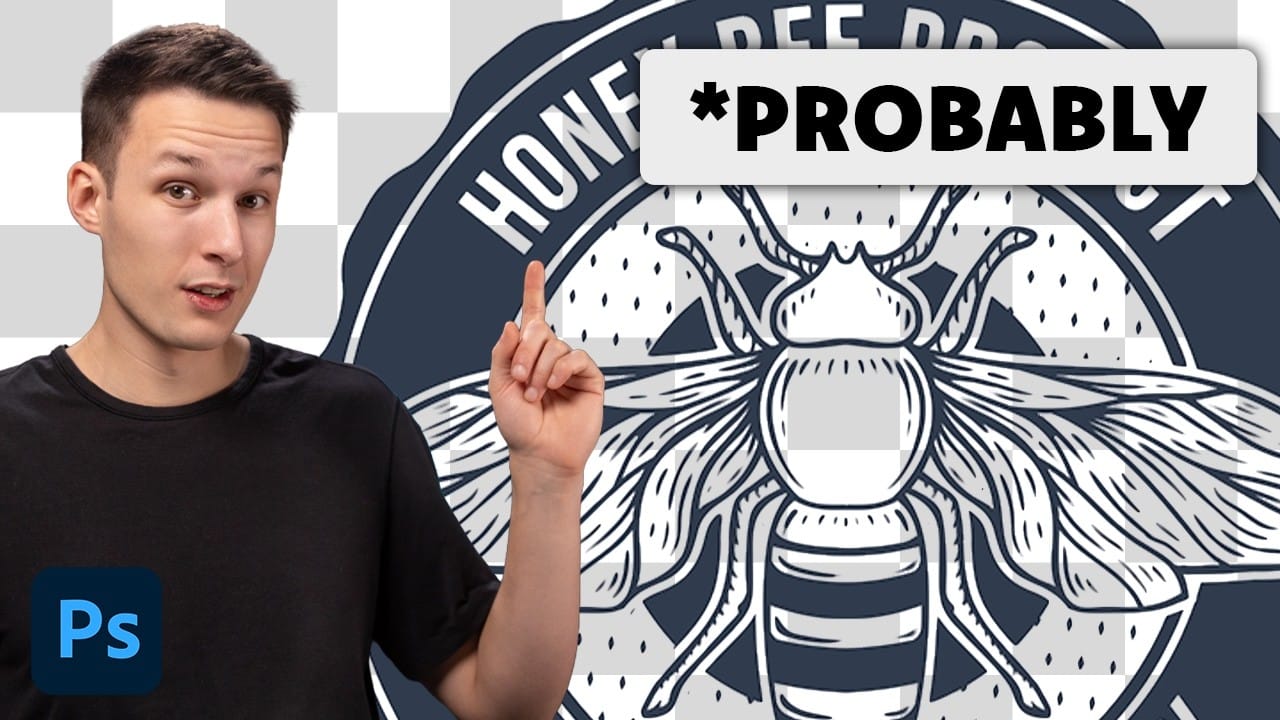
How to Remove White or Black Backgrounds Using Blend If in Photoshop

How to Remove White or Black Backgrounds Using Blend If in Photoshop

When standard selection tools fail to cleanly remove backgrounds from logos, icons, or graphics, you need a different approach. White edges, missed details, and poor selections can ruin what should be a simple task. The Blend If feature offers a direct solution for images with solid white or black backgrounds. Read the full article here: […]

Read more: How to Remove White or Black Backgrounds Using Blend If in Photoshop
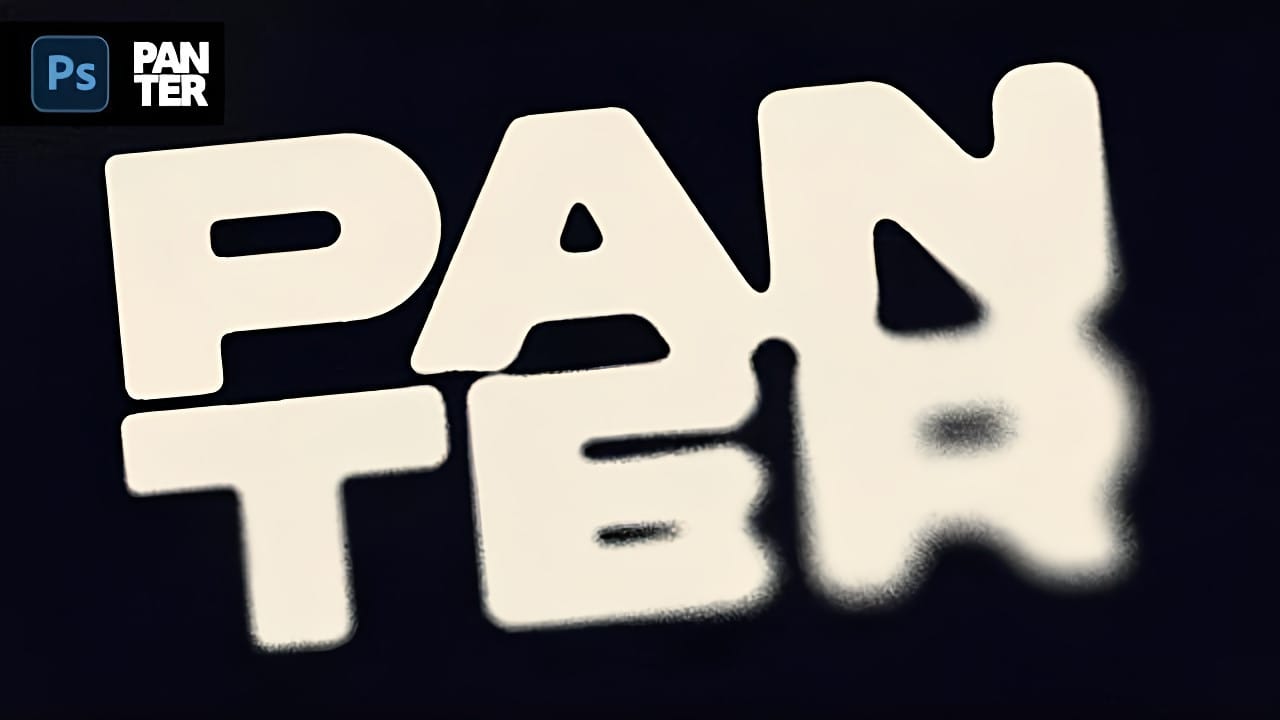
Distressed Ink Bleed Text Effect in Photoshop

Distressed Ink Bleed Text Effect in Photoshop

Street art and underground design aesthetics have a raw, rebellious quality that draws the eye and commands attention. The distressed ink bleed effect captures this energy by transforming clean typography into something that looks weathered, organic, and authentically gritty. This technique combines blur effects with threshold adjustments to create text Read the full article here: […]

Read more: Distressed Ink Bleed Text Effect in Photoshop
How to Create Chromatic Aberration Text Effect in Photoshop

How to Create Chromatic Aberration Text Effect in Photoshop

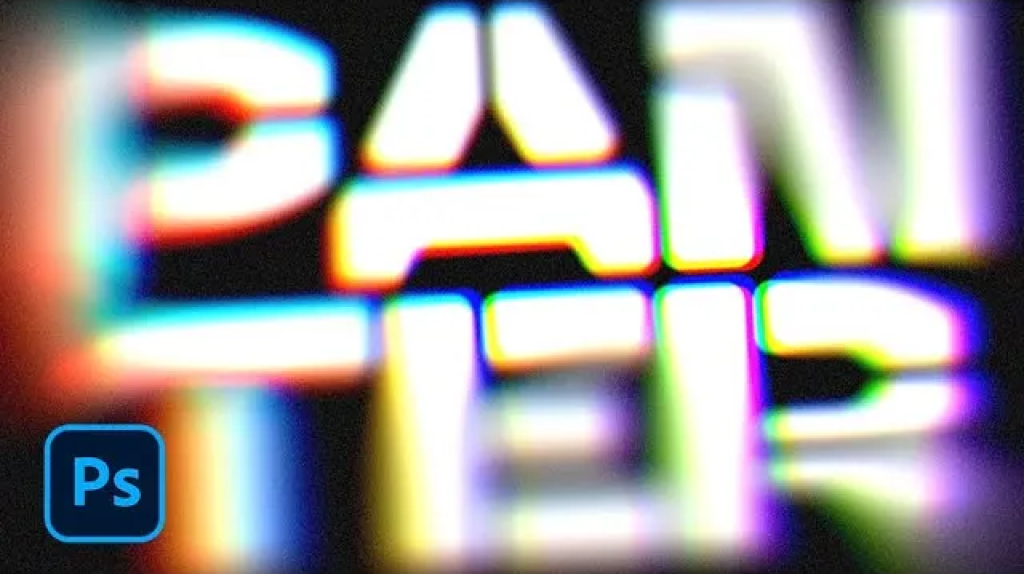
Chromatic aberration brings that dreamy, vintage camera lens distortion that makes text pop with separated color channels. This optical effect mimics how cheaper lenses struggle to focus all colors at the same point, creating those signature red, green, and blue edges that drift apart. This technique transforms ordinary text into Read the full article here: […]

Read more: How to Create Chromatic Aberration Text Effect in Photoshop