Skip to content
Schenectady Photographic Society

Schenectady Photographic Society

Established 1932
Schenectady Photographic Society
Menu
  • Home
  • Downloads
    • The Focus
    • Annual Reports
    • New Member Info
  • Competitions
    • Assigned Topics
    • Print
      • Competition Galleries
      • Competition Results
        • 2025-2026
        • 2024-2025
        • 2023-2024
        • 2019-2020
        • 2018-2019
        • 2017-2018
        • 2016-2017
        • 2015-2016
      • Competition Rules
      • Submission Card Creator
    • Digital Image
      • Submissions
        • 2026-2027
        • 2025-2026
        • 2024-2025
        • 2023-2024
        • 2022-2023
        • 2021-2022
        • 2020-2021
        • 2019-2020
        • 2018-2019
        • 2017-2018
        • 2016-2017
        • 2015-2016
      • Competition Results
        • 2026-2027
        • 2025-2026
        • 2024-2025
        • 2023-2024
        • 2022-2023
        • 2021-2022
        • 2020-2021
        • 2019-2020
        • 2018-2019
        • 2017-2018
        • 2016-2017
        • 2015-2016
      • Preparation Guidelines
      • Competition Rules
    • Photo Essay
      • Competition Rules
  • Programs
    • Mentoring
    • Field Trips
    • Traveling Exhibits
  • Events
    • Full Events Calendar
    • Luba Ricket Creativity Award
      • Submission Form
  • News
    • Announcements
    • Photoshop
    • Lightroom
  • Links
  • About SPS
    • Our FAQ
    • Directions
    • By-Laws
    • Constitution
    • Board of Directors
    • Betty Barker Award
    • Liability Waiver and Safety Requirements Agreement
    • SPS In the News
      • Heritage of Vision - 518 Profiles Magazine
      • 80th Anniversary - Daily Gazette
  • Join Us
CLOSE
Schenectady Photographic Society

Upcoming Events

November 11, 2026
  • Digital Competition  Add to Calendar
    7:00 pm - 9:00 pm
    6 days ago
    See more details

November 18, 2026
  • Event Night  Add to Calendar
    7:00 pm - 9:00 pm
    23 hours from now
    See more details

November 25, 2026
  • No Meeting (Thanksgiving)  Add to Calendar
    7:00 pm - 9:00 pm
    1 week from now
    See more details

December 2, 2026
  • Print Competition  Add to Calendar
    7:00 pm - 9:00 pm
    2 weeks from now
    See more details

December 9, 2026
  • Digital Competition  Add to Calendar
    7:00 pm - 9:00 pm
    3 weeks from now
    See more details

December 16, 2026
  • Event Night  Add to Calendar
    7:00 pm - 9:00 pm
    4 weeks from now
    See more details

December 23, 2026
  • No Meeting (Christmas Holiday)  Add to Calendar
    7:00 pm - 9:00 pm
    1 month from now
    See more details

December 30, 2026
  • No Meeting (New Year's Holiday)  Add to Calendar
    7:00 pm - 9:00 pm
    1 month from now
    See more details

January 6, 2027
  • Print Competition  Add to Calendar
    7:00 pm - 9:00 pm
    2 months from now
    See more details

January 13, 2027
  • Digital Competition  Add to Calendar
    7:00 pm - 9:00 pm
    2 months from now
    See more details

January 20, 2027
  • Event Night  Add to Calendar
    7:00 pm - 9:00 pm
    2 months from now
    See more details

January 27, 2027
  • Event Night  Add to Calendar
    7:00 pm - 9:00 pm
    2 months from now
    See more details

February 3, 2027
  • Print Competition  Add to Calendar
    7:00 pm - 9:00 pm
    3 months from now
    See more details

Blog

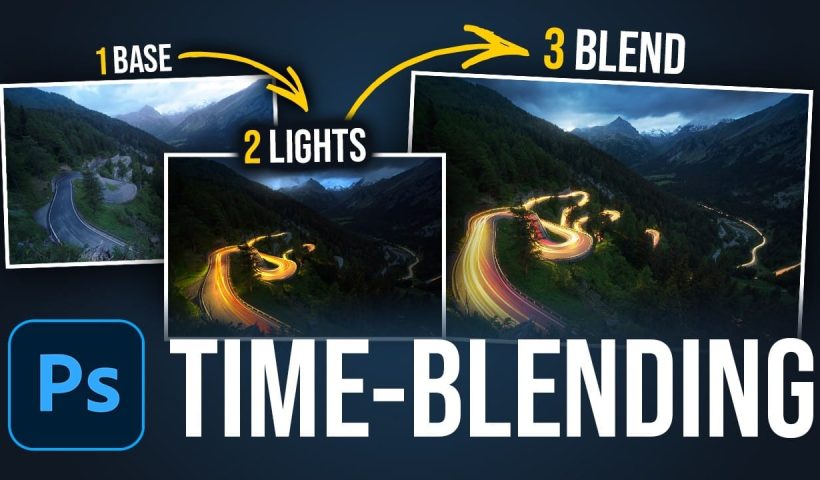
How to Blend Multiple Exposures for Car Light Trails in Photoshop

Stacking multiple exposures of a night scene lets you capture far more light trail detail than any single shot can deliver. This technique uses the Lighten blending mode to combine a bright base image with…

View More How to Blend Multiple Exposures for Car Light Trails in Photoshop
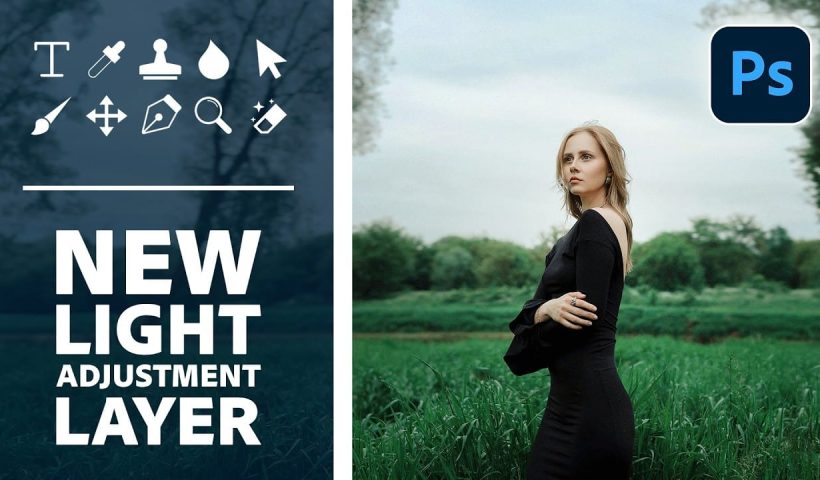
How to Use the Light Adjustment Layer in Photoshop to Edit Subject and Background Separately

Photoshop's Light adjustment layer replaces Brightness and Contrast with a full set of Camera Raw controls — exposure, highlights, shadows, whites, blacks, and contrast — available directly in the layers panel. Combined with layer masks…

View More How to Use the Light Adjustment Layer in Photoshop to Edit Subject and Background Separately

6 New Photoshop Features You Should Know About

Photoshop's latest update adds six features that cover lighting adjustments, glow effects, AI-assisted editing, and text placement — changes that affect real editing decisions. The new Light adjustment layer alone removes a common reason to…

View More 6 New Photoshop Features You Should Know About

Image Adjustments vs Adjustment Layers in Photoshop: Destructive vs Non-Destructive Editing Explained

Every tonal and color change made through the Image menu is permanent — once applied, those edits are baked into the pixels with no way to revisit individual settings. Adjustment layers solve this by keeping…

View More Image Adjustments vs Adjustment Layers in Photoshop: Destructive vs Non-Destructive Editing Explained

20 Photoshop and Camera Raw Features from the September 2026 Update

The September 2026 update to Photoshop and Camera Raw packs in a wide range of additions — from autofocus point display and a new glow effect to generative expand on raw files and color wheel…

View More 20 Photoshop and Camera Raw Features from the September 2026 Update

The Prepared Wildlife Photographer with Moose Peterson

Wildlife doesn’t wait. When something incredible happens in front of your camera, you might only have a few seconds to capture it. That’s the idea behind Moose Peterson’s new course. Instead of figuring out exposure,…

View More The Prepared Wildlife Photographer with Moose Peterson

In Remembrance of Rich Schreibstein

Richard Schreibstein had an easy way with people. He was clever and witty and curious about the world. He loved his wife and daughters, his grandkids and grandnephews, and he was loved by every friend…

View More In Remembrance of Rich Schreibstein

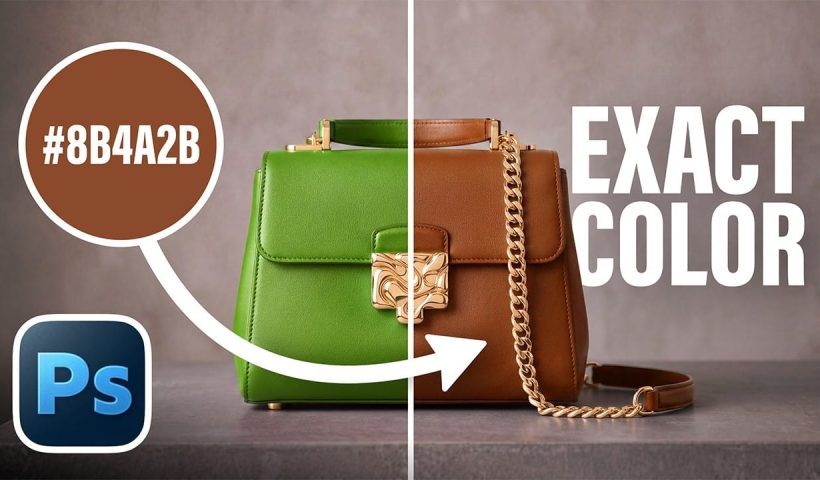
How to Apply an Exact Hex Color to Any Object in Photoshop

Matching an object's color to a specific hex code is harder than it looks. Real surfaces carry highlights, shadows, and texture — meaning no single pixel represents the true color. The solution is to average…

View More How to Apply an Exact Hex Color to Any Object in Photoshop

Posts pagination

Previous page Page 1 … Page 9 Page 10 Page 11 … Page 312 Next page
Schenectady Photographic Society
Established 1931
Site design by Sean P Sullivan
Copyright © SPS|Concepts
Terms of Service/Privacy Policy