I’m really excited about this one, folks. Photoshop World is coming up September 14–17, and registration is officially open! This year’s conference is sponsored by Adobe, and we’ve got four days of Photoshop, Lightroom, photography,…
View More Photoshop World Is Back (and I Hope You’ll Join Us)!Blog

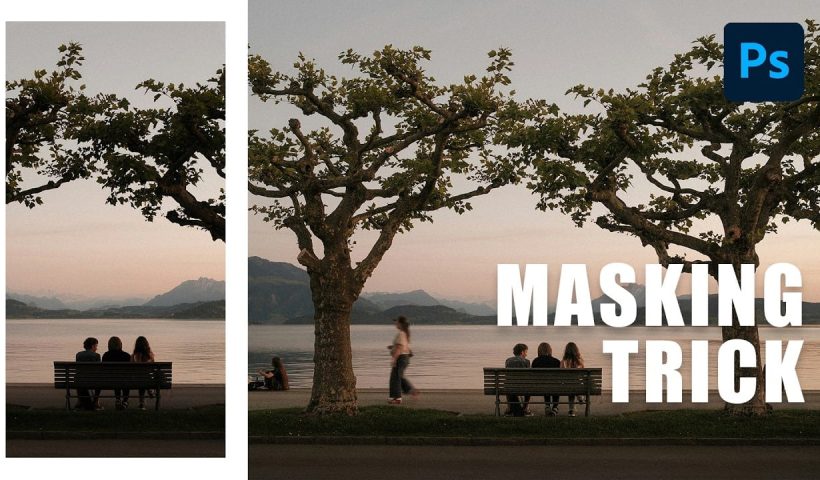
How to Use AI Object Masking in Camera Raw for Targeted Exposure Adjustments
Selecting complex foreground elements — detailed trees, people, motion-blurred figures — used to mean hours of careful masking work. The AI-powered object selection inside Camera Raw changes that entirely, letting you make rough brush strokes…
View More How to Use AI Object Masking in Camera Raw for Targeted Exposure AdjustmentsHow to Remove Wrinkles and Replace Backdrops in Post-Production
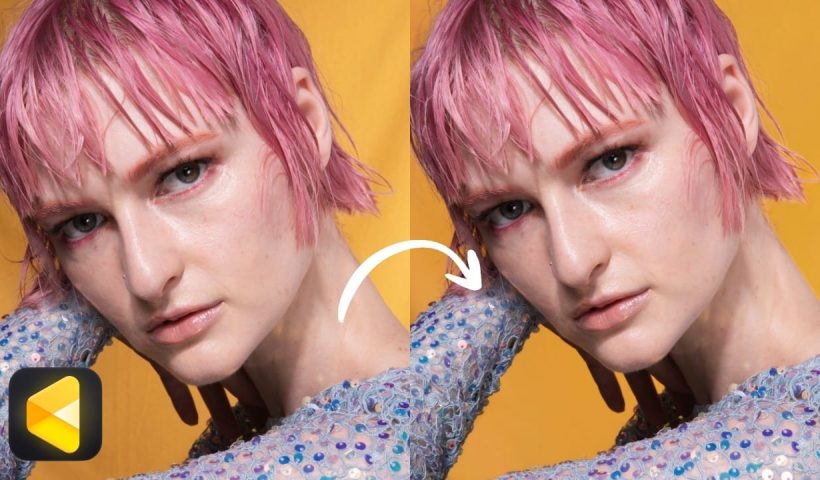
Wrinkled fabric backdrops, uneven lighting, and backgrounds that don't quite fill the frame are common problems when shooting on a budget. Fixing them manually through dodge and burn, frequency separation, or content-aware fill can eat…
View More How to Remove Wrinkles and Replace Backdrops in Post-ProductionCamera Raw July 2026 Update: Focus Point Display, Gradient Feathering, and Generative Expand
Adobe Camera Raw's July 2026 update adds a handful of useful tools that Lightroom users are still waiting on. The standout additions include native focus point display, independent feather controls for bidirectional linear gradients, and…
View More Camera Raw July 2026 Update: Focus Point Display, Gradient Feathering, and Generative ExpandTurn a Single Photo into a Cinematic Movie Poster with Triadic Color Grading
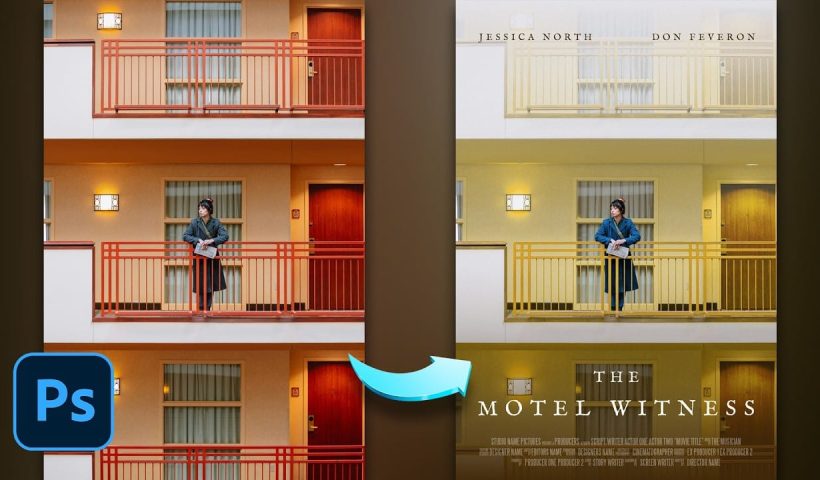
Color choice is what separates a flat photo edit from a convincing movie poster. This tutorial walks through how to apply triadic color harmony to a single street photograph, using yellow as the dominant tone…
View More Turn a Single Photo into a Cinematic Movie Poster with Triadic Color GradingPixel Stretch Effect in Photoshop Using the Single Column Marquee Tool
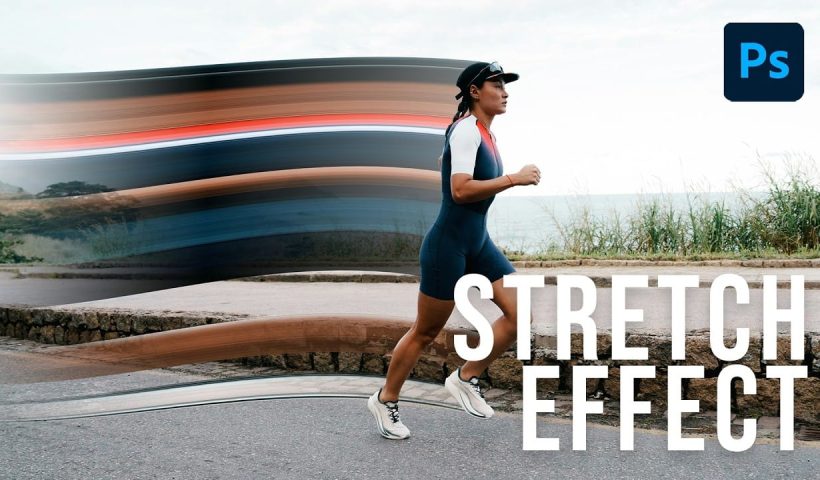
The pixel stretch effect takes a single column of pixels from a subject and extends it horizontally across the frame, creating a sharp, graphic streak that suggests speed or energy. It works on portraits, athletes,…
View More Pixel Stretch Effect in Photoshop Using the Single Column Marquee ToolHow to Assign a Custom Keyboard Shortcut to Select Subject in Photoshop
Navigating to Select > Subject every time you need to isolate a subject adds up to a surprising amount of wasted clicks. Photoshop lets you assign a custom keyboard shortcut to almost any menu command…
View More How to Assign a Custom Keyboard Shortcut to Select Subject in PhotoshopHow to Place a Logo on a Waving Flag in Photoshop
Placing a flat logo onto a waving flag requires more than a simple drag-and-drop. The key is warping the image to follow the flag's folds, then using blend modes and adjustment layers to make the…
View More How to Place a Logo on a Waving Flag in Photoshop