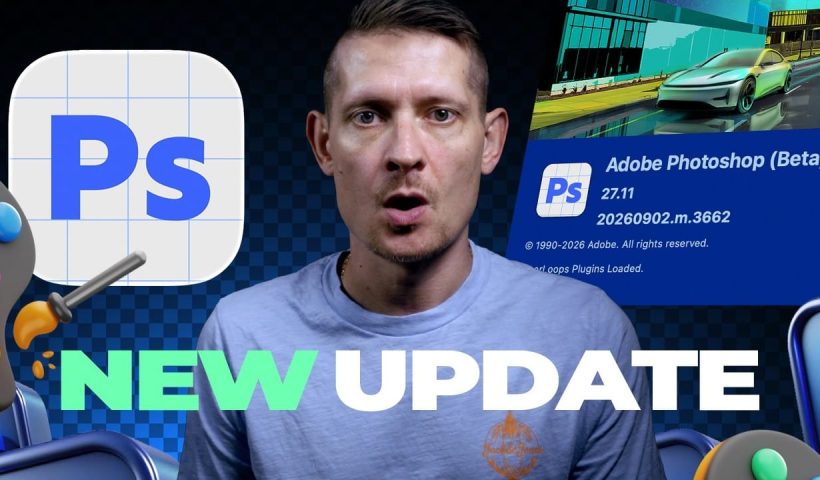
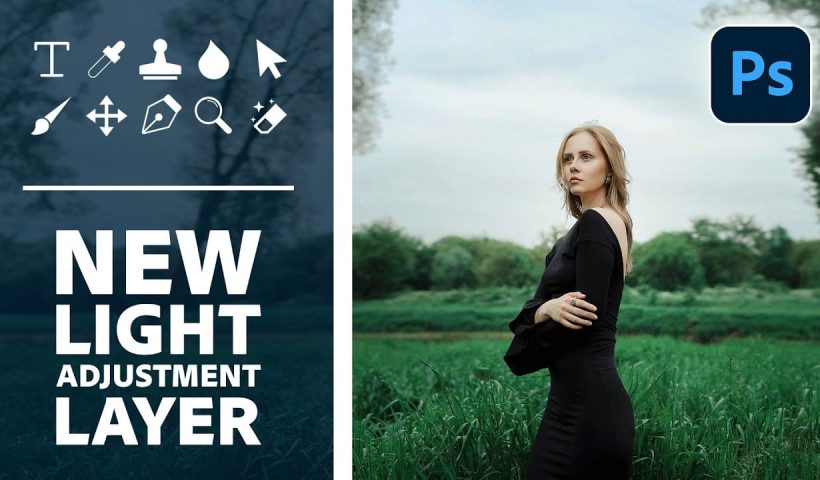
Adobe Camera Raw's July 2026 update adds a handful of useful tools that Lightroom users are still waiting on. The standout additions include native focus point display, independent feather controls for bidirectional linear gradients, and…
View More Camera Raw July 2026 Update: Focus Point Display, Gradient Feathering, and Generative ExpandBlog
Turn a Single Photo into a Cinematic Movie Poster with Triadic Color Grading
Color choice is what separates a flat photo edit from a convincing movie poster. This tutorial walks through how to apply triadic color harmony to a single street photograph, using yellow as the dominant tone…
View More Turn a Single Photo into a Cinematic Movie Poster with Triadic Color GradingPixel Stretch Effect in Photoshop Using the Single Column Marquee Tool
The pixel stretch effect takes a single column of pixels from a subject and extends it horizontally across the frame, creating a sharp, graphic streak that suggests speed or energy. It works on portraits, athletes,…
View More Pixel Stretch Effect in Photoshop Using the Single Column Marquee ToolHow to Assign a Custom Keyboard Shortcut to Select Subject in Photoshop
Navigating to Select > Subject every time you need to isolate a subject adds up to a surprising amount of wasted clicks. Photoshop lets you assign a custom keyboard shortcut to almost any menu command…
View More How to Assign a Custom Keyboard Shortcut to Select Subject in PhotoshopHow to Place a Logo on a Waving Flag in Photoshop
Placing a flat logo onto a waving flag requires more than a simple drag-and-drop. The key is warping the image to follow the flag's folds, then using blend modes and adjustment layers to make the…
View More How to Place a Logo on a Waving Flag in PhotoshopHow to Use the Photoshop Transform Tool: Scale, Warp, Flip, and More
The Transform tool in Photoshop does something neither the crop tool nor the resize command can: it lets you change the size, shape, angle, or perspective of a single layer without touching the rest of…
View More How to Use the Photoshop Transform Tool: Scale, Warp, Flip, and MoreHow to Get Full-Resolution Generative Fill Results Without Burning Through Credits
Generative Fill has a resolution ceiling that becomes obvious the moment you zoom in — AI-extended areas look noticeably softer than the original image. The fix is to fill large transparent areas in smaller pixel-sized…
View More How to Get Full-Resolution Generative Fill Results Without Burning Through CreditsHow to Add Glowing Light Effects to Fantasy Portraits in Photoshop
Fantasy and fairy-tale portraits rely heavily on light to feel convincing. These five techniques cover the full range of glow effects — from soft blend mode tints and dynamic highlight recovery to face lighting, radial…
View More How to Add Glowing Light Effects to Fantasy Portraits in Photoshop