
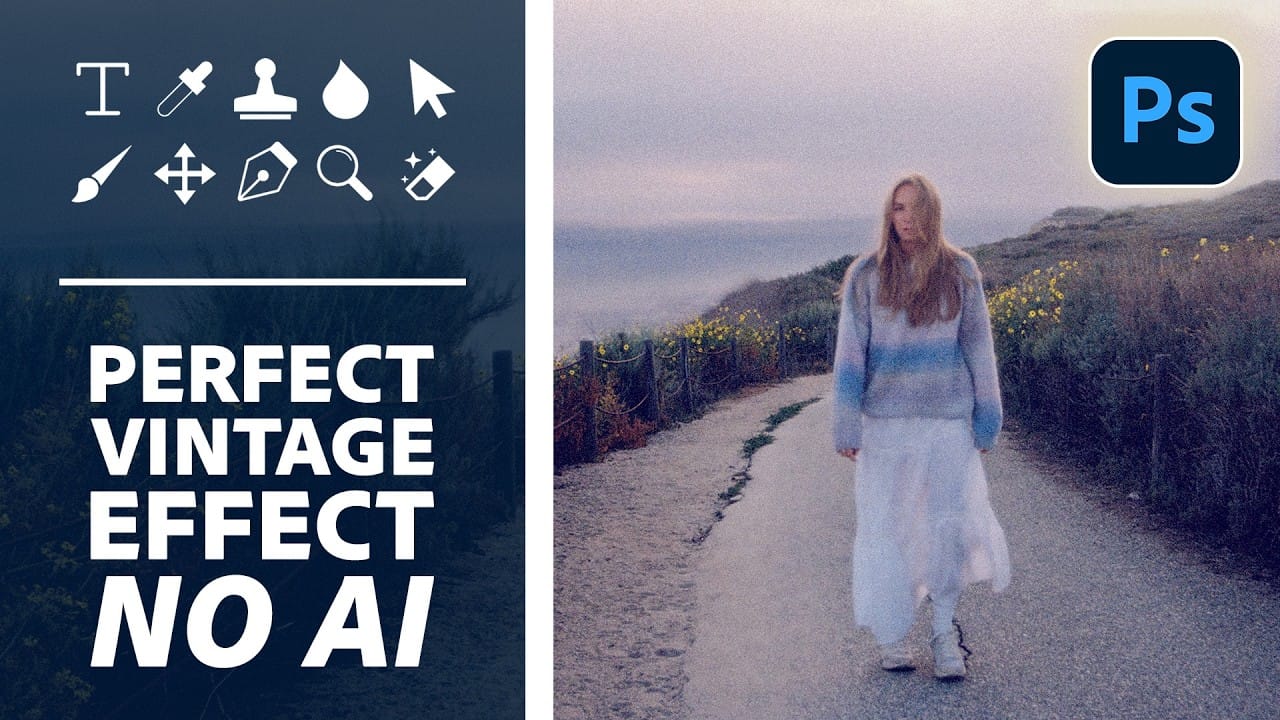
Aging a photo convincingly takes more than a preset — it requires control over highlights, color channels, and grain working together. This walkthrough covers a fully manual, non-destructive workflow for building a vintage film effect in Photoshop, using Color Range selections, Smart Filters, a Grain adjustment layer, and per-channel
Read the full article here: How to Create a Vintage Film Look in Photoshop Using Adjustment Layers Photoshop Roadmap