
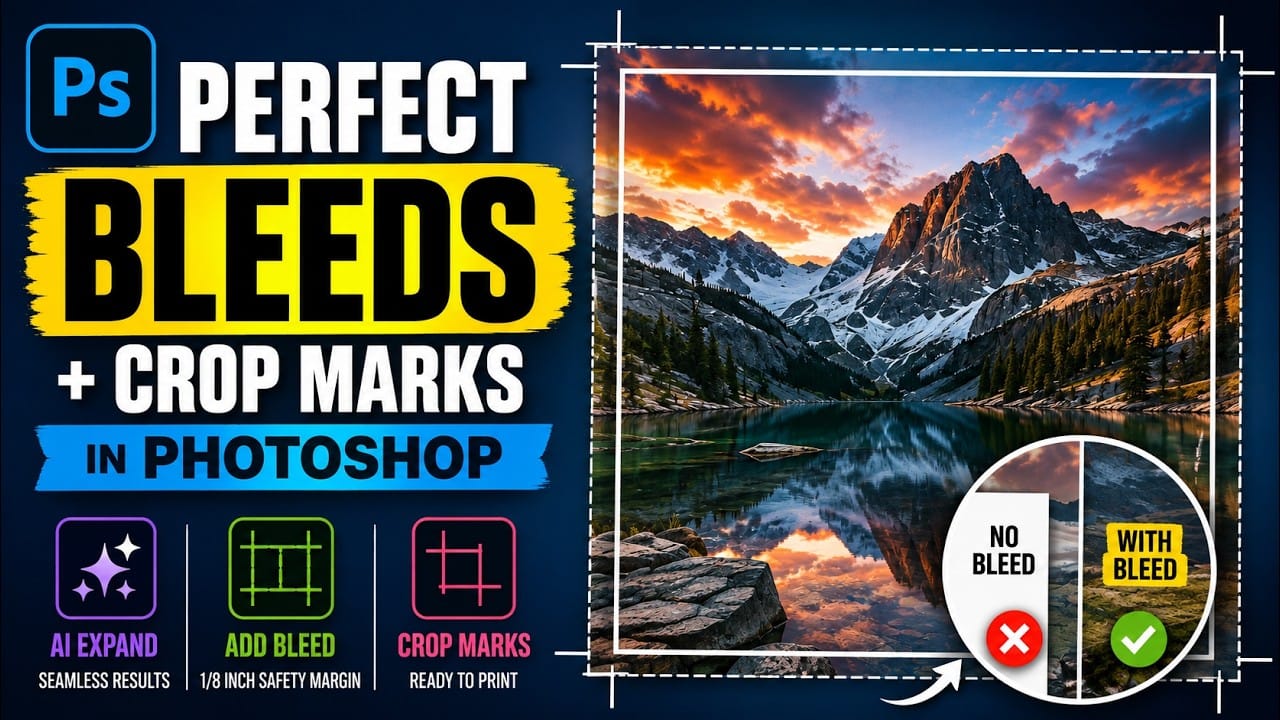
Sending a print file without proper bleed is one of the most common mistakes in print production. A bleed — typically 1/8 inch of extra canvas on all sides — prevents white slivers from appearing when a printer trims the finished piece. Photoshop's Canvas Size tool and AI-powered
Read the full article here: How to Set Up Bleed and Crop Marks for Print in Photoshop Photoshop Roadmap