
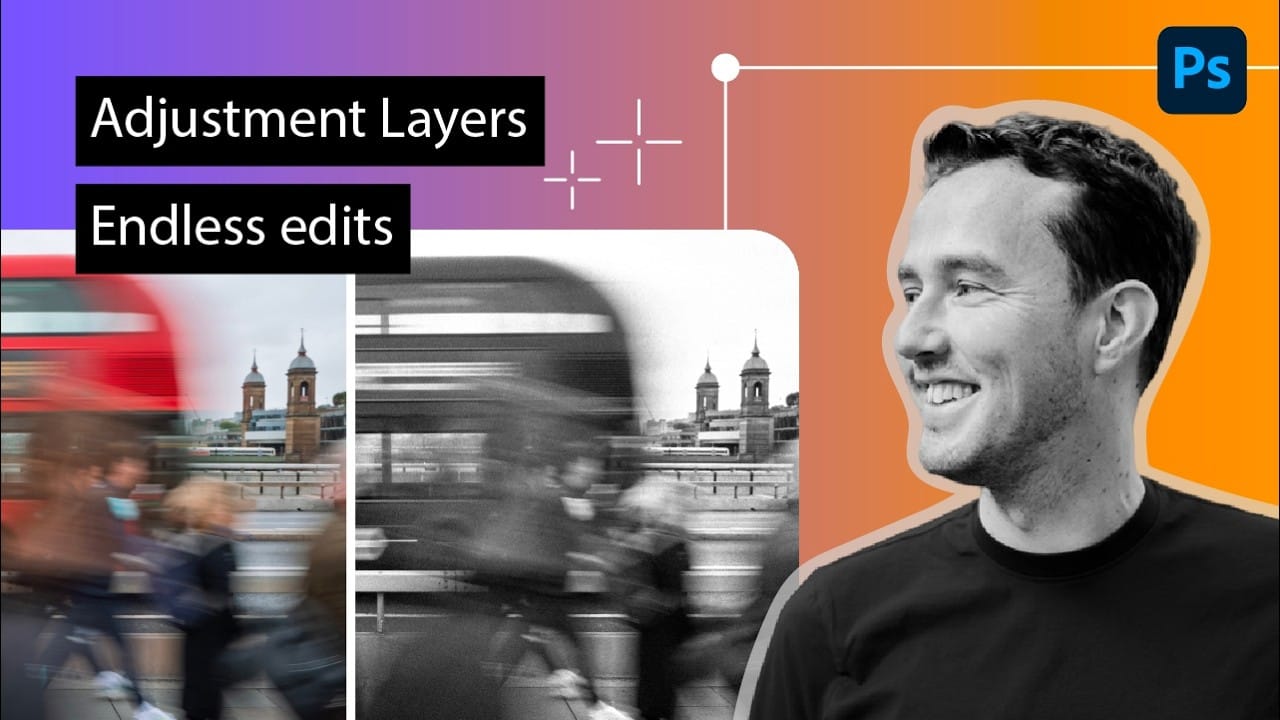
Adjustment layers let you change colors, contrast, tone, and more without touching a single original pixel. Stack them, tweak them, or discard them entirely — the photo underneath stays intact. This tutorial covers three distinct ways to apply them: across the full image, within a specific selection, and clipped to a
Read the full article here: How to Use Adjustment Layers in Photoshop: Whole Image, Selected Area, and Clipping Mask Photoshop Roadmap