
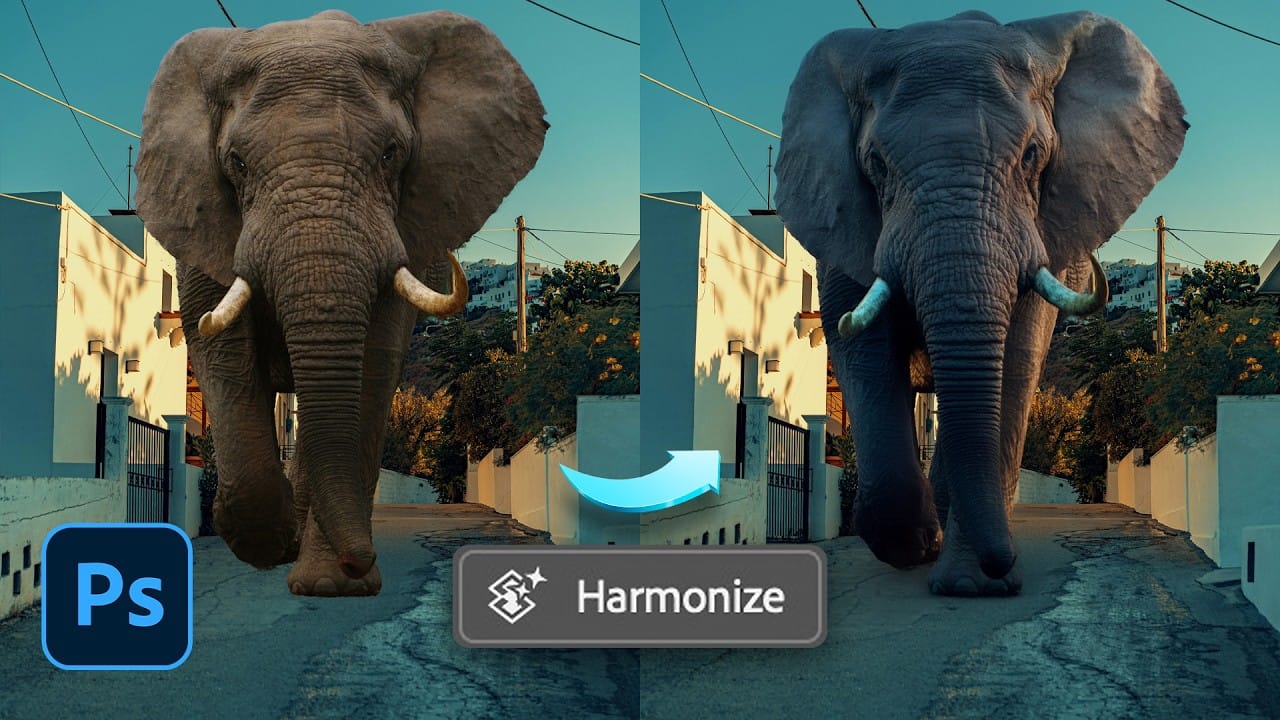
The Harmonize tool transforms compositing by automatically adjusting lighting, color, and shadows to blend objects seamlessly into new backgrounds. This AI-powered feature analyzes both your subject and background, then creates realistic color bleed, reflections, and contact shadows with a single click. While the tool delivers impressive results instantly, combining it
Read the full article here: How to Use the Harmonize Tool for Advanced Photo Compositing in Photoshop 2026 Photoshop Roadmap