
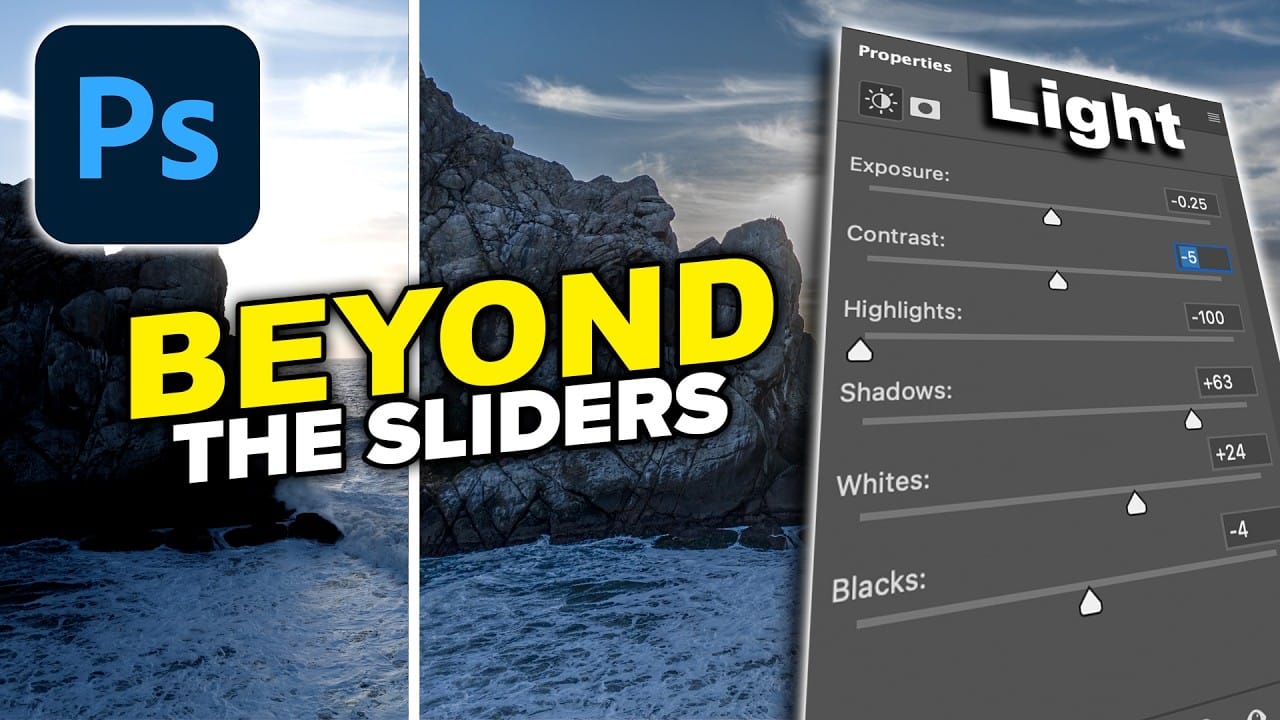
Photoshop's Light adjustment layer brings Camera Raw-style tonal controls — exposure, contrast, highlights, shadows, whites, and blacks — directly into a non-destructive layer workflow. The real value isn't in what the sliders do individually, but in how you sequence them to expand dynamic range and reveal
Read the full article here: How to Use the Light Adjustment Layer in Photoshop Effectively Photoshop Roadmap