Schenectady Photographic Society

Menu

Adjustment Brushes

Lightroom in 60-Seconds: The Hidden Adjustment Brush Amount Slider

Lightroom in 60-Seconds: The Hidden Adjustment Brush Amount Slider

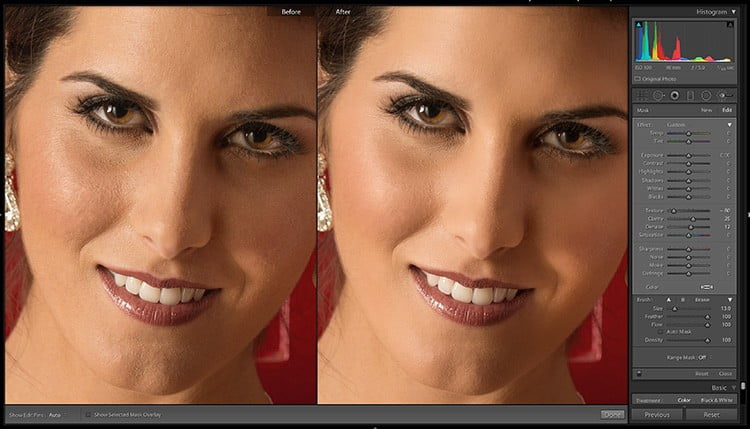
If you’ve applied some adjustments using the Adjustment Brush you can control the amount after the fact using the Amount slider (and if you just said, “What Amount slider?” this is for you. The slider itself is hidden, but once you make it visible, you’ll dig it because it adjusts all the settings proportionally (essentially […]

Read more: Lightroom in 60-Seconds: The Hidden Adjustment Brush Amount Slider
I’m Launching a New Tuesday Series Today: Lightroom in 60-Seconds

I’m Launching a New Tuesday Series Today: Lightroom in 60-Seconds

Picking up where the awesome Benjamin Warde left off, I’m launching a new video tip series today I’m calling “Lightroom in 60-Seconds.” Just short, helpful little tips that make working in Lightroom faster and more fun. This new series will air here every Tuesday. Here’s the first one: Hope you found that helpful. I’ve got […]

Read more: I’m Launching a New Tuesday Series Today: Lightroom in 60-Seconds
Exploring Range Mask Options: Depth

Exploring Range Mask Options: Depth

We’ve previously explored the Luminance and Color options for Range Mask, so let’s wrap up this series with a look at the Depth option. Note at the time of this writing, the Depth option currently only works with photos in HEIC file format captured on supported iPhones (7+, 8+, X, Xs, Xs Max, and Xr) […]

Read more: Exploring Range Mask Options: Depth