Schenectady Photographic Society

Menu

Backing Up

Move All Your Photos To One Drive—Fast!

Move All Your Photos To One Drive—Fast!

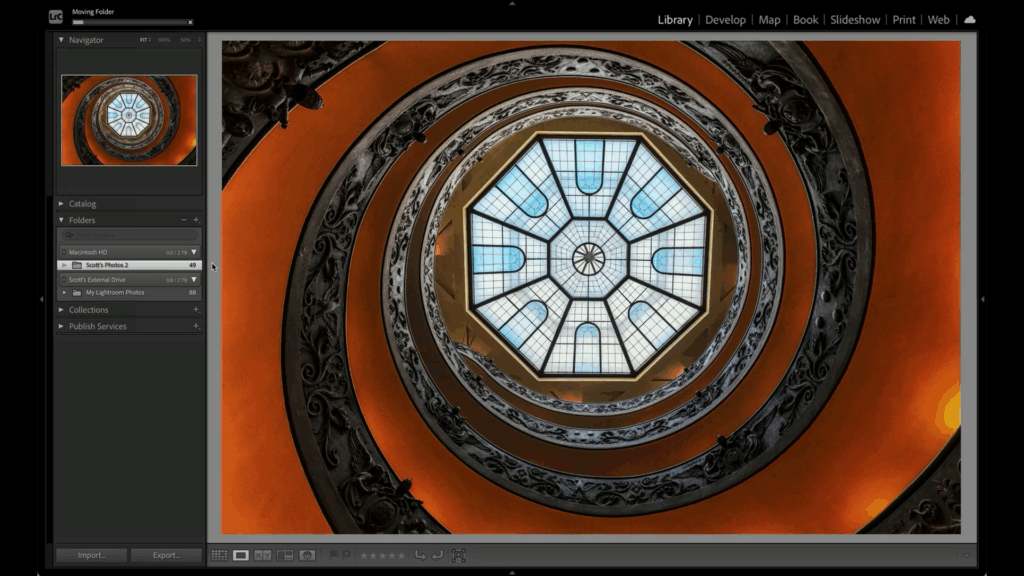
Managing your photos across multiple devices can feel like a headache—desktops, laptops, and external drives can make it tricky to stay organized. But it doesn’t have to be complicated. With this organization method, Lightroom doesn’t lose track of anything. Click below for a free tip from the brand-new course Scott Kelby’s Lightroom Easy Organization System, […]

Read more: Move All Your Photos To One Drive—Fast!
New Course: My Simplified Lightroom Image Management System (the “SLIM” system)

New Course: My Simplified Lightroom Image Management System (the “SLIM” system)

Last week we released a new course on how to finally get really organized in Lightroom Classic – and it’s the most recent version of my SLIM system – the same one taught in classrooms around the world. Check out the official trailer below: You can buy this course by itself for $29.99 or watch it as […]

Read more: New Course: My Simplified Lightroom Image Management System (the “SLIM” system)
Lightroom ‘cloud’ Users: How to Back up Your Images To Your Computer

Lightroom ‘cloud’ Users: How to Back up Your Images To Your Computer

It’s actually more than that in this super helpful video from Terry White — he goes into the process of importing your images into the ‘cloud’ version of Lightroom, but he also tackles one of those “most-requested” topics, which is how ‘cloud’ users can back up their images locally (on their own computer or external hard […]

Read more: Lightroom ‘cloud’ Users: How to Back up Your Images To Your Computer
Three Default Settings Worth Changing

Three Default Settings Worth Changing

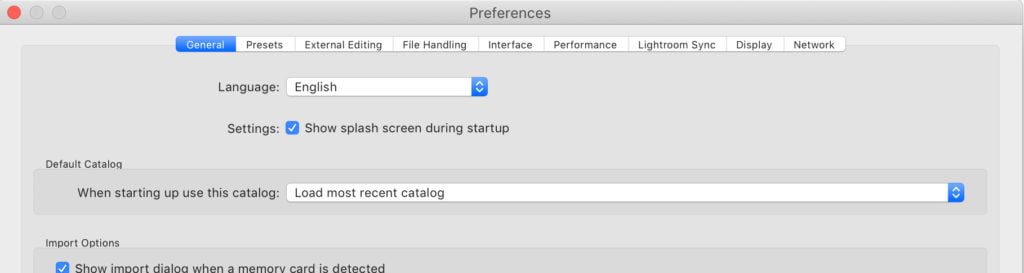
For the most part, I find that Lightroom Classic’s and Lightroom’s default settings are pretty good, but there are three places that I think you should consider changing as they can cause more harm than good. Two of those are in Lightroom Classic, and one is in Lightroom on mobile. Default Catalog By default, Lightroom […]

Read more: Three Default Settings Worth Changing
It’s ‘Dump Your Outdated Lightroom Backup Catalogs” Friday!

It’s ‘Dump Your Outdated Lightroom Backup Catalogs” Friday!

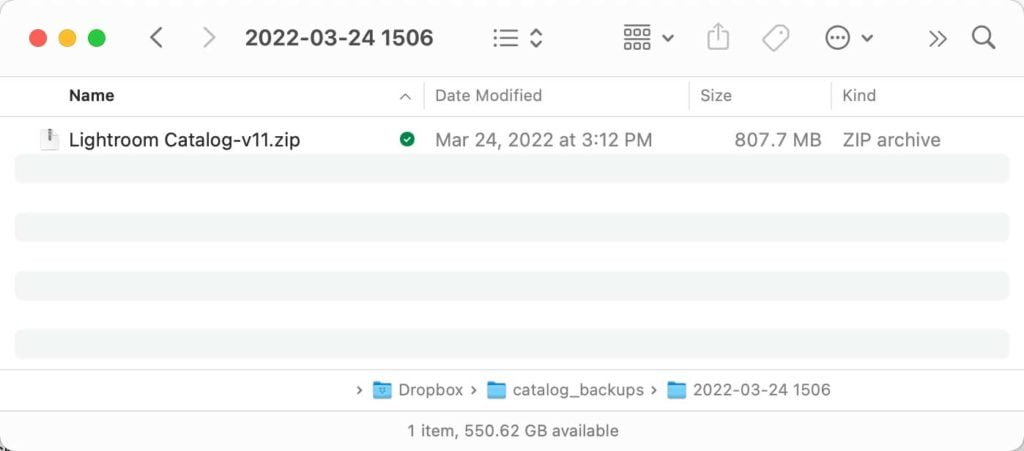
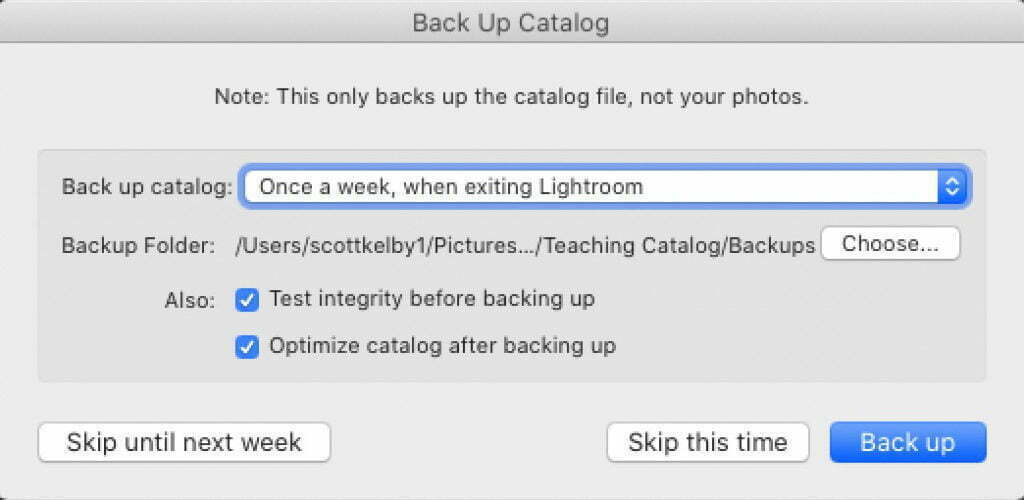
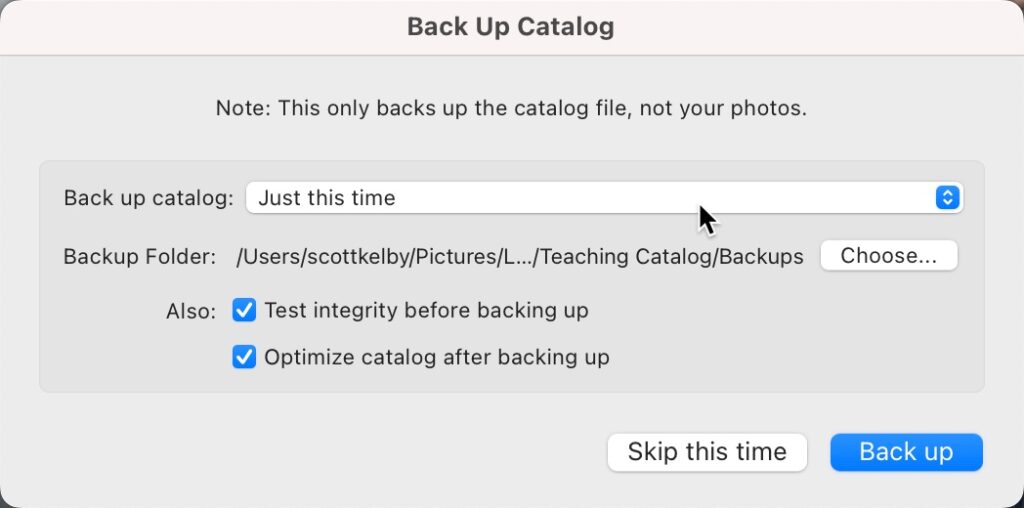
Hi gang, and happy Friday! Just a quickie today, but it’s kinda important — especially if you’re working on a laptop or a desktop computer where you’re constantly running out of free space. I am officially declaring today ‘Dump Your Outdated Catalog Backups” Friday! Simply put: Check to see if you’re accumulating a bunch of […]

Read more: It’s ‘Dump Your Outdated Lightroom Backup Catalogs” Friday!