
Schenectady Photographic Society

Menu

digital art

Paint Realistic Watercolor Illustrations in Photoshop

Paint Realistic Watercolor Illustrations in Photoshop

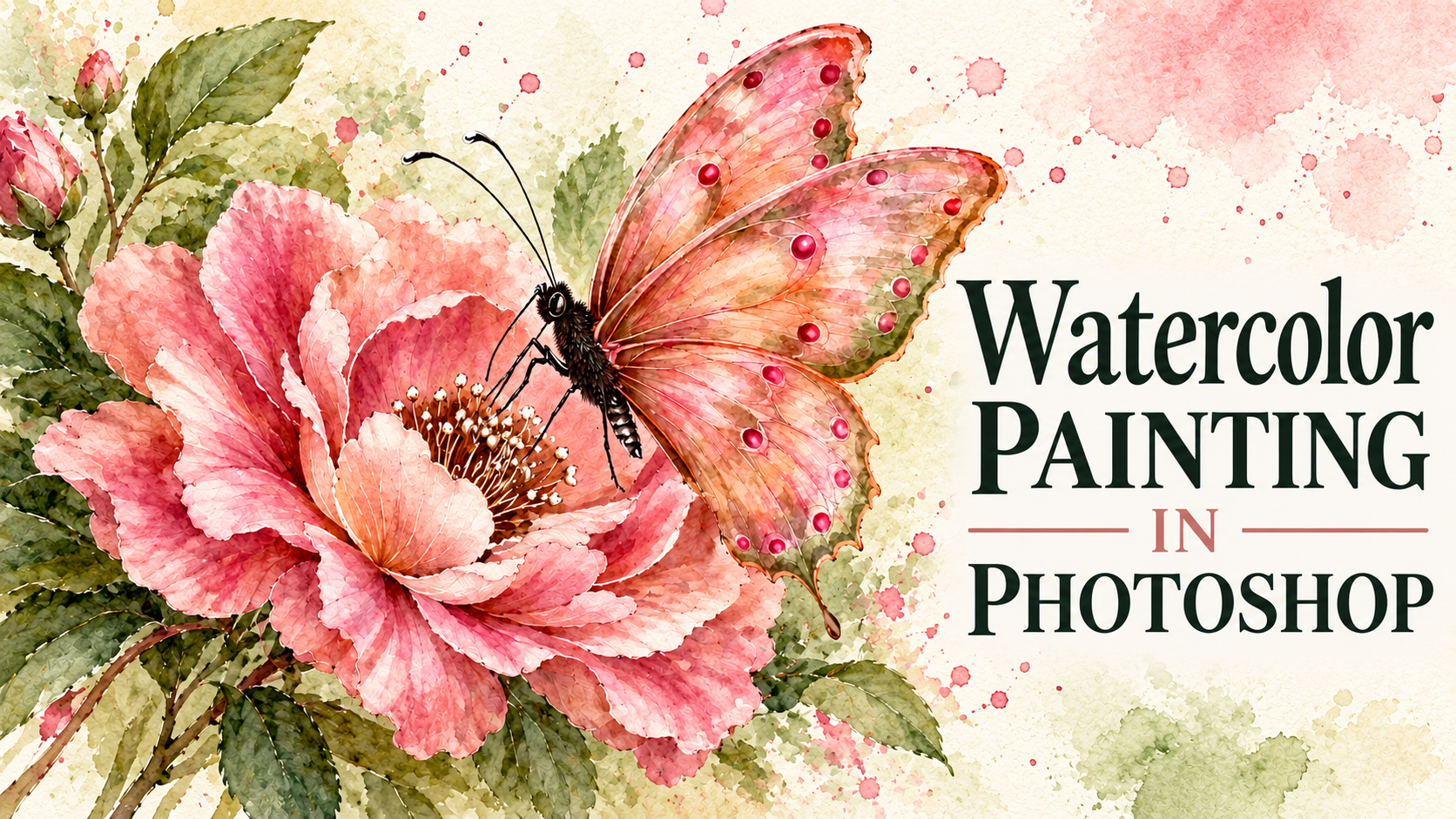
Build a watercolor illustration in Photoshop by layering translucent brushstrokes over textured paper. The process starts with shadows, preserves the paper’s light areas as highlights, and gradually adds color and texture. You’ll also see how splatters, drips, and blooms can give a finished painting a more natural, hand- Read the full article here: Paint Realistic […]
Read more: Paint Realistic Watercolor Illustrations in Photoshop
How to Turn a Photo Into a Fine Art Painting in Photoshop

How to Turn a Photo Into a Fine Art Painting in Photoshop

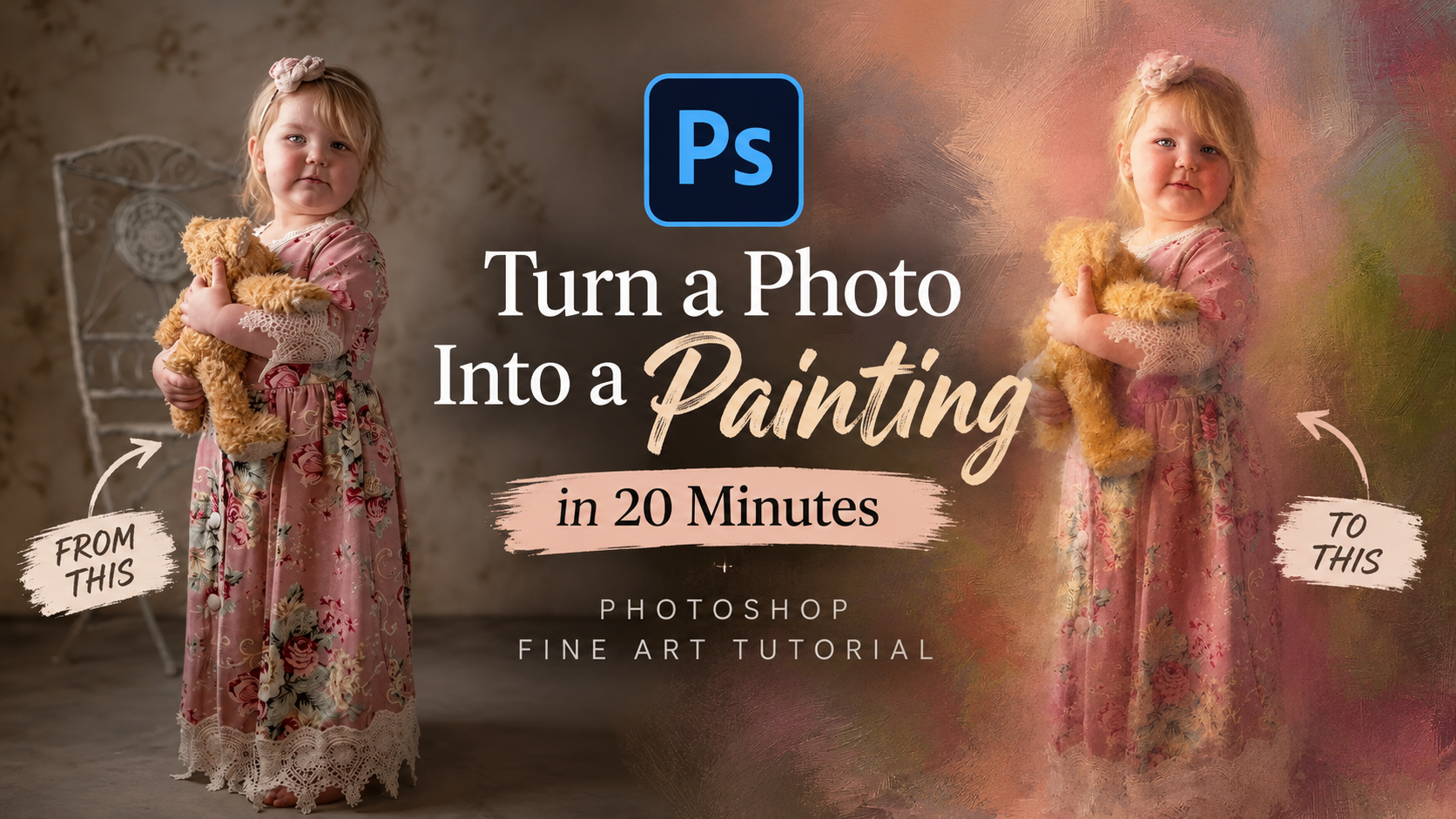
A photograph carries detail that a painting would simplify, and that gap is exactly where this technique operates. By working through a structured layer-based workflow in Photoshop, you can reduce photographic sharpness, introduce painterly texture, and guide the eye the way a traditional artist would — all without picking up Read the full article here: […]

Read more: How to Turn a Photo Into a Fine Art Painting in Photoshop
Painting Digital Art Backgrounds: Techniques and Workflow

Painting Digital Art Backgrounds: Techniques and Workflow

A well-crafted background can anchor an entire digital painting, providing atmosphere, depth, and visual context for the subject. This video demonstrates practical approaches to building backgrounds from scratch using digital tools, covering brush selection, color layering, and compositional thinking. Watch the Video Practical Tips Keep these core principles in Read the full article here: Painting […]

Read more: Painting Digital Art Backgrounds: Techniques and Workflow
How to Paint a Digital Background and Composite Wildlife Into It

How to Paint a Digital Background and Composite Wildlife Into It

Building a painted digital background from scratch gives you full control over color, mood, and composition before a single wildlife photo is placed. This walkthrough covers the complete process: blocking in shadows on a black canvas, layering foliage with textured brushes, positioning bird subjects on hand-painted stones, and using Read the full article here: How […]

Read more: How to Paint a Digital Background and Composite Wildlife Into It
How to Create a Retro-Futuristic Poster in Photoshop

How to Create a Retro-Futuristic Poster in Photoshop

The 1980s retro-futuristic aesthetic combines electric colors, neon glows, and surreal imagery to create designs that feel both nostalgic and forward-looking. This style captures the era's vision of the future through bold cyan and magenta palettes, dreamy atmospheric effects, and dramatic lighting. Join Adobe's Gabriella as Read the full article here: How to Create a […]

Read more: How to Create a Retro-Futuristic Poster in Photoshop
7 Essential Tips for Speed Painting in Digital Art

7 Essential Tips for Speed Painting in Digital Art

Speed painting isn't just about working faster—it's about eliminating friction from your creative process. These seven techniques help you get ideas onto canvas quickly without getting bogged down in unnecessary decisions or premature details. Whether you're exploring concepts for professional work or personal Read the full article here: 7 Essential Tips for Speed Painting in […]

Read more: 7 Essential Tips for Speed Painting in Digital Art
Color That Connects: Mastering Color Grading & Correction with Purpose with Dennis Dunbar

Color That Connects: Mastering Color Grading & Correction with Purpose with Dennis Dunbar

Ever wonder why some images just feel cinematic or cohesive? It’s not just about composition or lighting—it’s about color. In his new class, Color That Connects: Color Grading & Correction with Purpose, Dennis Dunbar explores how color correction and grading can transform an image’s emotional impact and unify its visual story. From portraits to fantasy […]

Read more: Color That Connects: Mastering Color Grading & Correction with Purpose with Dennis Dunbar
How to Create Custom Textures in Photoshop Using Brushes

How to Create Custom Textures in Photoshop Using Brushes

Custom textures add depth and character to photos without relying on expensive texture packs. This technique uses specialized Photoshop brushes and blending modes to create unique overlay textures from scratch. The process combines multiple layers, color variations, and finishing filters to produce professional-quality textures that work perfectly for photo blending Read the full article here: […]

Read more: How to Create Custom Textures in Photoshop Using Brushes