Schenectady Photographic Society

Menu

Featured

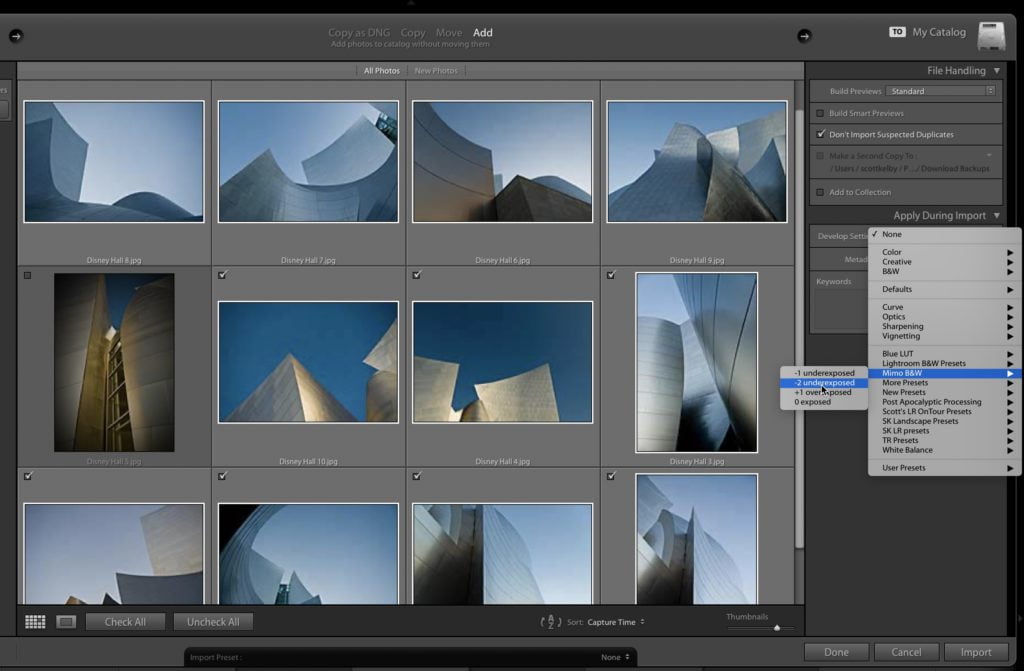
How to Apply a Develop Preset Automatically When You Import Your Images

How to Apply a Develop Preset Automatically When You Import Your Images

We’re heading into the weekend with a simple to use, but powerful time-saving technique — applying the Develop module preset of your choice automatically when you import your images, so when they appear in Lightroom; they already have the preset applied. Here how to set it up (it’s easy). STEP ONE: In the Import window of […]

Read more: How to Apply a Develop Preset Automatically When You Import Your Images
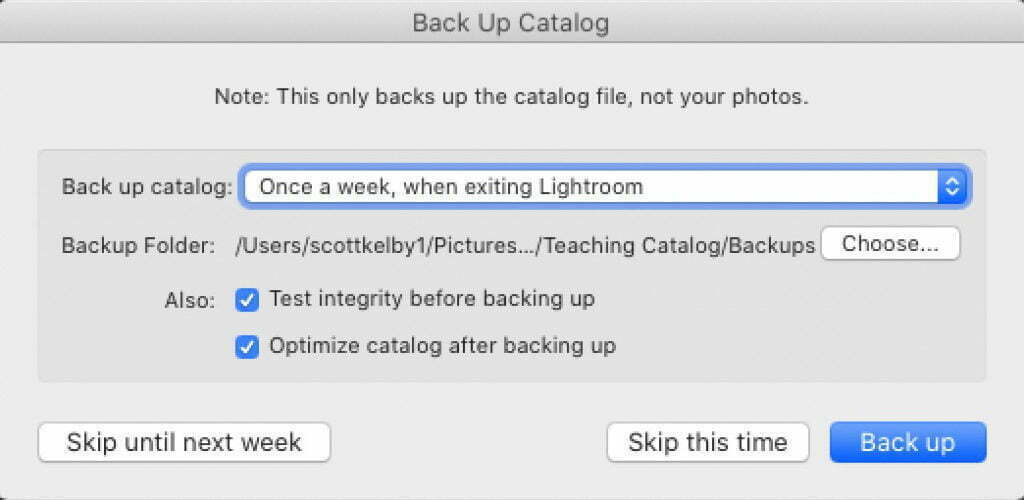
It’s ‘Dump Your Outdated Lightroom Backup Catalogs” Friday!

It’s ‘Dump Your Outdated Lightroom Backup Catalogs” Friday!

Hi gang, and happy Friday! Just a quickie today, but it’s kinda important — especially if you’re working on a laptop or a desktop computer where you’re constantly running out of free space. I am officially declaring today ‘Dump Your Outdated Catalog Backups” Friday! Simply put: Check to see if you’re accumulating a bunch of […]

Read more: It’s ‘Dump Your Outdated Lightroom Backup Catalogs” Friday!
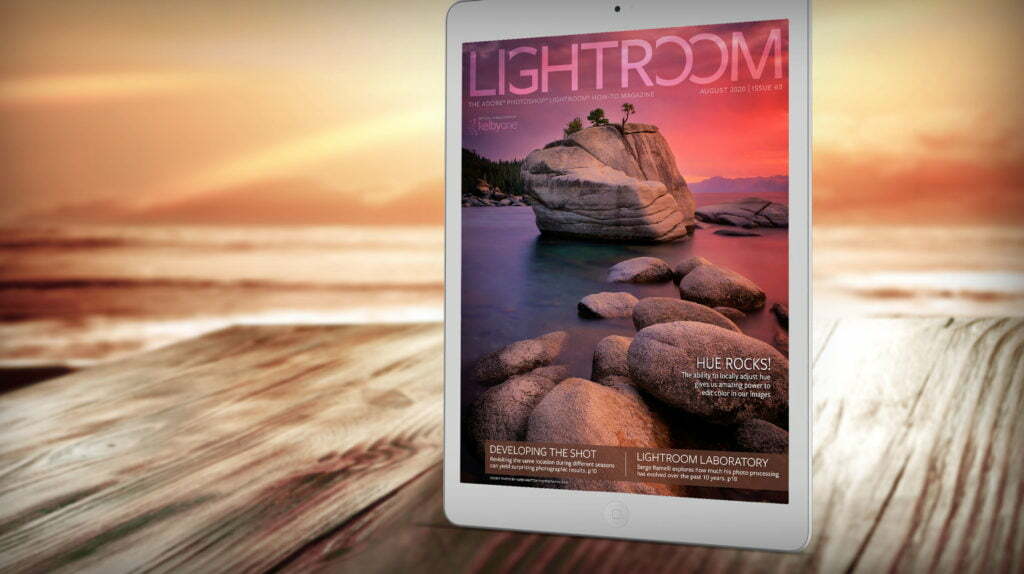
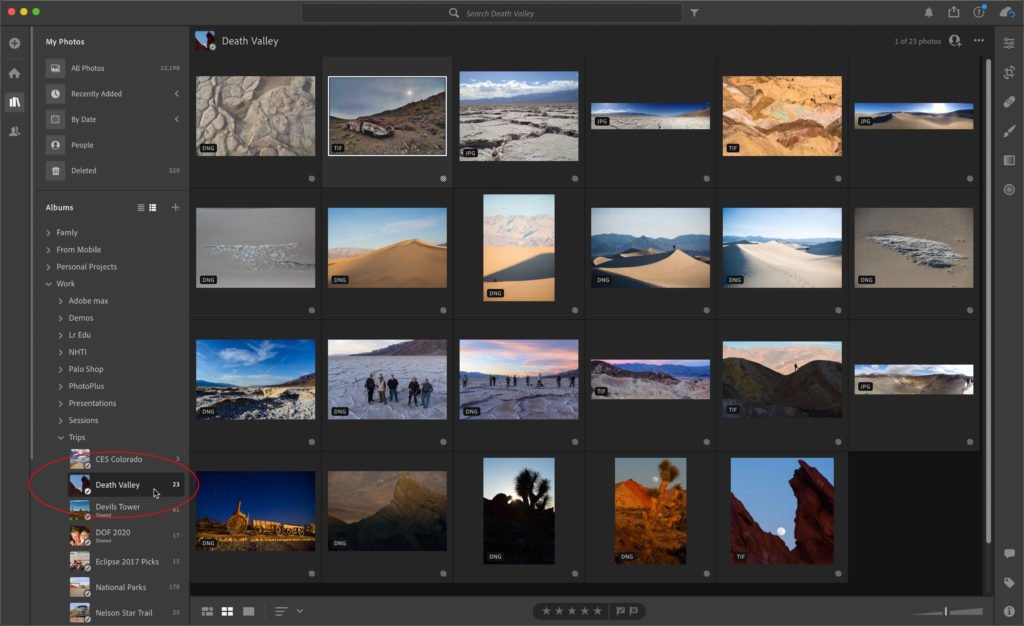
Why Apple’s iPad Pro is Perfect for a DSLR or Mirrorless Photographer’s Mobile Lightroom Workflow

Why Apple’s iPad Pro is Perfect for a DSLR or Mirrorless Photographer’s Mobile Lightroom Workflow

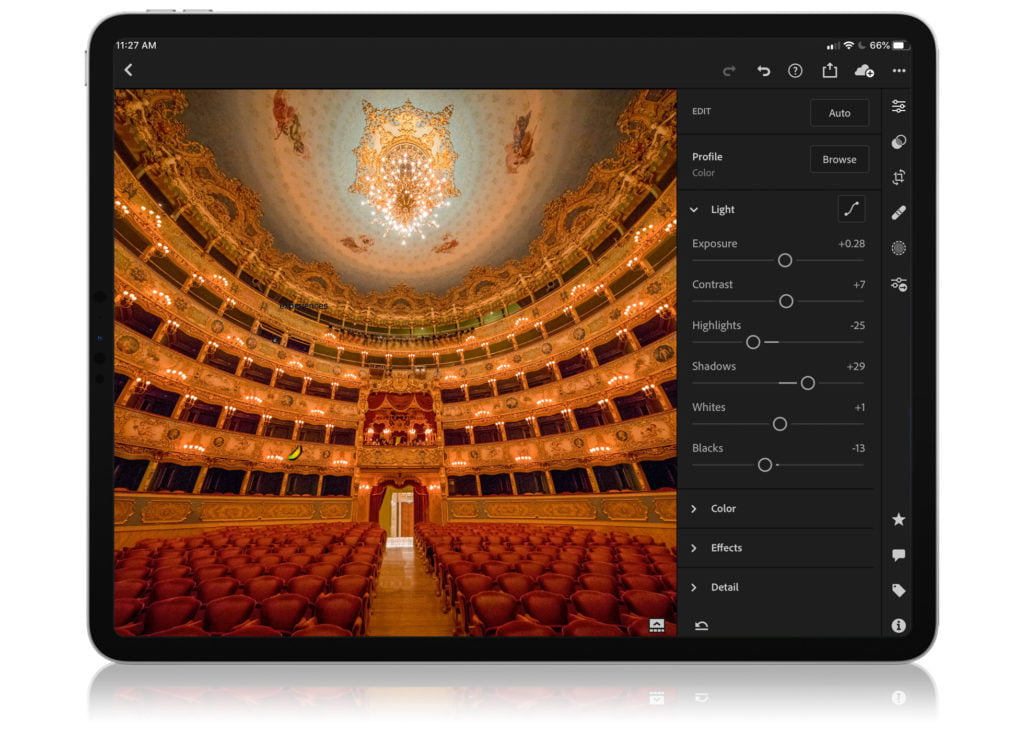
I talk with so many people who really want to move to a mobile workflow using an iPad, but they struggle with the importing process, which I have to admit has been the speed bump; the stumbling point (i.e. the pain in the butt), but some changes in Lightroom, and a feature of the iPad […]

Read more: Why Apple’s iPad Pro is Perfect for a DSLR or Mirrorless Photographer’s Mobile Lightroom Workflow