Schenectady Photographic Society

Menu

Lightroom Classic

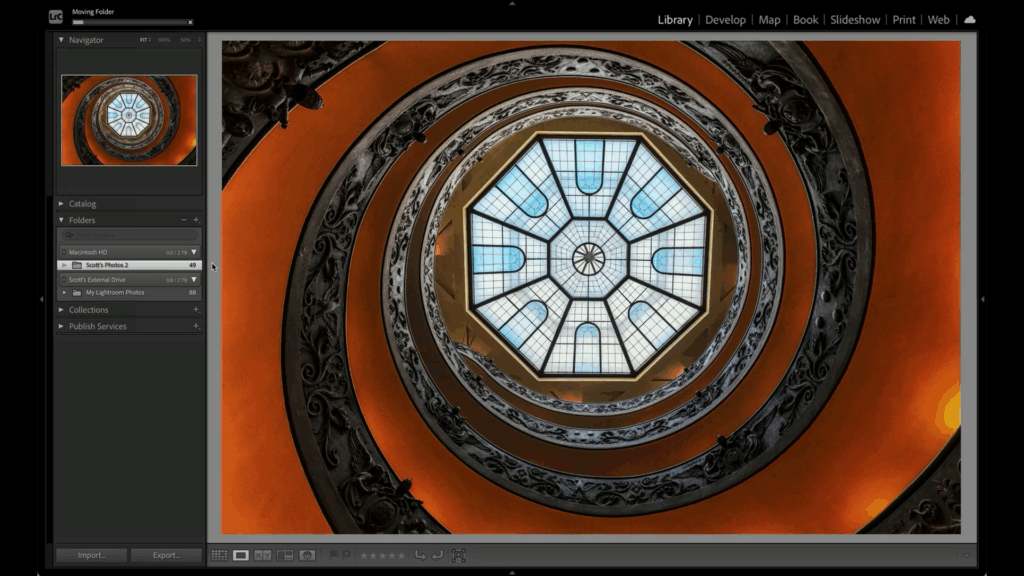
Move All Your Photos To One Drive—Fast!

Move All Your Photos To One Drive—Fast!

Managing your photos across multiple devices can feel like a headache—desktops, laptops, and external drives can make it tricky to stay organized. But it doesn’t have to be complicated. With this organization method, Lightroom doesn’t lose track of anything. Click below for a free tip from the brand-new course Scott Kelby’s Lightroom Easy Organization System, […]
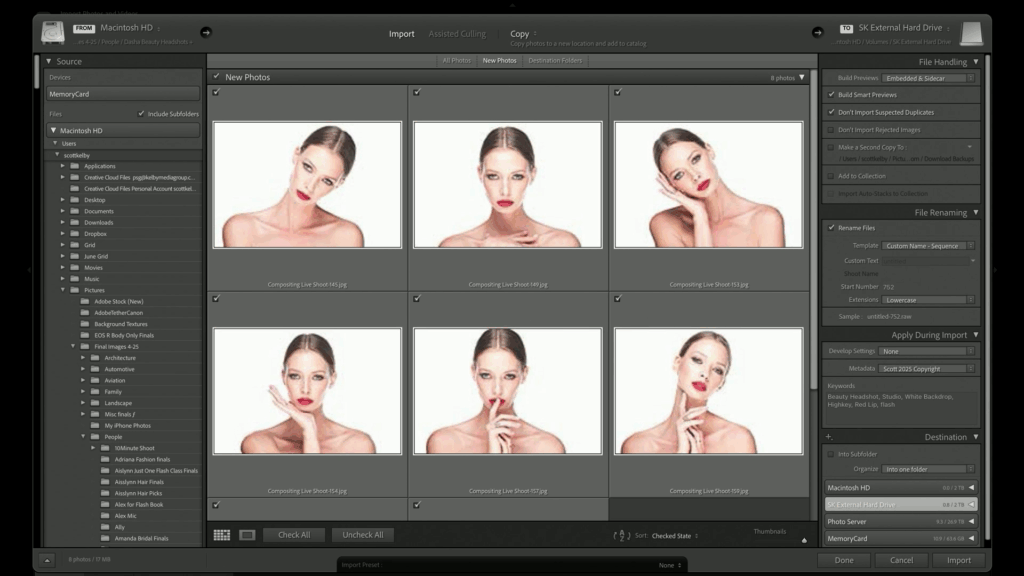
Read more: Move All Your Photos To One Drive—Fast!
Don’t Panic—Lightroom’s Import Step Is Easier Than It Looks

Don’t Panic—Lightroom’s Import Step Is Easier Than It Looks

The import screen in Lightroom Classic can feel intimidating, especially when you’re staring at a screen full of options before you’ve edited a single photo. But here’s the truth: import is one of the most important parts of your entire photography workflow—and it doesn’t have to be complicated. There’s a lot going on there, don’t […]

Read more: Don’t Panic—Lightroom’s Import Step Is Easier Than It Looks
Join Scott & Erik LIVE This Cyber Monday

Join Scott & Erik LIVE This Cyber Monday

Cyber Monday is going to be BIG this year — and we’re kicking it off with a special live webcast hosted by Scott Kelby and Erik Kuna!  Monday, December 1, 2025 11:00 AM ET Streaming on Facebook, YouTube, and the KelbyOne Members Site Scott and Erik will be walking through everything happening right now at KelbyOne — including an inside […]

Read more: Join Scott & Erik LIVE This Cyber Monday
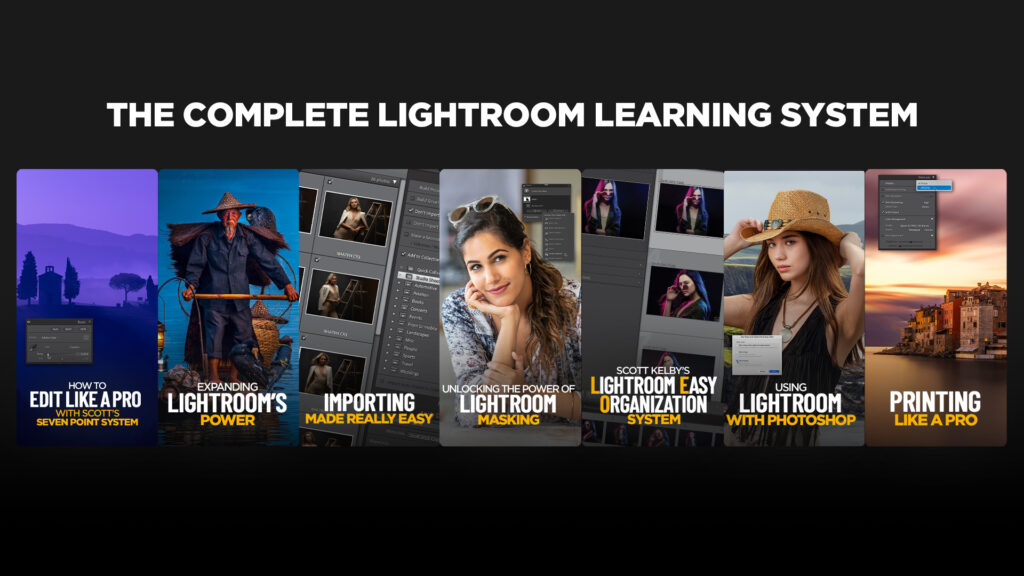
My Complete Lightroom Learning System: A Simple, Daily Path to Finally “Getting” Lightroom

My Complete Lightroom Learning System: A Simple, Daily Path to Finally “Getting” Lightroom

If you’ve ever opened Lightroom Classic and immediately felt overwhelmed, you are not alone. Most photographers aren’t struggling because they’re “bad with computers”—they’re struggling because Lightroom is a big, powerful program with a lot of moving parts. When you don’t know the right order to learn things, it’s easy to wind up frustrated, confused, or […]

Read more: My Complete Lightroom Learning System: A Simple, Daily Path to Finally “Getting” Lightroom
Luminar Neo Fall Upgrade 2025: A Giant Leap Toward Cross-Platform Creativity

Luminar Neo Fall Upgrade 2025: A Giant Leap Toward Cross-Platform Creativity

Skylum is raising the bar again. The Fall 2025 upgrade to Luminar Neo isn’t just another update — it’s a reimagining of what photo editing can be in a connected, multi-device world. With a massive rollout of new tools, platform expansions, and an all-new ecosystem, Luminar Neo is now primed to be more than a […]

Read more: Luminar Neo Fall Upgrade 2025: A Giant Leap Toward Cross-Platform Creativity
Using Lightroom on the Move: How to Stay Organized While You Travel with Terry White

Using Lightroom on the Move: How to Stay Organized While You Travel with Terry White

Traveling with your camera gear is exciting, but what about your editing workflow? If you’ve ever come home from a trip with a mountain of disorganized photos, you know the struggle. That’s where Terry White comes in with his new class. In this class, Terry shows you how to make Lightroom work for you no […]

Read more: Using Lightroom on the Move: How to Stay Organized While You Travel with Terry White
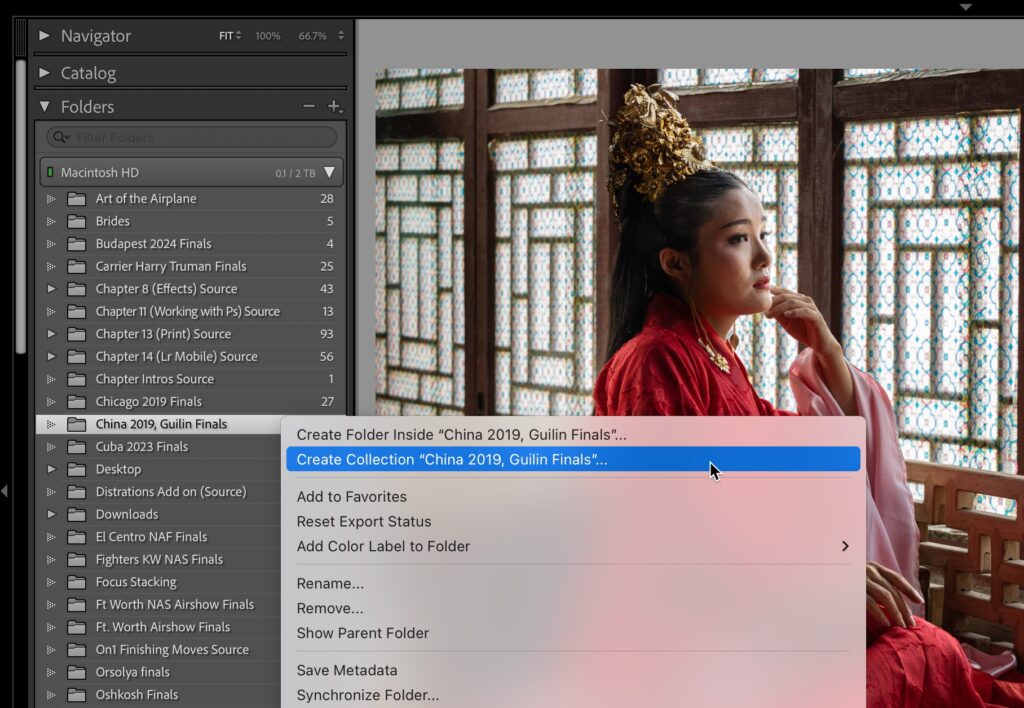
How to Make a Collection From a Folder

How to Make a Collection From a Folder

If you’re ready to get off Folders, here’s how to make that happen. NOTE: Just so ya know, we’re not deleting any folders, we’re just going to use collections instead. Those folders are sacred because our actual photos are inside, so we’re just going to leave them alone once we make our collections. Step One: This […]

Read more: How to Make a Collection From a Folder