Schenectady Photographic Society

Menu

Lightroom Classic

Lightroom Classic Users: Use This Trick To Search Your Images Using Adobe Sensei

Lightroom Classic Users: Use This Trick To Search Your Images Using Adobe Sensei

One of the best things in Lightroom’s cloud version is it’s visual image search using Adobe Sensei (Adobe’s AI-powered magic), and what’s cool about this technology is — you can search by simply describing what’s in the photo you’re looking. No keywording required! For example, you could search for guitar and it will instantly bring up […]

Read more: Lightroom Classic Users: Use This Trick To Search Your Images Using Adobe Sensei
It’s “3 Lightroom Tip” Friday!

It’s “3 Lightroom Tip” Friday!

Adding Grain For a Vintage B&W Look in Lightroom This first one is a 1-minute quickie from our dear friend and KelbyOne Instructor, Serge Ramelli. How To Create More Than One Spotlight Using the Radial Filter Here’s a cool little, yet very simple trick, from me that lets you use Lightroom’s Radial Filter to create […]

Read more: It’s “3 Lightroom Tip” Friday!
Zoom Options in Lightroom Classic

Zoom Options in Lightroom Classic

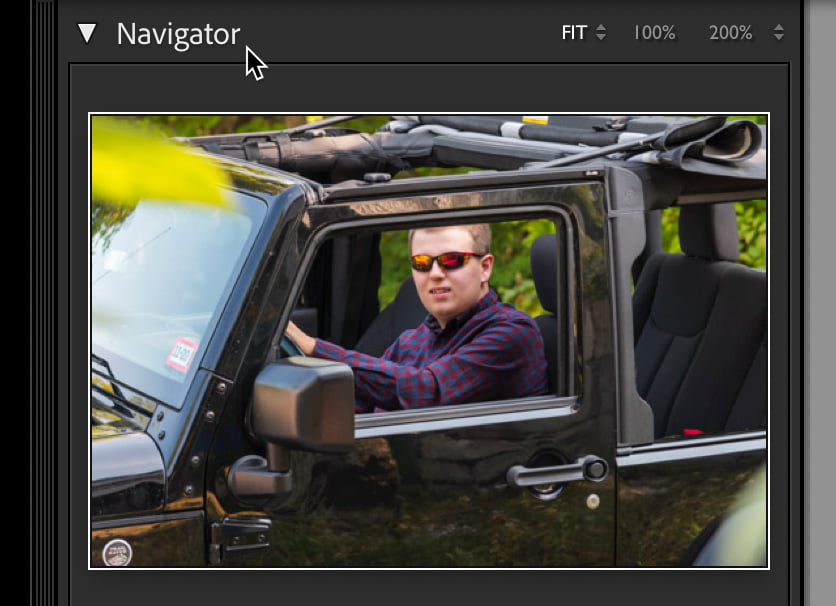
There comes a time in every workflow for pixel peeping, and Lightroom Classic (LrC) has a number of ways for us to zoom up close and personal with the pixels in our photos. Some are old, and some have been recently added, and we can leverage them in the Loupe view in Library module and […]

Read more: Zoom Options in Lightroom Classic