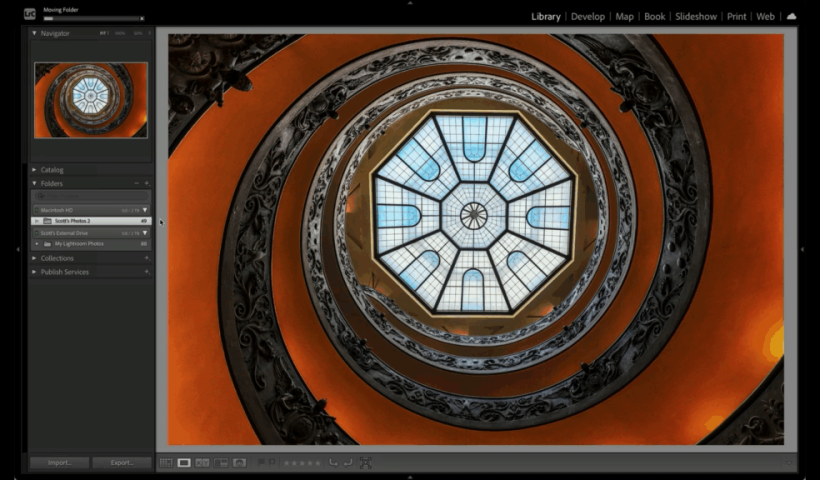
Managing your photos across multiple devices can feel like a headache—desktops, laptops, and external drives can make it tricky to stay organized. But it doesn’t have to be complicated. With this organization method, Lightroom doesn’t…
View More Move All Your Photos To One Drive—Fast!Tag: Lightroom Tips
Don’t Panic—Lightroom’s Import Step Is Easier Than It Looks
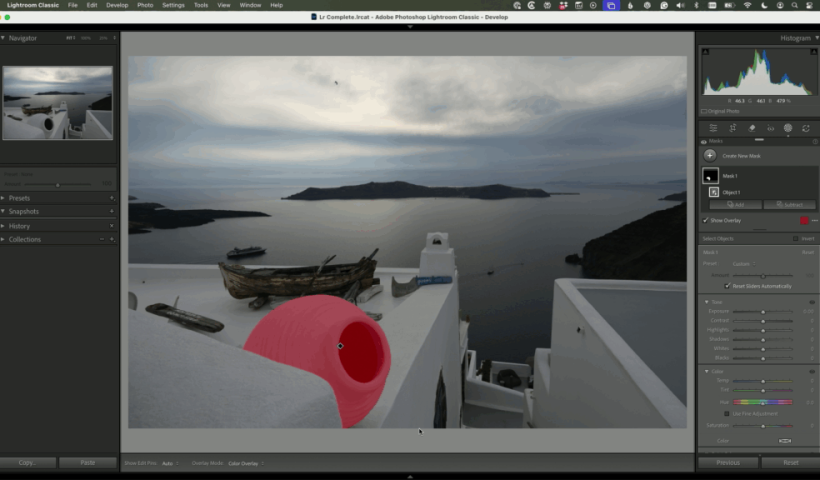
The import screen in Lightroom Classic can feel intimidating, especially when you’re staring at a screen full of options before you’ve edited a single photo. But here’s the truth: import is one of the most…
View More Don’t Panic—Lightroom’s Import Step Is Easier Than It LooksThis Week on The Grid: Open Q&A Holiday Edition w/ Scott Kelby & Erik Kuna
This week’s episode of The Grid was an always-popular Open Q&A, with a light holiday twist and plenty of laughs along the way. Scott and Erik tackled whatever was on photographers’ minds, jumping from topic…
View More This Week on The Grid: Open Q&A Holiday Edition w/ Scott Kelby & Erik KunaUsing Lightroom on the Move: How to Stay Organized While You Travel with Terry White
Traveling with your camera gear is exciting, but what about your editing workflow? If you’ve ever come home from a trip with a mountain of disorganized photos, you know the struggle. That’s where Terry White…
View More Using Lightroom on the Move: How to Stay Organized While You Travel with Terry WhiteAdvanced Tip: Two Ways To Keep Your Remove Tool Variations
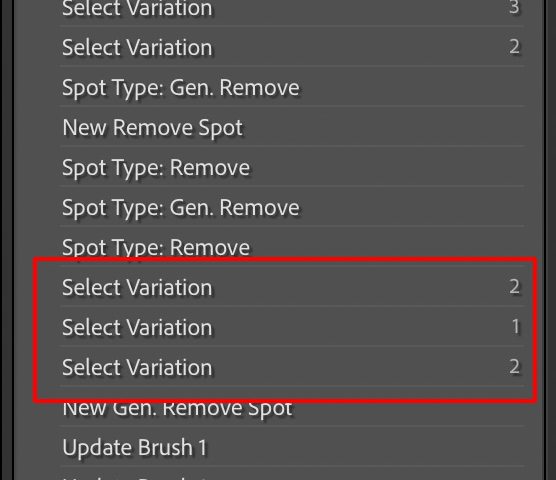
Mornin’, everybody. This tip is way better than the headline makes it sound. Here’s the situation (and then the tip): You used the Remove tool, with the Generative AI checkbox turned on You went through…
View More Advanced Tip: Two Ways To Keep Your Remove Tool Variations10 Lightroom Classic and Lightroom Tips
This year is quickly coming to a close and I wanted to leave a series of my favorite tips for Lightroom Classic and Lightroom to help you end on a good note or start next…
View More 10 Lightroom Classic and Lightroom Tips“Seven Clicks To Done” (Lightroom Before and After Step-by-Step)
This is just a quickie, but it shows how a little AI goes a long way. Above: Here’s the raw image out of the camera. Here’s a link to download the Raw image if you…
View More “Seven Clicks To Done” (Lightroom Before and After Step-by-Step)Five More Tips for Lightroom Classic
Wrapping up my tips from last week, here’s five more! [These tips first appeared in the October issue of Photoshop User Magazine – Rob] Find Exactly Where Your Catalog is Stored (LrC) Right after knowing…
View More Five More Tips for Lightroom Classic