
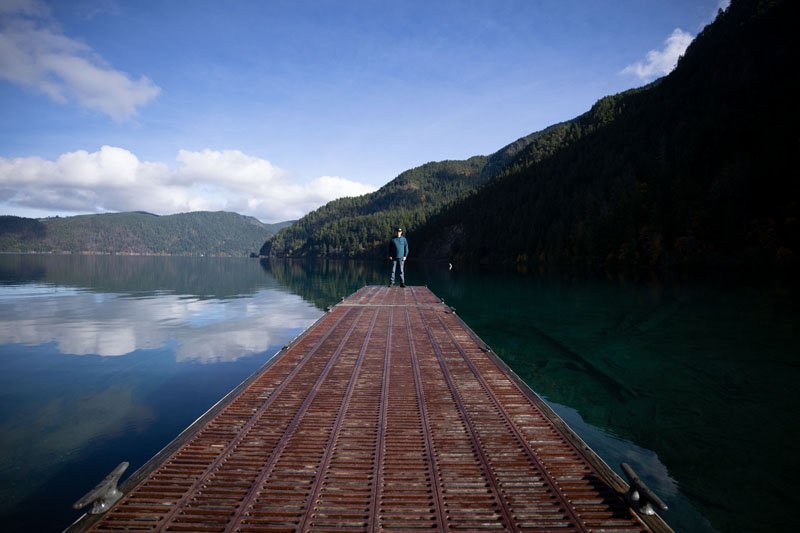
Selectively remove shadows in a photo with reverse dodge and burn in Photoshop
Show detail in shadows and highlights selectively in Photoshop with Reverse Dodge and Burn tutorial. This Photoshop tutorial will show you how to remove the shadows exactly where you need them and recover blown out details in the highlights. I call the process “Reverse” Dodge and Burn. Normally you dodge and burn to add highlights […]