Schenectady Photographic Society

Menu

Photo effects

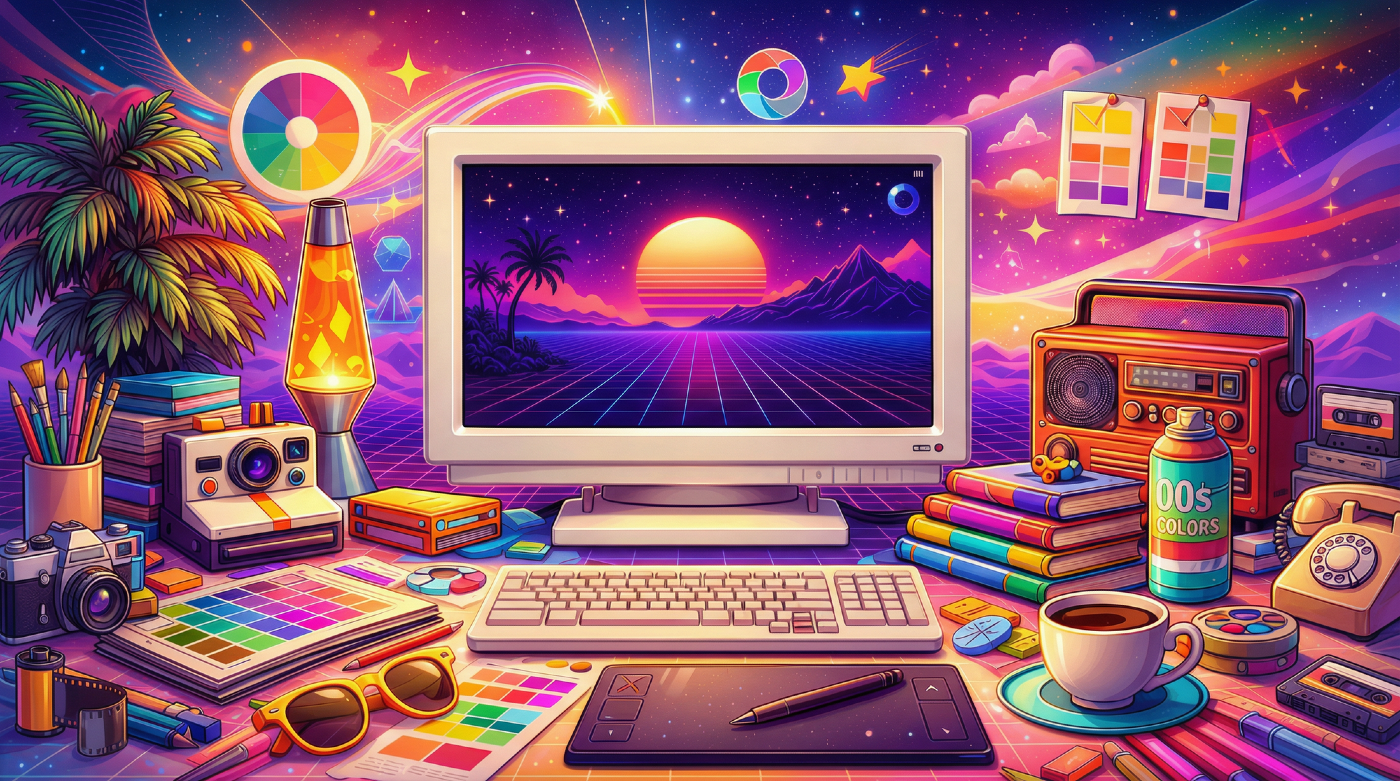
27 Retro Photoshop Effects to Fix Your Painfully Boring Designs

27 Retro Photoshop Effects to Fix Your Painfully Boring Designs

At some point, most designs start to feel a little too familiar. Clean layouts, safe color choices, the same effects over and over… everything works, but nothing really stands out. It’s not bad design—it’s just predictable. And that’s usually when things start to feel, well… a Read the full article here: 27 Retro Photoshop Effects […]
Read more: 27 Retro Photoshop Effects to Fix Your Painfully Boring Designs
Create Refracted Glass Effect in Photoshop

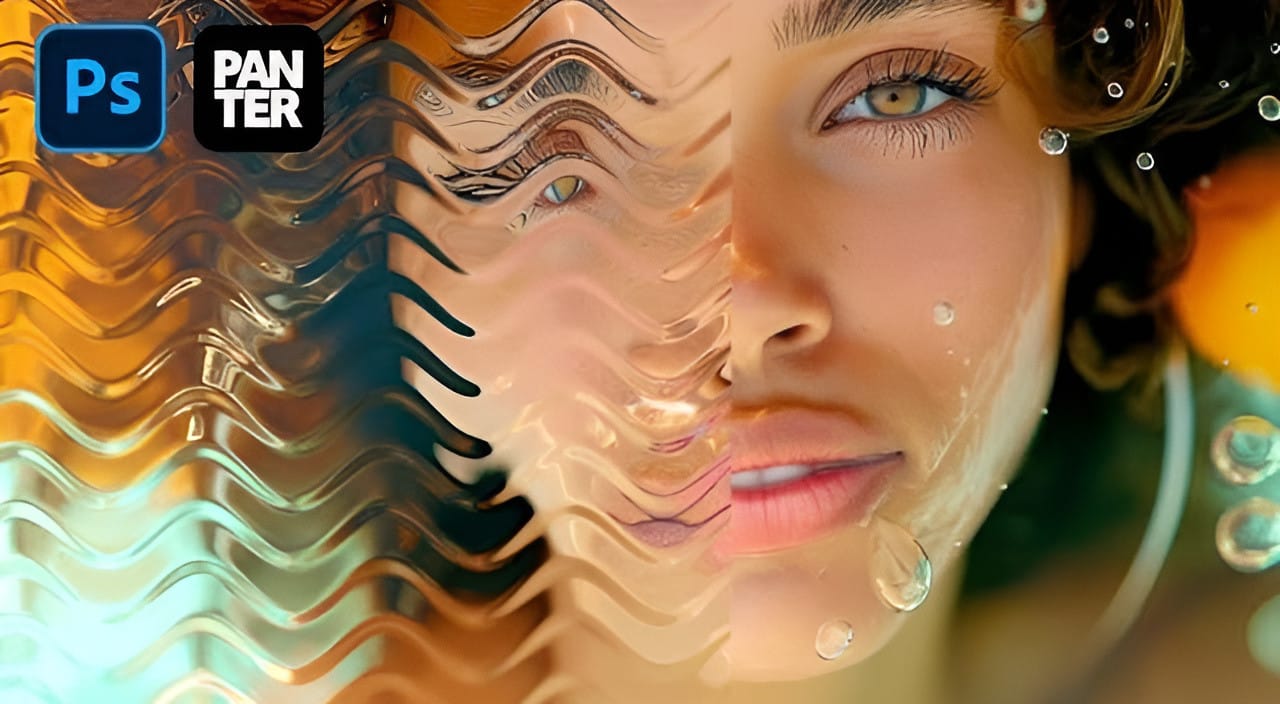
Create Refracted Glass Effect in Photoshop

Refracted glass effects simulate the visual distortion that occurs when light passes through textured glass surfaces. This technique creates realistic wavy, rippled appearances that can transform ordinary images into dynamic compositions. The process involves building custom displacement maps using gradients and wave filters, then applying them through the Glass filter Read the full article here: […]

Read more: Create Refracted Glass Effect in Photoshop
How to Create Realistic Sticker Effects in Photoshop

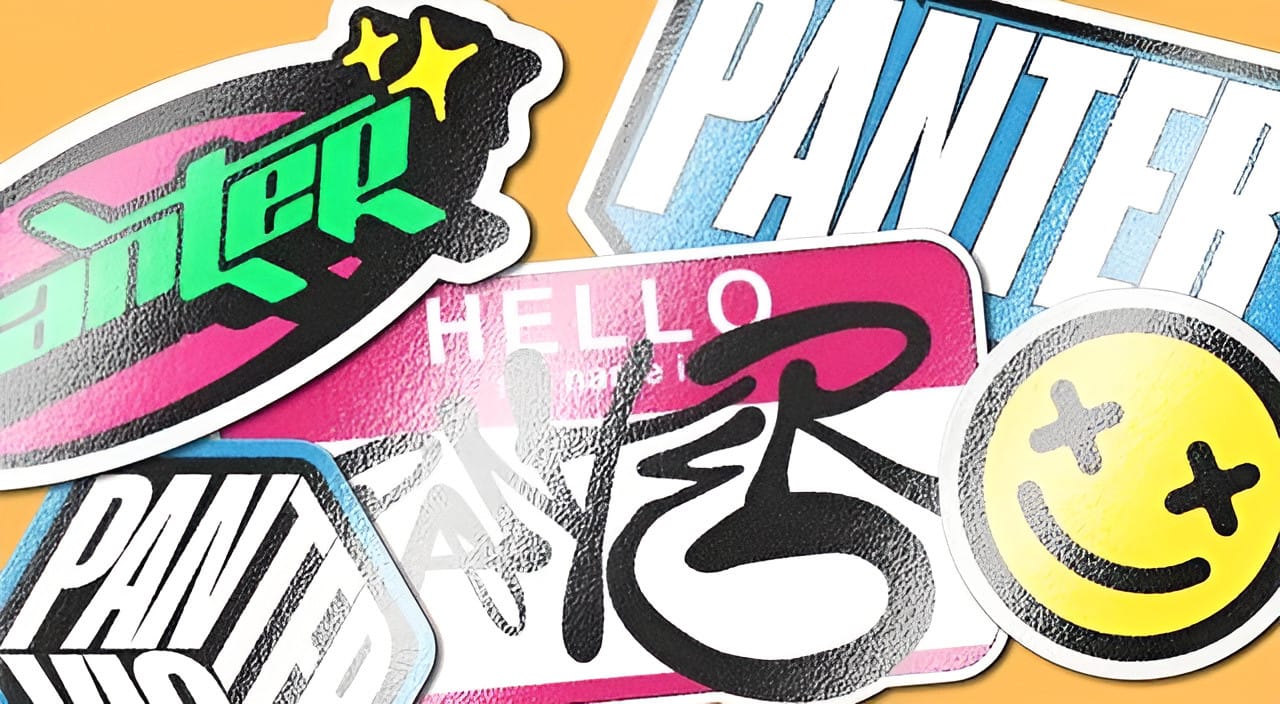
How to Create Realistic Sticker Effects in Photoshop

Creating convincing sticker effects requires more than just adding basic shadows and highlights. The key lies in building up multiple texture layers, proper lighting effects, and subtle surface details that make digital text appear physically attached to a surface. This technique transforms flat vector text into dimensional stickers complete with Read the full article here: […]

Read more: How to Create Realistic Sticker Effects in Photoshop
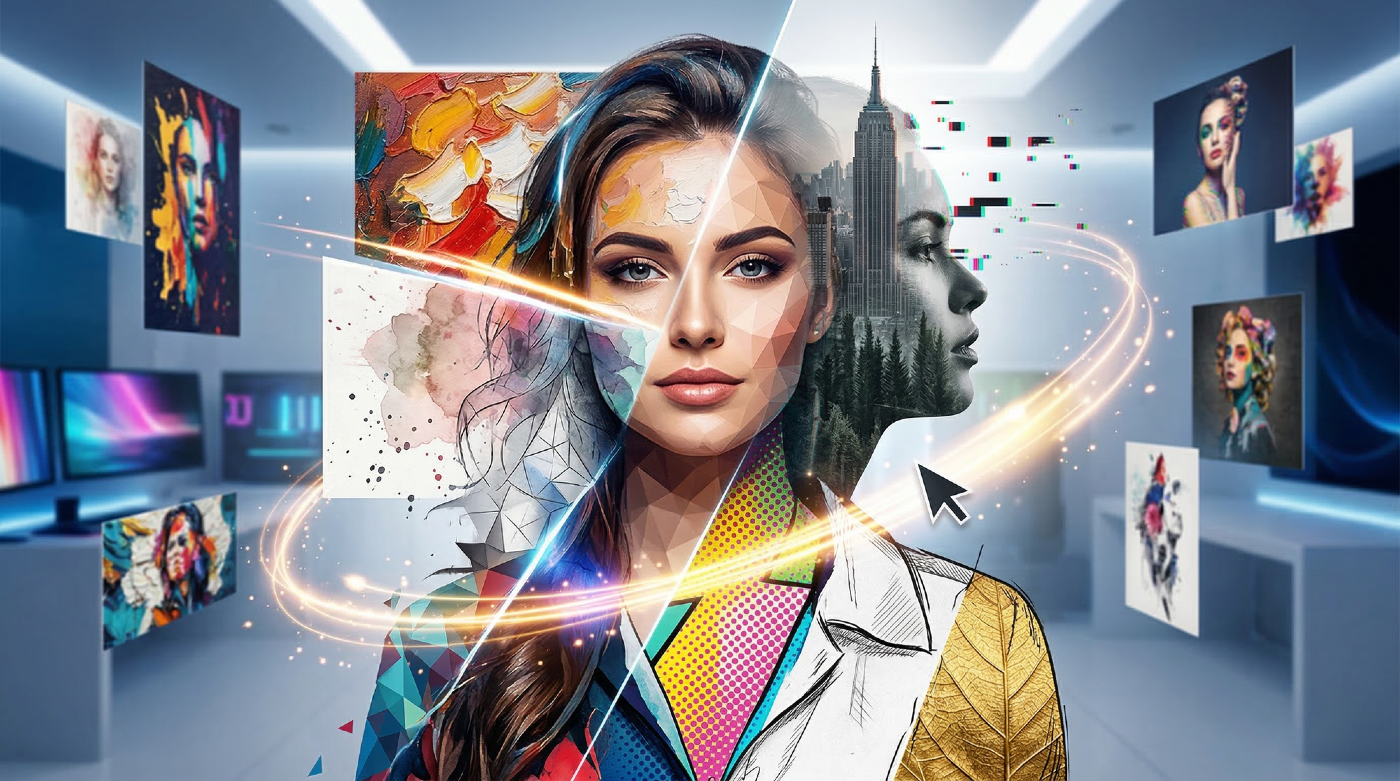
35 Artistic Photoshop Effects Tutorials and Actions That Actually Look Good

35 Artistic Photoshop Effects Tutorials and Actions That Actually Look Good

Creating illustration effects from a photo has never been easier. AI tools can generate a sketch, a painting, or a cartoon version in seconds, and the first result can look surprisingly good. The problem is control. Even with conversational AI models (like ChatGPT or Gemini Nano Banana) that let you Read the full article here: […]

Read more: 35 Artistic Photoshop Effects Tutorials and Actions That Actually Look Good
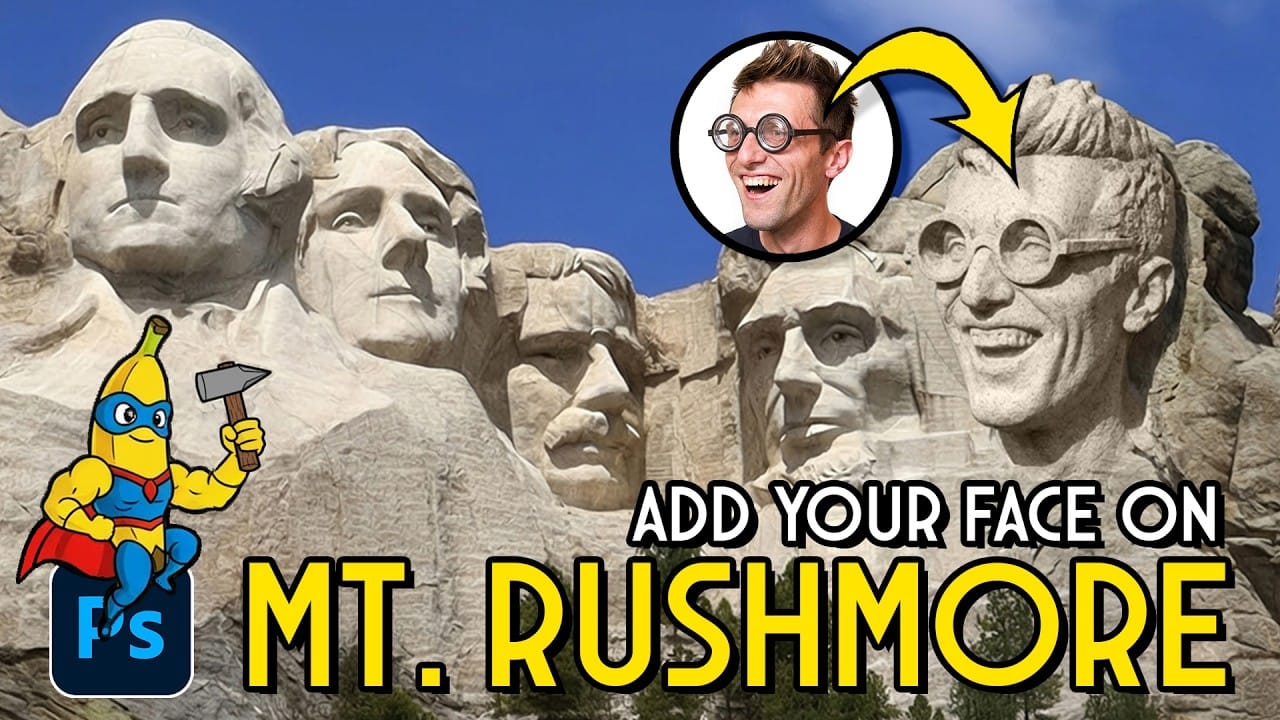
How to Add Any Face to Mount Rushmore Using Photoshop and AI

How to Add Any Face to Mount Rushmore Using Photoshop and AI

Adding faces to Mount Rushmore creates striking digital art that combines portrait photography with AI-powered stone carving effects. This technique uses generative AI to transform any portrait into a realistic granite sculpture that matches the lighting, texture, and monumental style of the famous presidential memorial. The process combines traditional selection Read the full article here: […]

Read more: How to Add Any Face to Mount Rushmore Using Photoshop and AI
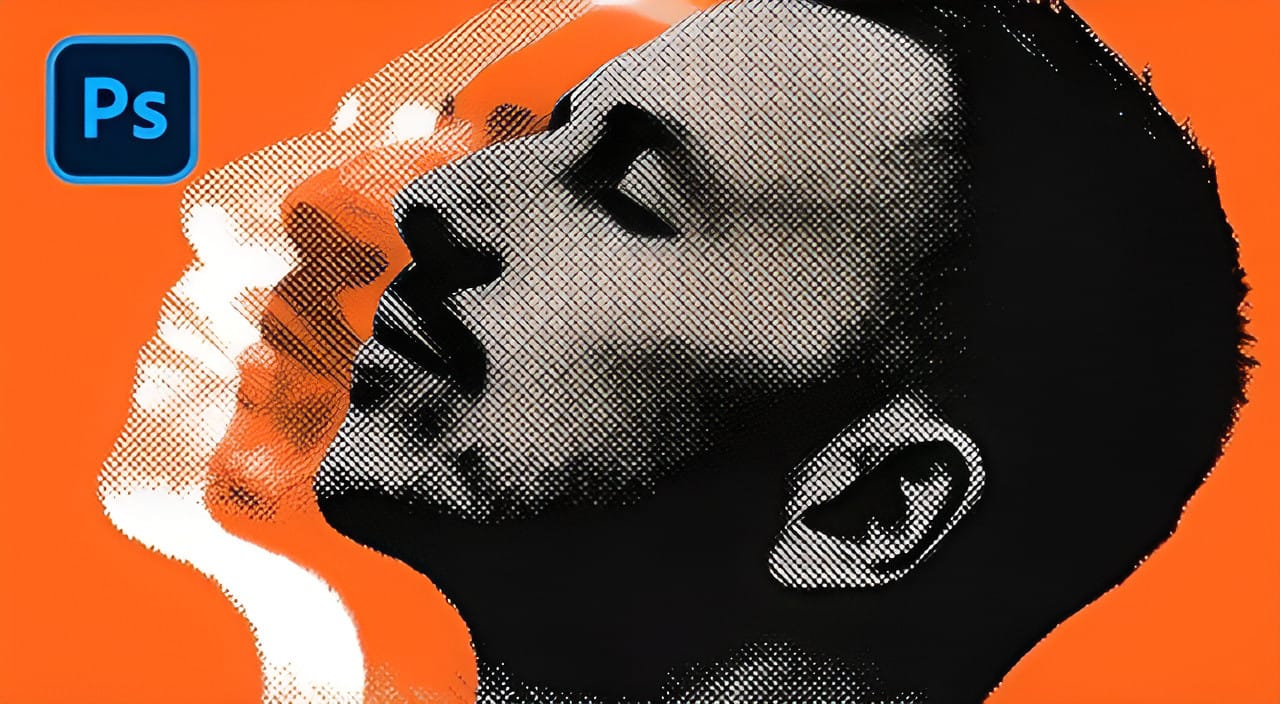
How to Create a Vintage Collage Effect with Halftone Patterns in Photoshop

How to Create a Vintage Collage Effect with Halftone Patterns in Photoshop

Vintage collage effects combine the nostalgic appeal of old-school printing techniques with modern digital artistry. This technique uses halftone patterns, emboss effects, and strategic layering to transform ordinary portraits into striking retro compositions that evoke classic album covers and vintage advertisements. The process involves duplicating layers with different treatments, applying Read the full article here: […]

Read more: How to Create a Vintage Collage Effect with Halftone Patterns in Photoshop
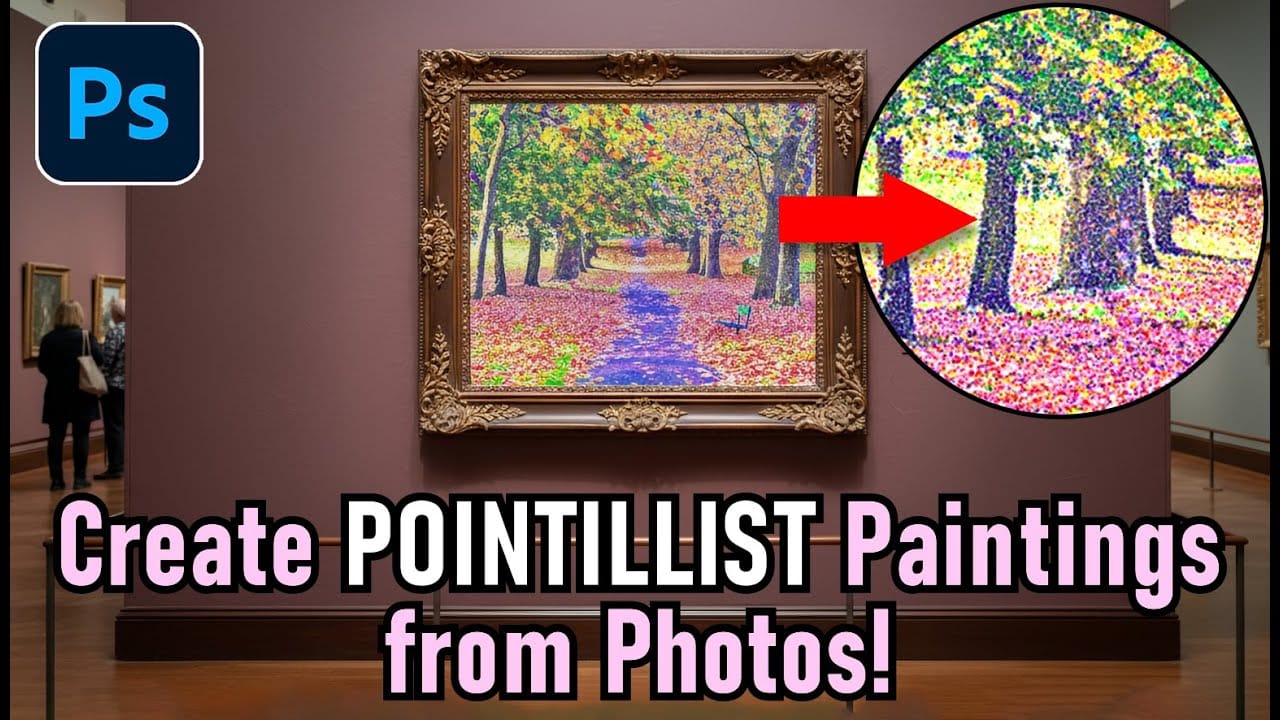
Create a Pointillism Effect in Photoshop

Create a Pointillism Effect in Photoshop

Pointillism, the late 19th-century painting technique that uses small dots of color to form images, creates a distinctive artistic look where colors blend optically when viewed from a distance. This digital recreation technique transforms ordinary photographs into artwork that mimics the style of masters like Paul Signac. The process combines Read the full article here: […]

Read more: Create a Pointillism Effect in Photoshop
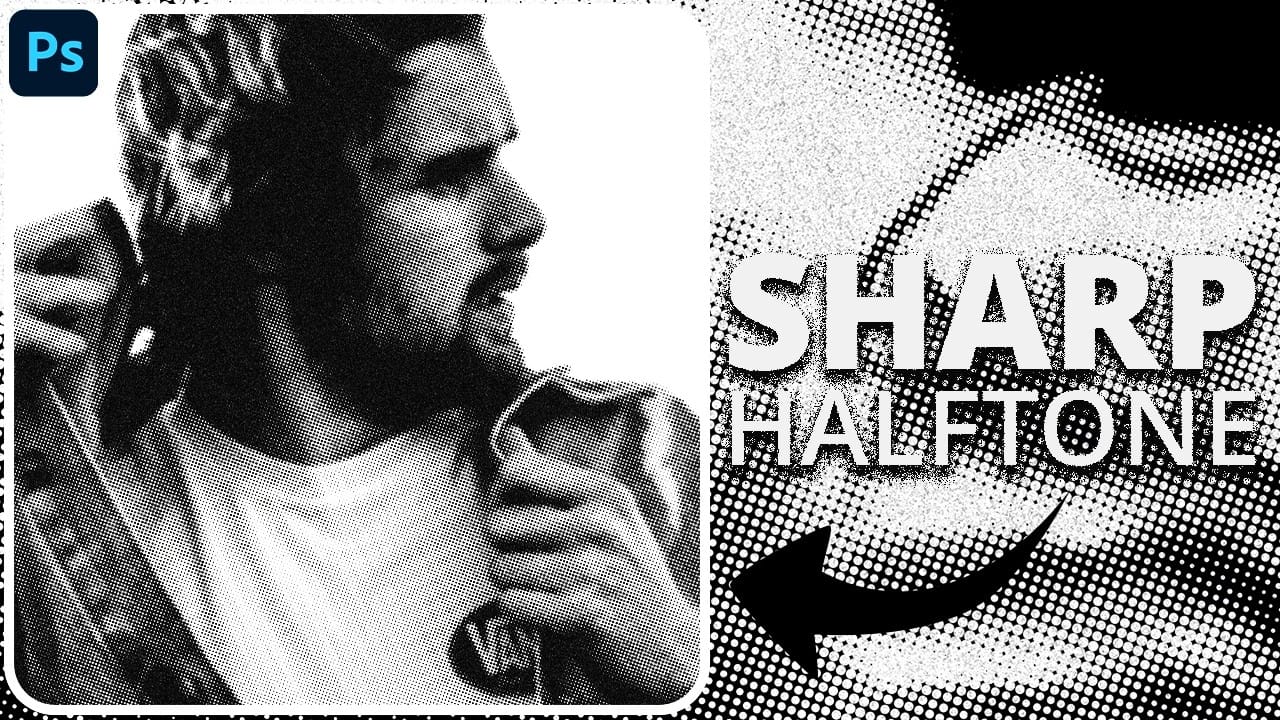
How to Create Sharp Halftone Effects in Photoshop

How to Create Sharp Halftone Effects in Photoshop

Traditional halftone effects in print media created depth through visible dot patterns that gave images character and texture. While Photoshop's built-in Filter Gallery offers a quick halftone option, it produces blurry results that lack the crisp definition of professional halftone work. This technique uses the Color Halftone filter Read the full article here: How to […]

Read more: How to Create Sharp Halftone Effects in Photoshop