Schenectady Photographic Society

Menu

Photoshop Basics

How to make greeting cards in Photoshop | the ultimate guide, free smart templates included

How to make greeting cards in Photoshop | the ultimate guide, free smart templates included

Create Your Own Greeting Card in Photoshop Download the Template here Learn to create stunning designs in Photoshop, with this course Here are the written steps, I will update these and add images soon! Designing Flexible Greeting Card Templates in Photoshop Creating your own greeting cards in Photoshop doesn’t have to be a one-off project. […]

Read more: How to make greeting cards in Photoshop | the ultimate guide, free smart templates included
Photoshop Beta New Color and Vibrance – Temperature vs Tint in Photoshop Explained

Photoshop Beta New Color and Vibrance – Temperature vs Tint in Photoshop Explained

Understanding Temperature vs Tint in Photoshop (White Balance Explained) White balance can be a confusing topics for photographers. In this tutorial, we’ll clear up the difference between Temperature and Tint—and we’ll also look at a new tool in Photoshop Beta that makes fixing color casts easier than ever. The New Color and Vibrance Adjustment Before […]

Read more: Photoshop Beta New Color and Vibrance – Temperature vs Tint in Photoshop Explained
On-device Select subject in Photoshop, improved ai selections without the cloud

On-device Select subject in Photoshop, improved ai selections without the cloud

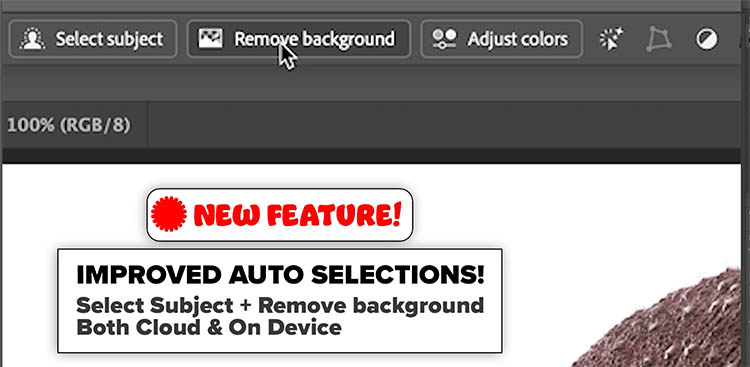
Excellent auto selections in Photoshop, right on your device Five months ago, Adobe made some huge improvements to their auto selections in Photoshop. Select subject and remove background got a new algorithm, but only for cloud-based processing. This means your photo is (invisibly, behind the scenes) uploaded to the Adobe cloud and processed (this has […]

Read more: On-device Select subject in Photoshop, improved ai selections without the cloud