Schenectady Photographic Society

Menu

photoshop-roadmap

How to Build a Realistic Hoodie Mockup in Photoshop with Color Changes, Embossing, and Embroidery

How to Build a Realistic Hoodie Mockup in Photoshop with Color Changes, Embossing, and Embroidery

Building a hoodie mockup from a plain stock photo takes more than placing a graphic on top. This tutorial covers the full workflow: isolating and cleaning the garment, recoloring it with a gradient map, placing graphics with realistic shadow overlap, and finishing with embossed puff print and embroidery layer effects. Read the full article here: […]
Read more: How to Build a Realistic Hoodie Mockup in Photoshop with Color Changes, Embossing, and Embroidery
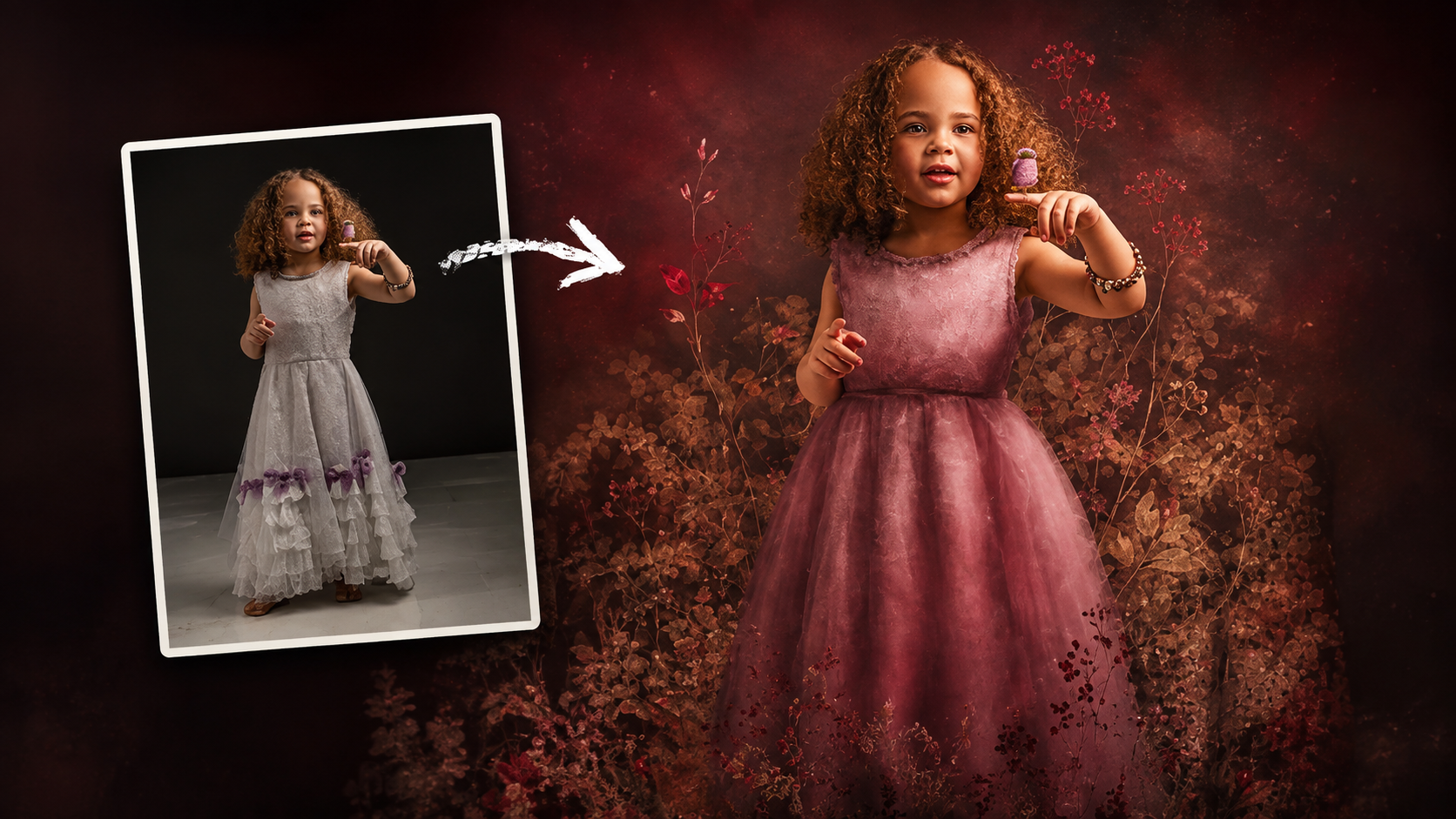
How to Use Floral Appliqué PNGs to Create Fine Art Portraits in Photoshop

How to Use Floral Appliqué PNGs to Create Fine Art Portraits in Photoshop

High-resolution floral appliqué PNGs on transparent layers open up a straightforward path to fine art portrait compositing. By combining them with subject cutouts, blend modes, clipped adjustment layers, and foliage brushes, a standard photograph can take on the depth and texture of a painted piece. Watch the Video Practical Read the full article here: How […]

Read more: How to Use Floral Appliqué PNGs to Create Fine Art Portraits in Photoshop
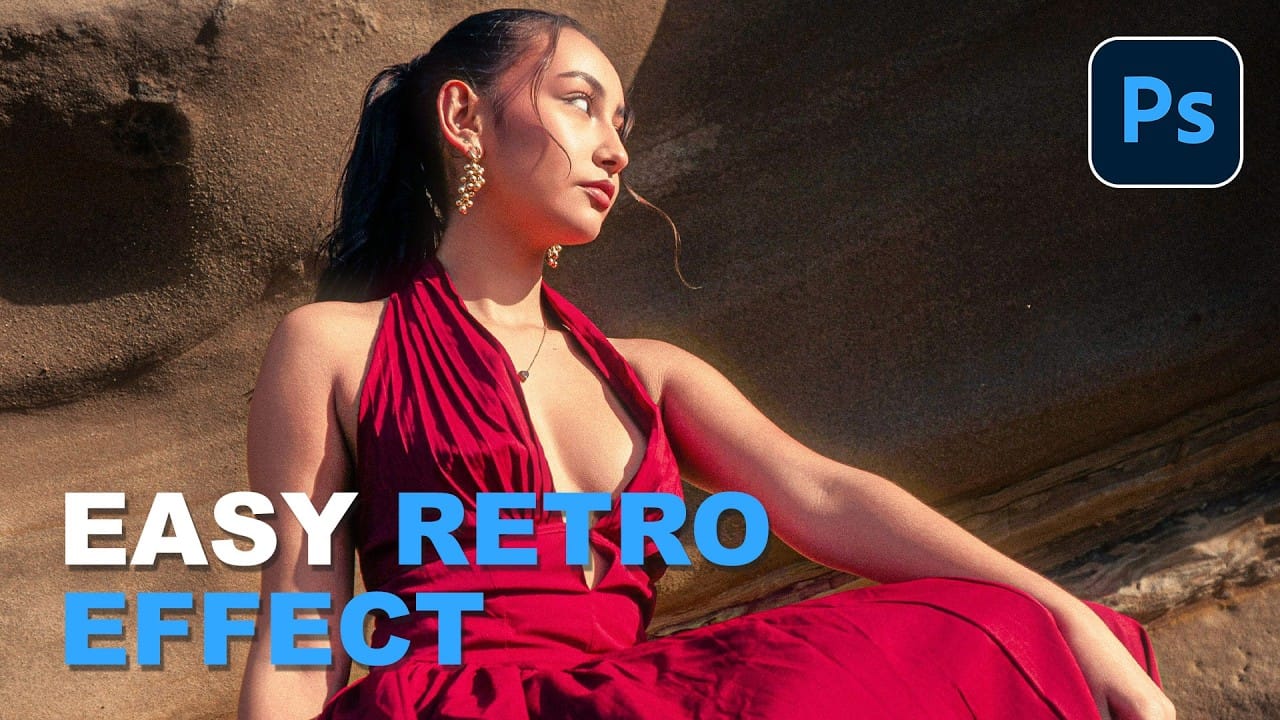
Simulate the 2000s Digicam Look in Photoshop and Camera Raw

Simulate the 2000s Digicam Look in Photoshop and Camera Raw

Early 2000s point-and-shoot cameras produced a distinctive look: punchy contrast, cool color casts from on-camera flash, deep shadows, and a soft glow around bright areas. This walkthrough covers how to replicate that aesthetic non-destructively using Camera Raw, radial gradient masking, and a blurred highlight layer. Watch Read the full article here: Simulate the 2000s Digicam […]

Read more: Simulate the 2000s Digicam Look in Photoshop and Camera Raw
How to Remove Skin Blemishes and Fix Skin Tones in Camera Raw

How to Remove Skin Blemishes and Fix Skin Tones in Camera Raw

Two recent additions to Camera Raw make skin retouching significantly faster: an automatic blemish removal tool with separate controls for moles and freckles, and a vectorscope-based skin tone indicator for correcting off-color skin. Both features work non-destructively inside a smart object workflow, so no pixel data is Read the full article here: How to Remove […]

Read more: How to Remove Skin Blemishes and Fix Skin Tones in Camera Raw
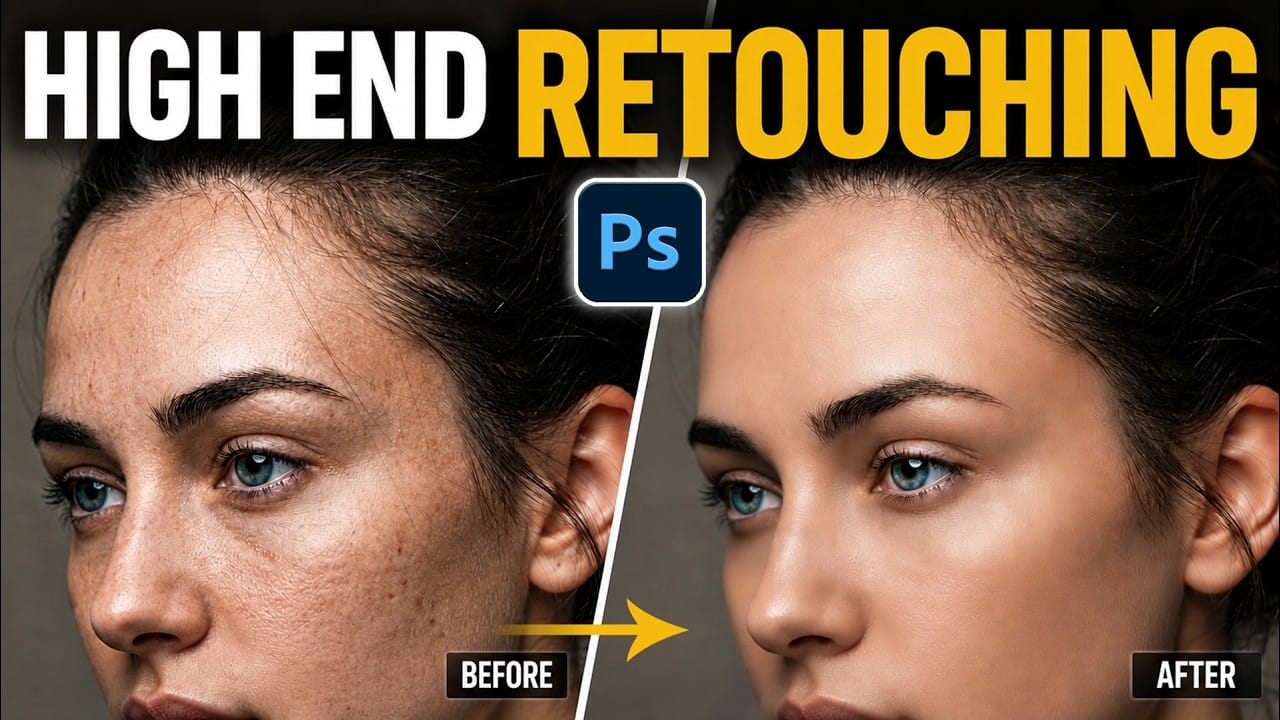
Portrait Retouching in Photoshop: Smooth Skin While Keeping Natural Texture

Portrait Retouching in Photoshop: Smooth Skin While Keeping Natural Texture

Smooth skin and natural texture are not opposites — achieving both at once is the mark of a professional retouch. This workflow covers blemish removal, flyaway hair cleanup, dark under-eye correction, and eye brightening, all while keeping the skin looking like skin. Watch the Video Practical Tips These key points Read the full article here: […]

Read more: Portrait Retouching in Photoshop: Smooth Skin While Keeping Natural Texture
How to Use Camera Raw's Blemish Removal Tool in Photoshop

How to Use Camera Raw's Blemish Removal Tool in Photoshop

Camera Raw 18.5 introduced an automatic blemish removal tool that does something previous solutions rarely managed: it removes skin imperfections while preserving the underlying skin texture. It also distinguishes between temporary marks and permanent ones like moles, giving you separate controls for each. Watch the Video Practical Tips These Read the full article here: How […]

Read more: How to Use Camera Raw's Blemish Removal Tool in Photoshop