Schenectady Photographic Society

Menu

photoshop-roadmap

Essential Photoshop Tools for Beginners: Brush, Crop, and Move Tool Tutorial

Essential Photoshop Tools for Beginners: Brush, Crop, and Move Tool Tutorial

Learning Photoshop tools feels overwhelming when you don't know where to start. This tutorial focuses on three essential tools that form the foundation of most Photoshop work: the brush tool for painting and retouching, the crop tool for resizing and straightening images, and the move tool for positioning Read the full article here: Essential Photoshop […]

Read more: Essential Photoshop Tools for Beginners: Brush, Crop, and Move Tool Tutorial
How to Add Custom Textures to Photos in Photoshop

How to Add Custom Textures to Photos in Photoshop

Adding textures to photographs can transform ordinary images into compelling artistic compositions. This technique uses multiple texture layers combined with strategic blending modes and color adjustments to create depth and visual interest. The process involves layering different texture types—color overlays, surface patterns, and lighting effects—then using masking techniques Read the full article here: How to […]

Read more: How to Add Custom Textures to Photos in Photoshop
Using AI-Generated Images as Inspiration for Fine Art Portrait Edits

Using AI-Generated Images as Inspiration for Fine Art Portrait Edits

Creative blocks happen to every photographer. When you're struggling to find fresh editing ideas for your portraits, AI-generated images can serve as powerful visual references to spark new artistic directions. This comprehensive tutorial demonstrates how to transform an ordinary child portrait into a painterly masterpiece using an AI Read the full article here: Using AI-Generated […]

Read more: Using AI-Generated Images as Inspiration for Fine Art Portrait Edits
Add Floral Patterns to Black Dresses Using Brushes in Photoshop

Add Floral Patterns to Black Dresses Using Brushes in Photoshop

Transform plain black clothing into vibrant, patterned garments using custom brushes and strategic layer blending. This non-destructive technique combines precise selections with clipping masks to paint realistic floral designs directly onto fabric while preserving the original photograph. The method works particularly well on black materials because the hard light blend Read the full article here: […]

Read more: Add Floral Patterns to Black Dresses Using Brushes in Photoshop
Complete Photoshop Basics Tutorial: Interface, Tools, and Essential Skills for Beginners

Complete Photoshop Basics Tutorial: Interface, Tools, and Essential Skills for Beginners

Opening Photoshop for the first time can feel overwhelming. The countless tools, panels, and menus create confusion that keeps many beginners from exploring the software's potential. This comprehensive tutorial breaks down Photoshop into manageable concepts, covering everything from basic installation to advanced workspace navigation. You'll learn Read the full article here: Complete Photoshop Basics Tutorial: […]

Read more: Complete Photoshop Basics Tutorial: Interface, Tools, and Essential Skills for Beginners
How to Replace Objects Using Reference Images in Photoshop Generative Fill

How to Replace Objects Using Reference Images in Photoshop Generative Fill

Reference images transform Generative Fill from a text-based tool into a precise visual command system. Instead of describing what you want, you show the AI exactly which object to create, leading to more accurate and predictable results. This technique works by combining traditional selection tools with the new reference image Read the full article here: […]

Read more: How to Replace Objects Using Reference Images in Photoshop Generative Fill
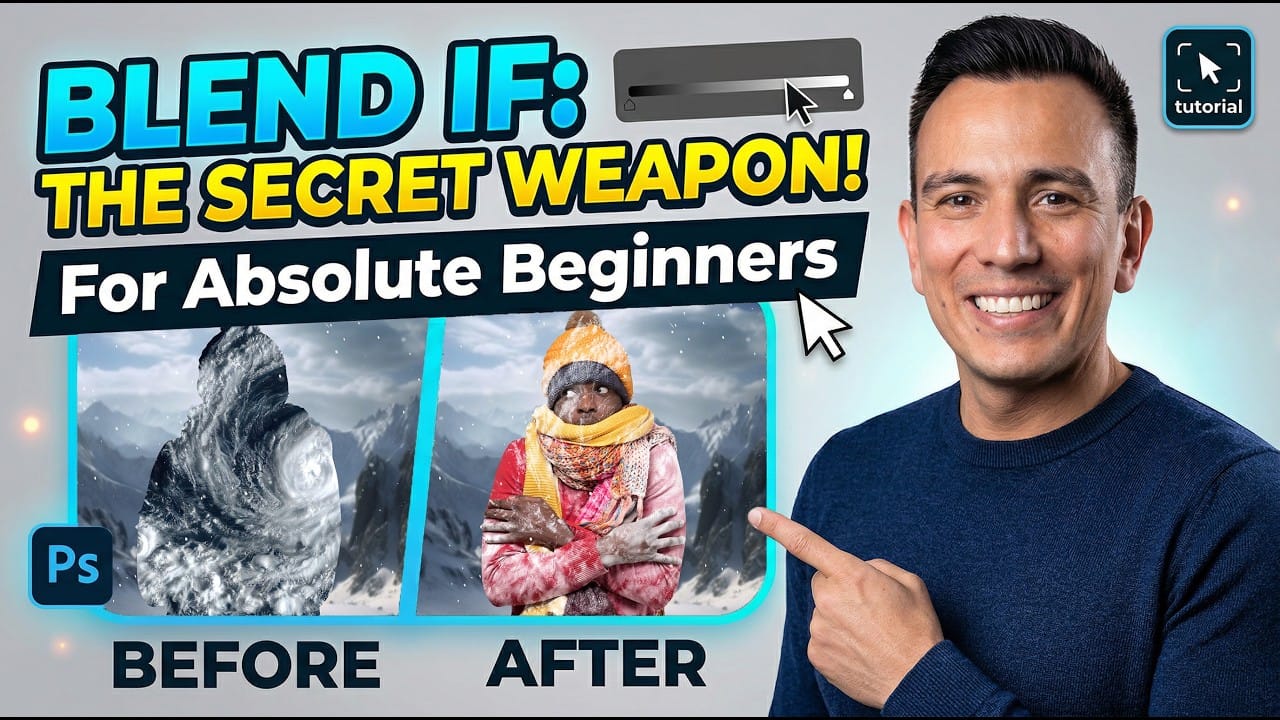
How to Use Blend If Sliders for Pixel-Perfect Transparency in Photoshop

How to Use Blend If Sliders for Pixel-Perfect Transparency in Photoshop

Blend If sliders control transparency based on brightness levels, making complex selections unnecessary. Understanding how these two simple sliders work with RGB channels opens up precise compositing possibilities that would otherwise require multiple masks and selections. The technique works by targeting specific brightness ranges from 0 to 255, allowing you Read the full article here: […]

Read more: How to Use Blend If Sliders for Pixel-Perfect Transparency in Photoshop