Schenectady Photographic Society

Menu

photoshop-roadmap

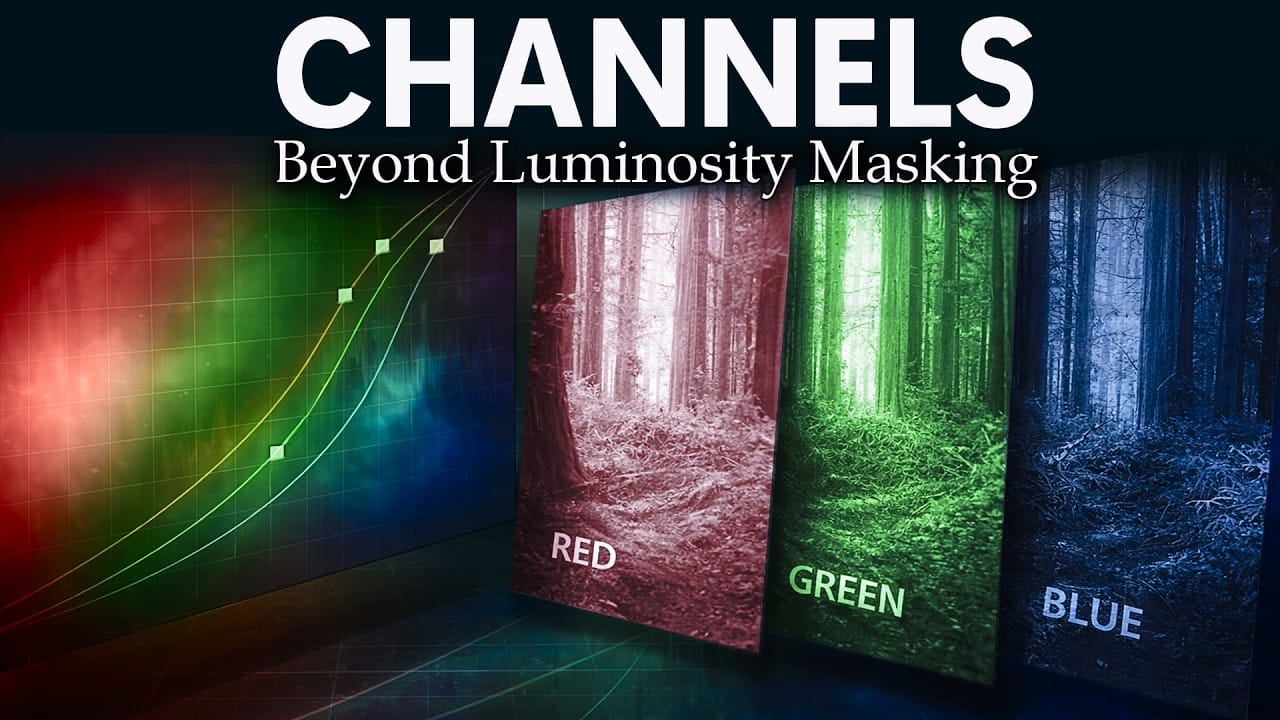
How to Use Photoshop Channels for Precision Masking and Natural Selections

How to Use Photoshop Channels for Precision Masking and Natural Selections

Most photographers avoid channels because they seem technical and intimidating. The breakthrough happens when you stop thinking of channels as red, green, and blue data and start seeing them as mask maps that reveal natural separation points in your images. This approach transforms rough, scissors-cut selections into smooth, believable masks Read the full article here: […]
Read more: How to Use Photoshop Channels for Precision Masking and Natural Selections
Ink Garden: 8 Botanical Ink Abstract Backgrounds

Ink Garden: 8 Botanical Ink Abstract Backgrounds

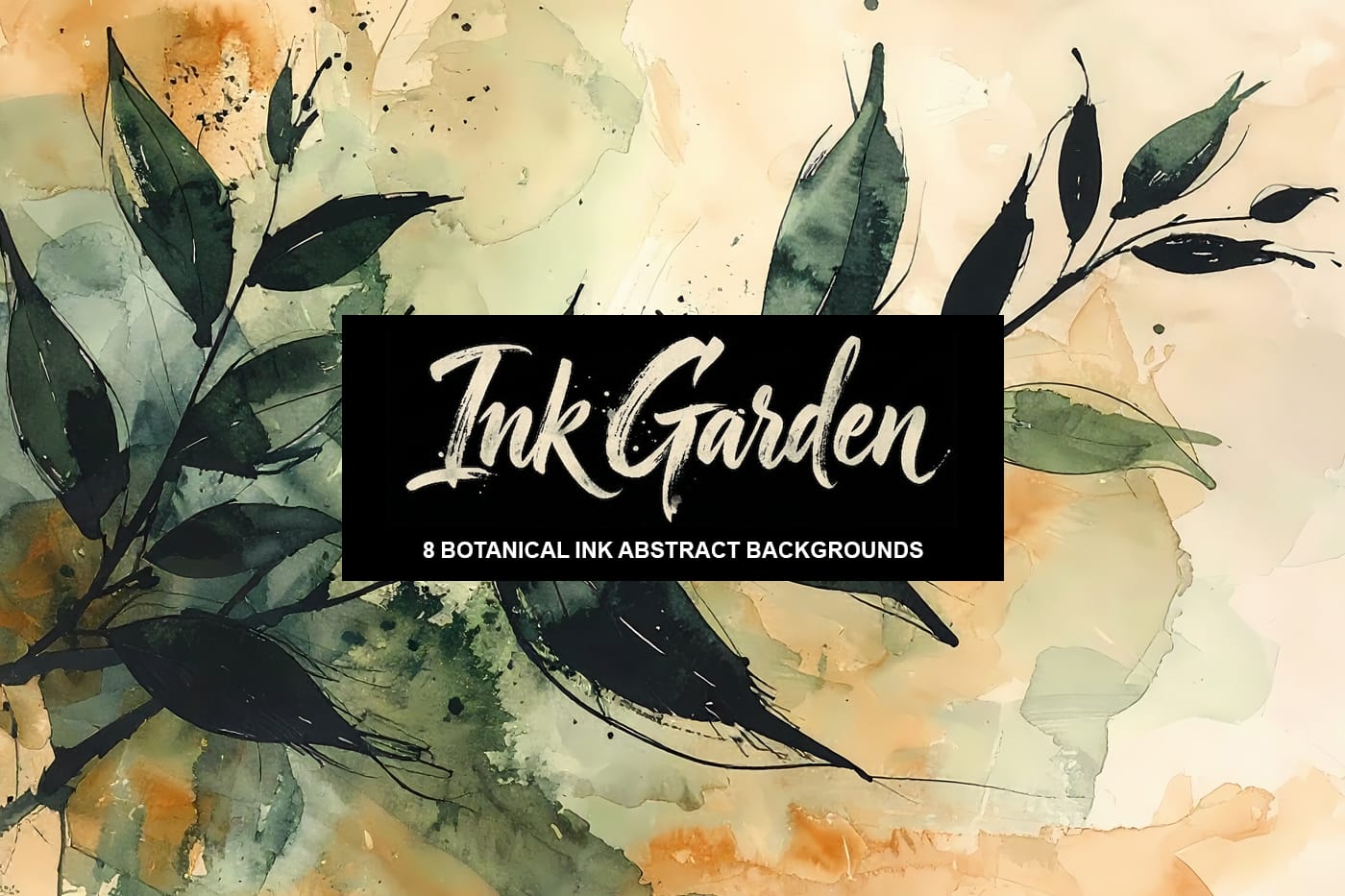
Ink Garden is a collection of expressive ai-generated botanical abstract background papers inspired by loose ink drawings and flowing natural forms. Each design combines delicate hand-drawn leaves and stems with soft watercolor washes, creating a calm composition of organic lines, gentle movement, and layered artistic texture. Expressive black ink brush Read the full article here: […]

Read more: Ink Garden: 8 Botanical Ink Abstract Backgrounds
How to Use the New Color, Clarity, Dehaze, and Grain Adjustment Layers in Photoshop

How to Use the New Color, Clarity, Dehaze, and Grain Adjustment Layers in Photoshop

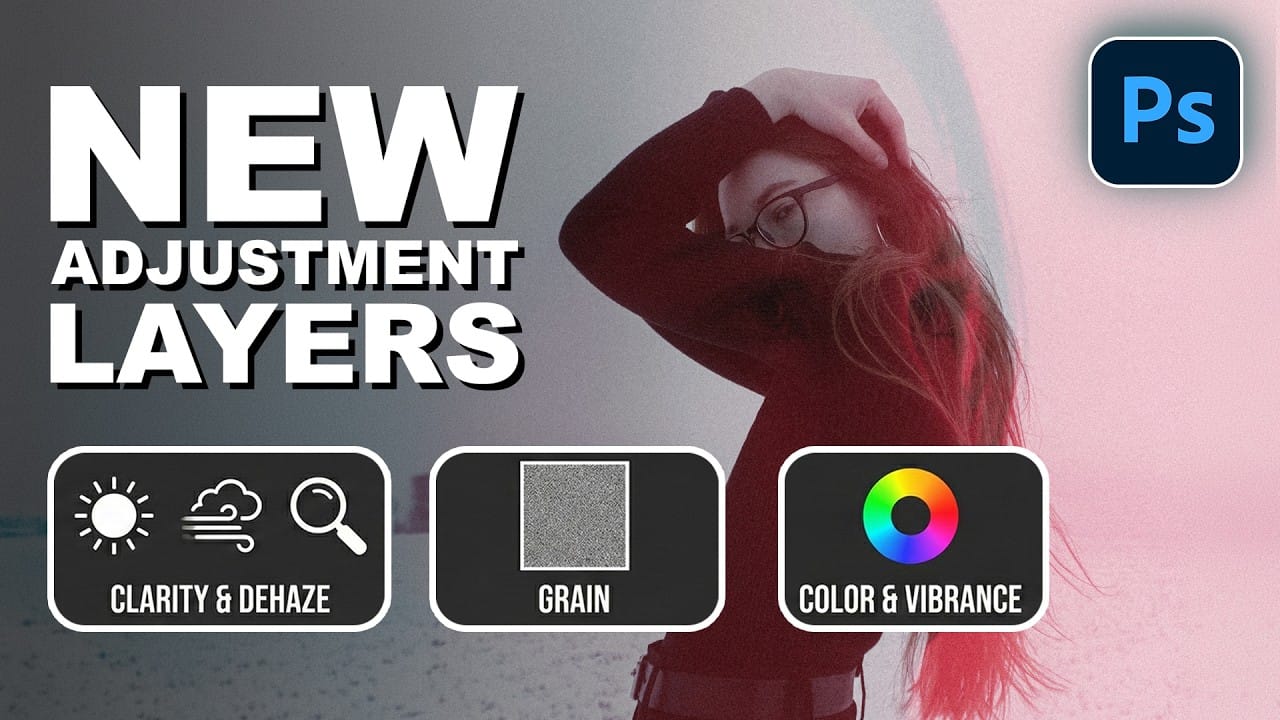
Three powerful new adjustment layers bring Camera Raw's most popular tools directly into your layers panel. Color and Vibrance, Clarity and Dehaze, and Grain adjustments now work as standard adjustment layers with full masking capabilities and non-destructive editing. These tools eliminate the need for smart objects when applying Read the full article here: How to […]

Read more: How to Use the New Color, Clarity, Dehaze, and Grain Adjustment Layers in Photoshop
How to Apply Patterns and Tattoos to Skin in Photoshop

How to Apply Patterns and Tattoos to Skin in Photoshop

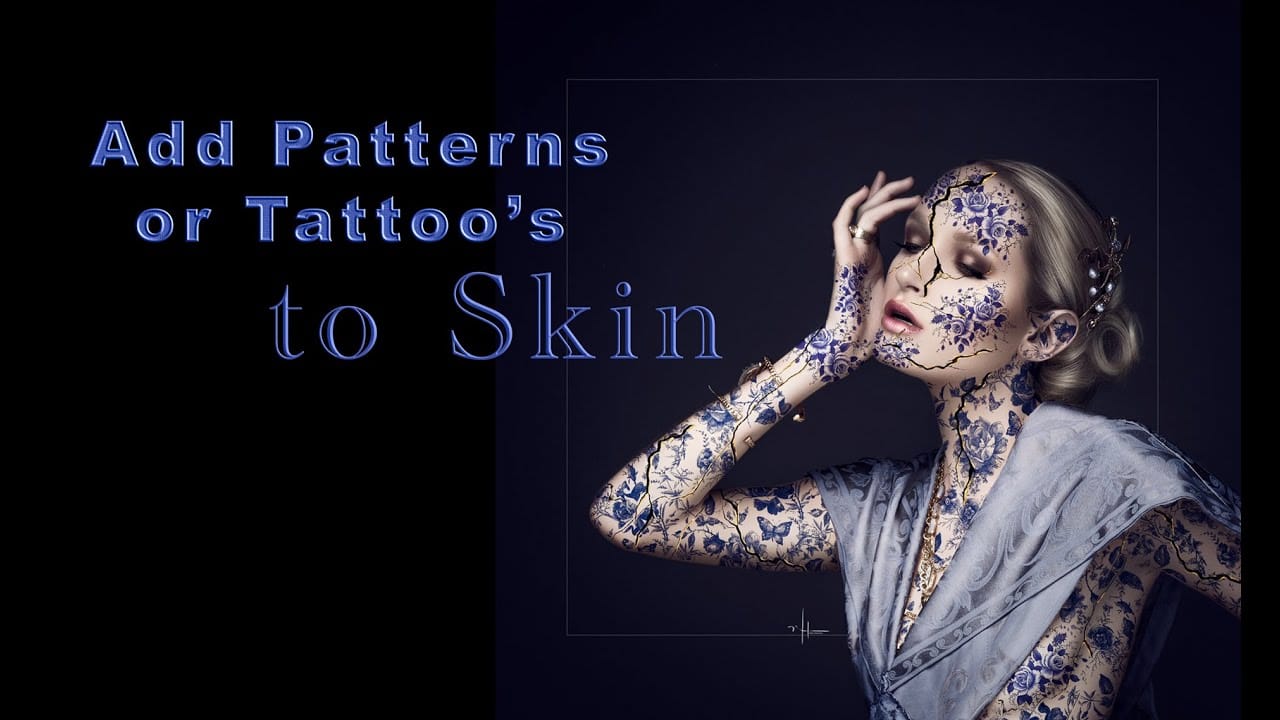
Creating realistic skin patterns and tattoos requires more than simply overlaying images onto photographs. The key lies in using proper blending techniques and layer settings to make decorative elements appear naturally integrated with skin texture. This technique works for everything from Japanese kintsugi-inspired cracks to floral tattoo designs, transforming flat Read the full article here: […]

Read more: How to Apply Patterns and Tattoos to Skin in Photoshop
How to Transform Photos into Digital Paintings Using Photoshop Brushes

How to Transform Photos into Digital Paintings Using Photoshop Brushes

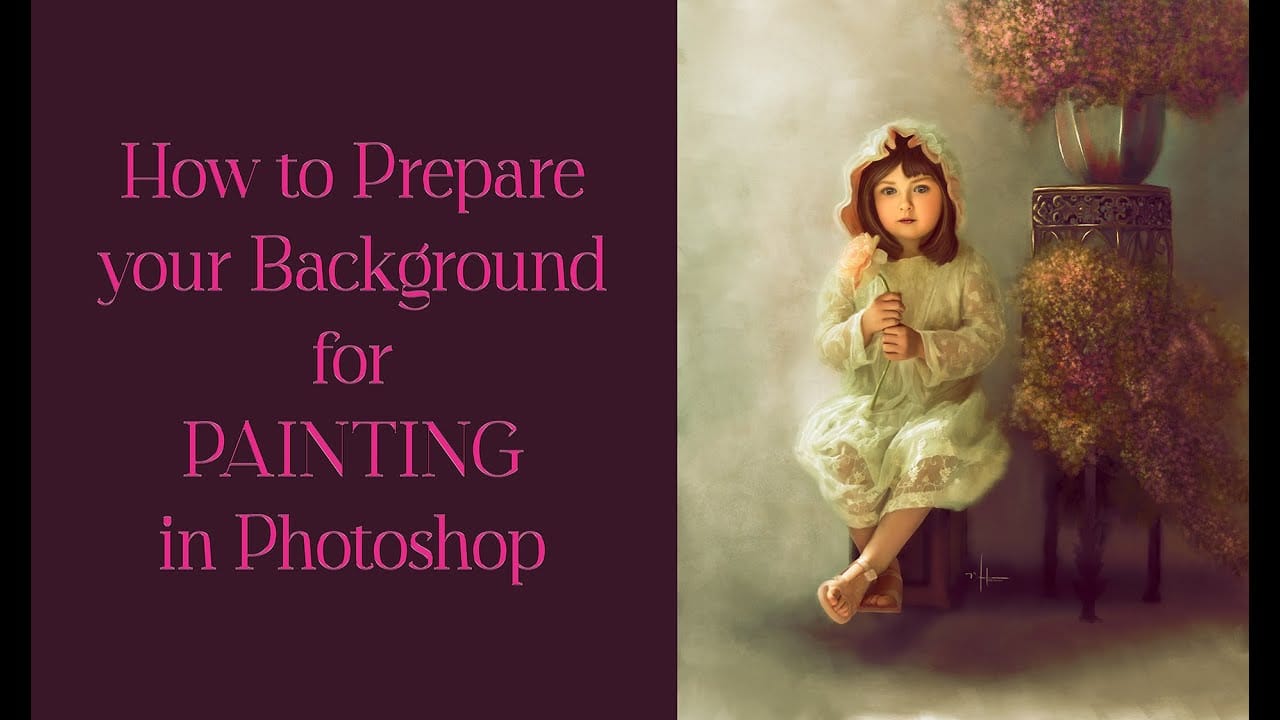
Busy backgrounds and photographic detail can overwhelm your artistic vision. This technique shows how to prepare photos for digital painting by strategically overpainting backgrounds and replacing photographic elements with painterly textures. The approach combines subject isolation, textured brush work, and color sampling to create a foundation that bridges photography and Read the full article here: […]

Read more: How to Transform Photos into Digital Paintings Using Photoshop Brushes