Schenectady Photographic Society

Menu

photoshop-roadmap

How to Use Clarity and Dehaze Adjustments in Photoshop

How to Use Clarity and Dehaze Adjustments in Photoshop

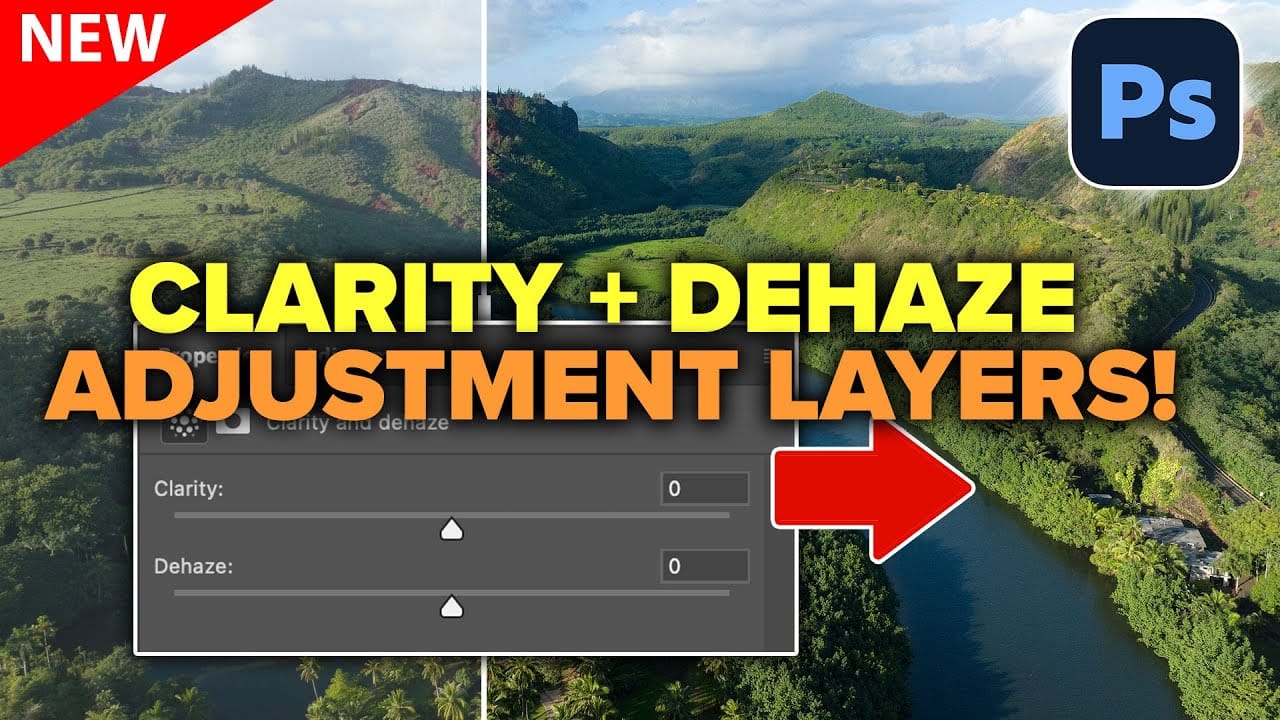
Two of the most popular adjustments from Camera Raw—Clarity and Dehaze—are now available as adjustment layers in Photoshop beta. These tools work on different image frequencies to enhance contrast and cut through atmospheric haze, giving you precise control over midtone contrast and low-frequency areas. Understanding how these adjustments Read the full article here: How to […]

Read more: How to Use Clarity and Dehaze Adjustments in Photoshop
How to Create a Kaleidoscope Effect from Photos in Photoshop

How to Create a Kaleidoscope Effect from Photos in Photoshop

The kaleidoscope effect transforms ordinary photographs into mesmerizing, symmetrical patterns reminiscent of the classic toy. This technique uses smart objects, multiple rotated layers, and custom shapes to create stunning geometric designs that maintain the original photo's essence while adding artistic flair. By combining layer masks with various blend Read the full article here: How to […]

Read more: How to Create a Kaleidoscope Effect from Photos in Photoshop
How to Create Studio-Style Black and White Portraits in Photoshop

How to Create Studio-Style Black and White Portraits in Photoshop

Professional studio portraits achieve their dramatic impact through carefully controlled lighting that creates striking contrast between subject and background. This technique transforms ordinary photos into compelling black and white portraits by using the existing highlights and shadows in your image to blend seamlessly with a dark background. The method relies Read the full article here: […]

Read more: How to Create Studio-Style Black and White Portraits in Photoshop
8 Free Spatter Brushes for Photoshop

8 Free Spatter Brushes for Photoshop

Download this distinctive set of 8 high-resolution spatter brushes for Photoshop, crafted by the talented artist Eldar Zakirov. Compatible with Photoshop CS and later versions, these brushes offer a range of textured effects perfect for adding a dynamic touch to your artwork. You can use them in commercial projects, but Read the full article here: […]

Read more: 8 Free Spatter Brushes for Photoshop
New This Week in Photoshop Roadmap — Jan 13, 2026

New This Week in Photoshop Roadmap — Jan 13, 2026

This week's roundup features the best Photoshop tutorials and creative resources published on Photoshop Roadmap. We're covering essential techniques like fixing skin tones, using Select Subject for precise cutouts, and editing text directly in images with Generative Fill. We've also picked some great free Read the full article here: New This Week in Photoshop Roadmap […]

Read more: New This Week in Photoshop Roadmap — Jan 13, 2026