Schenectady Photographic Society

Menu

photoshop-roadmap

How to Create Circle Cropped Photos with Transparent Backgrounds in Photoshop

How to Create Circle Cropped Photos with Transparent Backgrounds in Photoshop

Circular cropping transforms standard photographs into clean, professional profile images perfect for websites, social media, and presentations. The frame tool method creates non-destructive crops with transparent backgrounds that export seamlessly across different platforms. This streamlined workflow eliminates the need for complex selections or masks while maintaining full control over image Read the full article here: […]

Read more: How to Create Circle Cropped Photos with Transparent Backgrounds in Photoshop
Understanding Generative AI Credits: Which Tools Cost Nothing and Which Tools Drain Your Budget

Understanding Generative AI Credits: Which Tools Cost Nothing and Which Tools Drain Your Budget

Navigating the world of AI-powered editing tools can be confusing when you're unsure which features consume credits and which are free to use. Many powerful AI functions don't require any credits at all, while others can quickly exhaust your monthly allowance depending on which models and Read the full article here: Understanding Generative AI Credits: […]

Read more: Understanding Generative AI Credits: Which Tools Cost Nothing and Which Tools Drain Your Budget
How to Use Generative Upscale to Restore and Enhance Low-Resolution Images in Photoshop

How to Use Generative Upscale to Restore and Enhance Low-Resolution Images in Photoshop

Low-resolution images often limit your creative projects, especially when you need sharp prints or high-quality displays. Photoshop's Generative Upscale feature transforms small, pixelated photos into crisp, detailed images using AI-powered enhancement. This tool offers three distinct AI models, each designed for specific image types—from landscapes and portraits Read the full article here: How to Use […]

Read more: How to Use Generative Upscale to Restore and Enhance Low-Resolution Images in Photoshop
How to Use Harmonize to Automatically Match Lighting in Photoshop Composites

How to Use Harmonize to Automatically Match Lighting in Photoshop Composites

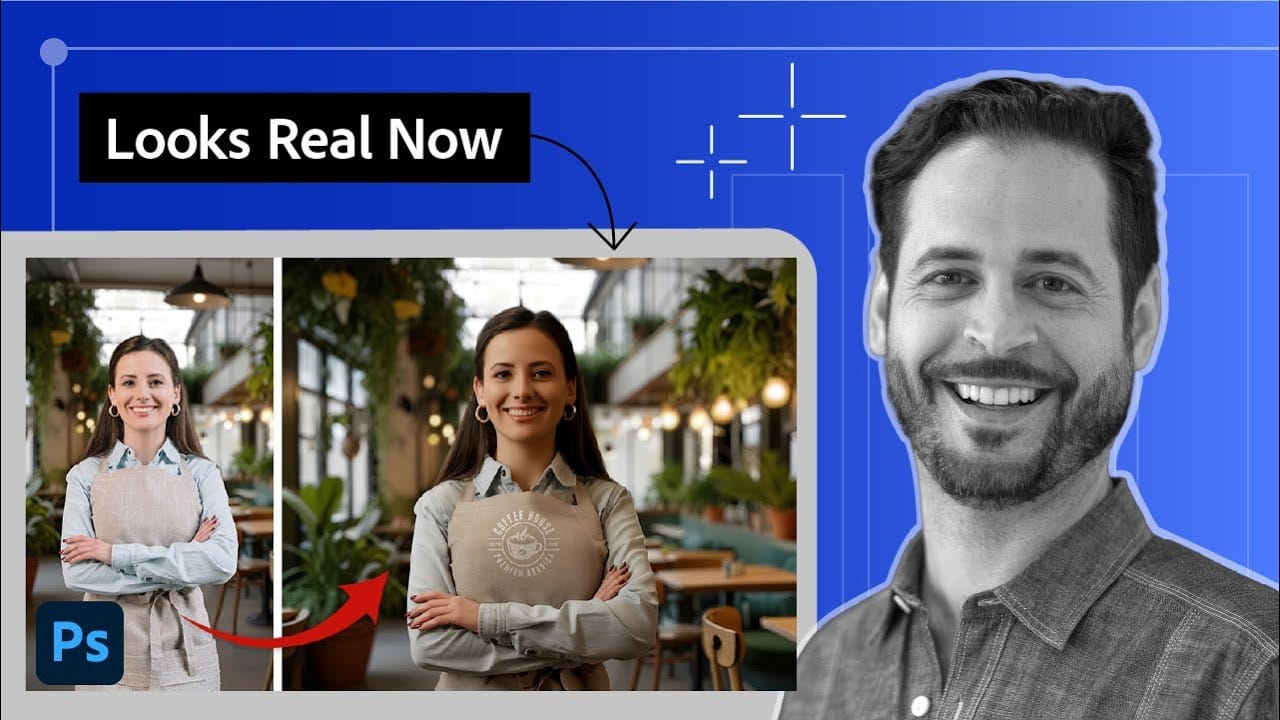
Creating seamless composites traditionally requires hours of manual color correction and lighting adjustments. The new Harmonize tool changes this by automatically analyzing your background and matching your subject's lighting, shadows, and color tones with a single click. This AI-powered feature eliminates the need for complex adjustment layers and Read the full article here: How to […]

Read more: How to Use Harmonize to Automatically Match Lighting in Photoshop Composites
How to Use Adobe Photoshop in ChatGPT for Photo Editing

How to Use Adobe Photoshop in ChatGPT for Photo Editing

Adobe Photoshop is now integrated directly into ChatGPT, allowing you to edit photos using simple text descriptions. This new feature lets you enhance images, apply creative effects, and make targeted adjustments without needing a Photoshop subscription. You can describe what you want to change and fine-tune adjustments using familiar Photoshop Read the full article here: […]

Read more: How to Use Adobe Photoshop in ChatGPT for Photo Editing
How to Fix Skin Tones in Photoshop – Complete Guide

How to Fix Skin Tones in Photoshop – Complete Guide

Skin tones can make or break a portrait, yet color casts and uneven lighting often leave subjects looking unnatural or flat. Whether dealing with mixed lighting conditions, camera white balance issues, or post-processing mishaps, getting skin colors right requires a systematic approach that works consistently across different scenarios. This comprehensive Read the full article here: […]

Read more: How to Fix Skin Tones in Photoshop – Complete Guide
How to Colorize Black and White Photos in Photoshop Without AI

How to Colorize Black and White Photos in Photoshop Without AI

Transforming black and white photographs into vibrant color images requires precision and technique to achieve natural-looking results. This manual colorization method preserves image quality while giving you complete control over every color choice, avoiding the unpredictable results that AI tools often produce. The non-destructive workflow shown here maintains the original Read the full article here: […]

Read more: How to Colorize Black and White Photos in Photoshop Without AI
Flowers and Woods: 3 Detailed Floral Wooden Backgrounds

Flowers and Woods: 3 Detailed Floral Wooden Backgrounds

Flowers and Woods: 3 Detailed Floral Wooden Backgrounds is a free mini pack featuring three high-resolution images taken from the full Woodland Wonders collection of 70 wooden backgrounds. Each background combines richly textured wooden surfaces with expressive floral elements, including warm orange blooms, delicate cherry blossoms, and bold sunflower details. Read the full article here: […]

Read more: Flowers and Woods: 3 Detailed Floral Wooden Backgrounds