Schenectady Photographic Society

Menu

photoshop-roadmap

How to Use Photoshop 2026's New AI Upscale, Sharpen, and Denoise Filters

How to Use Photoshop 2026's New AI Upscale, Sharpen, and Denoise Filters

Photoshop 2026 introduces three powerful AI filters that transform low-quality images into crisp, professional results. These tools tackle common photo problems: pixelated enlargements, soft details, and grain from low-light conditions. Each filter uses advanced AI models to enhance different aspects of your images, with options ranging from standard to premium Read the full article here: […]
Read more: How to Use Photoshop 2026's New AI Upscale, Sharpen, and Denoise Filters
How to Watch YouTube Videos Inside Photoshop with Free Plugin

How to Watch YouTube Videos Inside Photoshop with Free Plugin

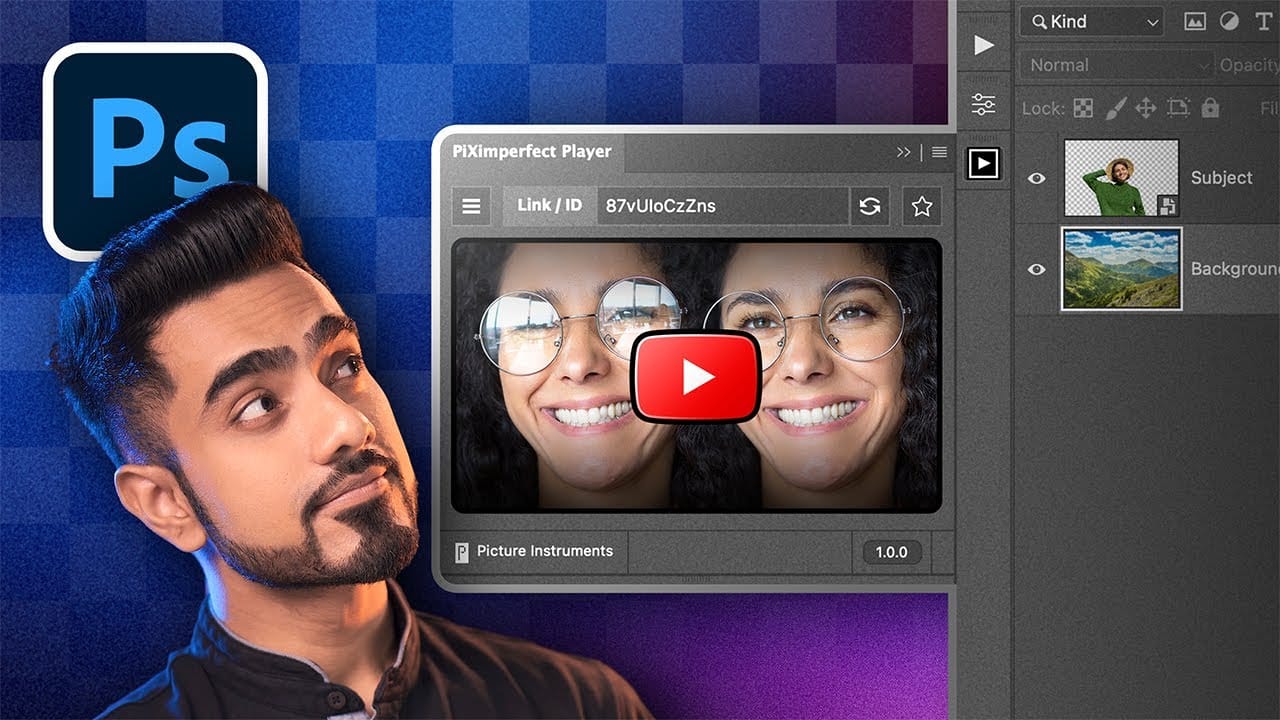
Following Photoshop tutorials often means constant tab switching between YouTube and your workspace. This free plugin eliminates that frustration by embedding YouTube videos directly inside Photoshop panels. The PiXerfect Player keeps your tutorials visible while you work, maintaining focus and workflow momentum without missing crucial steps. Watch the Tutorial Key Read the full article here: […]

Read more: How to Watch YouTube Videos Inside Photoshop with Free Plugin
How to Create Collage Text Effects in Photoshop

How to Create Collage Text Effects in Photoshop

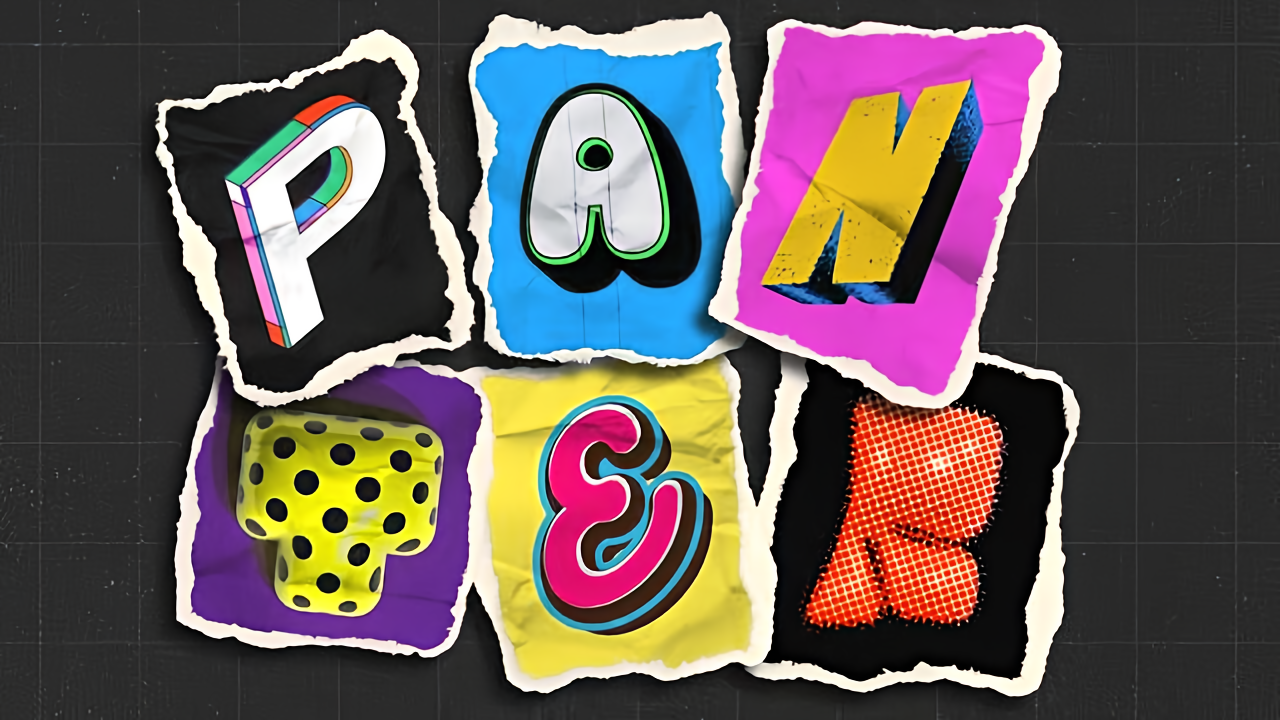
Collage text transforms simple typography into visually striking artwork by combining wrapped paper textures, strategic warping, and careful masking techniques. This creative approach gives letters dimension and character, perfect for artistic projects and unique design elements. The technique involves layering textured materials within letter shapes, then using Photoshop's Read the full article here: How to […]

Read more: How to Create Collage Text Effects in Photoshop
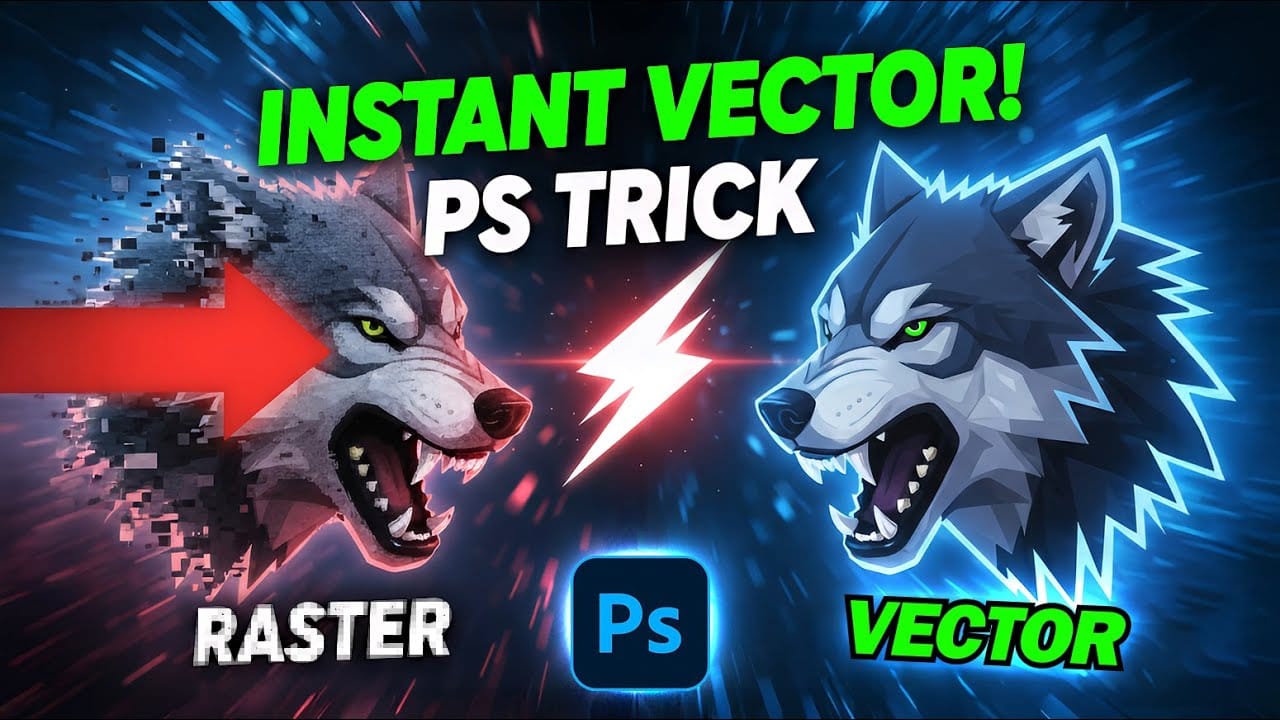
How to Convert Low-Resolution Graphics to Vector Shapes in Photoshop

How to Convert Low-Resolution Graphics to Vector Shapes in Photoshop

Pixelated logos and graphics lose their impact when scaled up for print or web projects. Photoshop's Creative Cloud Libraries feature offers a built-in solution for transforming low-resolution black and white images into crisp, scalable vector shapes. This technique works particularly well for simple graphics, logos, and icons that Read the full article here: How to […]

Read more: How to Convert Low-Resolution Graphics to Vector Shapes in Photoshop
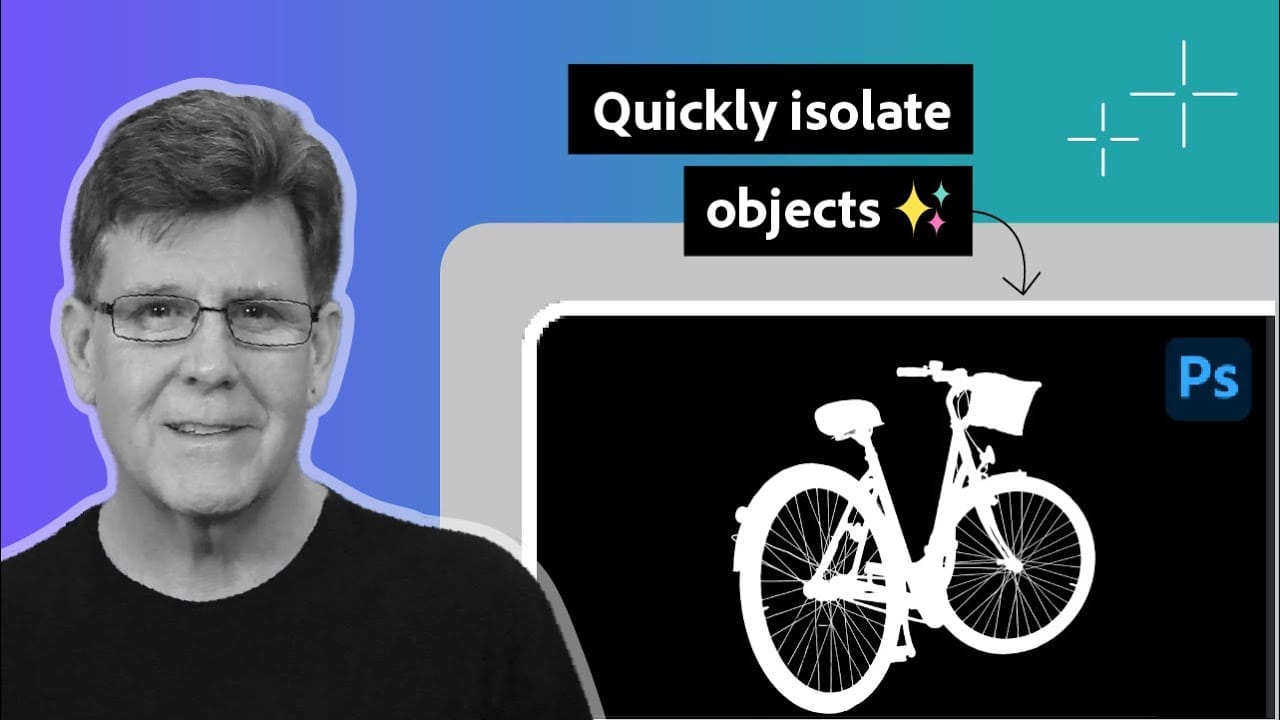
How to Use Photoshop's Select Subject Tool for One-Click Selections

How to Use Photoshop's Select Subject Tool for One-Click Selections

Complex selections in Photoshop just became effortless. The Select Subject tool uses advanced AI to automatically identify and select main subjects in images, even those with intricate details like bicycle spokes or hair. This tutorial demonstrates how to achieve professional-quality selections with a single click, saving hours of manual masking Read the full article here: […]

Read more: How to Use Photoshop's Select Subject Tool for One-Click Selections
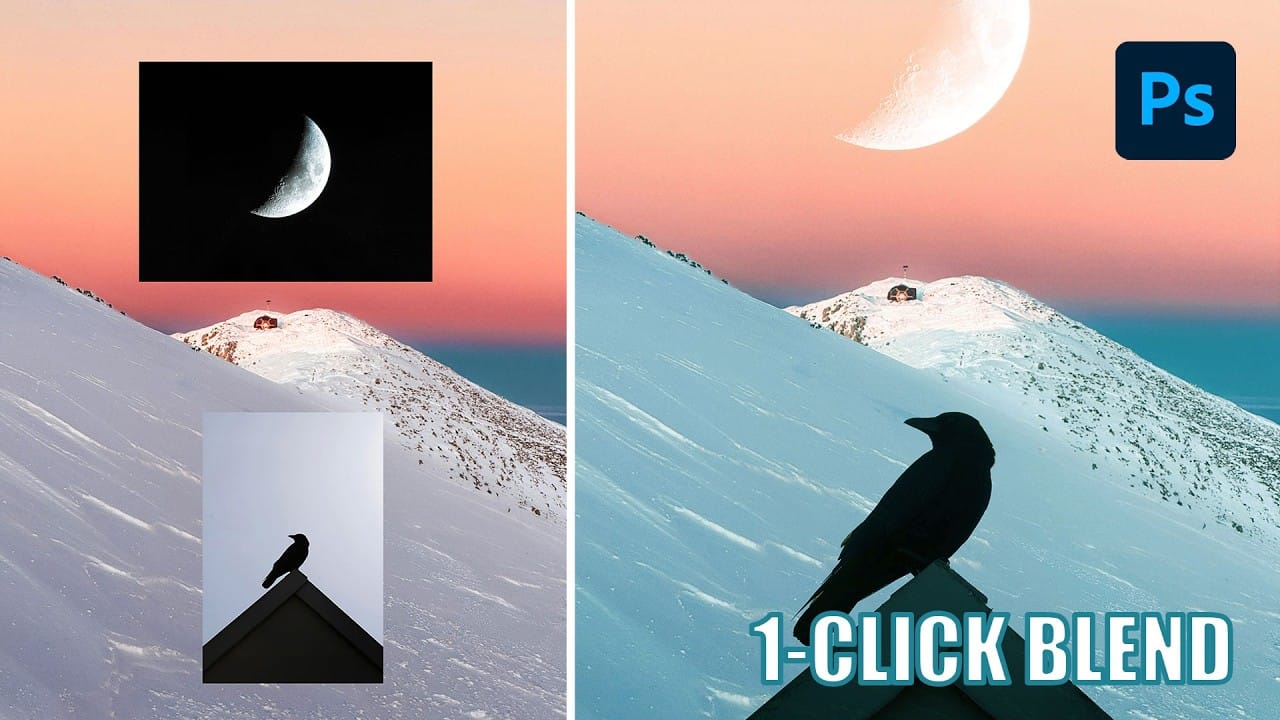
Understanding Photoshop Blending Modes: A Complete Guide to Layer Blending

Understanding Photoshop Blending Modes: A Complete Guide to Layer Blending

Blending modes transform how layers interact in Photoshop, letting you seamlessly combine images without complex masking. This technique reveals only light areas, dark areas, or specific colors from each layer. Master these essential blending groups to create professional composites and artistic effects with just a few clicks. Watch the Tutorial Read the full article here: […]

Read more: Understanding Photoshop Blending Modes: A Complete Guide to Layer Blending
Photoshop 2026 New Features: AI Tools and Credit System Overview

Photoshop 2026 New Features: AI Tools and Credit System Overview

Photoshop 2026 introduces powerful AI-driven features including advanced generative fill models, sophisticated upscaling tools, and seamless harmonization effects. These updates promise to streamline complex editing tasks while delivering professional-quality results. The software now operates on a credit-based system that divides features into standard and premium tiers, fundamentally changing how users Read the full article here: […]

Read more: Photoshop 2026 New Features: AI Tools and Credit System Overview
How to Add Objects to Photos Using Photoshop's Generative Fill

How to Add Objects to Photos Using Photoshop's Generative Fill

Photoshop's Generative Fill transforms photo editing by letting you add realistic objects using simple text descriptions. This AI-powered feature creates seamless additions that match your image's lighting, perspective, and style. The process requires just a basic selection and a descriptive prompt to generate professional-looking results in Read the full article here: How to Add Objects […]

Read more: How to Add Objects to Photos Using Photoshop's Generative Fill