Schenectady Photographic Society

Menu

photoshop-roadmap

Testing Photoshop's New Generative Upscale Against Topaz Photo AI and AIT Image Enhancer

Testing Photoshop's New Generative Upscale Against Topaz Photo AI and AIT Image Enhancer

Photoshop's new generative upscale feature promises to compete with established AI upscaling tools like Topaz Photo AI and AIT Image Enhancer. This comparison reveals significant performance differences between these popular upscaling solutions. The test results show clear winners and losers when upscaling small 640×480 pixel images to four Read the full article here: Testing Photoshop's […]
Read more: Testing Photoshop's New Generative Upscale Against Topaz Photo AI and AIT Image Enhancer
How to Remove Backgrounds in Photoshop: 5 Essential Tools

How to Remove Backgrounds in Photoshop: 5 Essential Tools

Background removal can make or break your image editing workflow. The right tool depends on your specific image: solid backgrounds need different approaches than complex hair details or high-contrast scenes. This tutorial covers five powerful Photoshop tools that handle different background removal challenges, from simple graphics to intricate details. Watch Read the full article here: […]

Read more: How to Remove Backgrounds in Photoshop: 5 Essential Tools
How to Create a Mind-Bending Perspective Effect in Photoshop

How to Create a Mind-Bending Perspective Effect in Photoshop

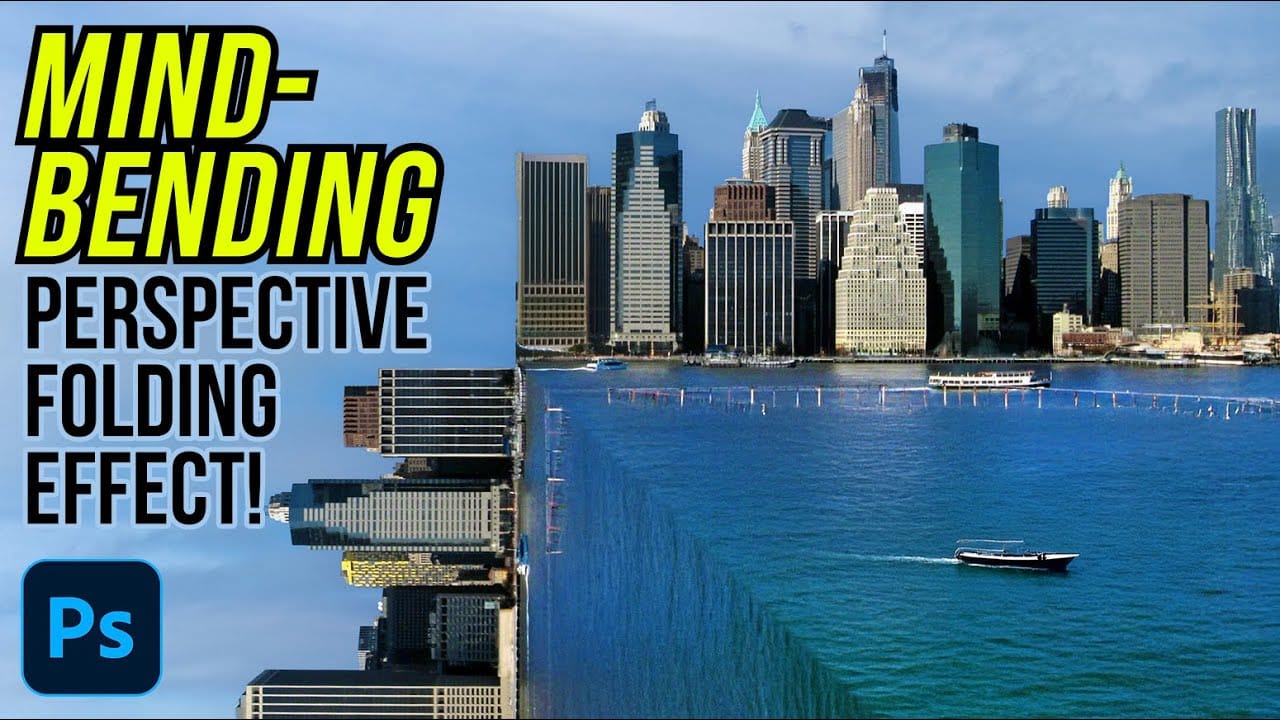
Transform an ordinary cityscape into a surreal architectural illusion that defies reality. This perspective-bending technique creates the visual impact of two worlds colliding at impossible angles. Master the art of rotating, masking, and blending images to achieve cinematic effects that captivate viewers and challenge their perception of space. Watch the Read the full article here: […]

Read more: How to Create a Mind-Bending Perspective Effect in Photoshop
Gumroad Marketplace: The Hidden Goldmine of Creative Assets You're Probably Missing

Gumroad Marketplace: The Hidden Goldmine of Creative Assets You're Probably Missing

Gumroad started as a straightforward platform for selling digital files, but it's quietly evolved into one of the best places to find quality freebies and reasonably priced creative tools. This didn't happen by design—it's the result of how effortless they made it for Read the full article here: Gumroad Marketplace: The Hidden Goldmine of Creative […]

Read more: Gumroad Marketplace: The Hidden Goldmine of Creative Assets You're Probably Missing
How to Fix Photoshop's Scratch Disk Full Error Permanently

How to Fix Photoshop's Scratch Disk Full Error Permanently

Few things destroy creative momentum like Photoshop's dreaded "scratch disk full" error. This technical roadblock strikes at the worst possible moment—right when inspiration hits and your project is flowing perfectly. The error occurs when Photoshop runs out of temporary storage space for your work files. Read the full article here: How to Fix Photoshop's Scratch […]

Read more: How to Fix Photoshop's Scratch Disk Full Error Permanently
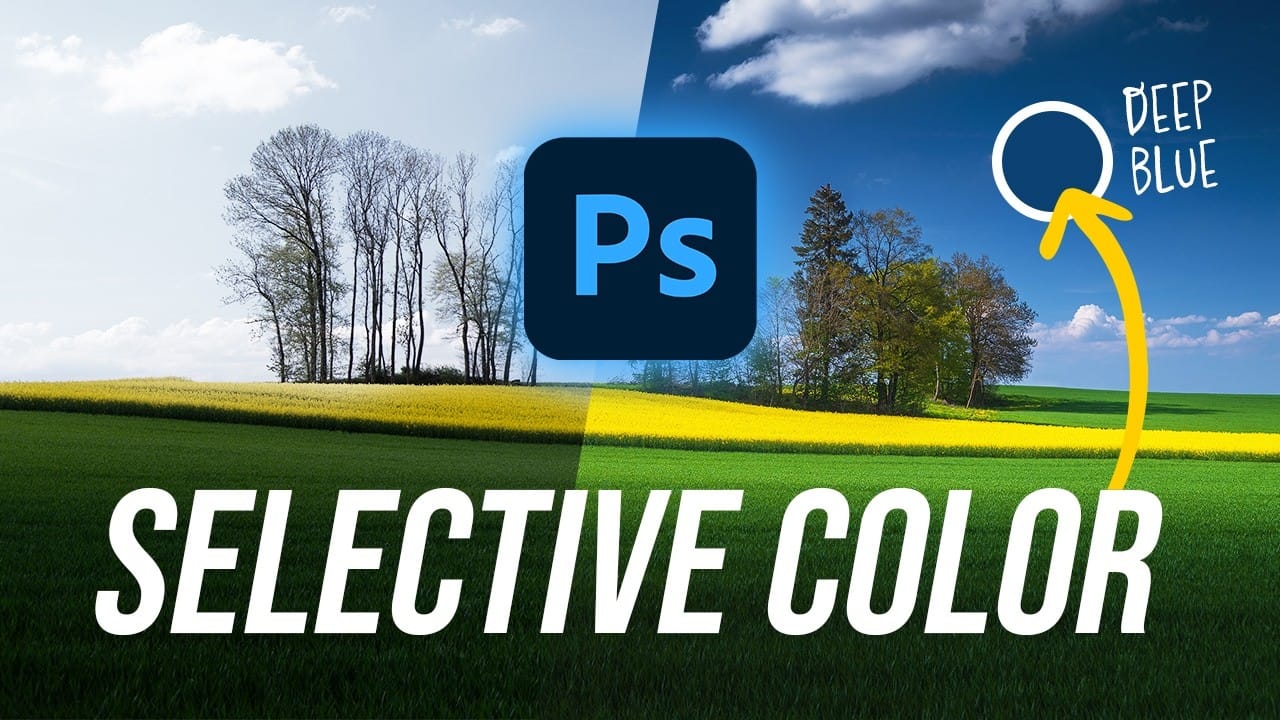
Create Deep Blue Skies Using Photoshop's Selective Color Tool

Create Deep Blue Skies Using Photoshop's Selective Color Tool

Blue skies can make or break a landscape photograph. When they appear too intense or cartoonish, they distract from the entire image. When they look flat and lifeless, the whole scene loses its impact. This video demonstrates how to create rich, dramatic skies using Photoshop's selective color adjustment Read the full article here: Create Deep […]

Read more: Create Deep Blue Skies Using Photoshop's Selective Color Tool
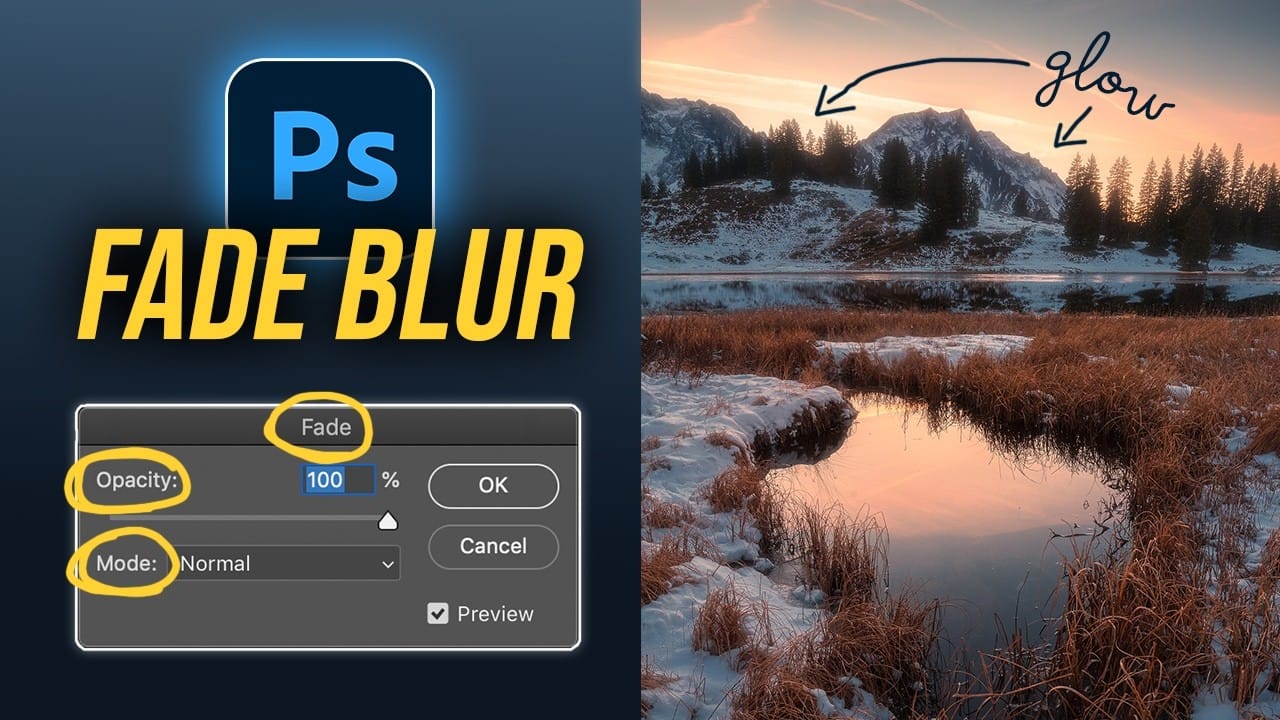
How to Create the Perfect Orton Glow Effect in Photoshop

How to Create the Perfect Orton Glow Effect in Photoshop

The Orton Effect transforms ordinary landscape photos into dreamy, ethereal images with a signature soft glow. Named after photographer Michael Orton, this technique combines sharp and blurred versions of the same image to create luminous highlights while maintaining detail in the darker areas. This approach works particularly well for sunset Read the full article here: […]

Read more: How to Create the Perfect Orton Glow Effect in Photoshop