Schenectady Photographic Society

Menu

photoshop-roadmap

How to Add Color Depth Using Color Dodge Layers in Photoshop

How to Add Color Depth Using Color Dodge Layers in Photoshop

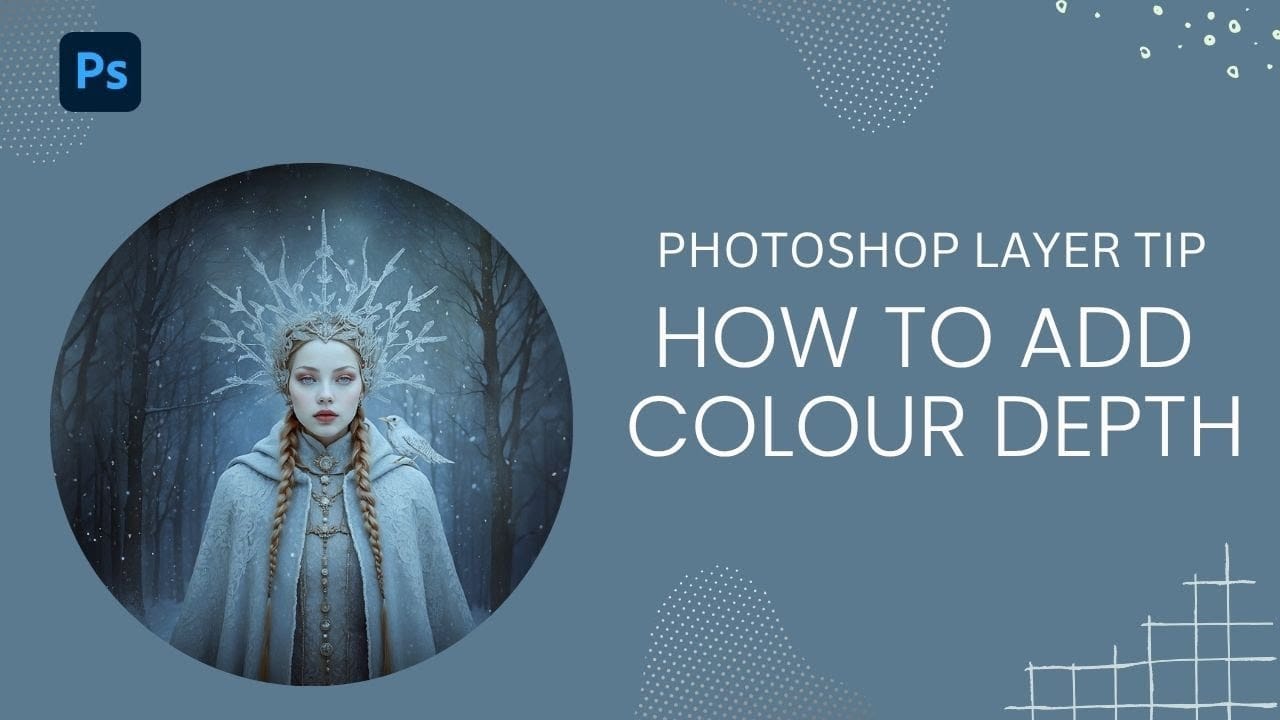
Color depth transforms flat images into rich, dimensional works that hold the viewer's attention. The secret lies in selectively enhancing specific areas rather than applying blanket adjustments that can muddy your colors. The color dodge technique offers precise control over where and how you add vibrancy. This method Read the full article here: How to […]
Read more: How to Add Color Depth Using Color Dodge Layers in Photoshop
5 Essential Pen Tool Tips for Better Photoshop Selections

5 Essential Pen Tool Tips for Better Photoshop Selections

Perfect selections separate amateur work from professional results in Photoshop. When quick selection tools fail on complex subjects with curves and intricate edges, the Pen Tool becomes your most precise option for creating flawless cutouts. These five essential techniques transform the intimidating Pen Tool into a reliable selection method. Master Read the full article here: […]

Read more: 5 Essential Pen Tool Tips for Better Photoshop Selections
How to Use Photoshop's Alignment Tools for Perfect Object Placement

How to Use Photoshop's Alignment Tools for Perfect Object Placement

Perfect alignment transforms amateur-looking designs into polished, professional layouts. When text floats awkwardly or elements appear randomly scattered, the entire composition suffers. Photoshop's alignment tools eliminate guesswork and create visual harmony with mathematical precision. These tools work with individual layers, groups, and selections to position elements exactly where Read the full article here: How to […]
Read more: How to Use Photoshop's Alignment Tools for Perfect Object Placement
Dynamic Text Tool in Photoshop – Auto-Resizing Text Feature

Dynamic Text Tool in Photoshop – Auto-Resizing Text Feature

Text alignment and sizing across multiple layers can quickly turn into a time-consuming puzzle. Manually adjusting each text element, creating guides for alignment, and constantly repositioning elements whenever you make changes disrupts the creative flow. Photoshop's new Dynamic Text feature bridges the gap between point text and paragraph Read the full article here: Dynamic Text […]

Read more: Dynamic Text Tool in Photoshop – Auto-Resizing Text Feature
How to Create a Grungy Pop Art Collage with Halftone Effects in Photoshop

How to Create a Grungy Pop Art Collage with Halftone Effects in Photoshop

Pop art collages capture the bold, experimental spirit of 1960s graphic design through layered compositions and striking visual contrasts. This aesthetic combines commercial printing techniques with artistic rebellion, creating designs that feel both nostalgic and contemporary. This tutorial demonstrates how to build a complete pop art collage from a portrait Read the full article here: […]

Read more: How to Create a Grungy Pop Art Collage with Halftone Effects in Photoshop
How to Fuse Two Portrait Photos into One Model in Photoshop

How to Fuse Two Portrait Photos into One Model in Photoshop

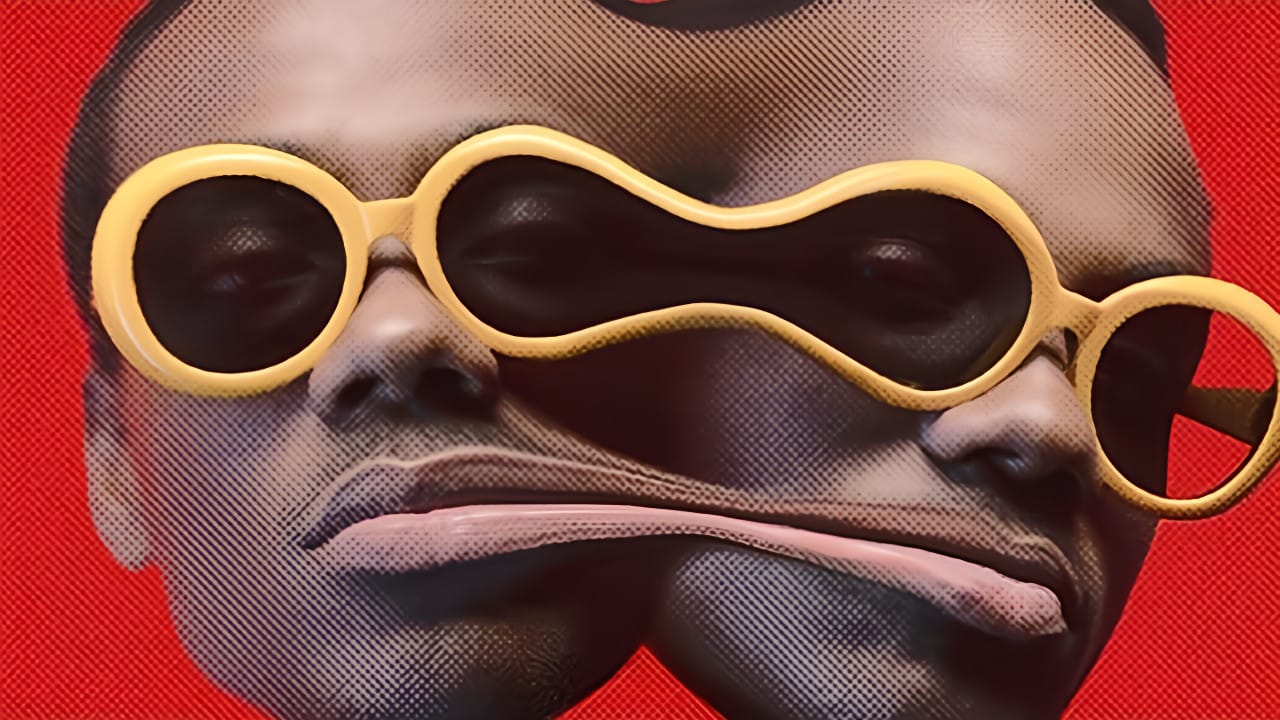
Portrait fusion opens up creative possibilities that go beyond traditional photo editing. By seamlessly blending facial features from two different models, you can create striking artistic compositions that challenge perception and explore identity. This advanced technique combines precise selection work with Photoshop's powerful distortion tools. The result transforms Read the full article here: How to […]
Read more: How to Fuse Two Portrait Photos into One Model in Photoshop
How to Create Seamless Patterns in Photoshop Using the Offset Filter

How to Create Seamless Patterns in Photoshop Using the Offset Filter

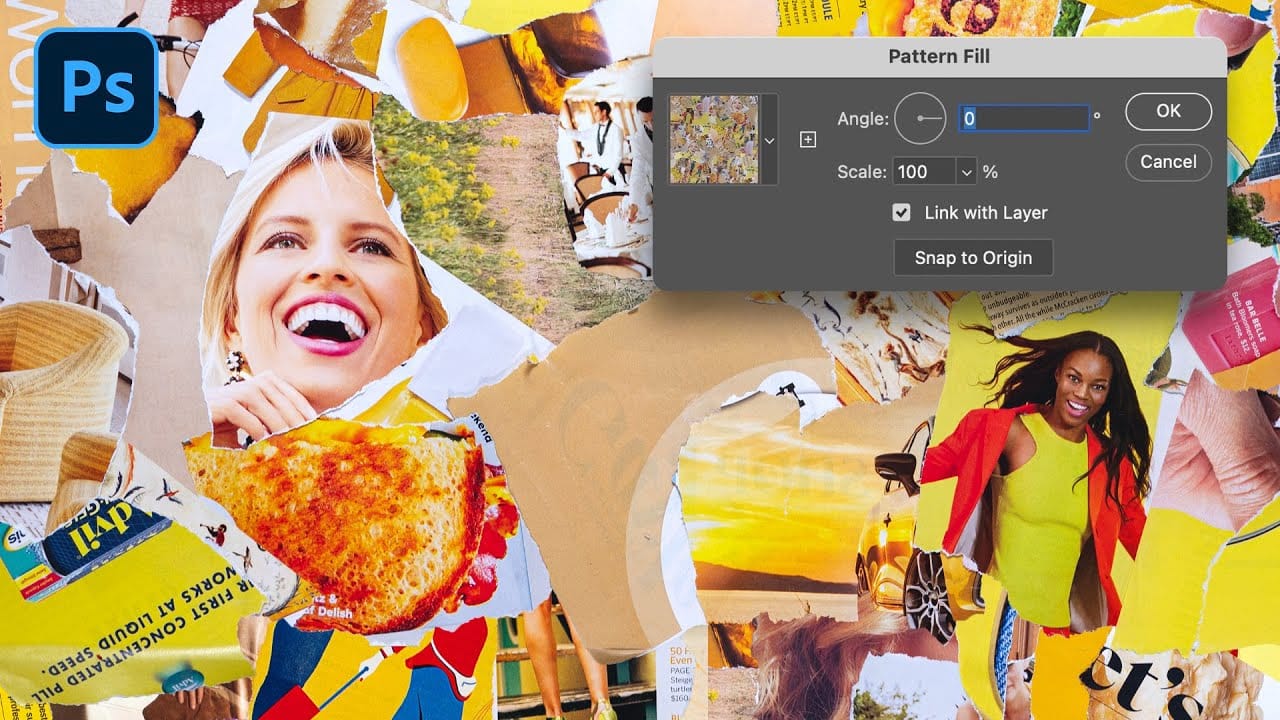
Transforming ordinary images into professional repeating patterns opens up endless creative possibilities. From custom backgrounds to textile designs, seamless patterns eliminate obvious cutting lines and repetitive elements that reveal themselves when an image tiles across a surface. This technique works with any type of image – from photographs to collages Read the full article here: […]

Read more: How to Create Seamless Patterns in Photoshop Using the Offset Filter