Schenectady Photographic Society

Menu

photoshop-roadmap

The only Photohop Sharpening Tool You Need

The only Photohop Sharpening Tool You Need

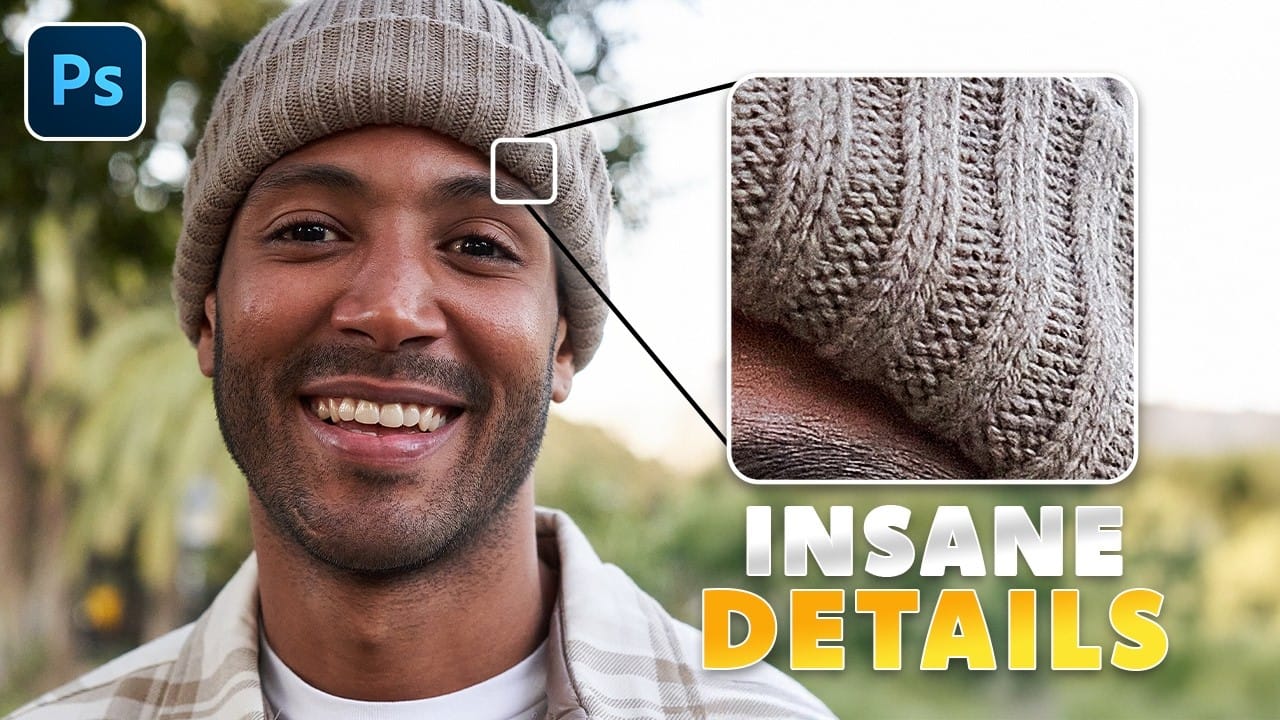
Sharpening images in Photoshop doesn’t have to be complicated. The High Pass Filter offers a simple yet powerful way to enhance details without over-processing your photos. Unlike traditional sharpening tools, it gives you precise control over edge definition while keeping the edit non-destructive. This method works well for portraits, landscapes, and product shots—anywhere you need […]

Read more: The only Photohop Sharpening Tool You Need
Simplicity in Design: 6 Essential Concepts Worth Learning Early On

Simplicity in Design: 6 Essential Concepts Worth Learning Early On

Great design isn’t about adding more.It’s about knowing what to leave out. With so much visual noise competing for our attention, simplicity has never been more powerful. Yet most creators, especially early in their journey, assume that more complexity equals more value. More filters. More layers. More effects. Here’s why that instinct is usually wrong—and […]

Read more: Simplicity in Design: 6 Essential Concepts Worth Learning Early On
Topaz Labs Bloom: Creative Upscaling Made Simple and Effective

Topaz Labs Bloom: Creative Upscaling Made Simple and Effective

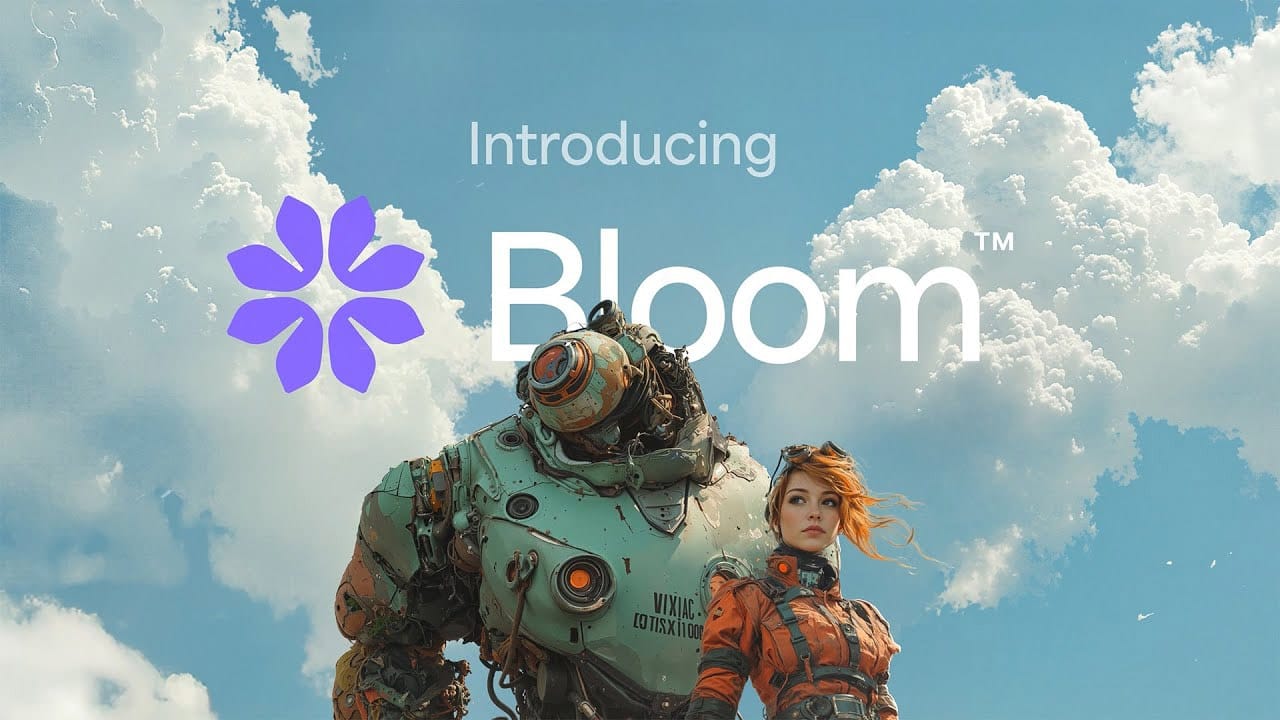
Topaz Labs recently introduced Bloom, an exciting new web app that enlarges AI-generated images by up to 8×, opening new creative possibilities for digital artists and creators. But Bloom isn't just about making images bigger—it creatively enhances detail and texture, giving images a richer look. One significant advantage is that Bloom runs entirely in the […]

Read more: Topaz Labs Bloom: Creative Upscaling Made Simple and Effective
Photoshop Roadmap Weekly #15

Photoshop Roadmap Weekly #15

Welcome back, and thanks to all the new subscribers who joined us this week—great to have you here. This is the 15th issue of Photoshop Roadmap Weekly—a curated mix of standout Photoshop tutorials, premium creative assets, and a touch of digital art inspiration from the world of digital art and design. Here’s what’s new this […]

Read more: Photoshop Roadmap Weekly #15
Inside the Sketchbook: Toni Infante’s Introduction to Digital Art Bundle

Inside the Sketchbook: Toni Infante’s Introduction to Digital Art Bundle

If you're into vivid characters, kinetic linework, and color palettes that feel like they’re lit from within—Toni Infante is probably already on your radar. Based in Barcelona, Toni’s been working professionally since 2012, when he got his start illustrating Disney and Marvel books at Iboix Studio. Not long after, he dove into the comic book […]

Read more: Inside the Sketchbook: Toni Infante’s Introduction to Digital Art Bundle
Add Text Behind a Subject with Realistic Shadows in Photoshop

Add Text Behind a Subject with Realistic Shadows in Photoshop

Want to know how to make text appear behind a subject in Photoshop with convincing shadows? This quick guide covers the key steps. The process begins by placing text strategically behind your chosen image element while ensuring that everything remains easily editable for later adjustments. Next, you will discover how to use Photoshop's core features […]

Read more: Add Text Behind a Subject with Realistic Shadows in Photoshop