Schenectady Photographic Society

Menu

photoshop-roadmap

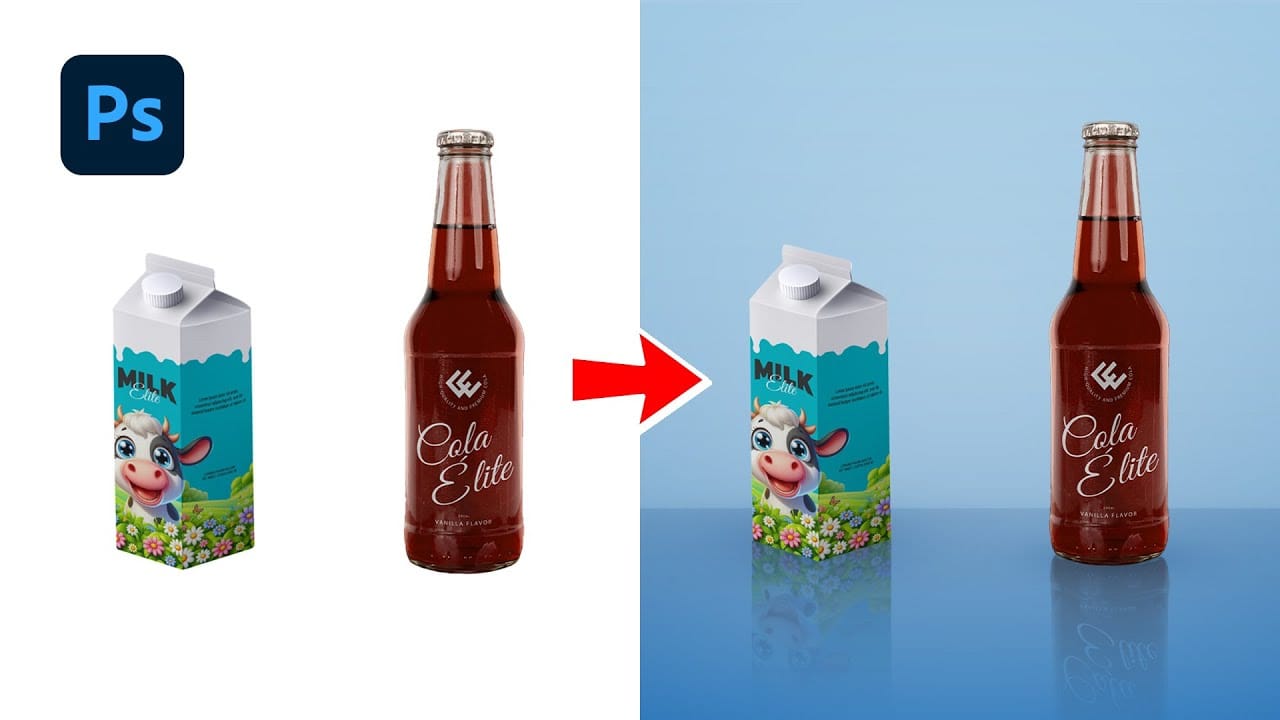
Create Realistic Reflections in Photoshop: Boxes and Cylinders

Create Realistic Reflections in Photoshop: Boxes and Cylinders

This Photoshop guide provides a straightforward method for adding realistic reflections to your projects. You'll learn how to create these effects for both boxy and curved objects, enhancing your digital artwork or product visuals. The tutorial covers creating reflections for box-shaped items using the Perspective Warp tool. Additionally, it demonstrates using the Warp Tool to […]
Read more: Create Realistic Reflections in Photoshop: Boxes and Cylinders
Creating a Bitmap Diffusion Dither Effect in Photoshop

Creating a Bitmap Diffusion Dither Effect in Photoshop

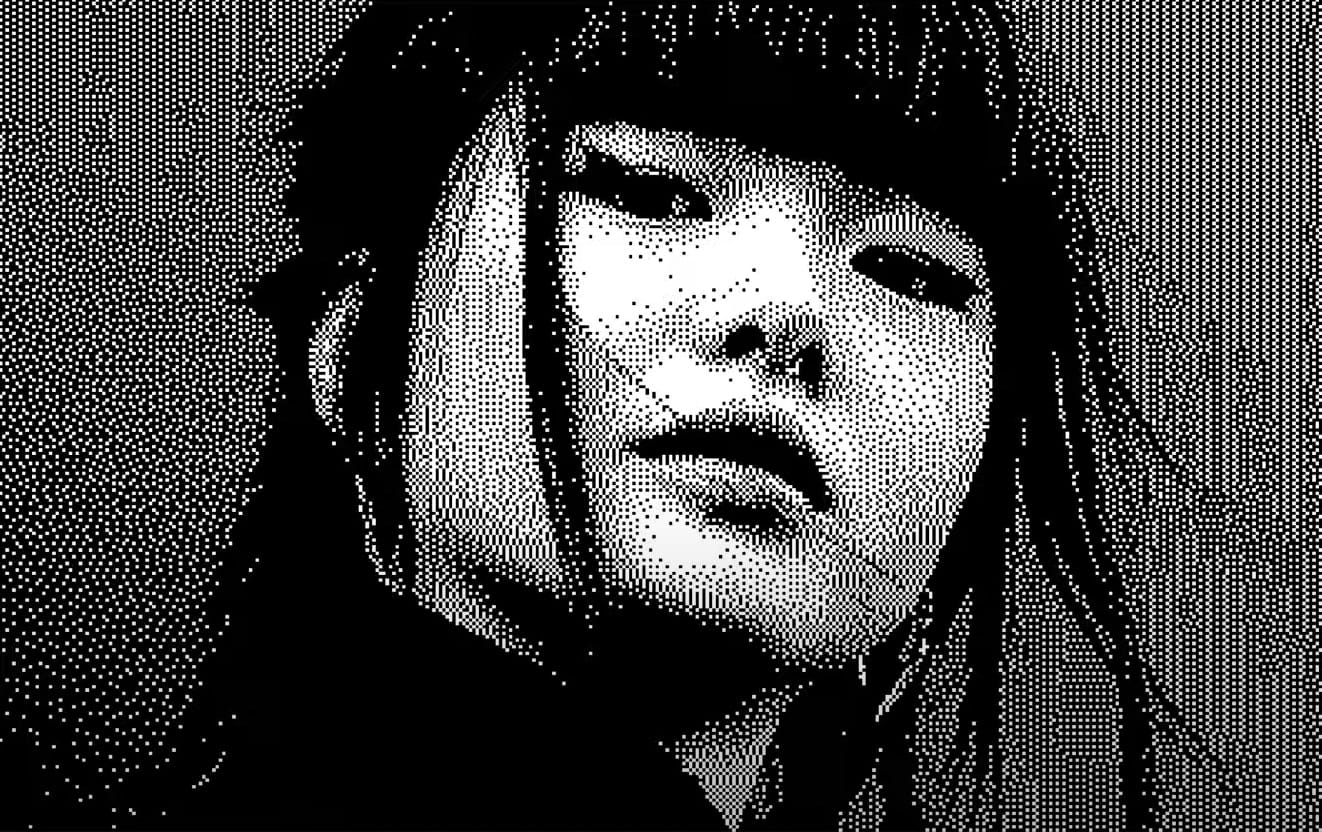
Ever wanted to give your images a unique, retro pixelated feel? Photoshop offers a powerful, yet often overlooked, method: the Bitmap Diffusion Dither effect. It's a process that converts your photos into striking black and white images with a textured, almost printed look. This technique leverages Photoshop's ability to reduce colors to the bare minimum, […]

Read more: Creating a Bitmap Diffusion Dither Effect in Photoshop
Photoshop Roadmap Weekly #10

Photoshop Roadmap Weekly #10

This week, discover advanced Photoshop tips, incredible text effects, color correction, background removal, and photo effect tutorials, along with free fonts and patterns to elevate your creative projects. Don't miss the new reflection removal and body parts selection tools—amazing! Editor's Picks 21 Photoshop Tips – from Basic to Advanced Our editor's pick features 21 Photoshop […]

Read more: Photoshop Roadmap Weekly #10
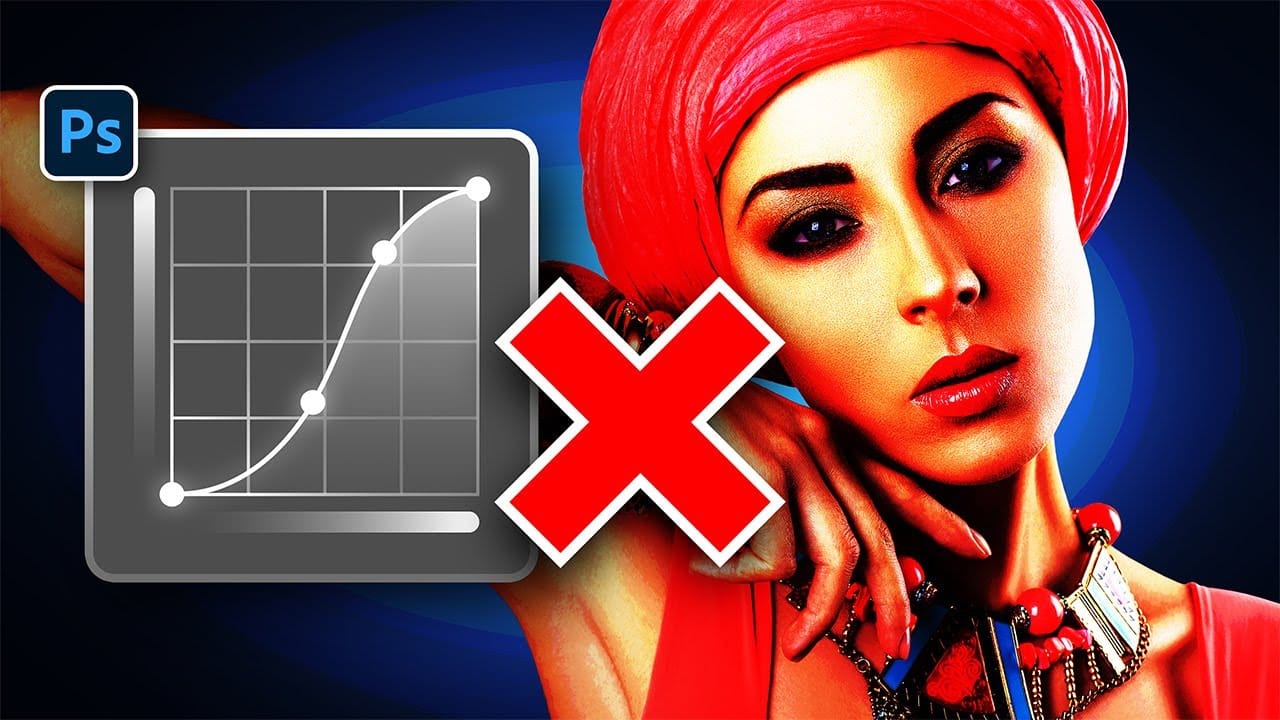
Stop Ruining Colors with Curves With This Photoshop Trick Instead

Stop Ruining Colors with Curves With This Photoshop Trick Instead

This video presents an exciting technique for achieving the perfect colors when using Curves in Photoshop. You will learn about the Refine Saturation slider in Camera Raw, a tool also available in Lightroom, which helps maintain color balance while you make significant contrast adjustments. Throughout the video, you will see a comparison with traditional methods […]

Read more: Stop Ruining Colors with Curves With This Photoshop Trick Instead
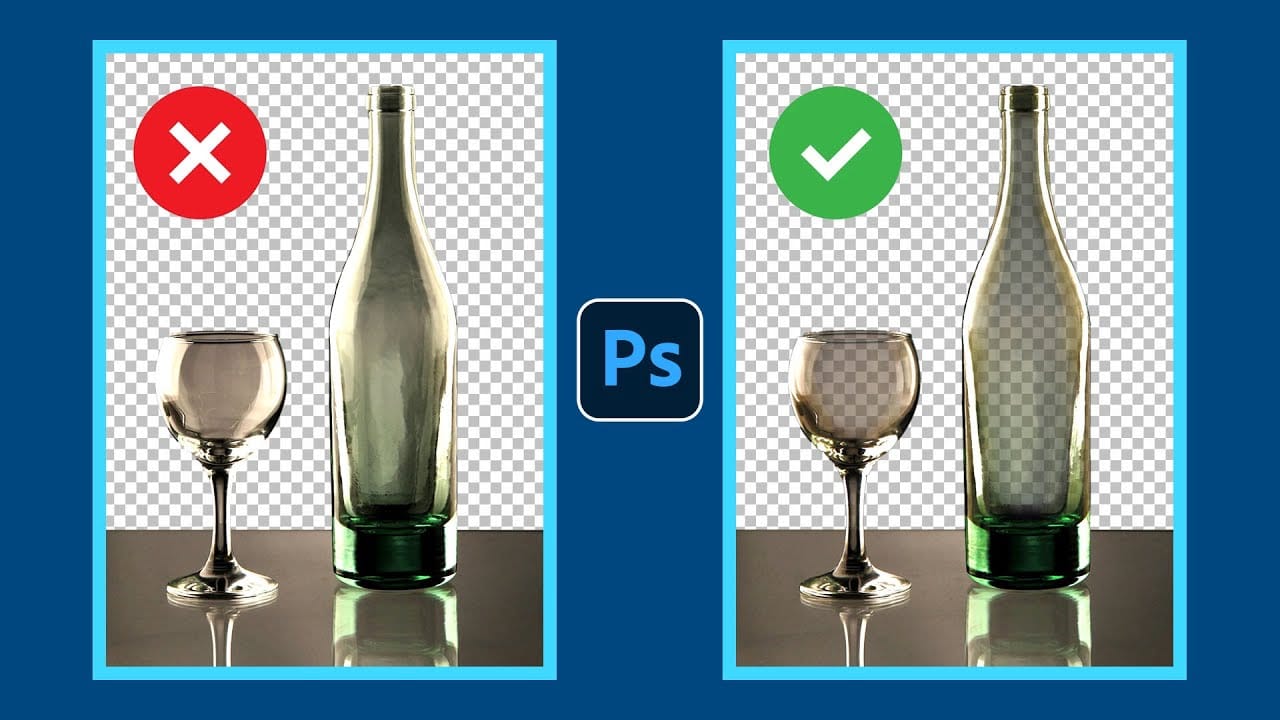
How to Remove Backgrounds from Transparent Objects in Photoshop

How to Remove Backgrounds from Transparent Objects in Photoshop

Removing backgrounds from transparent objects in Photoshop can be a challenging task. The usual tools, such as the Background Eraser or Subject Selection, often struggle with maintaining the delicate details of transparent pixels. This can lead to unwanted results that compromise the quality of your work. This tutorial offers a straightforward, step-by-step approach to effectively […]

Read more: How to Remove Backgrounds from Transparent Objects in Photoshop
New Reflection Removal Tool in Photoshop

New Reflection Removal Tool in Photoshop

Photoshop's new Reflection Removal feature in Adobe Camera Raw offers a straightforward solution to eliminate distracting reflections from your images with just one click. This video provides a comprehensive overview of the Reflection Removal slider, showcasing its effectiveness on a variety of images, from portraits to objects. Throughout the presentation, you will see real-time tests […]

Read more: New Reflection Removal Tool in Photoshop