Schenectady Photographic Society

Menu

Photoshop Tutorials

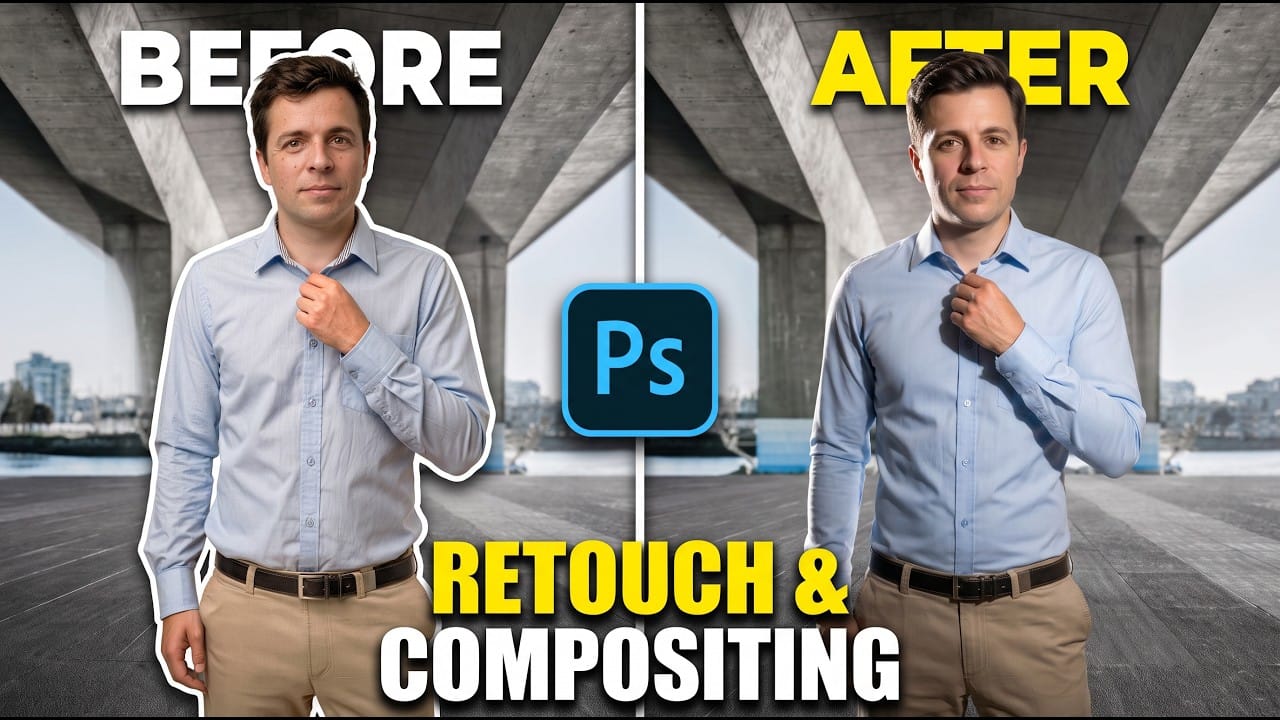
Photoshop Generative Fill for Retouching and Compositing

Photoshop Generative Fill for Retouching and Compositing

A polished composite starts with a well-retouched subject. Jesús Ramirez demonstrates how to use partner models for larger changes, Firefly for targeted cleanup, and separate editable layers to prepare a portrait for a new background. The workflow covers hair, skin, clothing, lighting, and background removal while keeping adjustments modular Read the full article here: Photoshop […]

Read more: Photoshop Generative Fill for Retouching and Compositing
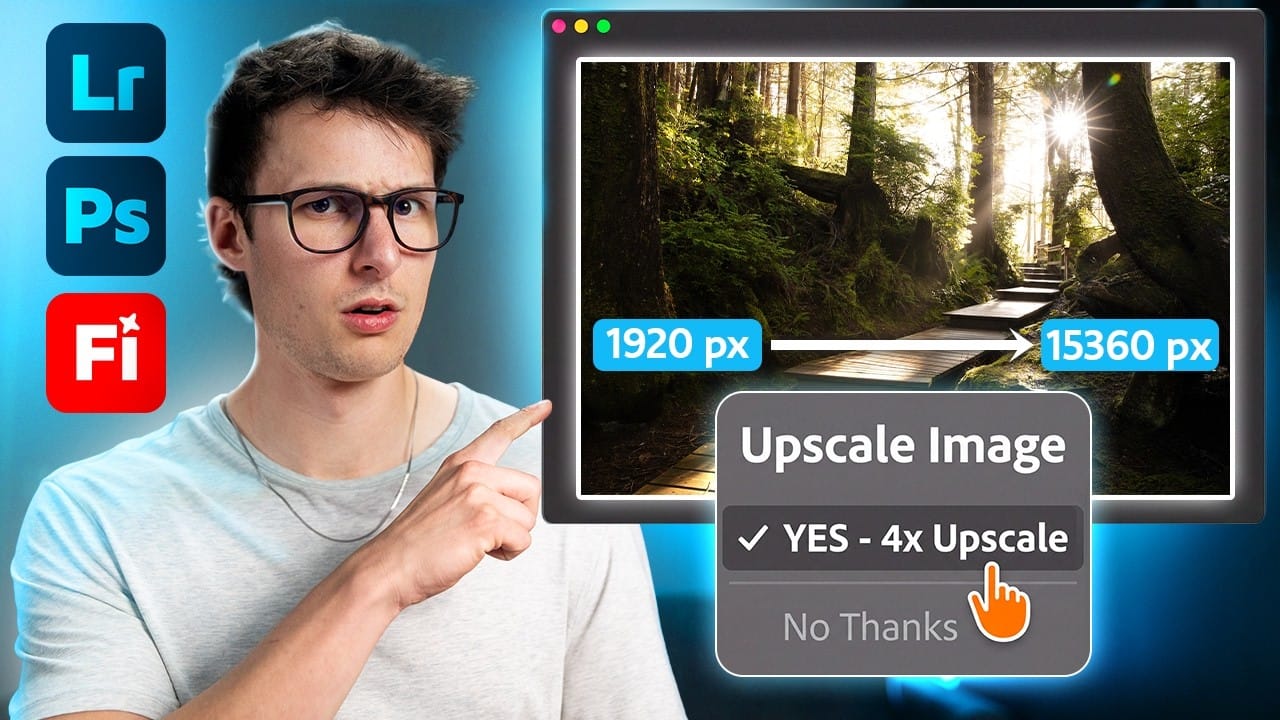
How to Upscale and Restore Photos in Lightroom, Photoshop, and Firefly

How to Upscale and Restore Photos in Lightroom, Photoshop, and Firefly

Upscaling can make a small or heavily cropped image more useful for printing, sharing, or design work—but restoring damaged edges and missing areas takes additional steps. This guide compares workflows in Lightroom, Photoshop, and Firefly, including how to choose an upscale model, clean up borders, expand a frame, and Read the full article here: How […]

Read more: How to Upscale and Restore Photos in Lightroom, Photoshop, and Firefly
5 Photoshop Beta Features for a Faster Editing Workflow

5 Photoshop Beta Features for a Faster Editing Workflow

Photoshop Beta is testing interface and editing updates that can make common tasks easier to find and manage. This overview covers the Spectrum interface and color picker, Restyle Layer, Quick Compare, and an updated Remove tool workflow—including ways to keep edits nondestructive and check how generative changes affect image Read the full article here: 5 […]

Read more: 5 Photoshop Beta Features for a Faster Editing Workflow
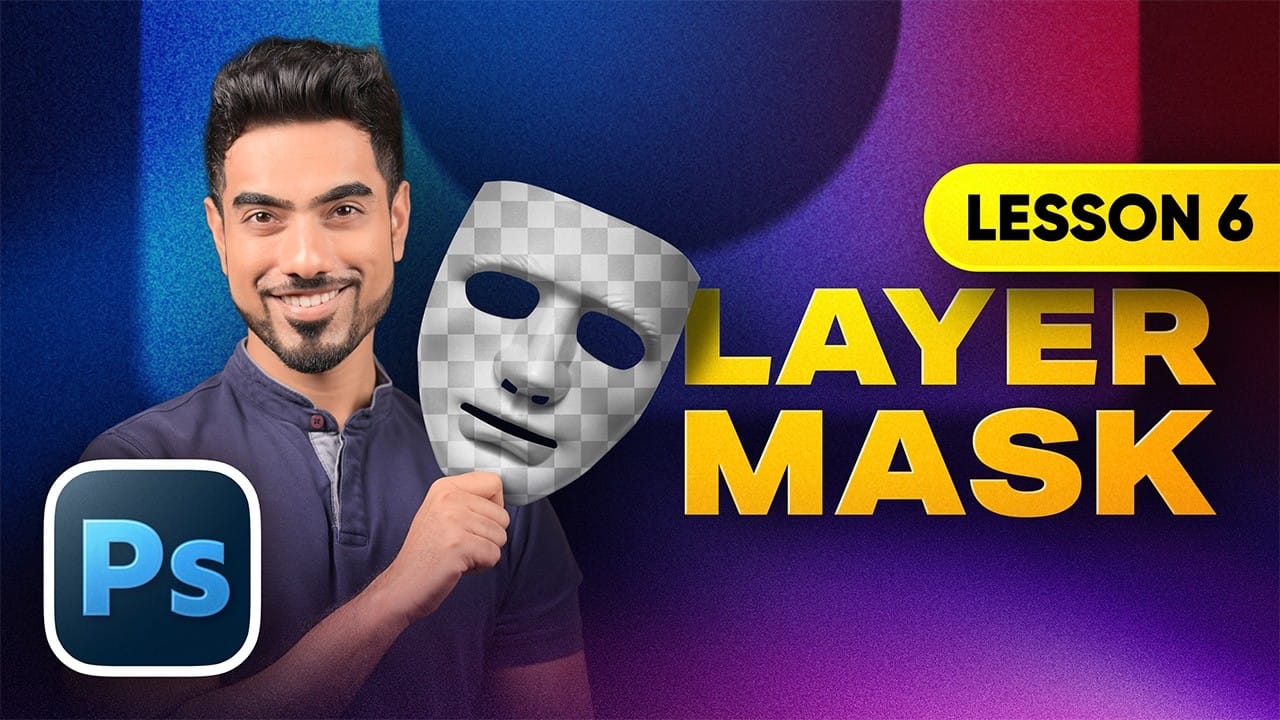
Photoshop Layer Masks: A Beginner’s Guide to Non-Destructive Editing

Photoshop Layer Masks: A Beginner’s Guide to Non-Destructive Editing

Layer masks let you hide or reveal parts of a layer without deleting pixels, so you can refine edits whenever your composition changes. Learn the essential rule—black conceals, white reveals—and use masks to blend overlays, isolate objects, apply adjustments selectively, and keep edits reversible. Watch the Video Practical Read the full article here: Photoshop Layer […]

Read more: Photoshop Layer Masks: A Beginner’s Guide to Non-Destructive Editing