Schenectady Photographic Society

Menu

Photoshop

Color Tides: 10 Free Liquid Paint High-Resolution Backgrounds

Color Tides: 10 Free Liquid Paint High-Resolution Backgrounds

Introducing Color Tides, a collection of 10 high-resolution liquid paint backgrounds designed to bring a sense of flow, vibrancy, and elegance to your creative projects. These stunning, AI-generated visuals showcase the dynamic beauty of liquid paint blending into mesmerizing patterns and ripples. Each image is provided in JPG format at 4096 x 3073px, making them […]

Read more: Color Tides: 10 Free Liquid Paint High-Resolution Backgrounds
Color Tides: 5 Free Hypercolor Liquid Paint Backgrounds

Color Tides: 5 Free Hypercolor Liquid Paint Backgrounds

Introducing Color Tides, a set of 5 free high-resolution liquid paint backgrounds designed to bring a sense of flow, vibrancy, and elegance to your creative projects. These stunning, AI-generated visuals showcase the dynamic beauty of liquid paint blending into mesmerizing patterns and ripples. Each image is provided in JPG format at 4096 x 3073px, making […]

Read more: Color Tides: 5 Free Hypercolor Liquid Paint Backgrounds
Color Tides: 5 Free Liquid Paint High-Resolution Backgrounds

Color Tides: 5 Free Liquid Paint High-Resolution Backgrounds

Introducing Color Tides, a set of 5 free high-resolution liquid paint backgrounds designed to bring a sense of flow, vibrancy, and elegance to your creative projects. These stunning, AI-generated visuals showcase the dynamic beauty of liquid paint blending into mesmerizing patterns and ripples. Each image is provided in JPG format at 4096 x 3073px, making […]

Read more: Color Tides: 5 Free Liquid Paint High-Resolution Backgrounds
Creating a Nebula and Planet Scene in Photoshop: Step-by-Step Tutorial

Creating a Nebula and Planet Scene in Photoshop: Step-by-Step Tutorial

In this tutorial, you will learn how to use Photoshop to create a breathtaking nebula and planet scene from scratch. It walks you through a step-by-step process to design a detailed outer space composition. With techniques like blending modes, smart objects, and advanced brushes, it’s suitable for both beginners and experienced users looking to improve […]

Read more: Creating a Nebula and Planet Scene in Photoshop: Step-by-Step Tutorial
Create a Professional Color Grade in 90 Seconds in Photoshop

Create a Professional Color Grade in 90 Seconds in Photoshop

This tutorial shows you how to achieve professional color grading in Photoshop quickly and efficiently. In just 90 seconds, you can transform your images with a cinematic tone using straightforward tools available in the Camera Raw filter. You’ll learn simple tricks that save time while delivering striking results. The step-by-step process ensures you're not overwhelmed, […]

Read more: Create a Professional Color Grade in 90 Seconds in Photoshop
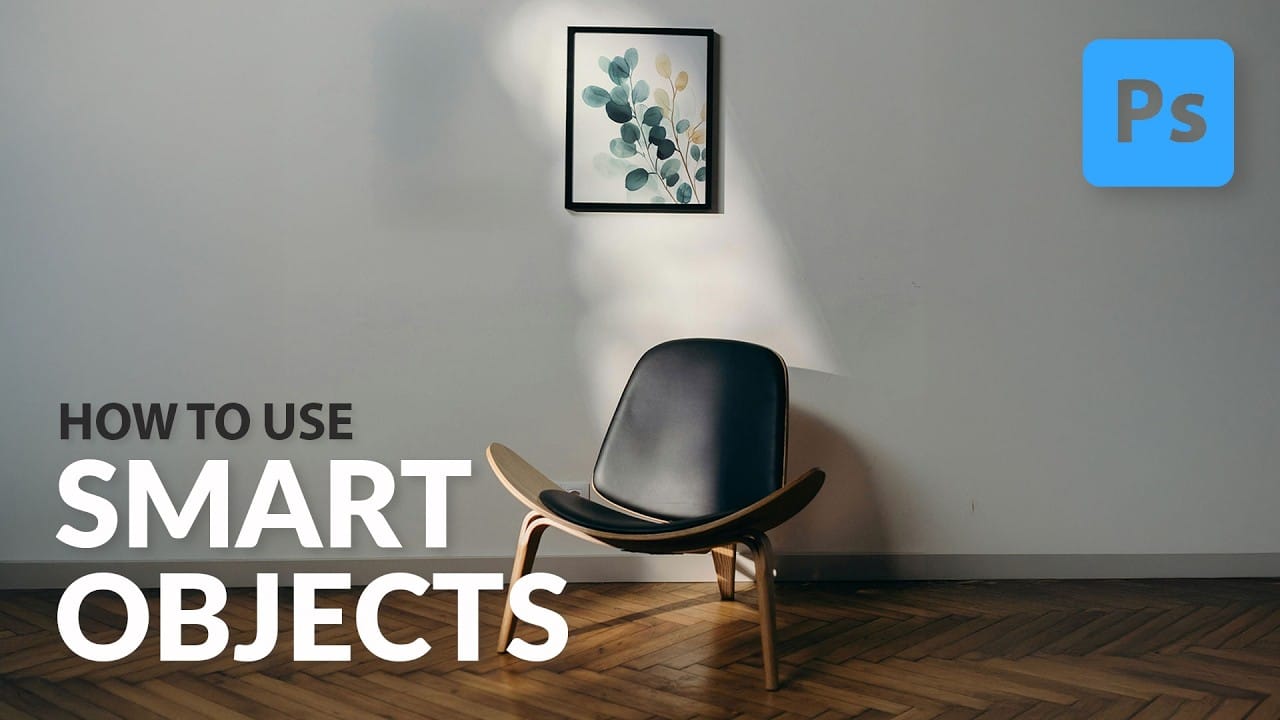
Understanding the basics of Photoshop Smart Objects

Understanding the basics of Photoshop Smart Objects

Smart Objects in Photoshop offer a non-destructive approach to image editing, a concept every designer should understand. This method allows you to alter layers, be it scaling, rotating, or applying filters, without permanently affecting the original image data. Your edits remain flexible. This is advantageous because you can always go back and modify or remove […]

Read more: Understanding the basics of Photoshop Smart Objects