Schenectady Photographic Society

Menu

Photoshop

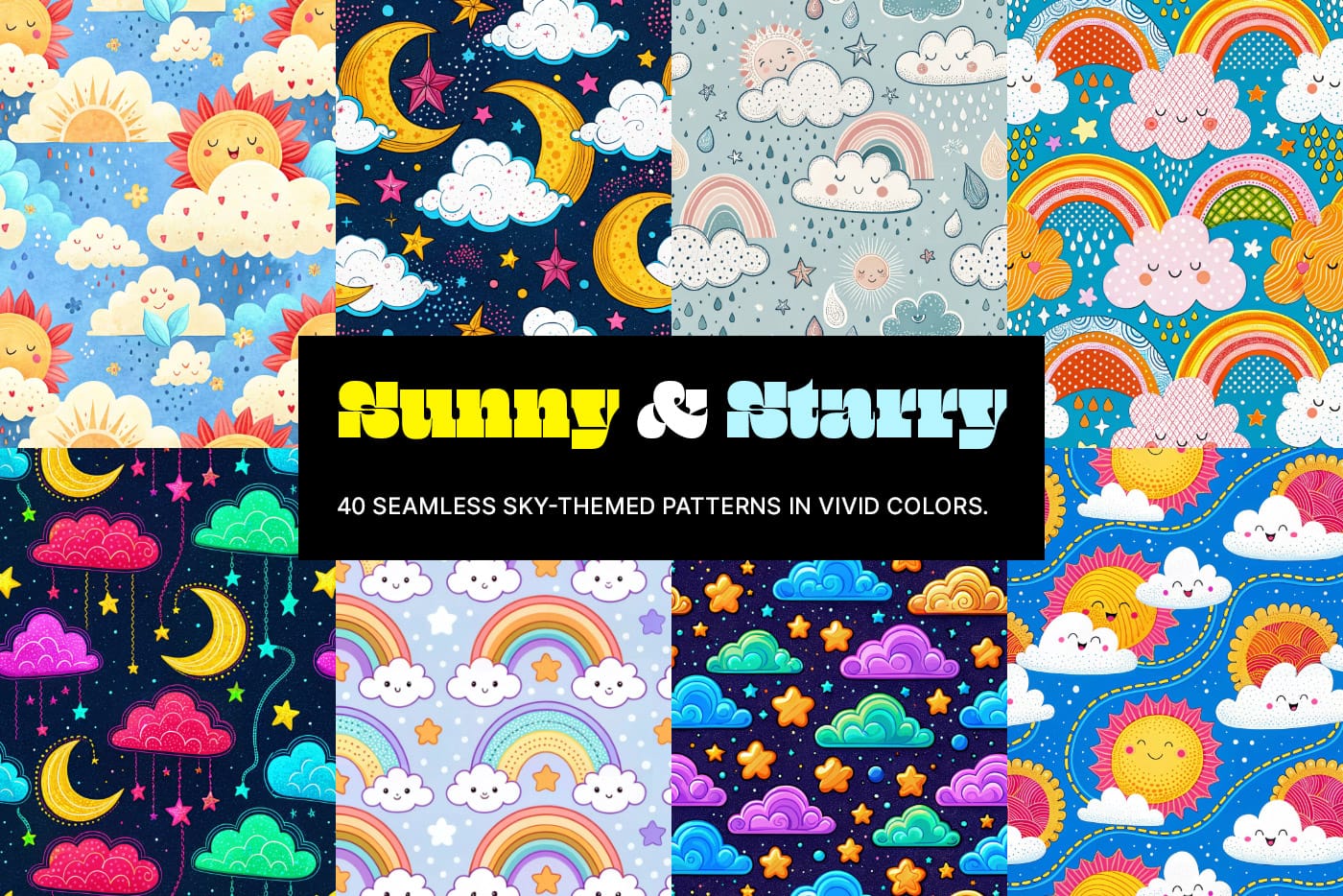
Sunny and Starry: 40 Free Cute and Playful Colorful Sky Patterns

Sunny and Starry: 40 Free Cute and Playful Colorful Sky Patterns

Brighten up your designs with Sunny & Starry, a vibrant collection of 40 seamless sky-themed patterns created to add charm and whimsy to any project. Designed in a playful, kiddy style, these patterns are bursting with character, blending cheerful creativity with minimalistic elegance. Whether you’re working on digital projects, print designs, or crafting something special, […]
Read more: Sunny and Starry: 40 Free Cute and Playful Colorful Sky Patterns
Photoshop Roadmap Weekly #9

Photoshop Roadmap Weekly #9

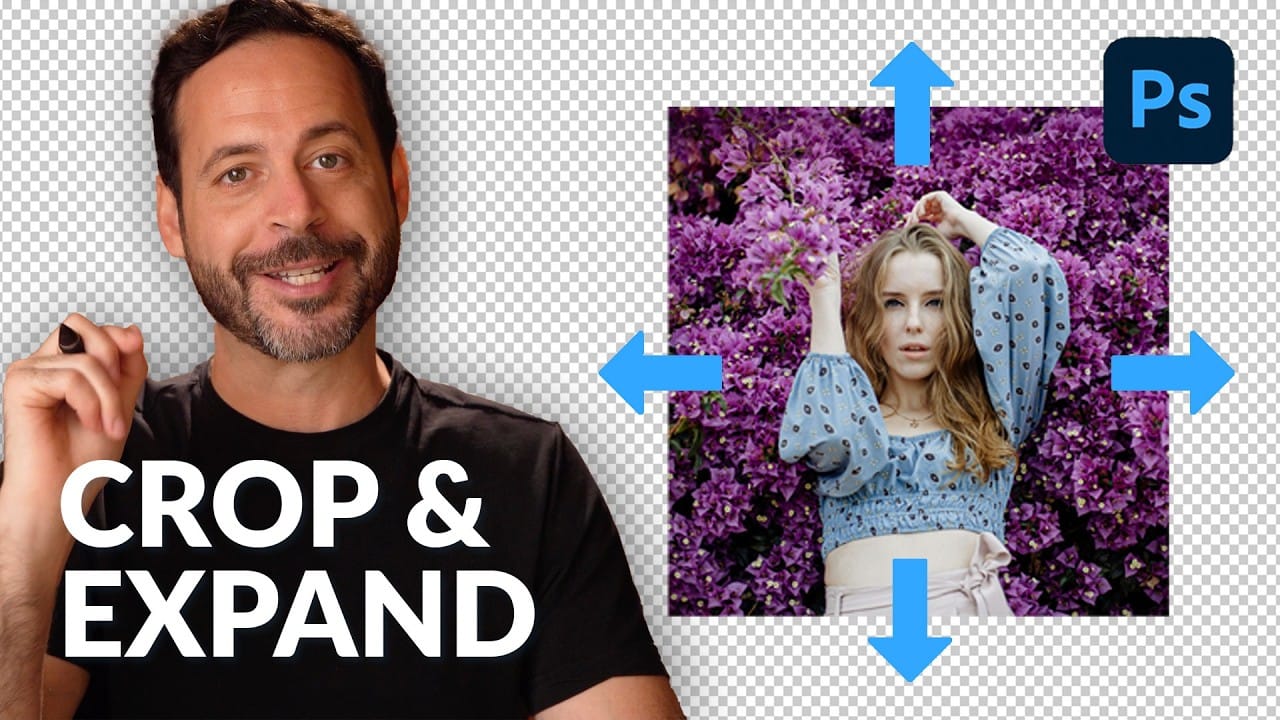
This week’s digest is packed with invaluable tutorials, creative inspiration, and free design resources to supercharge your artistic workflow. Start with the editor’s pick: Crop to Any Ratio and Expand with AI in Photoshop, an intuitive technique that simplifies cropping while leveraging AI to seamlessly fill gaps. From there, dive into essential skills like Adding […]

Read more: Photoshop Roadmap Weekly #9
Easily Create 3D Text in Photoshop

Easily Create 3D Text in Photoshop

This Photoshop tutorial guides you through the process of creating striking 3D text effects with ease. You will learn step by step how to achieve a bold, three-dimensional look starting from text duplication. Using essential shortcuts like Command + Option + Shift + T on Mac or Control + Alt + Shift + T on […]

Read more: Easily Create 3D Text in Photoshop
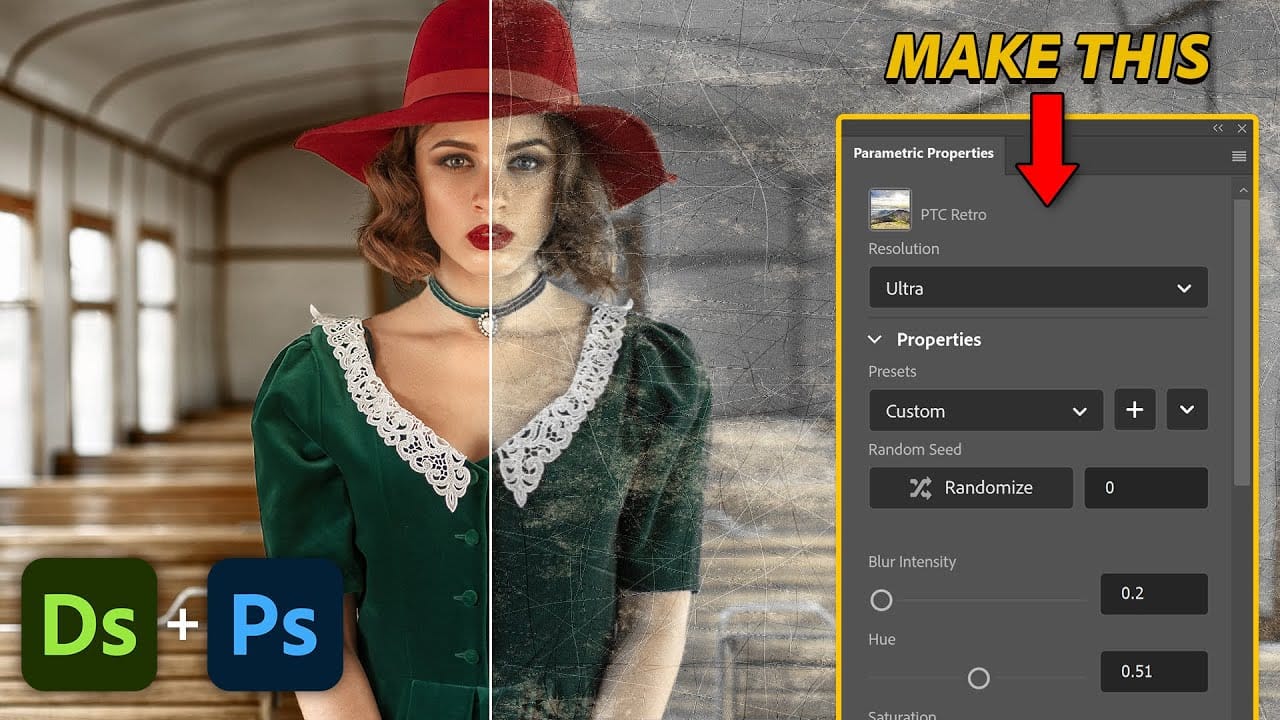
Create Custom Photoshop Parametric Filters with Substance Designer

Create Custom Photoshop Parametric Filters with Substance Designer

This tutorial guides you through the process of creating custom Photoshop Parametric Filters using Adobe Substance Designer. It aims to empower you with the skills needed to harness this powerful tool for your creative projects. You will begin with a basic example, which is ideal for grasping the fundamentals of Substance Designer. This initial exercise […]

Read more: Create Custom Photoshop Parametric Filters with Substance Designer
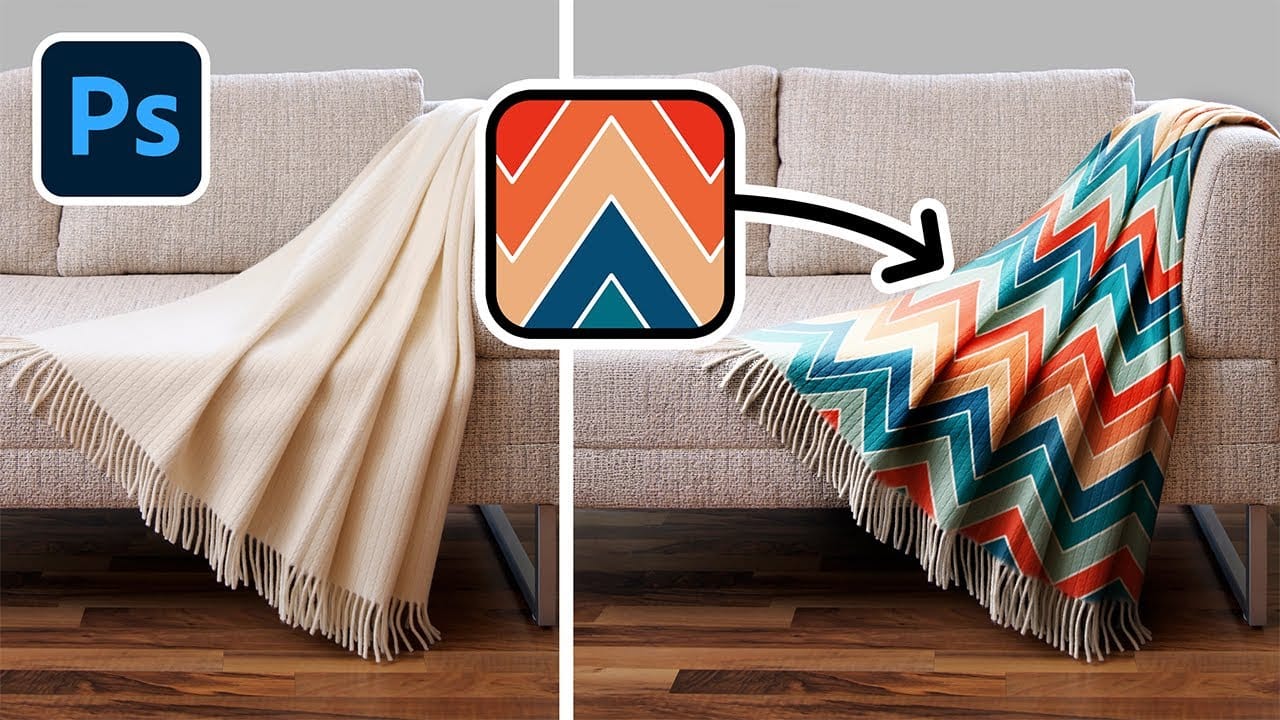
Add Patterns to Any Fabric in Photoshop

Add Patterns to Any Fabric in Photoshop

This tutorial focuses on how to effortlessly apply and replace patterns on a variety of fabrics using Photoshop. Whether you're working with clothes, drapes, or t-shirts, this guide shows you the techniques needed to achieve realistic results. You will learn how to create and expand your patterns before shaping them to fit your fabric. The […]

Read more: Add Patterns to Any Fabric in Photoshop