Schenectady Photographic Society

Menu

Photoshop

How to Quickly Create a Monochrome Double-Exposure Photo Portrait in Photoshop

How to Quickly Create a Monochrome Double-Exposure Photo Portrait in Photoshop

In this tutorial, you will learn how to efficiently create a striking monochrome double-exposure photo portrait using Photoshop. Marty Geller from Blue Lightning TV guides you through the steps in a clear and straightforward manner, making it accessible for both beginners and those with some experience in photo editing. The process is broken down into […]

Read more: How to Quickly Create a Monochrome Double-Exposure Photo Portrait in Photoshop
Paint Complex Scenes in Minutes Using Photoshop Painting Techniques

Paint Complex Scenes in Minutes Using Photoshop Painting Techniques

Creating complex cityscapes in just 30 minutes is entirely possible with the right Photoshop painting techniques. This presentation outlines a method to simplify imagery and effectively communicate ideas using minimal brushwork. By focusing on basic shapes like rectangles, triangles, and domes, you can build a recognizable silhouette of a city. Start with a black-and-white image […]

Read more: Paint Complex Scenes in Minutes Using Photoshop Painting Techniques
Photoshop Roadmap Weekly #5

Photoshop Roadmap Weekly #5

In this issue, Aaron Nace takes you through a detailed comparison of the Generative Fill tool, the Spot Healing Brush, and the Clone Stamp tool, helping you decide which one works best for your retouching projects. On top of that, you’ll discover how to add striking details to eyes, create seamless patterns, work with powerful […]

Read more: Photoshop Roadmap Weekly #5
Curves vs Levels in Photoshop: Learn The Difference

Curves vs Levels in Photoshop: Learn The Difference

In this Photoshop tutorial, you will learn the key differences between using Curves and Levels for image adjustment. Aaron Nace from Phlearn provides a clear and effective approach to enhance your photos and graphics. Throughout the lesson, techniques like the Super Zoom feature are highlighted, allowing you to upscale graphics without losing resolution, ensuring that […]

Read more: Curves vs Levels in Photoshop: Learn The Difference
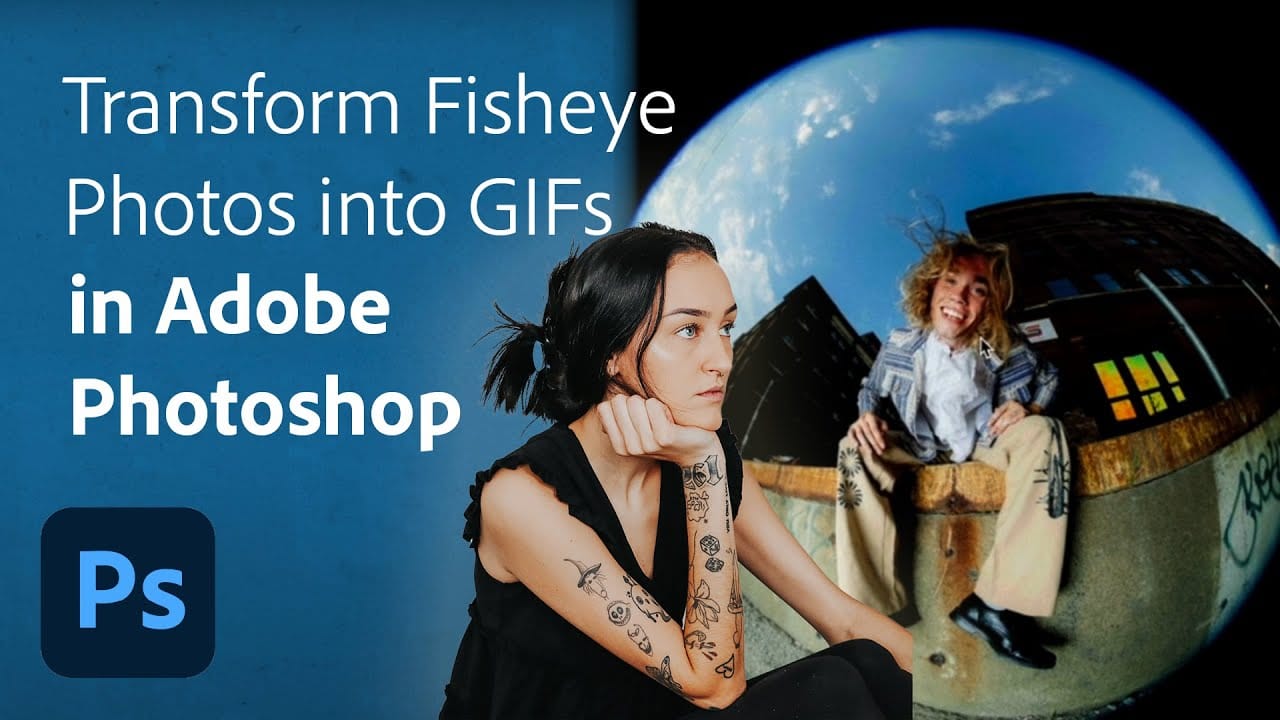
Turn Your Fisheye Photos into Breathing GIFs in Adobe Photoshop

Turn Your Fisheye Photos into Breathing GIFs in Adobe Photoshop

Are you looking to add a unique twist to your fisheye photos? This tutorial offers an exciting opportunity to transform ordinary images into dynamic breathing GIFs using Adobe Photoshop and Lightroom Classic. Led by the creative portrait photographer Quinlyn Tosh, it presents a step-by-step process that is both approachable and informative. Beginning with basic adjustments, […]

Read more: Turn Your Fisheye Photos into Breathing GIFs in Adobe Photoshop