
Schenectady Photographic Society

Menu

Photoshop

How to Dodge and Burn in Photoshop

How to Dodge and Burn in Photoshop

In this tutorial by Aaron Nace from Phlearn, you will learn essential techniques for dodging and burning in Photoshop. This process is vital for enhancing portrait images and ensuring graphic elements integrate seamlessly. The tutorial covers the use of the Super Zoom feature, which allows you to upscale graphics without compromising their resolution. Another key […]

Read more: How to Dodge and Burn in Photoshop
The Mystery and Beauty of Owls: A Visual Journey with Adobe Firefly

The Mystery and Beauty of Owls: A Visual Journey with Adobe Firefly

Owls have long captivated the human imagination. Their silent flight, wide eyes, and mysterious presence have made them symbols of wisdom and intrigue across cultures. Whether perched quietly or soaring through the night, these creatures evoke a sense of wonder. For digital artists and designers, the owl is a fascinating subject, rich in symbolism and […]

Read more: The Mystery and Beauty of Owls: A Visual Journey with Adobe Firefly
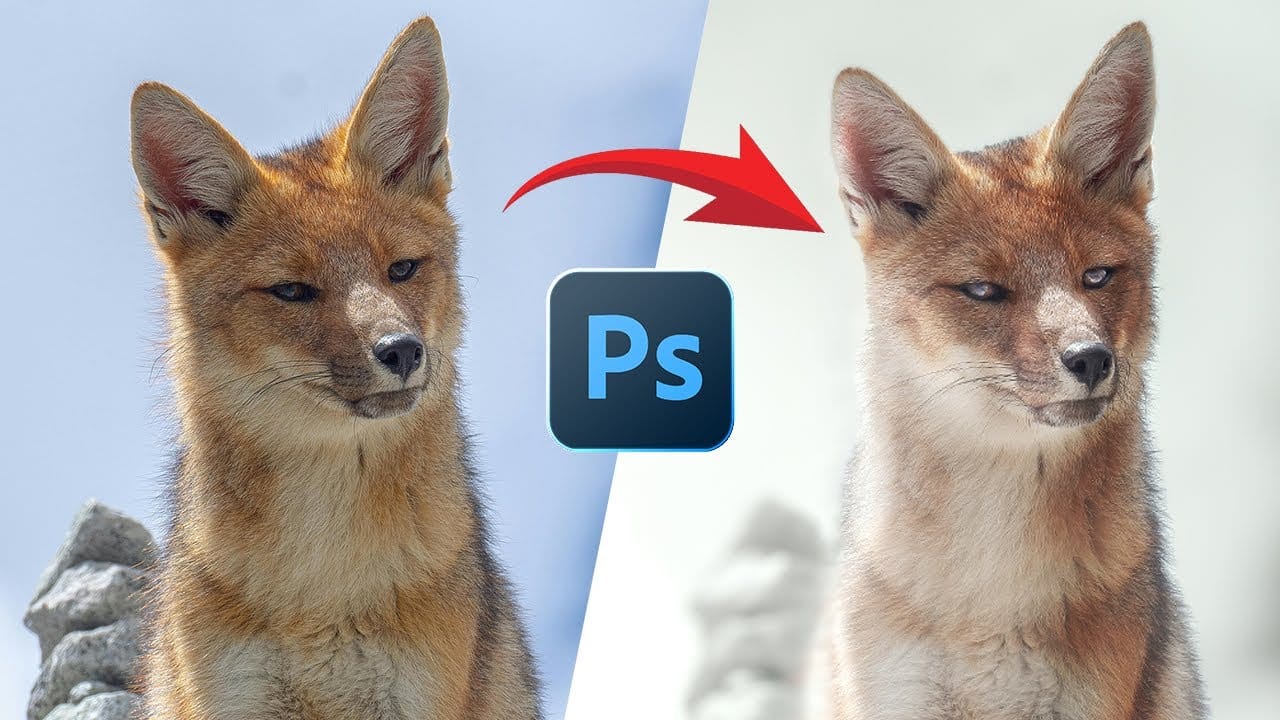
Turn a Wildlife Photo Into a Creative Piece of Fine Art

Turn a Wildlife Photo Into a Creative Piece of Fine Art

This video provides a comprehensive guide on transforming wildlife photos into creative works of art using Adobe Photoshop. If you're looking to enhance your wildlife photography but feel stuck, this tutorial is perfect for you. It walks through the process of editing a wildlife photo, showcasing techniques that can significantly elevate the visual impact of […]

Read more: Turn a Wildlife Photo Into a Creative Piece of Fine Art
How To Create A Seamless Backdrop In Photoshop

How To Create A Seamless Backdrop In Photoshop

When working with smaller backgrounds, especially on location, it can be challenging to achieve a professional studio look. Fortunately, Photoshop offers simple techniques to transform your images effectively. While generative fill may seem like an easy option, it often leads to unexpected results, such as distorted limbs or mismatched backgrounds. Instead, a manual approach can […]

Read more: How To Create A Seamless Backdrop In Photoshop
Create the Cinematic Bloom Glow Effect in Photoshop

Create the Cinematic Bloom Glow Effect in Photoshop

This guide will walk you through the steps to create a stunning bloom effect using Photoshop and DaVinci Resolve. This technique enhances your highlights, infusing your photos and videos with a cinematic glow that adds a dreamy atmosphere.The bloom effect simulates the appearance of black diffusion filters commonly found in photography and cinematography. These filters […]

Read more: Create the Cinematic Bloom Glow Effect in Photoshop
Create Paint Splatter Pop Art Portraits from Photos in Photoshop

Create Paint Splatter Pop Art Portraits from Photos in Photoshop

This tutorial provides a straightforward guide to transforming ordinary photos into vibrant pop art portraits with a paint splatter effect. Marty Geller from Blue Lightning TV shares his techniques, making it easy for anyone to follow along. You will learn how to manipulate colors and textures, allowing your creative vision to come to life. The […]

Read more: Create Paint Splatter Pop Art Portraits from Photos in Photoshop